

外掛說明
This plugin allows you to log your watched TV series on Trakt.tv.
You need a Trakt.tv VIP account to set this up. The plugin reads your watch history through the Trakt.tv API, and since the middle of 2026 only VIP accounts can create the API application that key comes from. If you already had a key before that change, it should keep working. See the FAQ below for the details. 🙁
Right now it only logs data. In the next version you will get ways to display that data on your site.
Questions, problems?
Take a look at the Installation and FAQ tabs here. If that doesn’t help, post in the support forums.
Want to contribute with a patch?
Credits
The Traktivity plugin gets most its data from your Trakt.tv account, via the Trakt.tv API.
To get more information about each show or movie, the plugin also uses the TMDb API.
Traktivity is not endorsed or certified by TMDb or Trakt.tv.
Do you like that header image? Me too! Credit goes to Andrew Branch.
螢幕擷圖
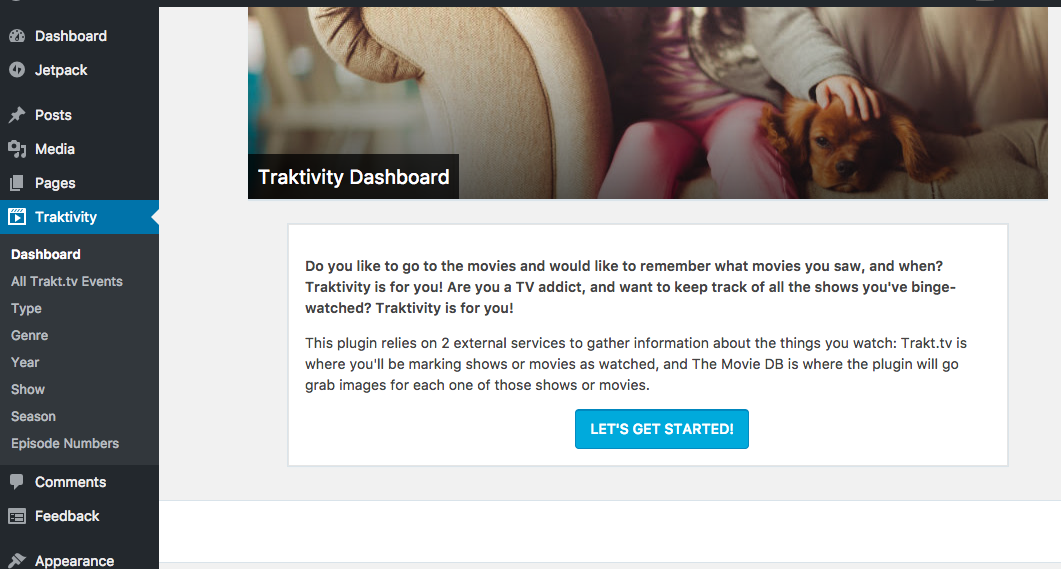
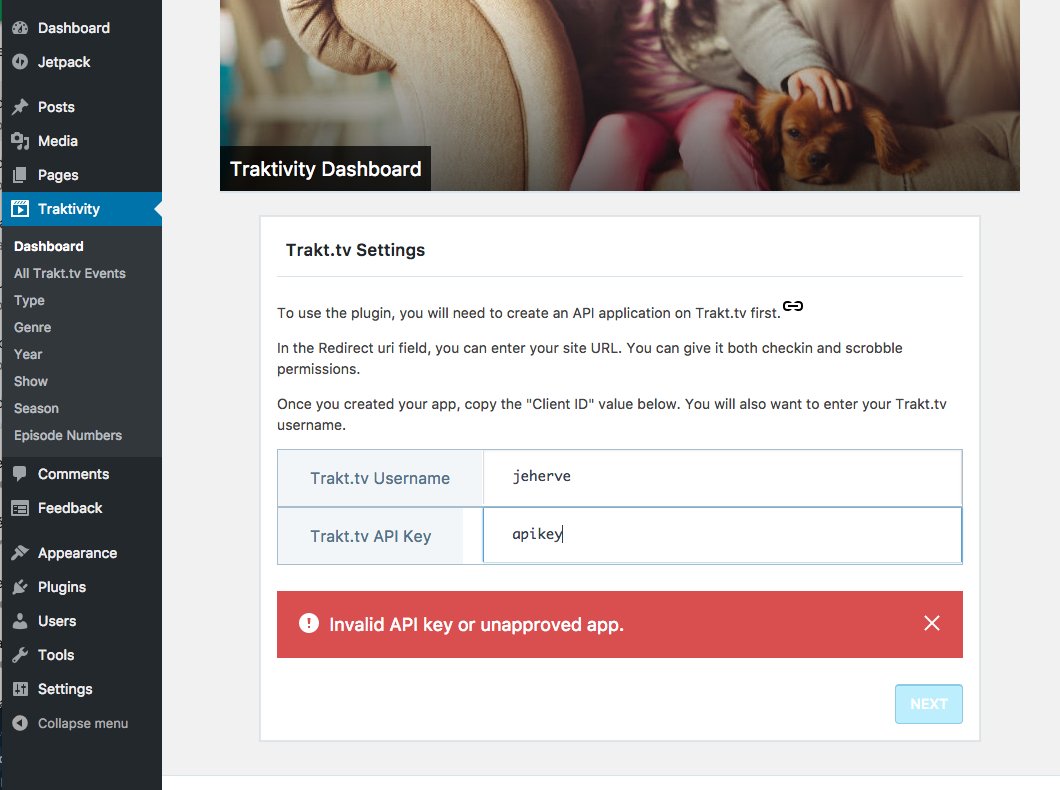
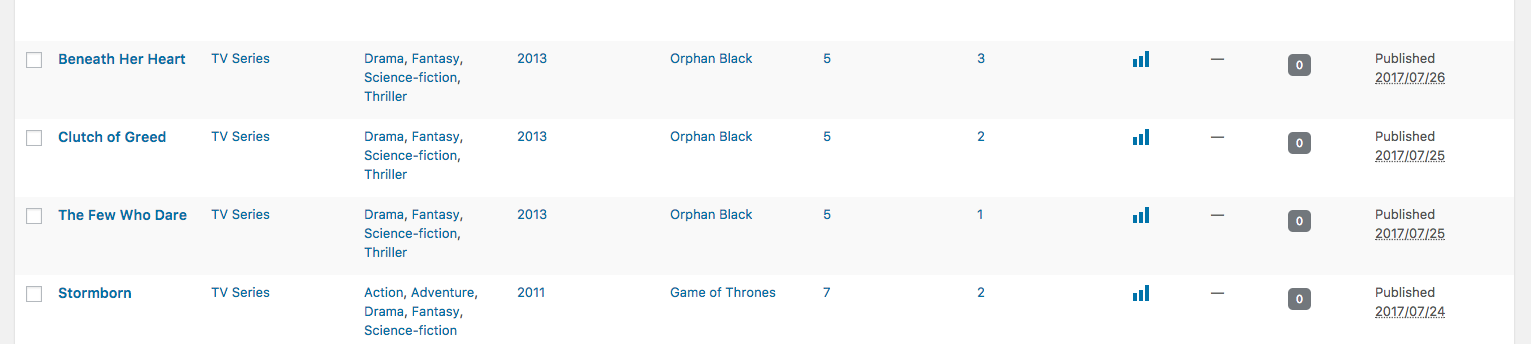
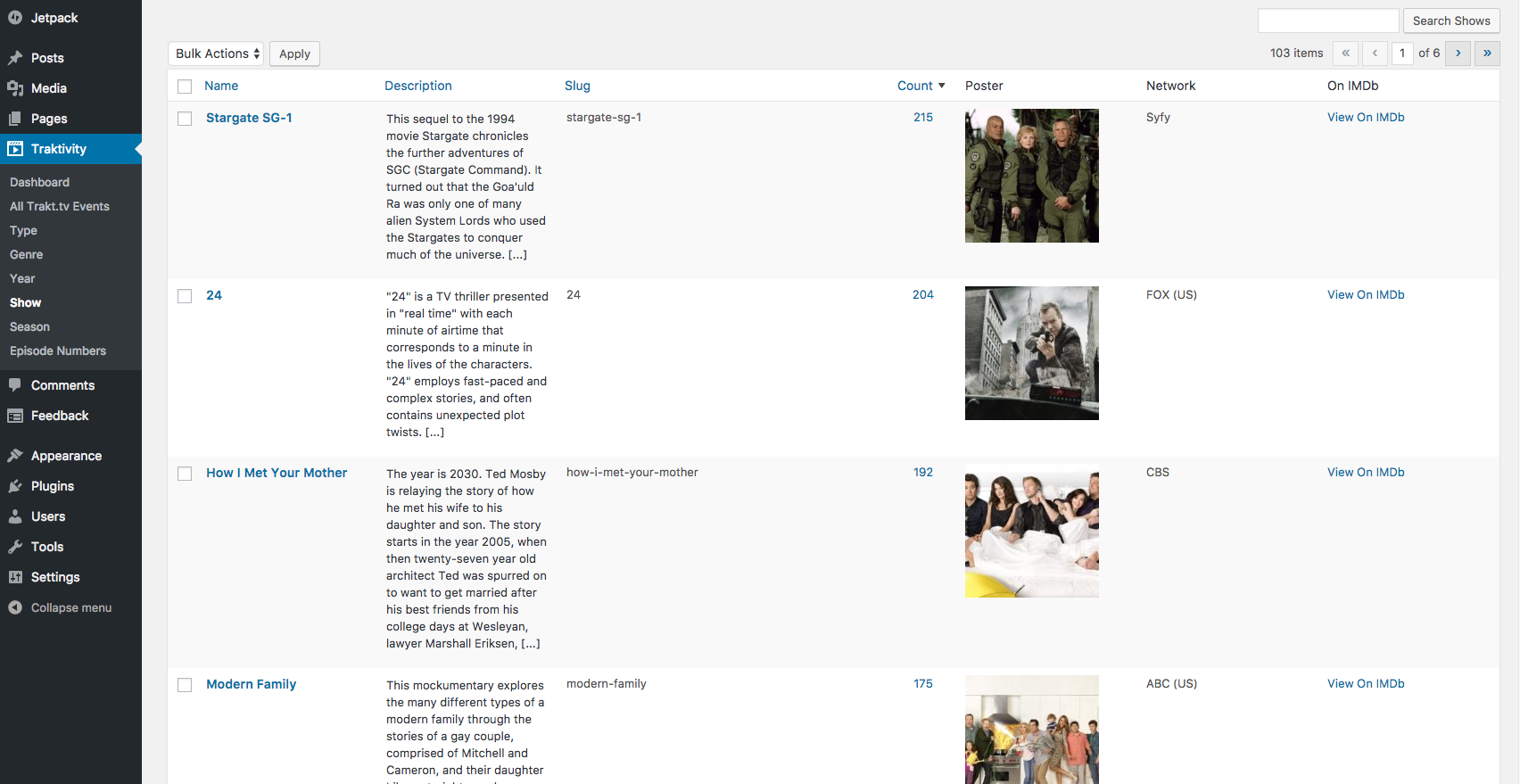
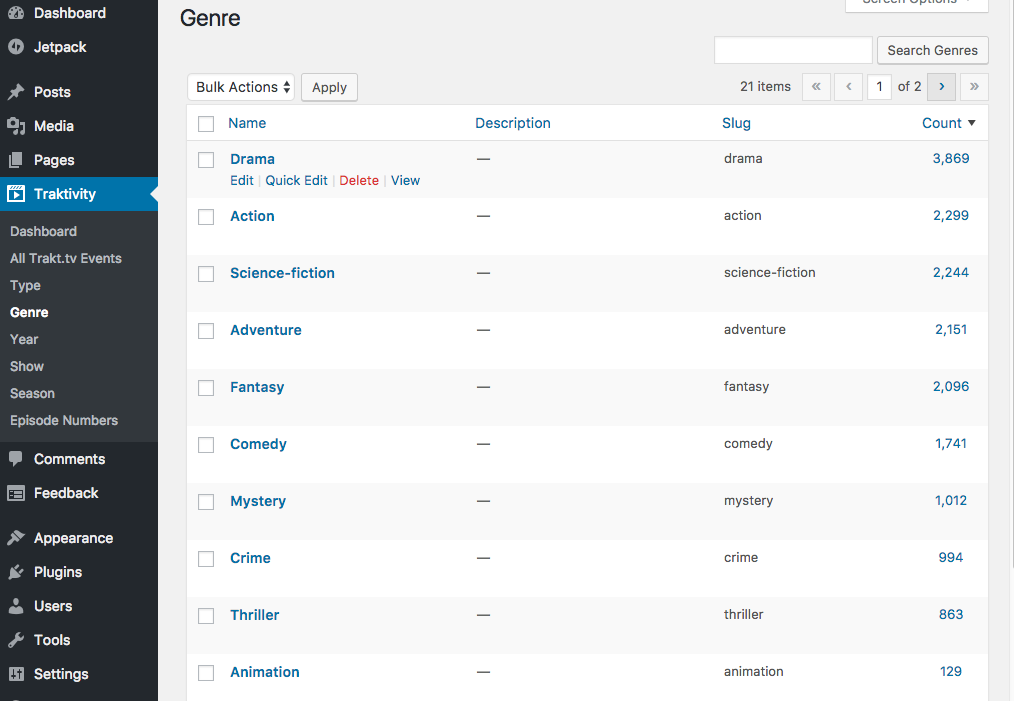
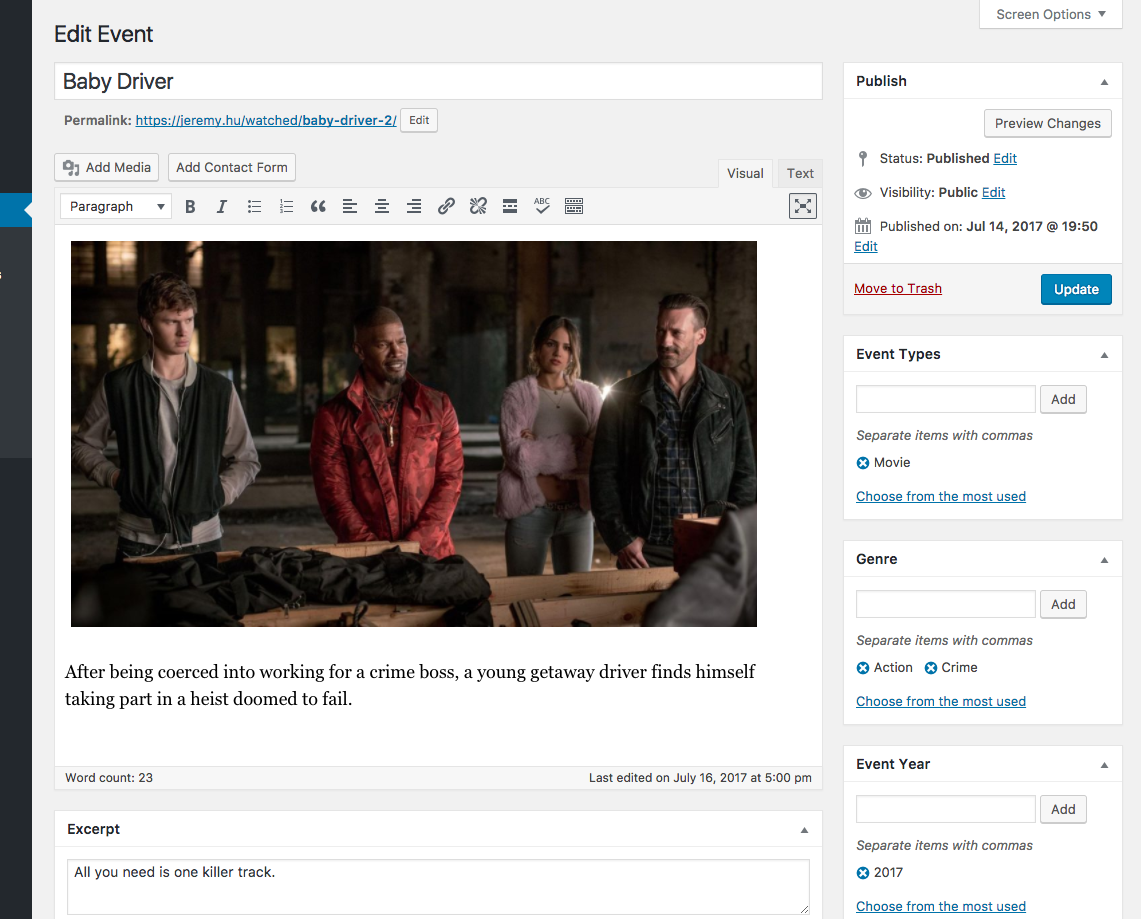
安裝方式
- Install the plugin either via the WordPress.org plugin directory, or by uploading the files to your server.
- Go to Traktivity > Dashboard in your dashboard.
- Follow the instructions to set up the plugin.
- Sit back and watch something on TV. 📺
常見問題集
-
Do I need a Trakt.tv VIP account?
-
To set the plugin up from scratch, yes. The plugin needs a Trakt.tv API key to read your watch history, and creating the API application that gives you that key became a VIP feature in the middle of 2026. Trakt.tv also removed applications that belonged to free accounts.
This is what Trakt.tv support said about it:
Creating an API application is a VIP feature for now, so API applications of free accounts where they were the only users have been removed. We should have more options in the future, but for now, API applications is a VIP feature.
So it may change again later. Nothing on the WordPress side changed here, and if you already have a working key the plugin keeps syncing exactly as it did before.
There is more discussion in issue #678.
使用者評論

參與者及開發者

變更記錄
3.0.1
Release date: September 3, 2026
- Fix a full synchronization importing only the most recent tenth of your Trakt.tv history, after Trakt.tv changed their API to return 100 results per page by default instead of the documented 10.
- Run a full synchronization in batches that resume, so a long history finishes instead of starting over when a run is cut short.
- Let sites that already ran a full synchronization run one again after updating, to pick up the skipped events. Events already imported are left alone.
3.0.0
Release date: September 2, 2026
This version needs WordPress 7.0 and PHP 7.4.
- Rebuild the setup screens with the components used elsewhere in the WordPress admin.
- Note on the connection screen that Trakt.tv now requires a VIP account to create an API application.
- Store new events as an image block and a paragraph block. Events created by earlier versions are left as they are.
- Remove the poster-image wrapper around event images.
- Add alt text to event images.
- Stop sending Trakt.tv and TMDb API keys in the URL when checking them.
- Check credentials once on submit, rather than on every keystroke.
- Fix API keys and usernames containing an ampersand, apostrophe or angle bracket being altered when saved, an issue since 2.0.0. Re-save yours if it contains one.
- Fix the list widget’s event type setting, which never removed a type once saved.
- Fix a fatal error when checking the TMDb key while TMDb is unreachable.
- Fix deprecation notices on PHP 8.1 and later.
- Fix a full synchronization looping forever when Trakt.tv cannot be reached as it starts.
- Fix requests for Trakt.tv usernames containing a character that has to be encoded in a URL.
- Escape the poster image URL shown in the Shows column in the admin.
- Fix a fatal error when recalculating total runtime on a site that never ran a full synchronization.
2.3.5
Release date: April 24, 2023
- Ensure full compatibility with the upcoming version of Jetpack, 12.1.
2.3.4
Release date: July 7, 2022
- Allow periods in Trakt.tv usernames.
2.3.3
Release date: March 16, 2022
- Allow numbers in Trakt.tv usernames.
2.3.2
Release date: January 17, 2022
- Avoid a PHP notice when accessing watch stats.
2.3.1
Release Date: March 31, 2021
- Automatically add an author (first registered admin) to events created by the plugin.
2.3.0
Release Date: September 21, 2020
- Add new filter allowing one to customize the requests to Trakt.tv.
- Add new filters allowing one to customize the slugs used by the Post Type and its taxononmies.
2.2.1
Release Date: August 26, 2017
- Include show title in image title for all images generated for TV shows.
2.2.0
Release Date: August 2, 2017
- Start recording total time spent watching things.
- New dashboard component to display that information.
- Add option to recalculate runtime for all series from the dashboard.
- Avoid errors when no Featured Image is set for an event.
- Allow display of series’s total runtime in a nice, translatable tally of years, days, hours, and minutes.
2.1.0
Release Date: August 1, 2017
- Start recording total runtime for each TV show, saved in term meta.
2.0.1
Release Date: July 31, 2017
- Avoid PHP warnings on network admin pages.
- Avoid encoded HTML in notices.
2.0.0
Release Date: July 31, 2017
- New Widget to list recent events recorded by our plugin.
- New Dashboard Interface.
1.1.3
Release Date: March 5, 2017
- Make sure Year is properly recorded for movies.
1.1.2
Release Date: March 5, 2017
- Fix link on Settings page.
- Only log the episode title as post title for each event.
1.1.1
Release Date: March 5, 2017
- Update readme with more instructions.
1.1.0
Release Date: March 5, 2017
- Add more information to our Settings page.
- Implement system to check API credentials from the Settings page.
- Add Image Credits to the bottom of our posts.
- Style the settings page, and add more helpful information to get started.
- Move the Settings page under the Traktivity menu.
- Add system to synchronize all past events logged on Trakt.tv.
1.0.0
Release Date: January 23, 2017
- Initial release