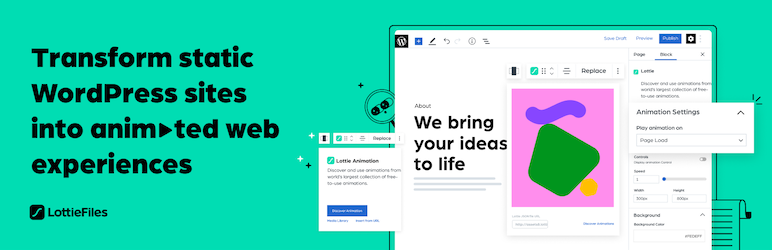

外掛說明
LottieFiles for WordPress gives you access to over 50k free and ready to use Lottie animations that you can easily embed on your website. Adding animations is quick and simple: simply drag and drop the animation of your choice anywhere in your page and post and make your site stand out, no coding or design skills needed. Bring your content to life and explain your product and service in a more exciting way to your users!
外掛功能
- Transform your website into animated web experiences using the Gutenberg Editor
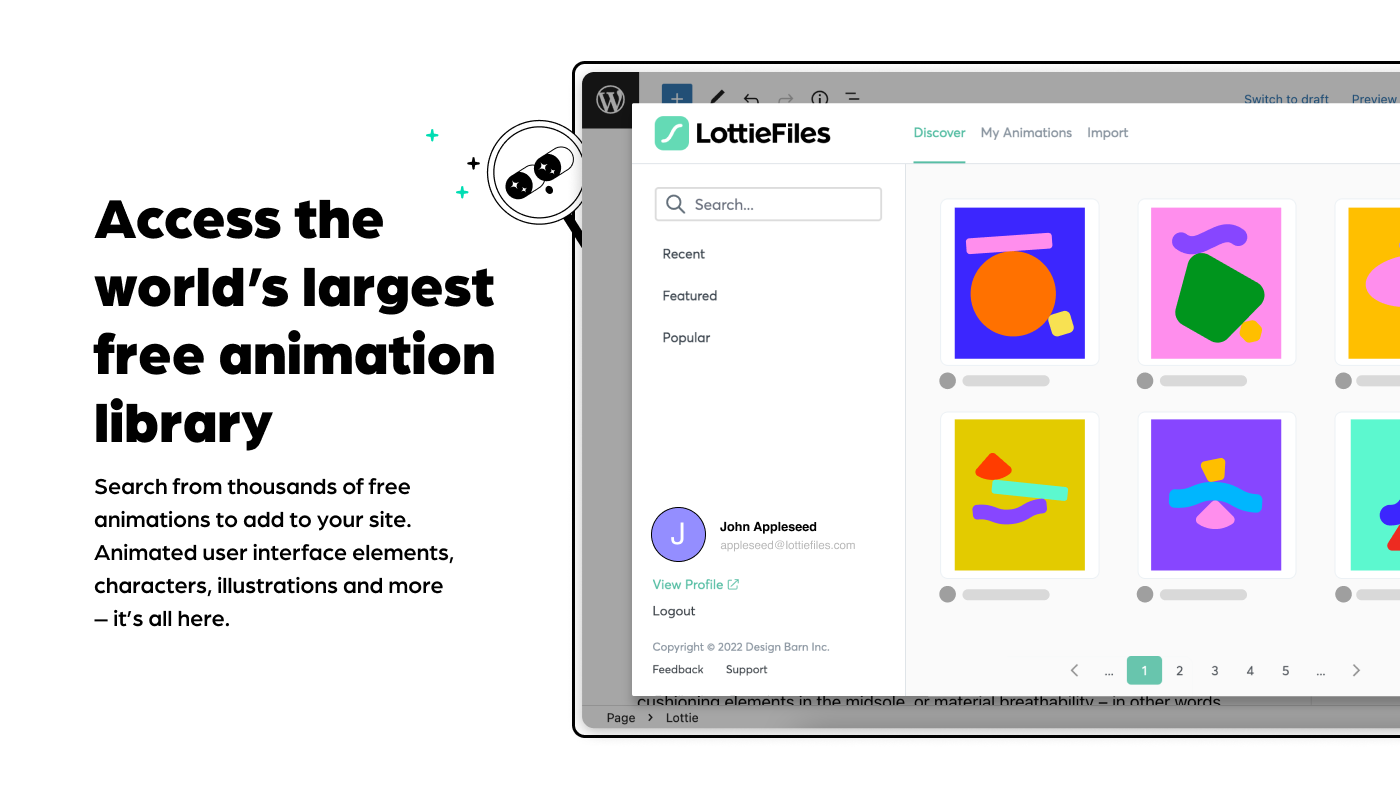
- Search and access over 50,000 free and ready to use Lottie animations
- Access to your Private files from LottieFiles
- Drag & drop a Lottie JSON file
- Insert a Lottie animation from URL
- Save and re-use animation data JSON files through the WordPress Media Library
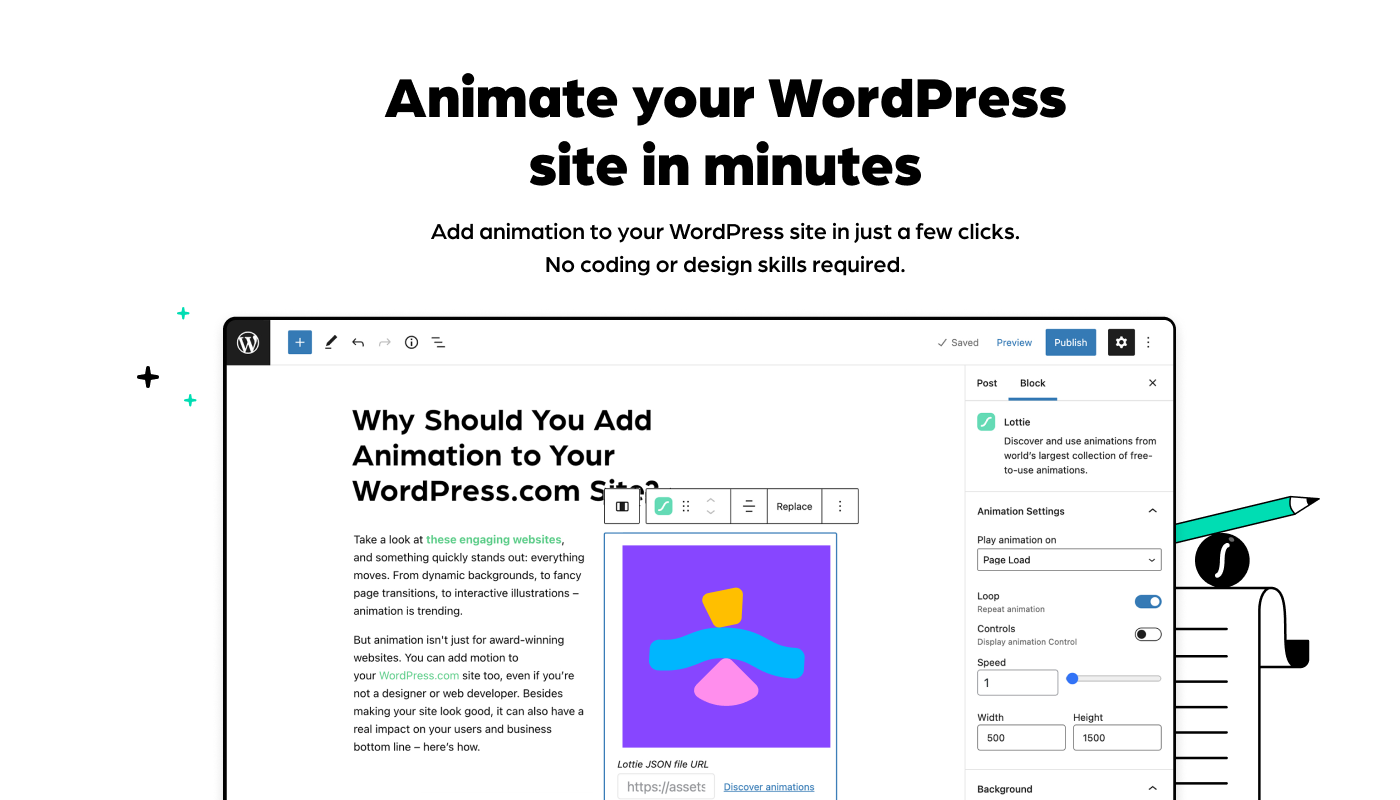
- Customize your Lottie, everything is configurable directly within the the Gutenberg Editor, through the block’s controls
- Includes customization options, allowing you to customize:
- Background color of the animation
- The speed of the animation
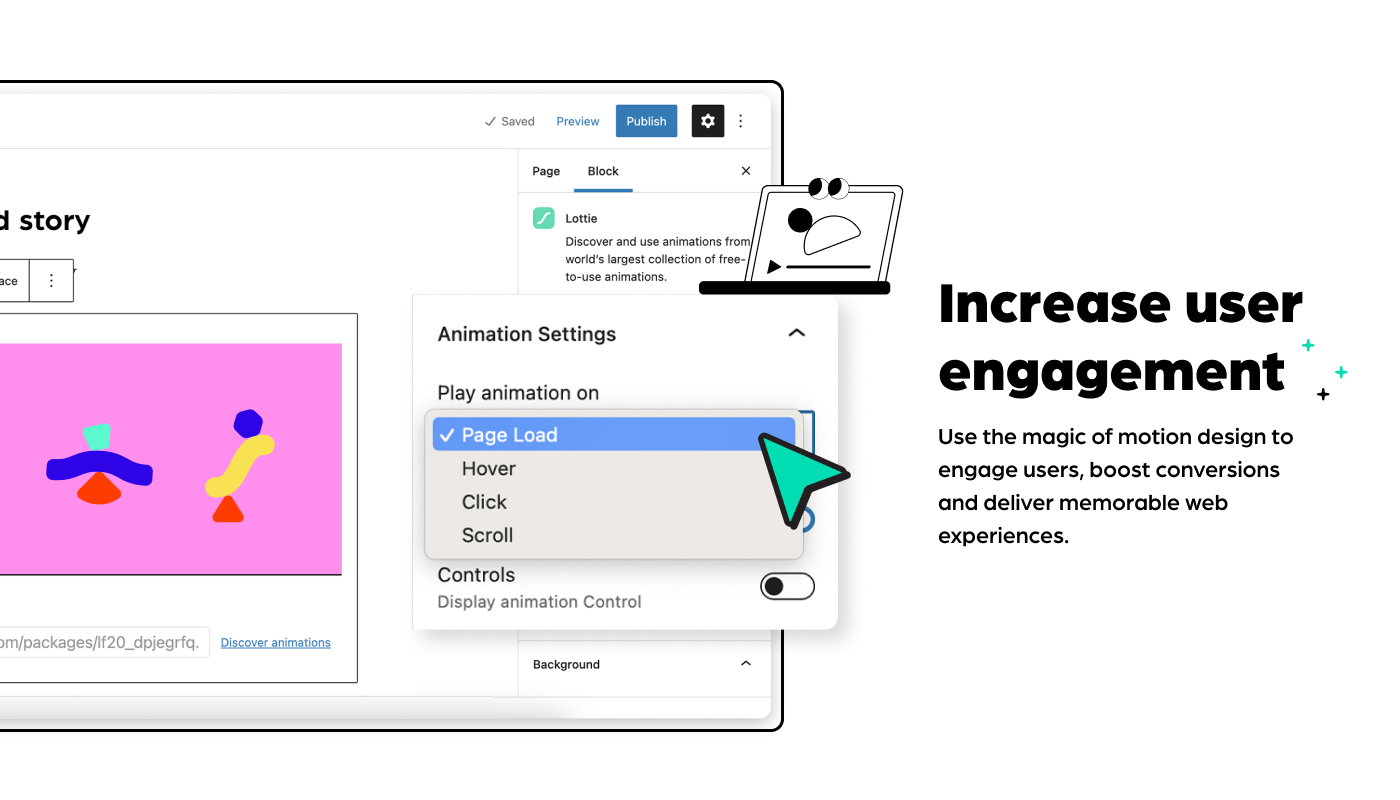
- Play on page load, click, scroll or mouse over
- Loop the animation or play once
- Play the animation in reverse
- The dimensions (width and max width) with responsive controls
3.1.0
Security
- Fixed unauthenticated REST API endpoint vulnerability (CVE-2026-0717)
- Added proper permission callbacks and capability checks to REST API endpoints
- Removed “Share LottieFiles account with other users” feature
3.0.0
Minor Changes
- Fixes breaking changes in Gutenberg
2.9.0
Minor Changes
- Dependencies update and BugSnap implementation
2.8.0
Minor Changes
- Fix for Lottie block throwing block validation error
2.7.0
Minor Changes
- fix for LottieFiles WP plugin’s CSS affects other input elements in the WP Block Editor
2.6.0
Minor Changes
- fix for plugin affecting UI of other wordpress pages
2.5.0
Minor Changes
- dotLottie support refactor
- interactivity bugs fixed
- CDN enable for new users error solved
2.4.0
Minor Changes
- New feature to give an option for the user to use the CDN or use local player
- Fix for animation play on hover, click and scroll
- Search feature gate removed on workspaces
2.3.0
Minor Changes
- Fixes for lottie player size on safari browser
2.2.0
Minor Changes
- Fixes for pagination, search and interactivity
2.1.0
Minor Changes
- Fixes for Gutenberg plugin compatibility and sidebar UI enhancements
2.0.0
Major Changes
- Major workflow update
1.1.0
Minor Changes
- Fixed Block Movement/ Drag & Drop issue
- fixed Import from media library
1.0.5
Patch Changes
- UI fixes, copy fixes
1.0.4
Patch Changes
- Hit counter fix
- Interactivity scroll fix
- CSS Namespace population fix
- Only load CSS where relevant
1.0.3
Patch Changes
- Upload JSON fixes
1.0.2
Patch Changes
- Update common php function names to be unique to avoid namespace clashes
1.0.1
Patch Changes
- Documentation updates for readme and dev readme
- Updates for WordPress SVN listing
1.0.0
Major Changes
- First stable release
螢幕擷圖
適用於區塊編輯器
這個外掛提供 1 個可供區塊編輯器使用的區塊。
- Block Lottiefiles
安裝方式
自動安裝
自動安裝是最簡單的安方式,WordPress 會處理檔案傳輸,使用者不需離開瀏覽器。
- 登入 WordPress 控制台。
- 前往 [外掛] 選單。
- 搜尋「LottieFiles」。
- 點擊 [立即安裝],WordPress 便會處理接下來的程序。
- 在 WordPress 管理後台的 [外掛] 選單中啟用外掛。
手動安裝
- Upload the entire
lottiefilesfolder to thewp-content/plugins/directory - 在 WordPress 管理後台的 [外掛] 選單中啟用外掛。
外掛啟用後
- Go to the WordPress Block/Gutenberg Editor
- Search For **Lottie **
- Click on the Lottie to add the block
常見問題集
使用者評論

2026 年 3 月 4 日
By activating Lottie, all the style of Gutenberg editor broke…

2025 年 11 月 19 日
I was using this plug-in for a year until I started looking into why I was getting low website speed scores.
This plug-in is horribly bloated, wow! I had C and D scores on GTMetrix due to browser render-blocking due to heavy file sizes and JS. I replaced it with the Lottie Player from bPlugins and immediately got A.
Replacing the plug-in brought the file size on an HTML page I used for comparison down from 2.3 MB to 190 KB.
Make your own tests and decide for yourself or know that I already did it for you, and look elsewhere for a better plug-in.

2025 年 9 月 1 日
The plugin has not been updated for many months. I see the following error in the block editor (developer console), even if I don't use the Lottie block:
Uncaught (in promise) NotSupportedError: Failed to execute 'define' on 'CustomElementRegistry': the name "lottie-player" has already been used with this registry

2025 年 5 月 23 日
Critical Error. Not working!

2025 年 2 月 10 日
It injects whole tailwind css with 29.628 css rules in the admin!For those who understand this, it is nothing more to say.

2024 年 7 月 9 日
Added the block to my site and after I saved the page, it resulting in a critical error on the page. I removed the plugin and deleted the block from the page manually and it still would not load the page.
Had to go find the revisions of the home page manually inside the database, delete those, and then my home page was accessible again.
Sad because this has all the features I need, but doesn't work reliably. This is not the first time I've run into critical errors with this plugin
