

外掛說明
Zenithium Blocks is a collection of modern, performant, and interactive WordPress blocks designed to enhance your WordPress block editing experience.
🔗 Live Demo: View Zenithium Blocks Live Demo
Key Features
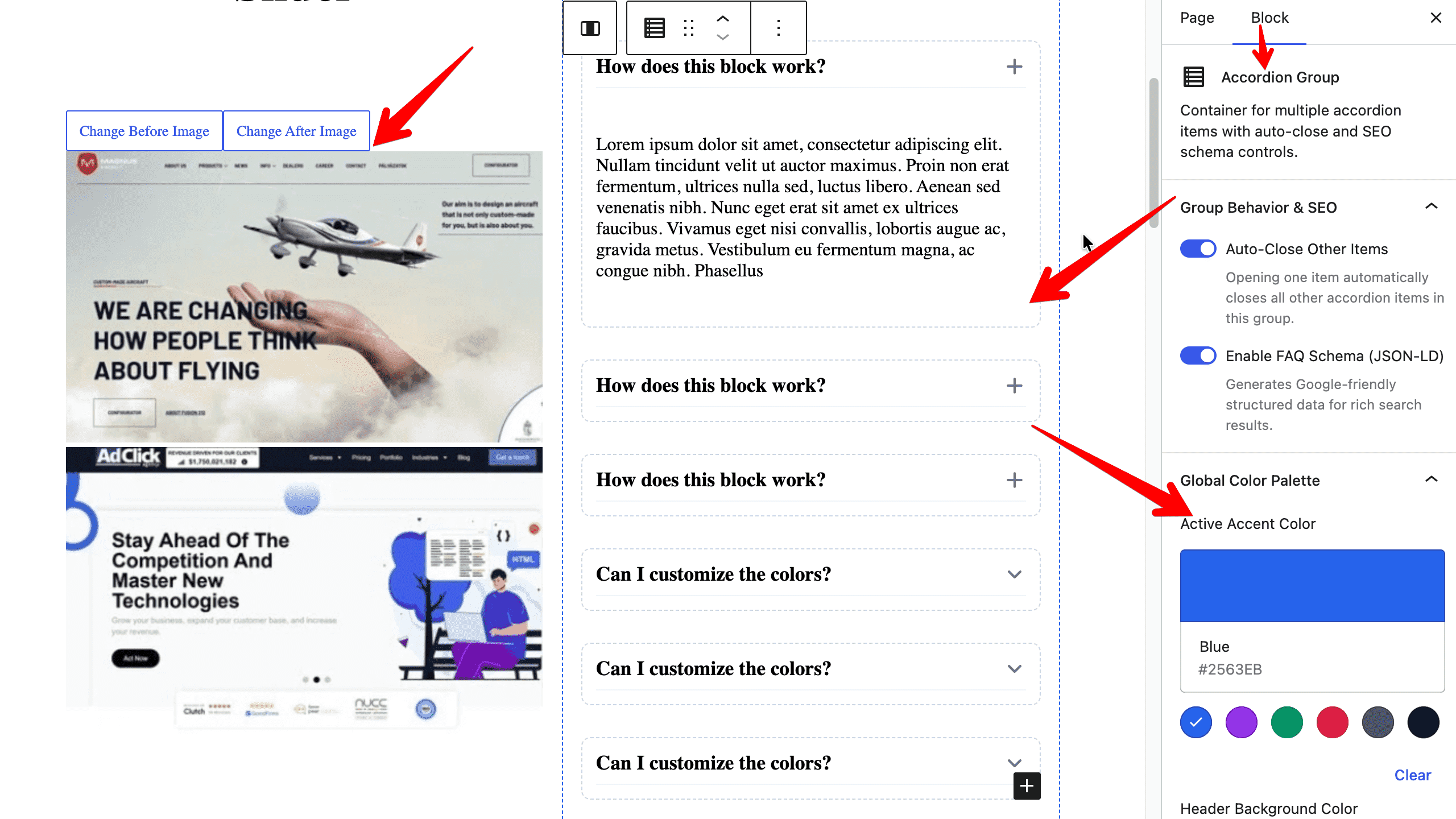
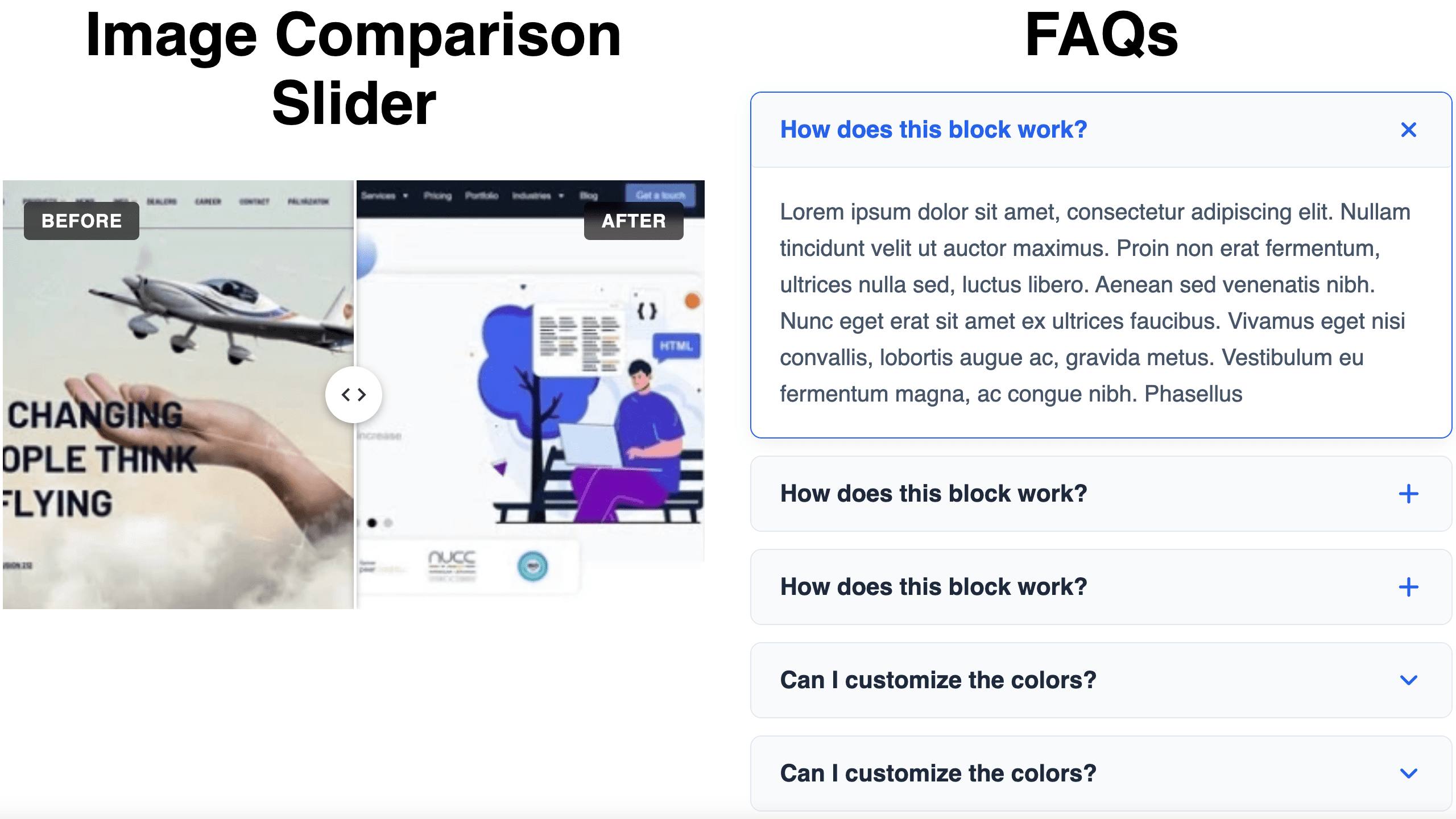
- Accessible Accordion & FAQ: Expandable content blocks with customizable icons, auto-close behavior, and smooth toggling.
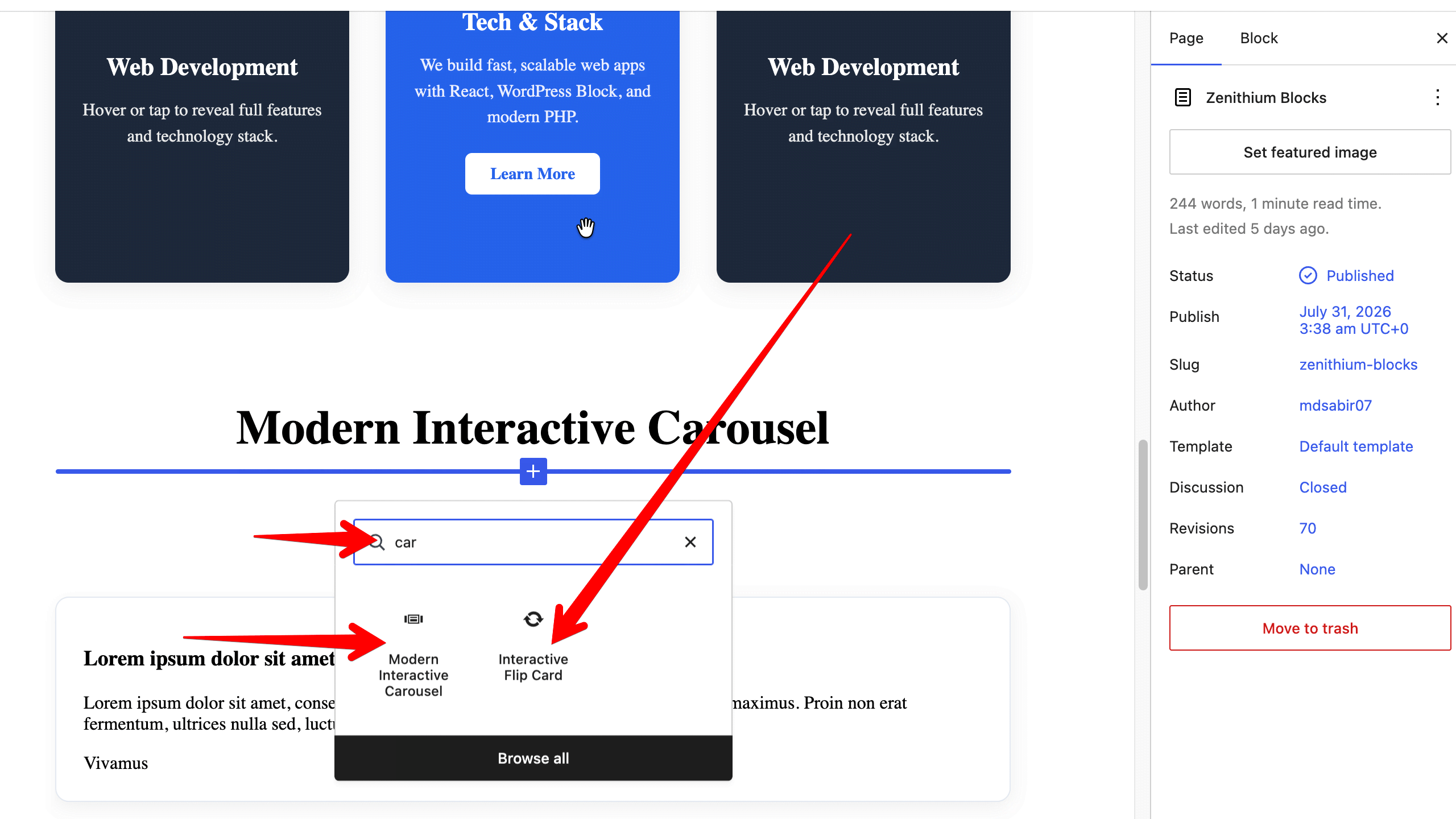
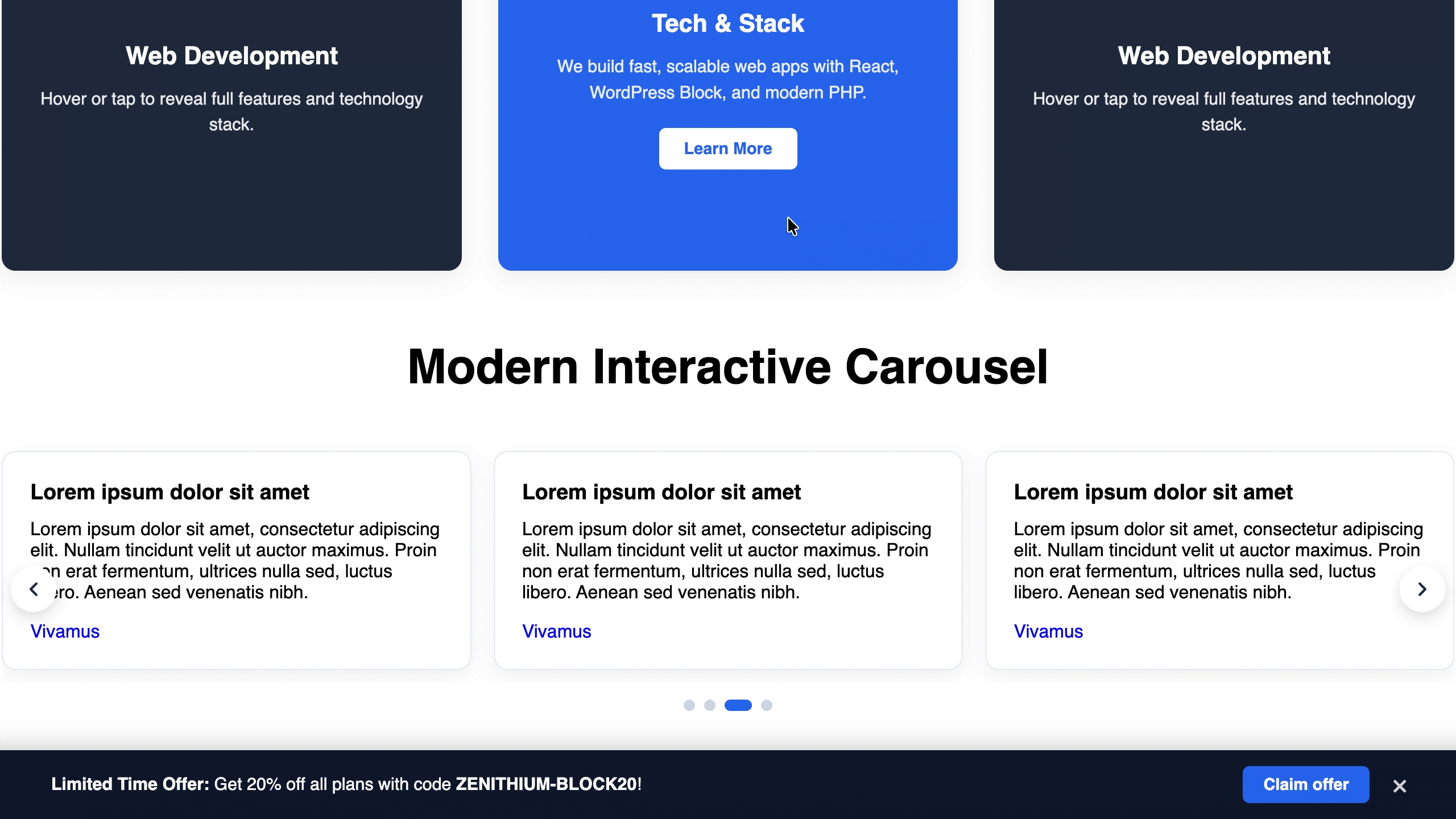
- Modern Interactive Carousel: Fully responsive slider block with customizable slide alignments and smooth transitions.
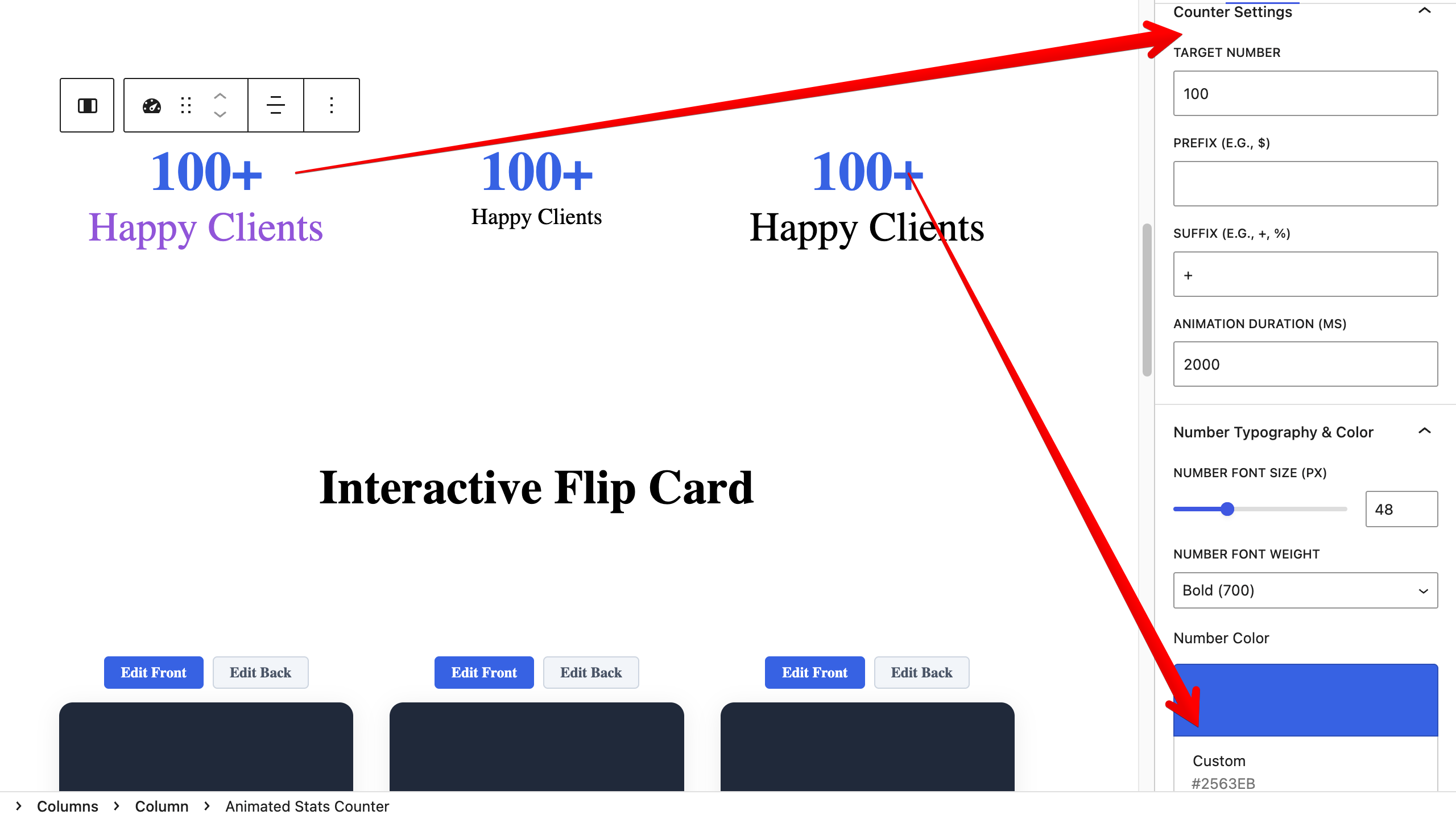
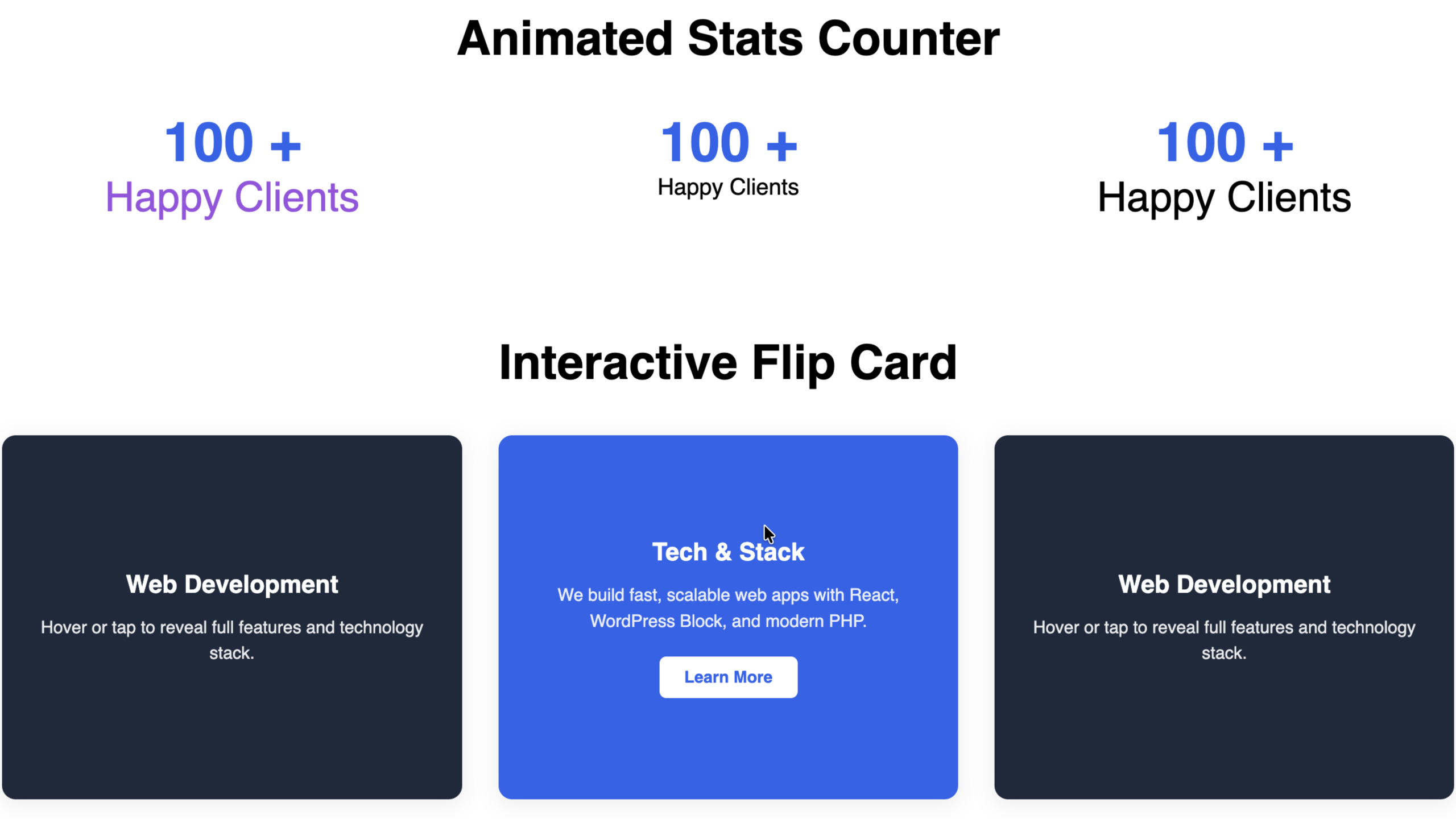
- Animated Stats Counter: Eye-catching numerical counter block with customizable prefix, suffix, and scroll animations.
- Image Comparison Slider: Interactive before/after image comparison slider.
- Floating Sticky CTA Bar: High-converting sticky call-to-action bar for driving conversions across devices.
- Interactive Flip Card: Engaging 3D double-sided flip card block for showcasing products, features, or team members.
- Lightweight & Fast: Built using native WordPress block components (
@wordpress/block-editor) with zero external bloat. - Full Site Editing (FSE) Ready: Seamlessly integrates with block themes and classic themes alike.
螢幕擷圖
適用於區塊編輯器
這個外掛提供 8 個可供區塊編輯器使用的區塊。
- Animated Stats Counter Animate numbers counting up when scrolled into view.
- Interactive Flip Card An interactive card that flips in 3D on hover or click to reveal additional details on the back.
- Modern Interactive Carousel A fully responsive, touch-friendly carousel and slider block with custom layout controls.
- Image Comparison Slider Interactive before and after image comparison slider.
- Floating Sticky CTA Bar A responsive floating banner for call-to-actions, announcements, and quick lead capture.
- Accordion Group Container for multiple accordion items with auto-close and SEO schema controls.
- Accordion Item An individual accordion item inside an Accordion Group.
- Carousel Slide
安裝方式
- Upload the
zenithium-blocksfolder to the/wp-content/plugins/directory, or install directly via the WordPress plugins screen. - Activate the plugin through the ‘Plugins’ menu in WordPress.
- Open the WordPress Block editor on any page or post and search for Zenithium Blocks in the block inserter.
常見問題集
-
Does Zenithium Blocks work with any theme?
-
Yes! Zenithium Blocks is designed to work with all block themes (FSE) as well as classic themes that support block editor.
使用者評論
這個外掛目前沒有任何使用者評論。
參與者及開發者


變更記錄
1.0.1
- Update: Tested and confirmed compatible with WordPress 7.1.
- Fix: Added Author URI and updated metadata attributes.
1.0.0
- Initial official release.
- Added Accordion & Accordion Group block.
- Added Modern Interactive Carousel block.
- Added Animated Stats Counter block.
- Added Image Comparison block.
- Added Floating Sticky CTA Bar block.
- Added Interactive Flip Card block.