
外掛說明
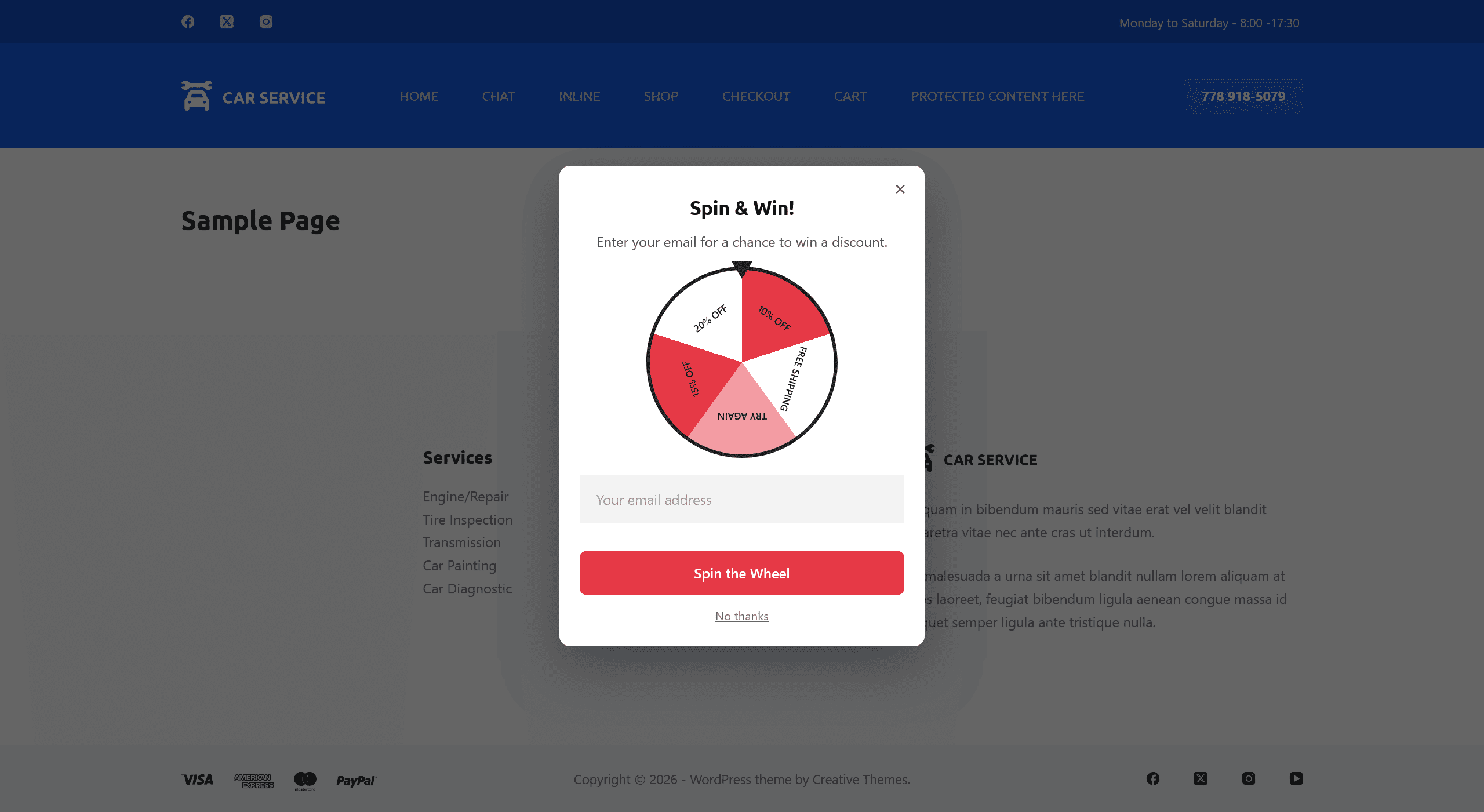
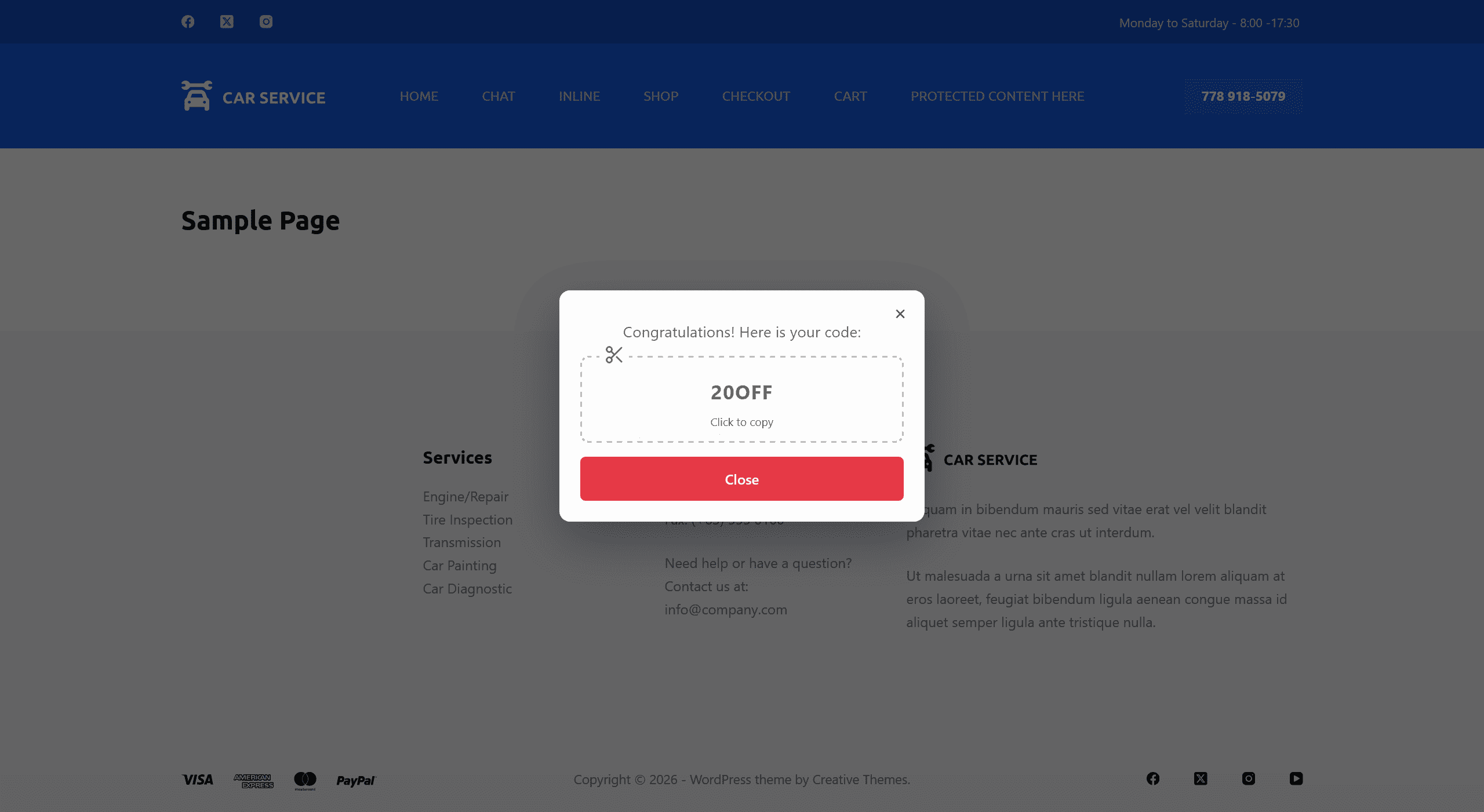
WPSP Discount Wheel shows visitors a spinning prize wheel in exchange for their email address, then reveals a coupon code — turning a plain email opt-in form into something visitors actually want to fill in.
Features
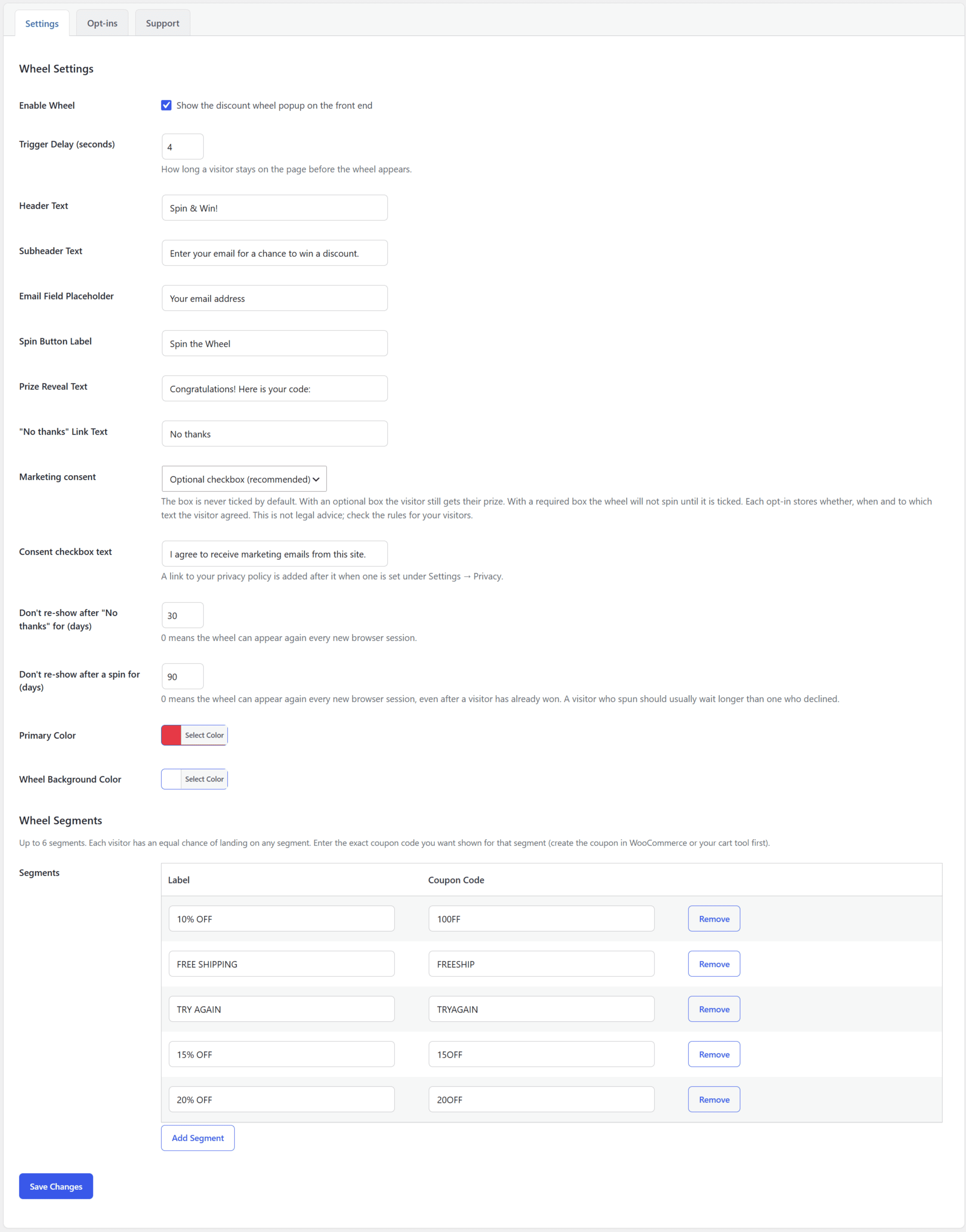
- Spin-the-wheel popup with a configurable delay before it appears
- Up to 8 prize segments, each with its own label and coupon code and the same chance of being picked
- Every spin is resolved on the server, not in the browser, so the result is not decided by code the visitor can edit
- Opt-ins list in the admin area — see every email and prize won
- Spam protection: a hidden honeypot field and a limit of 10 spins per visitor per hour
- Fully customizable text, colors, and button labels
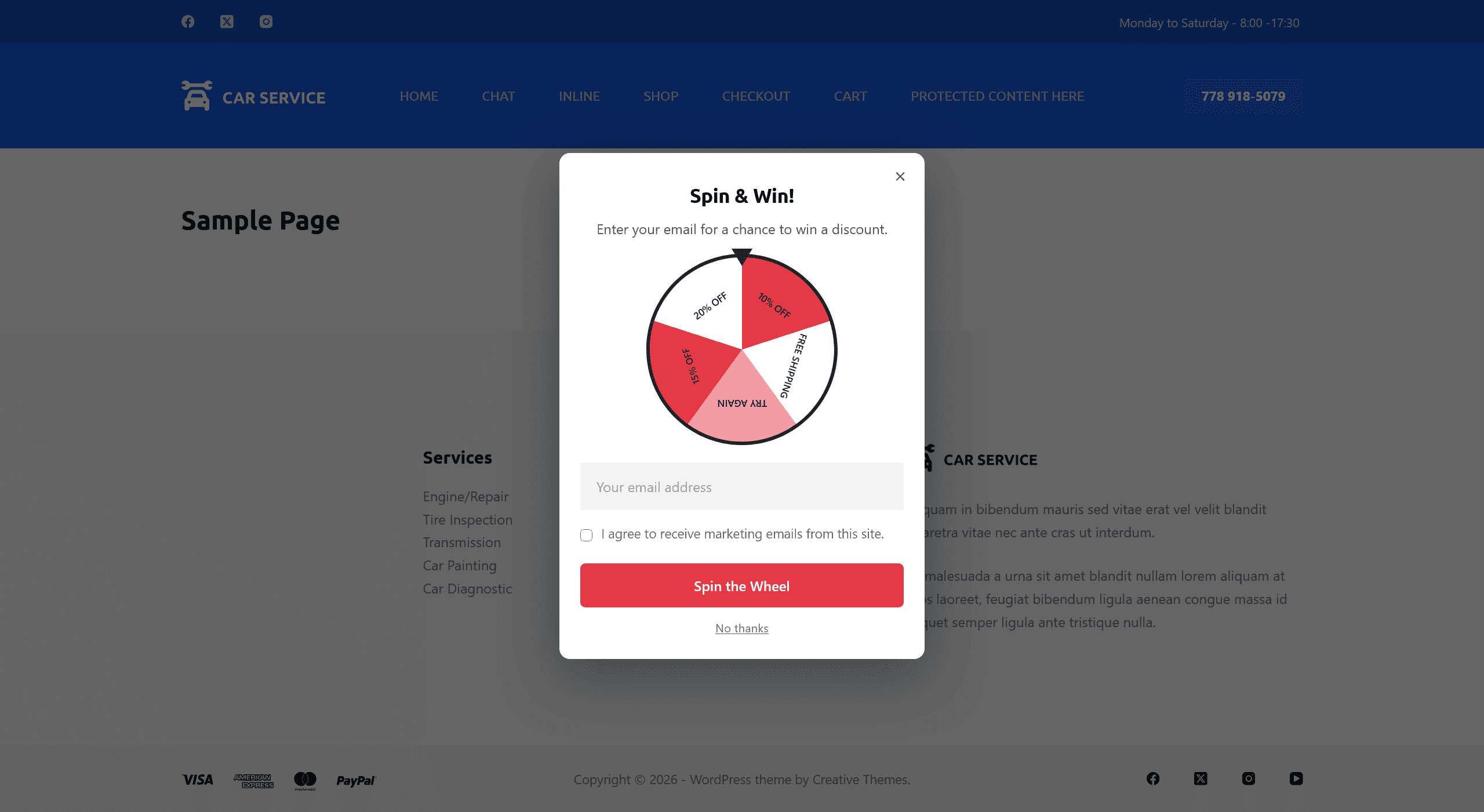
- Optional marketing consent checkbox (off, optional or required), never ticked by default, with each agreement recorded
- A visitor who spins (or dismisses) the wheel isn’t shown it again for a while — 90 days after a spin and 30 after “No thanks” by default, both adjustable
- Full WordPress Privacy API support: policy content, data export, and data erasure for stored opt-ins
- No dependency on WooCommerce — works standalone with your own coupon codes
Upgrade to Pro
WPSP Discount Wheel Pro adds weighted odds per prize, multiple wheels, exit-intent and URL/device targeting, automatic WooCommerce coupon generation per spin, Mailchimp sync, and an analytics dashboard.
螢幕擷圖

安裝方式
- Upload the
wpsp-discount-wheelfolder to/wp-content/plugins/ - Activate the plugin through the ‘Plugins’ menu in WordPress
- Go to WPSP Discount Wheel in your admin menu, enable the wheel, and set up your segments and coupon codes
常見問題集
-
Does this create WooCommerce coupons automatically?
-
No — the free version shows a coupon code you enter yourself for each segment (create the coupon in WooCommerce, or any cart tool, first). Automatic per-spin coupon generation is a WPSP Discount Wheel Pro feature.
-
Is this plugin Multisite compatible?
-
No, WPSP Discount Wheel is designed for single-site use only.
-
Where can I get support?
-
Ask on the WordPress.org support forum — the Support tab in the plugin’s own settings links there too. WPSP Discount Wheel Pro customers get priority support instead of the forum queue.
使用者評論
這個外掛目前沒有任何使用者評論。
參與者及開發者

變更記錄
1.4.3
- Initial release on WordPress.org.