
外掛說明
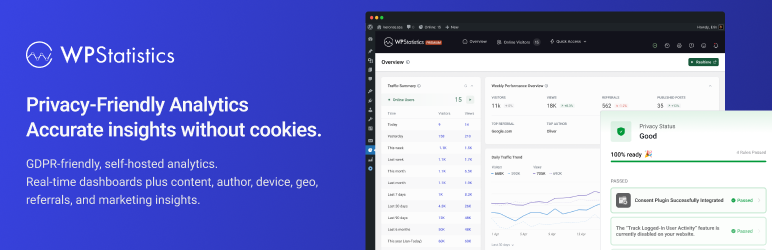
使用 WP Statistics 探索符合 GDPR 的分析功能,這是尋找 Google Analytics 替代方案的 WordPress 使用者首選。無需外部帳號、不限量訪客追蹤,資料完全由您擁有——所有資料皆直接儲存於您的 WordPress 資料庫中。
符合 GDPR(資料隱私)
WP Statistics 預設符合 GDPR、CCPA、PECR 與 Cookie 規範。
- 我們不使用 Cookie
- 預設不儲存可識別個人資訊(PII)
- 100% 資料所有權。資料完全在您的伺服器上建立並儲存
- 以每日隨機 Salt 機制強化 IP 雜湊
- GDPR 資料匯出與刪除功能
- 透過 Do Not Track(DNT)尊重使用者隱私權
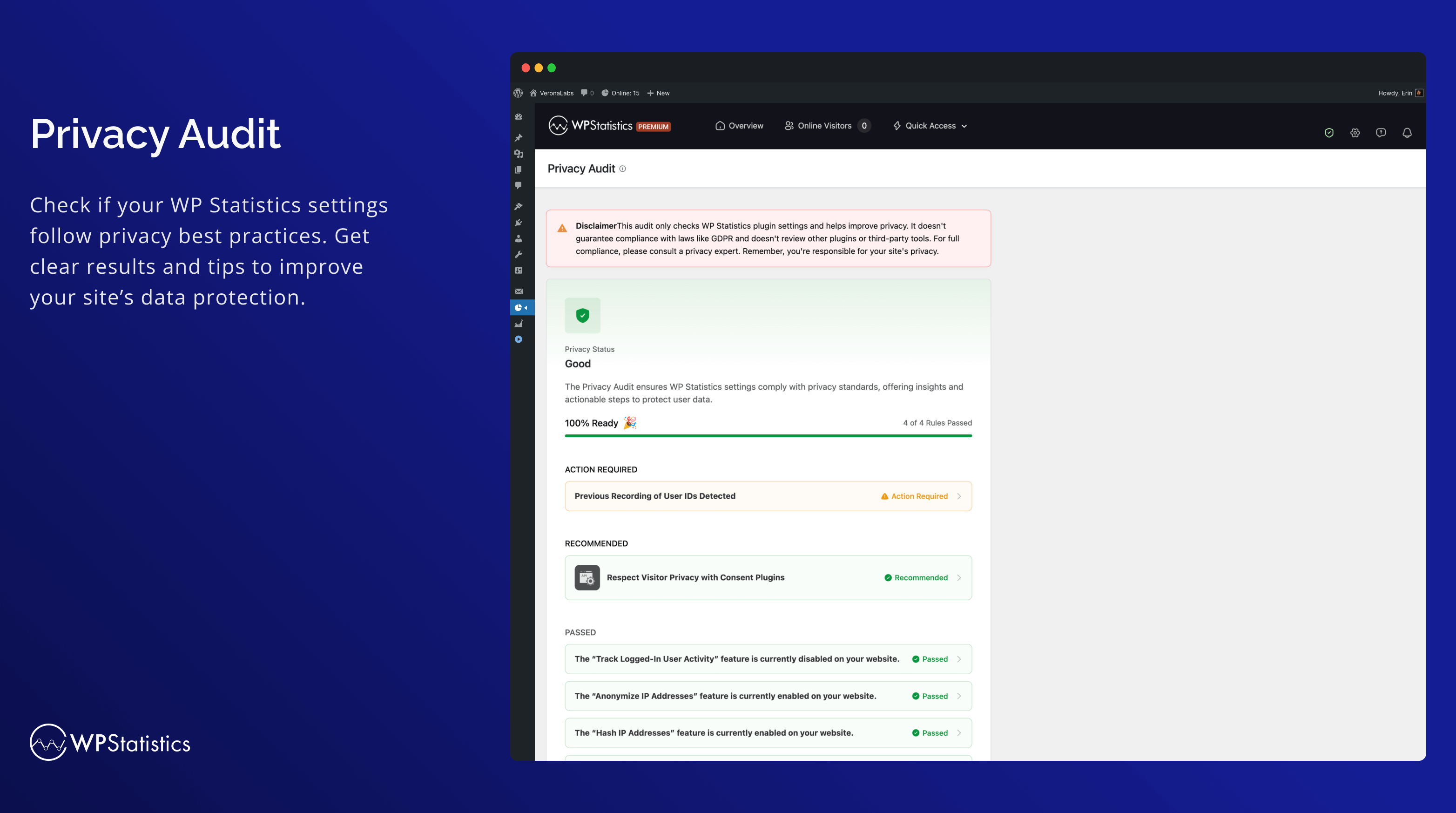
- 協助符合隱私權法規的隱私稽核工具
您的網站不需要顯示 Cookie 彈出視窗,因為 WP Statistics 使用不使用 Cookie 的追蹤。
您可以在「我們收集的資料」中找到更多資訊。
主要功能
- 與您的 WordPress 及內容結構完整整合,所有報表都集中在 WordPress 控制台中
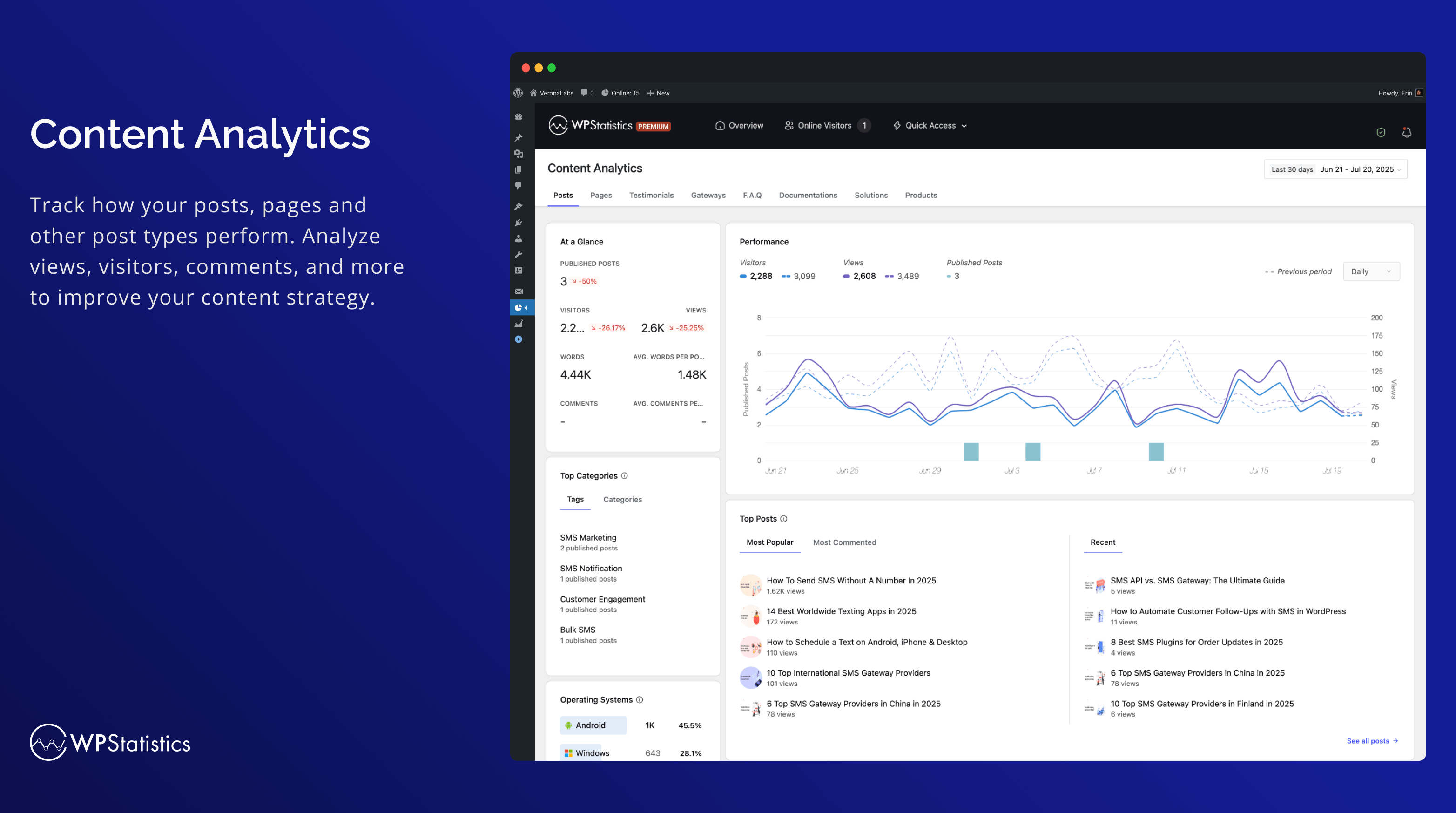
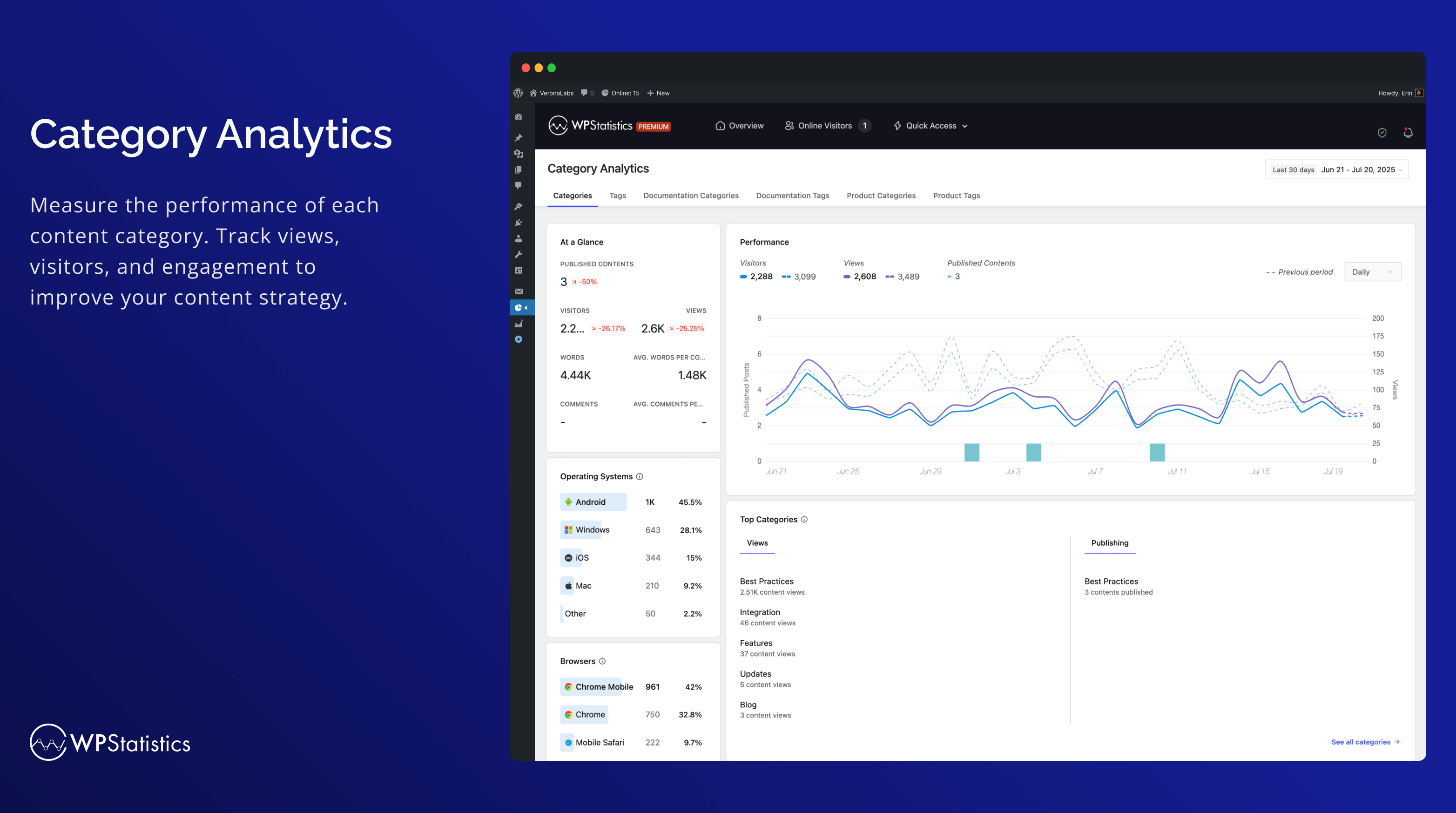
- 內容與分類分析:根據您網站的內容與分類追蹤成效。
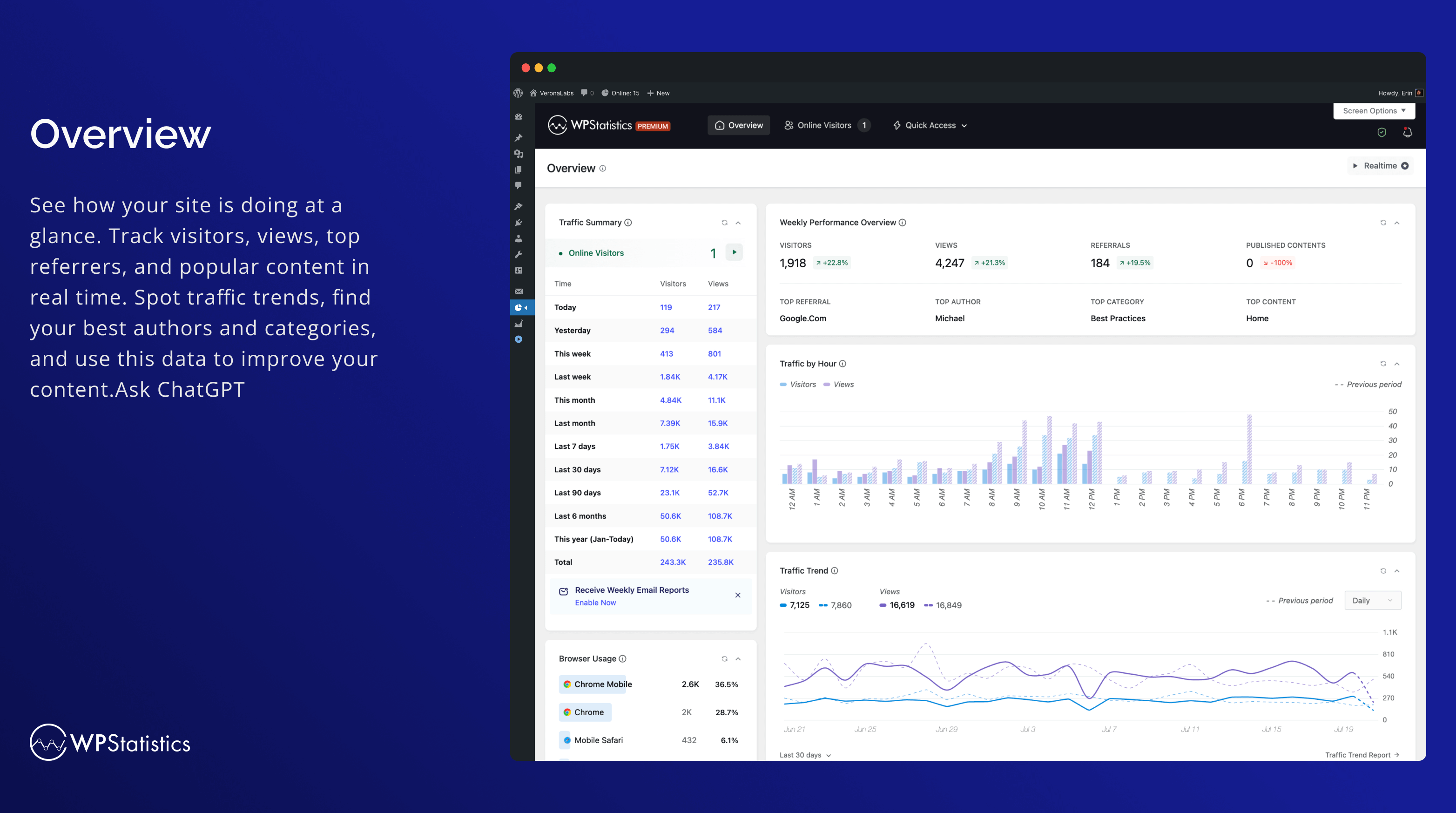
- 簡易分析控制台
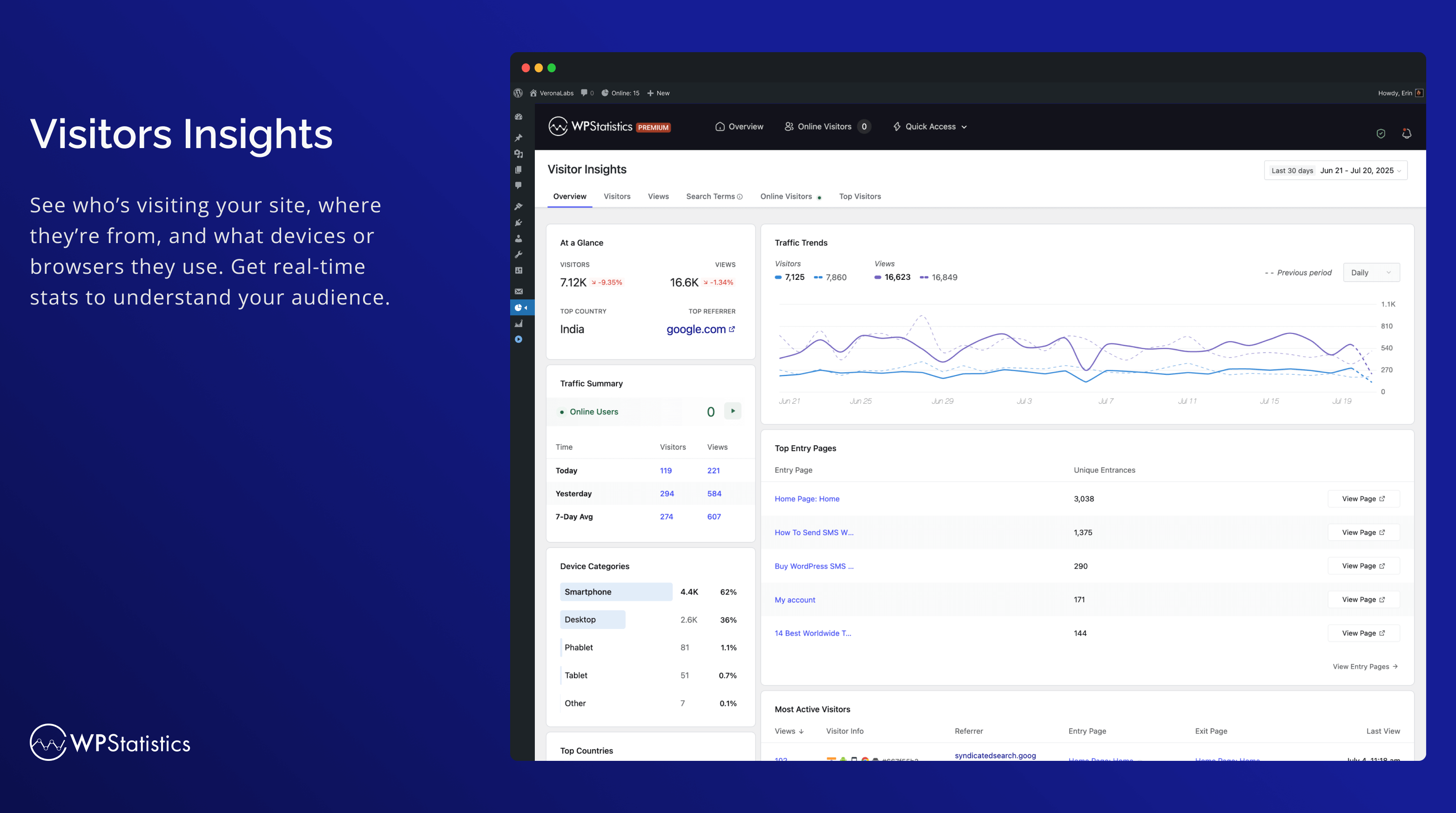
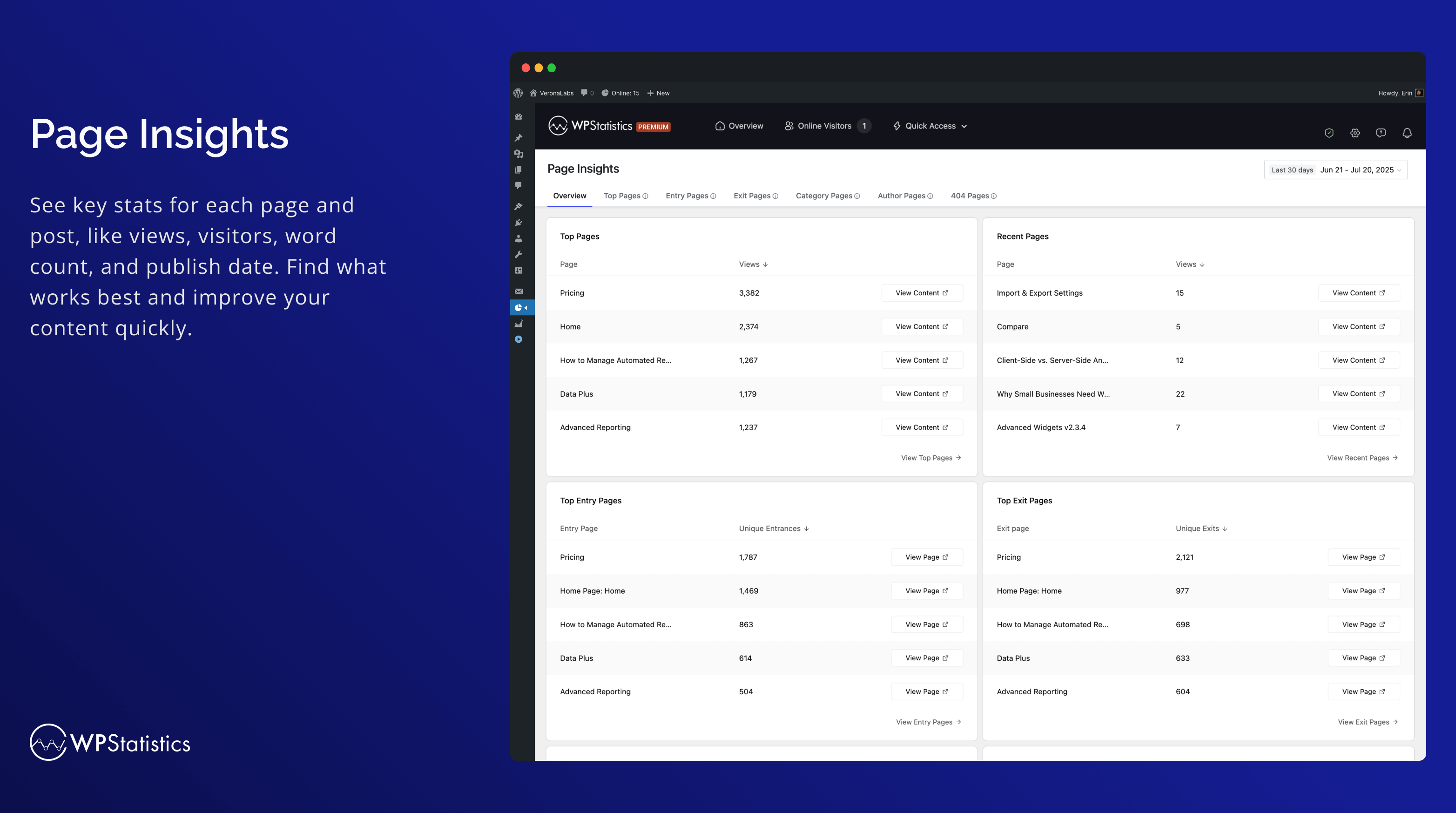
- 跳出率追蹤:在訪客洞察中查看全網站跳出率,以及在進入頁面報表中查看各頁面的跳出率,方便您找出訪客只瀏覽一個頁面後便離開的頁面。
- 安裝超簡單。不需要任何程式碼或技術知識
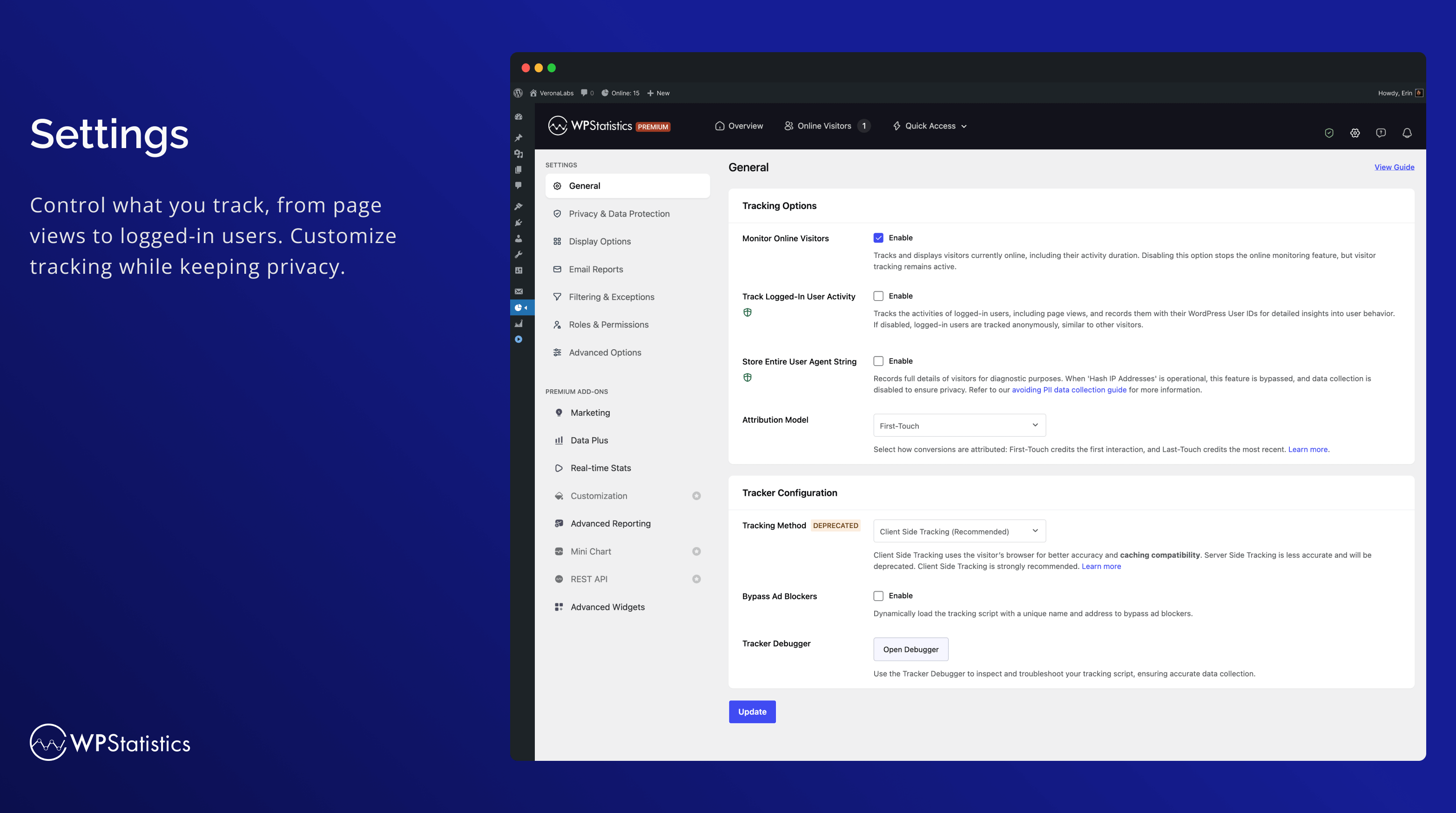
- 可依您的需求自訂的進階資料隱私設定,符合多項資料保護法規
- 追蹤 URL 參數(包括 UTM),用於行銷活動分析
- 透過可設定的選項,在高流量網站上管理大量資料
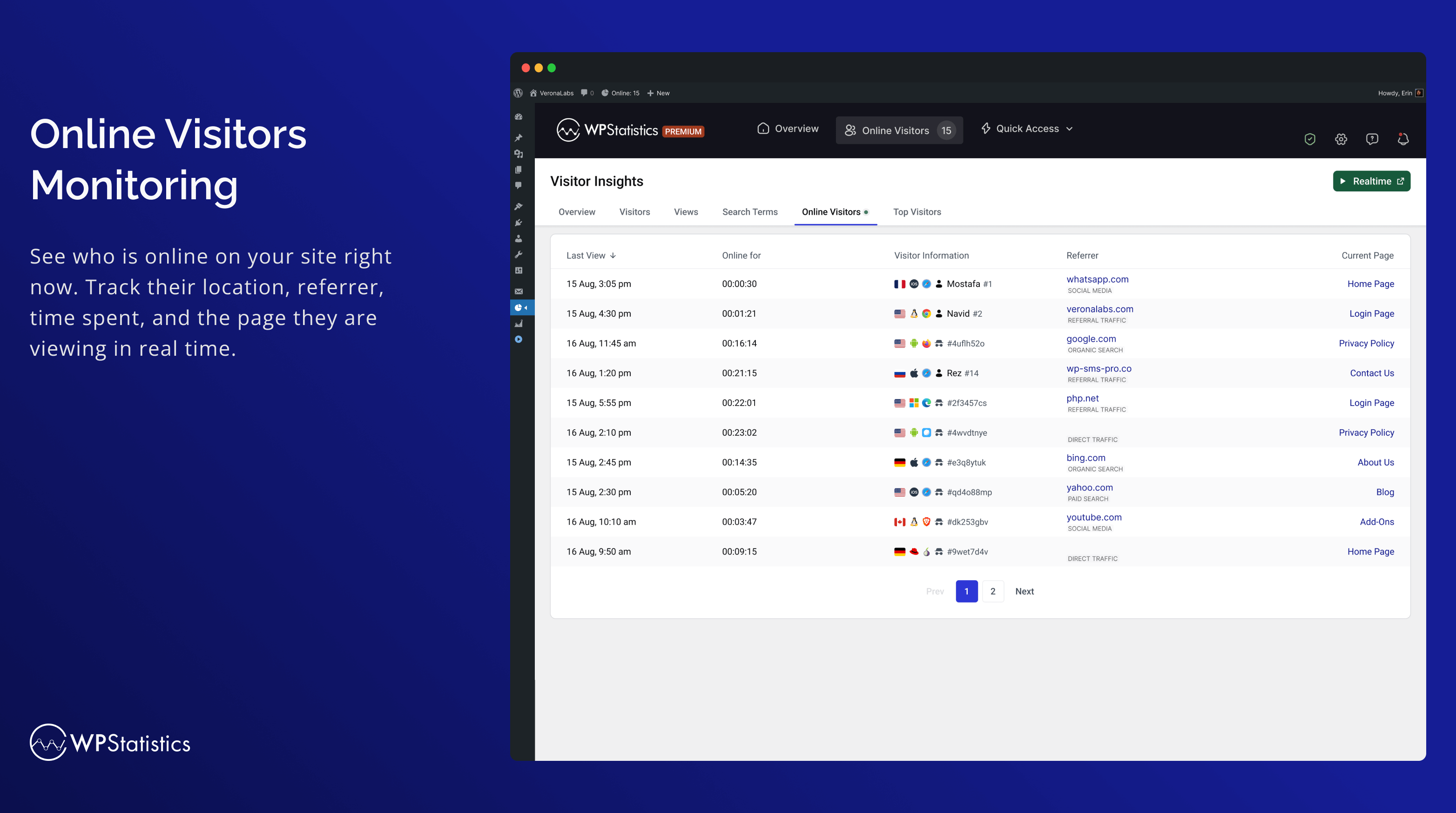
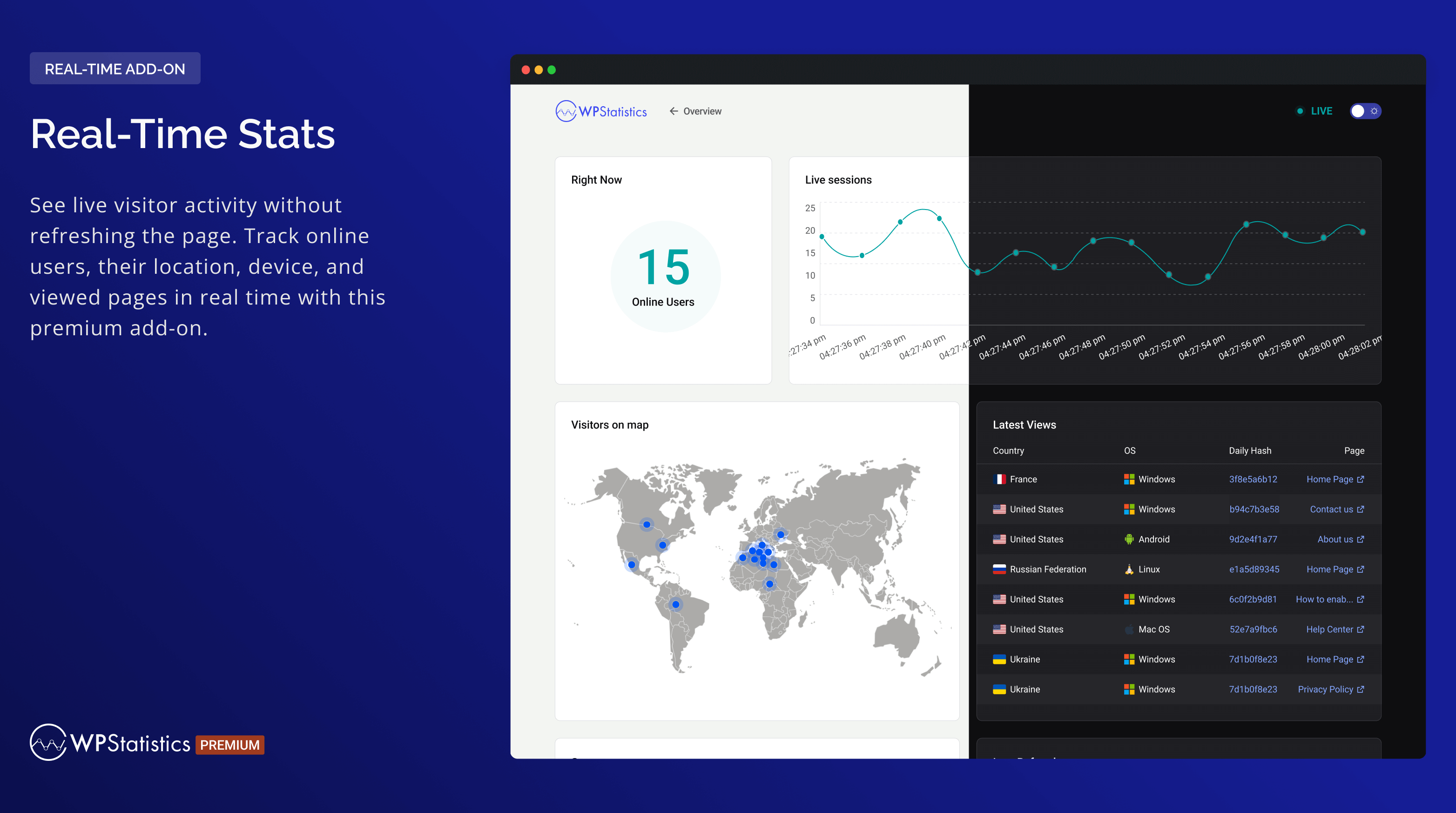
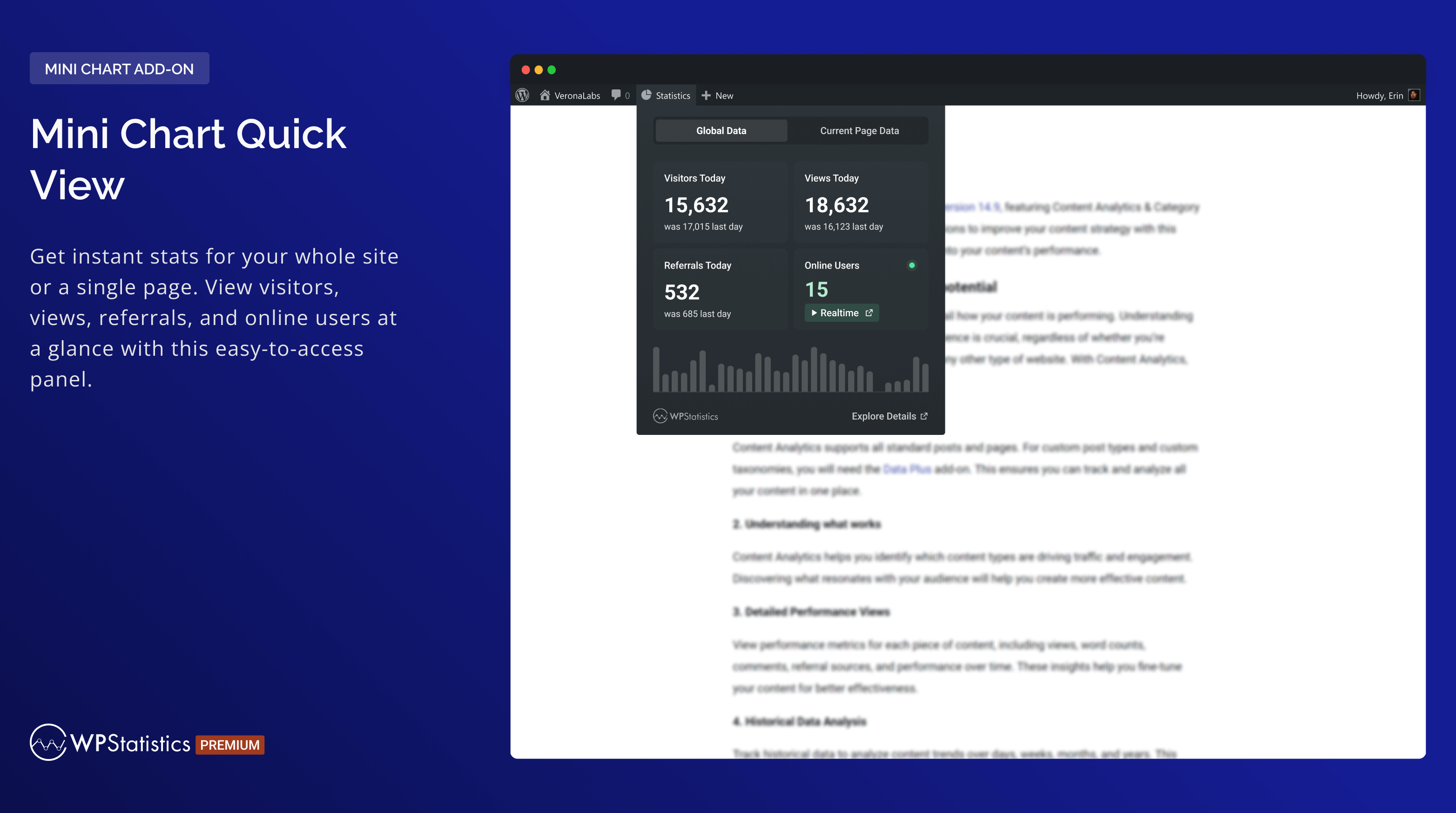
- 即時監控線上使用者流量
- 完全自訂的概觀控制台頁面
- 顯示您最熱門的文章與頁面
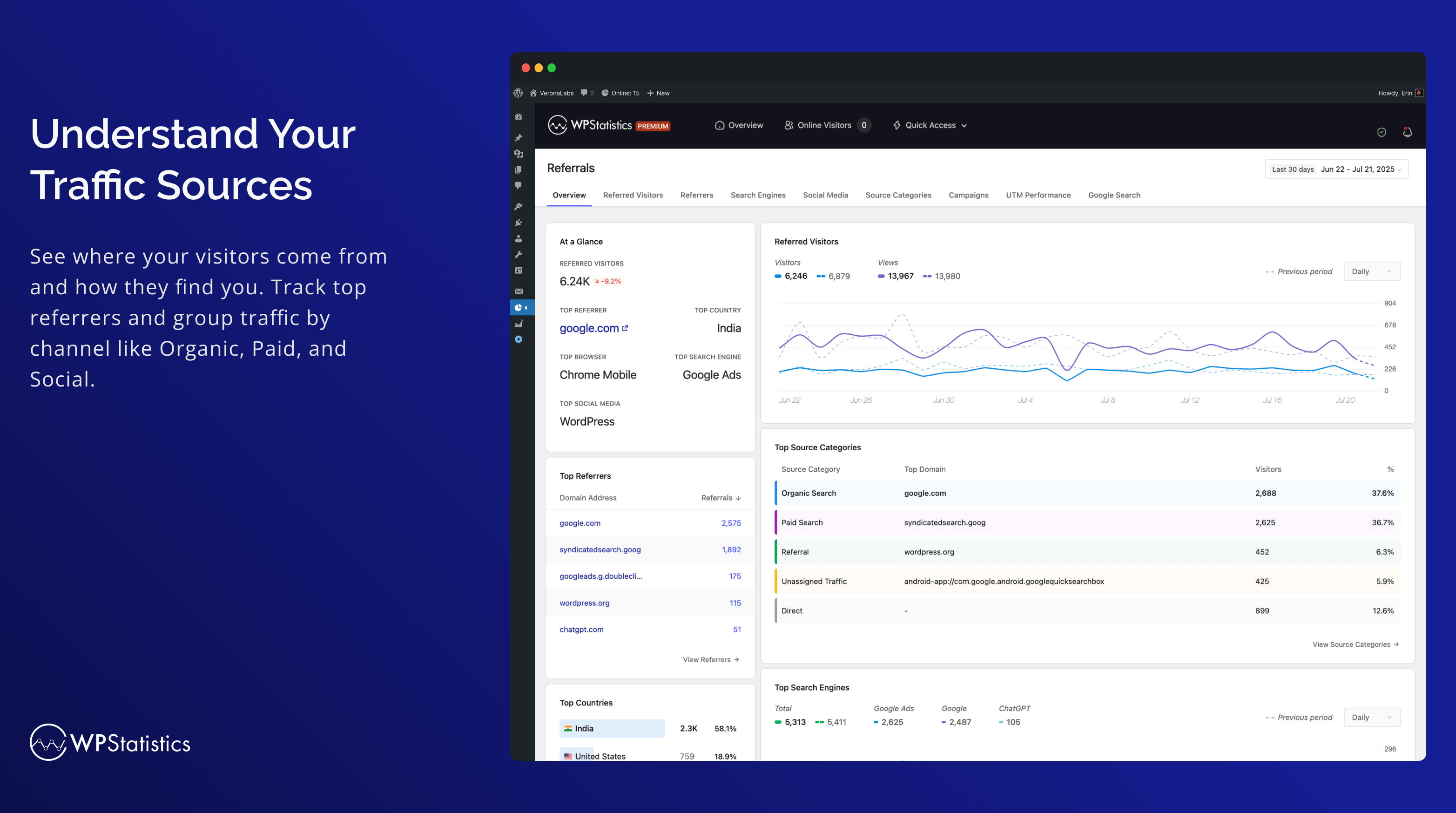
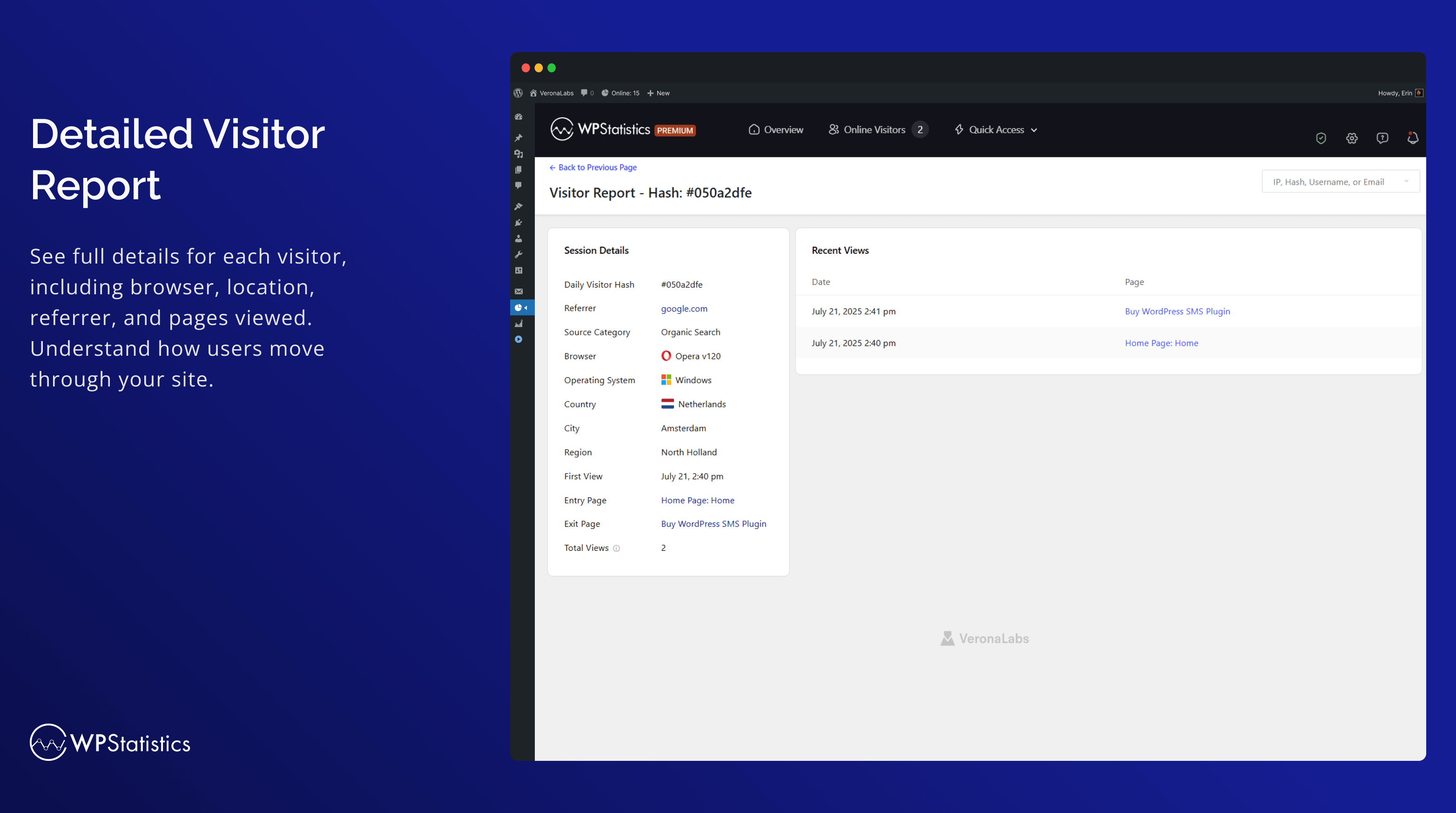
- 推薦來源追蹤:透過五種報表追蹤及分析推薦來源:推薦來源訪客、推薦來源、搜尋引擎、社群媒體與來源類別。全新的來源類別報表支援自然搜尋、付費搜尋、自然社群、付費社群等來源。
- 列出您的主要推薦來源,例如搜尋引擎
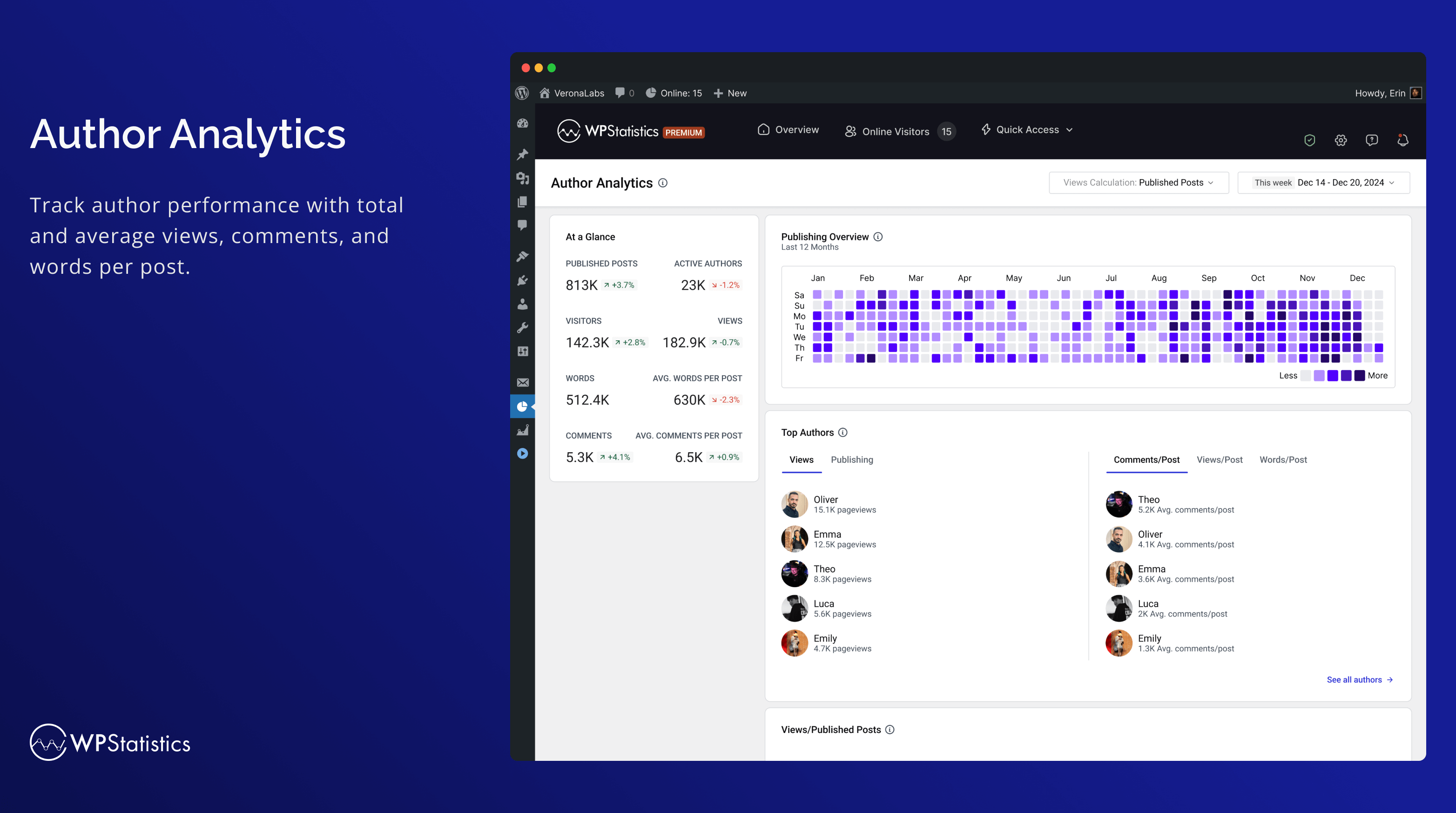
- 作者分析:衡量作者成效。
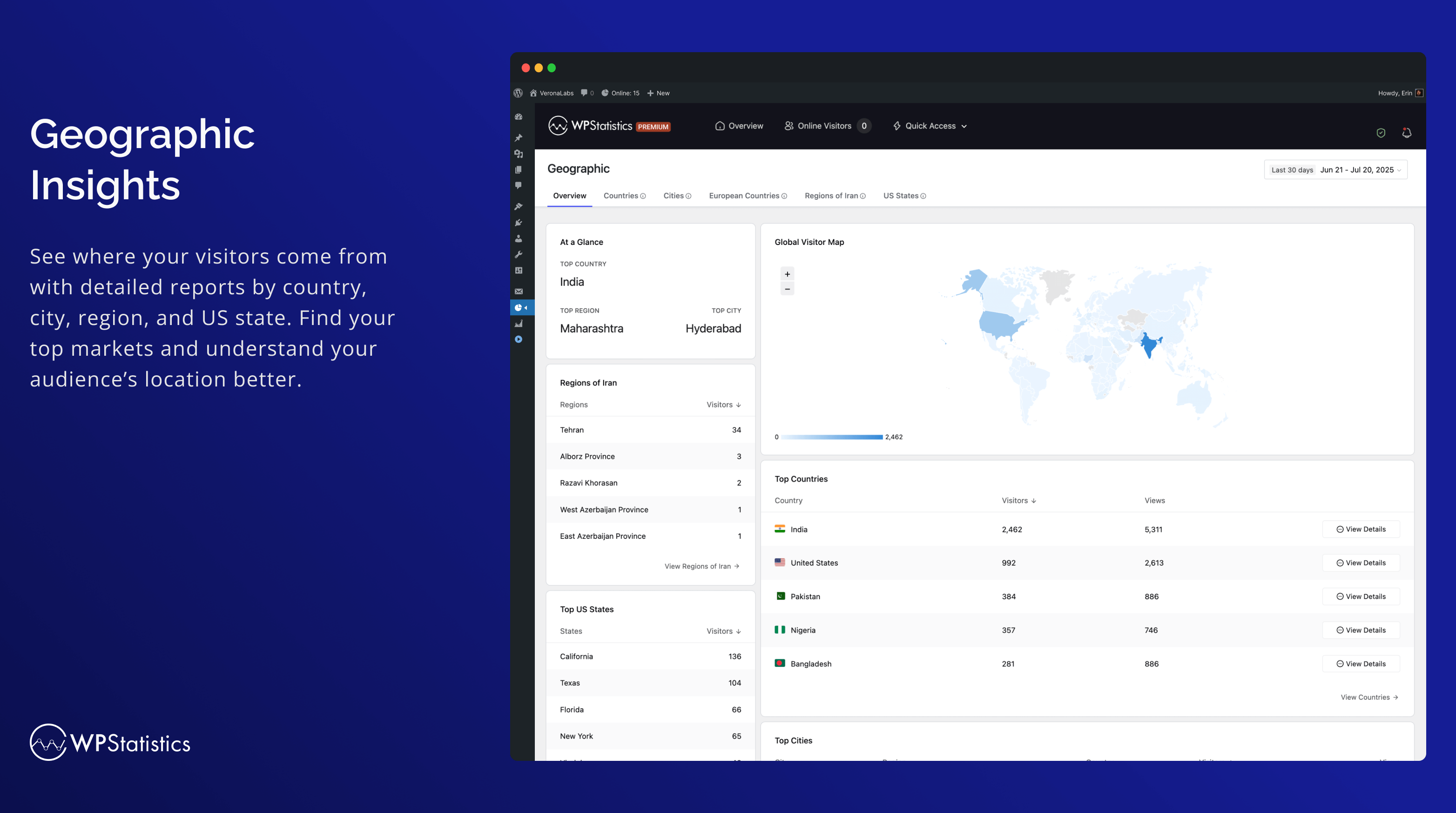
- 地理報表:以位置為基礎的分析,包含國家、城市、歐洲國家、美國各州,以及您所在國家內的地區。
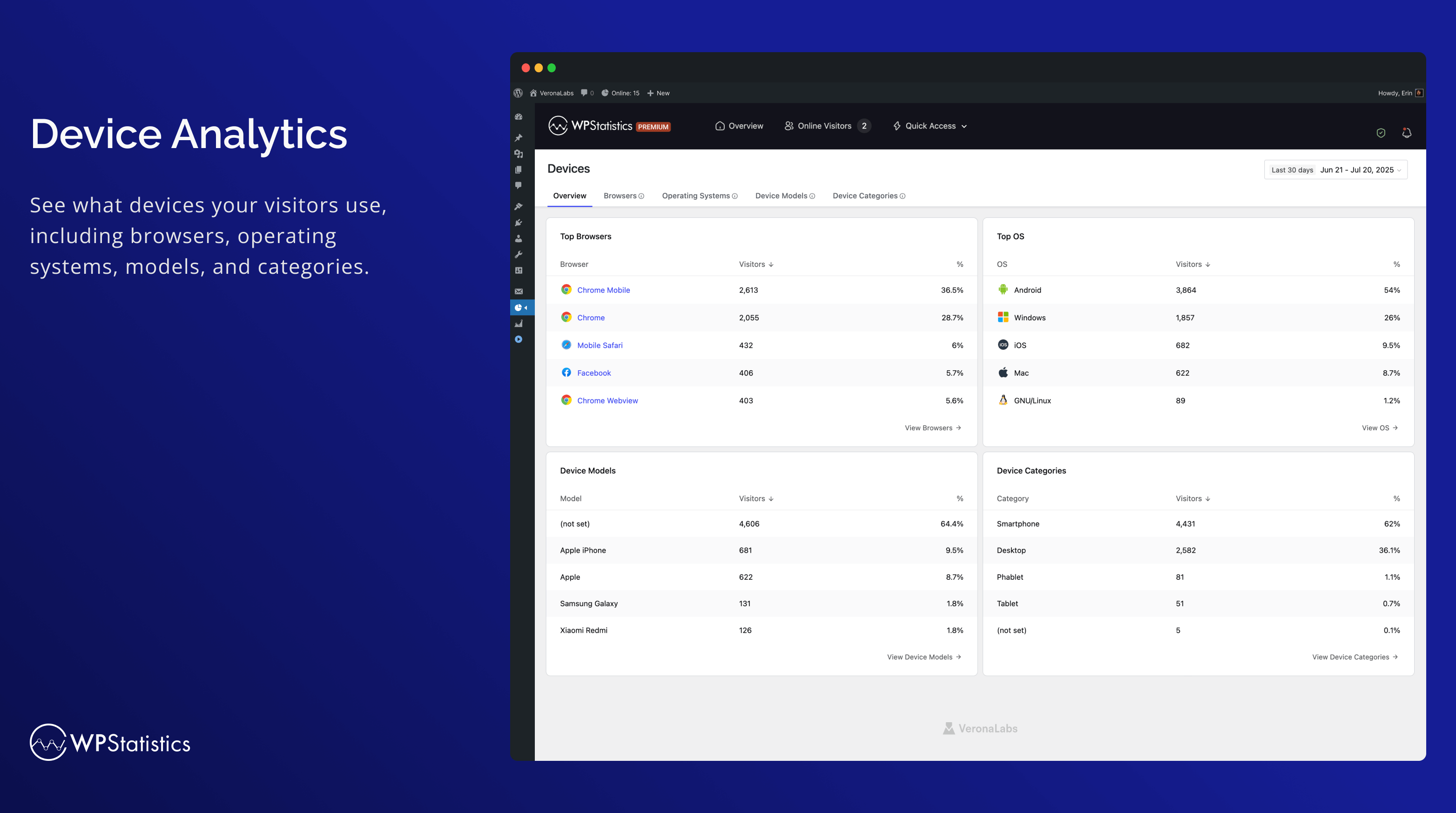
- 裝置報表:詳細分析各種裝置,涵蓋瀏覽器、作業系統、裝置類別與裝置型號。
- 略過廣告封鎖程式:以唯一名稱和位址動態載入追蹤指令碼,略過廣告封鎖程式。
- 與 WP Consent API 整合:確保與 Complianz 和 Cookiebot 等同意外掛相容。
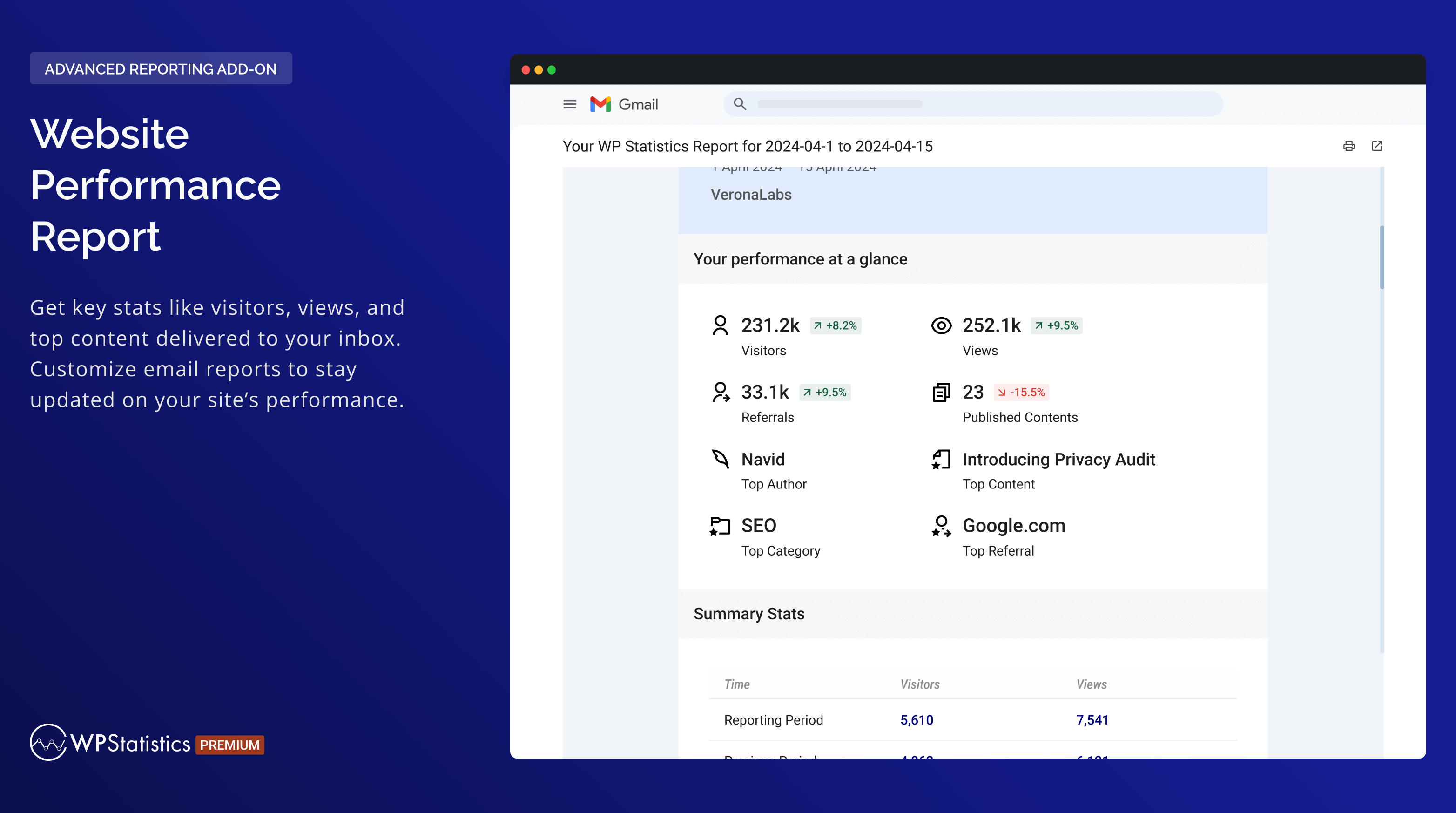
- 可自訂內容的電子郵件報表
- 自訂依角色設定的存取權限,讓使用者檢視分析資料及修改設定。
- 進階篩選與例外:依使用者角色、IP、國家、URL 等條件。
- Premium 附加元件:Data Plus
- 自訂內容類型追蹤:Data Plus 將 WP Statistics 的追蹤範圍擴充至所有自訂內容類型,除了文章與頁面之外。
- 自訂分類法分析:除了監控分類與標籤等預設分類法之外,Data Plus 也會追蹤自訂分類法。
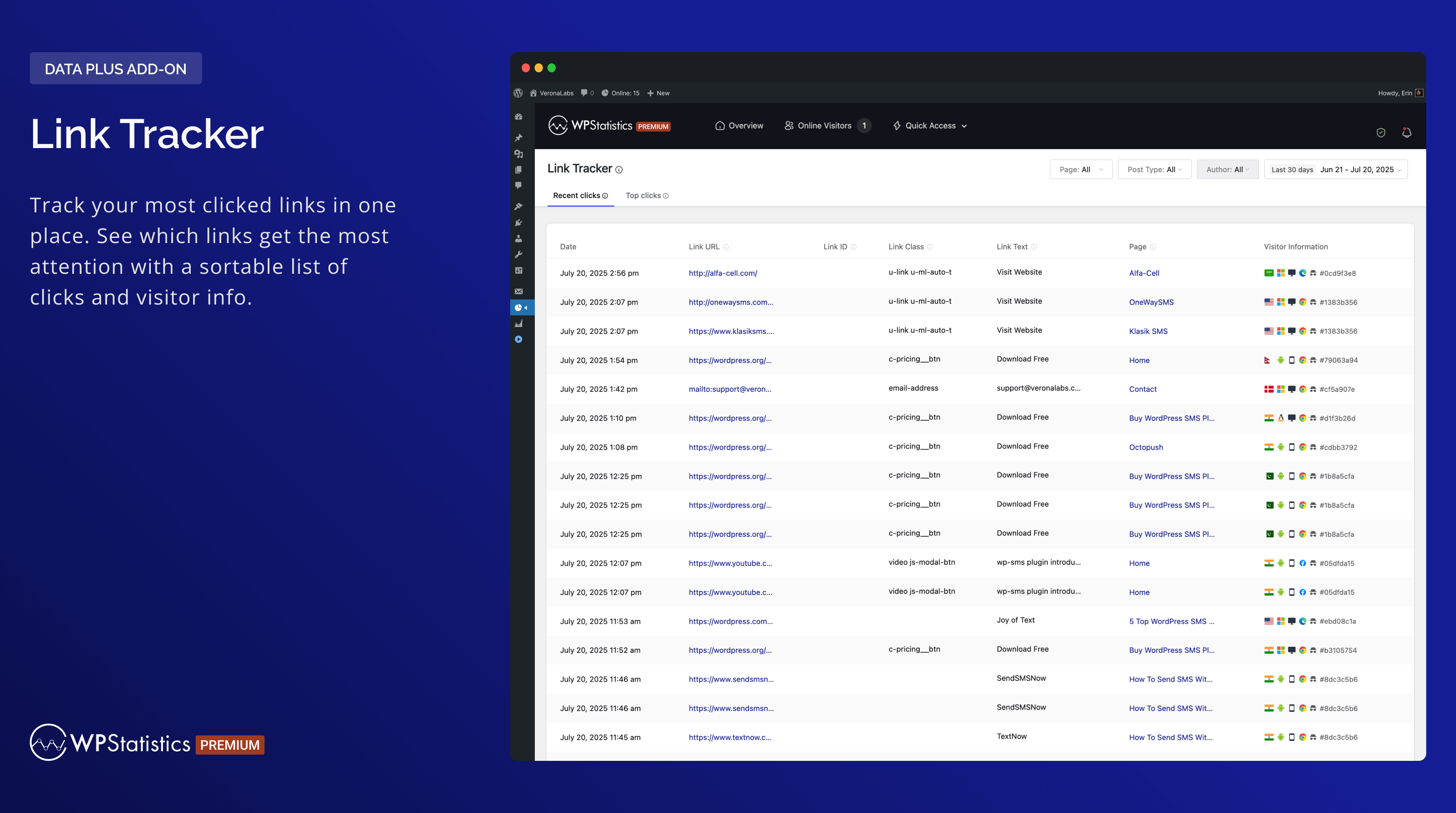
- Link Tracker:瞭解您的受眾點擊哪些外部連結,進一步了解其偏好與行為。
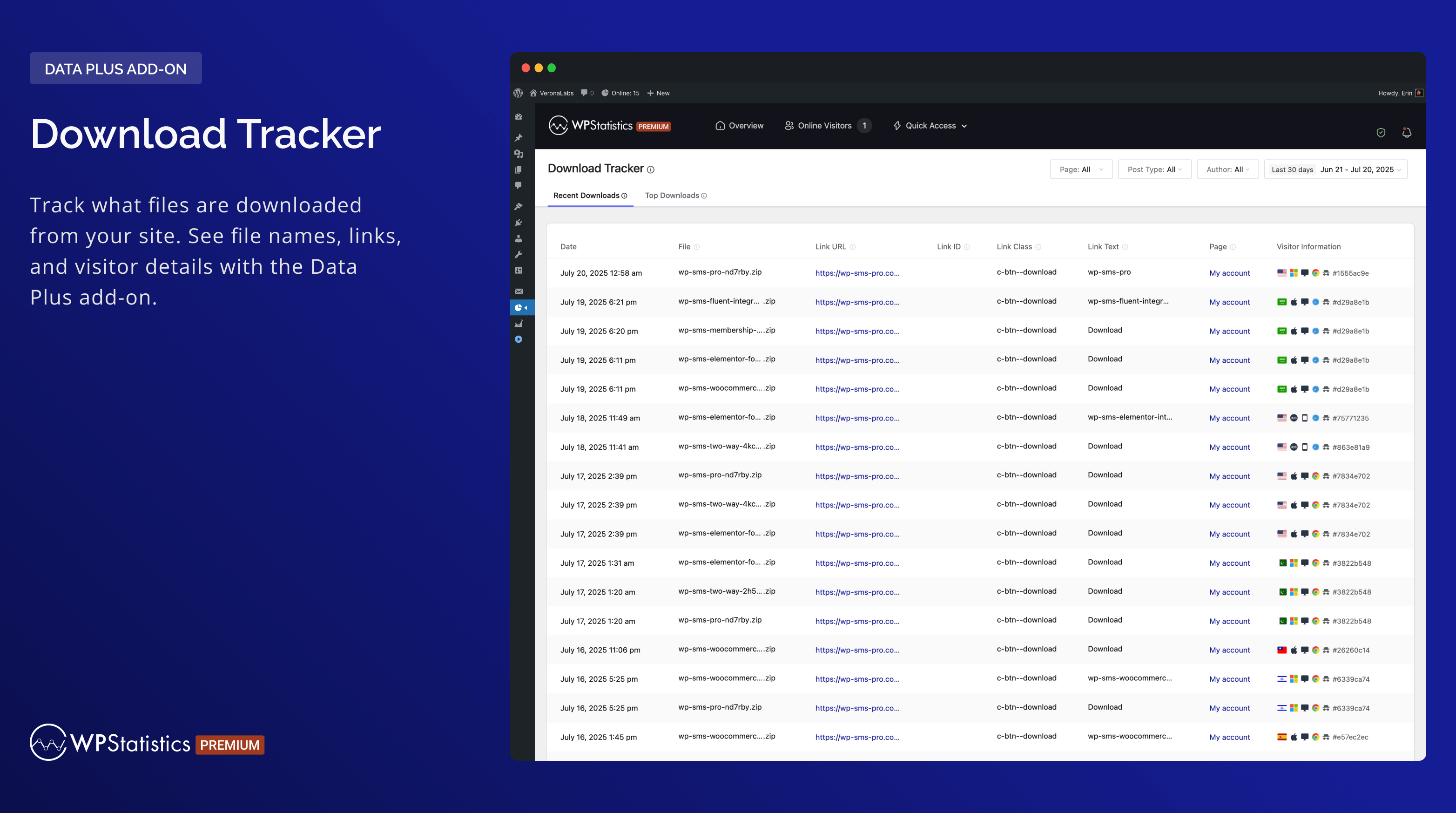
- 下載追蹤:追蹤下載的內容、下載者以及下載時間。
- 個別作者成效:個別作者的詳細成效指標。
- 各國詳細分析:深入分析各個國家,以強化地理報表。
- 還有更多!
- Premium 附加元件:Marketing
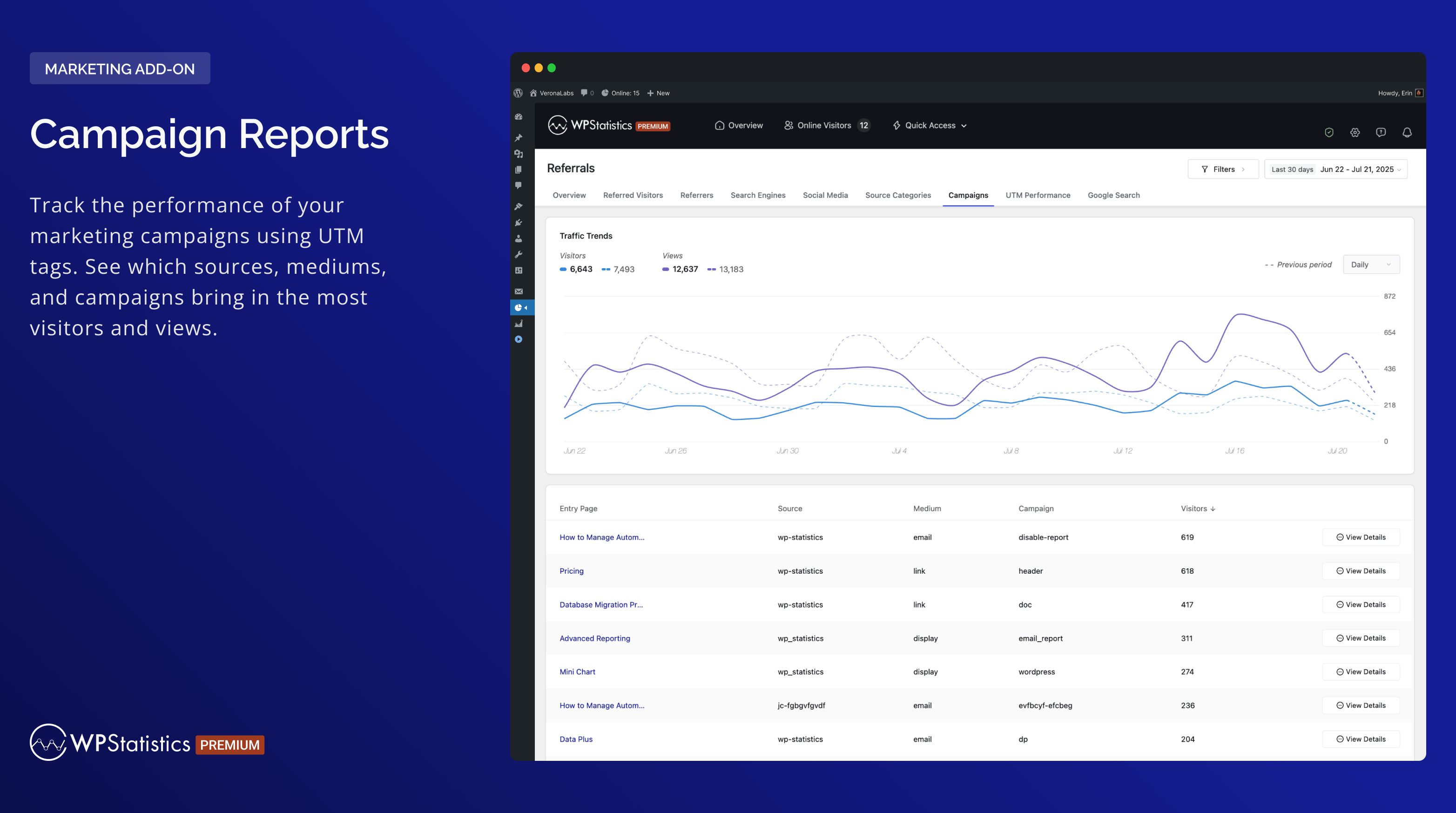
- 行銷活動分析:追蹤加上 UTM 標籤的連結,查看哪些行銷活動帶來最多訪客。
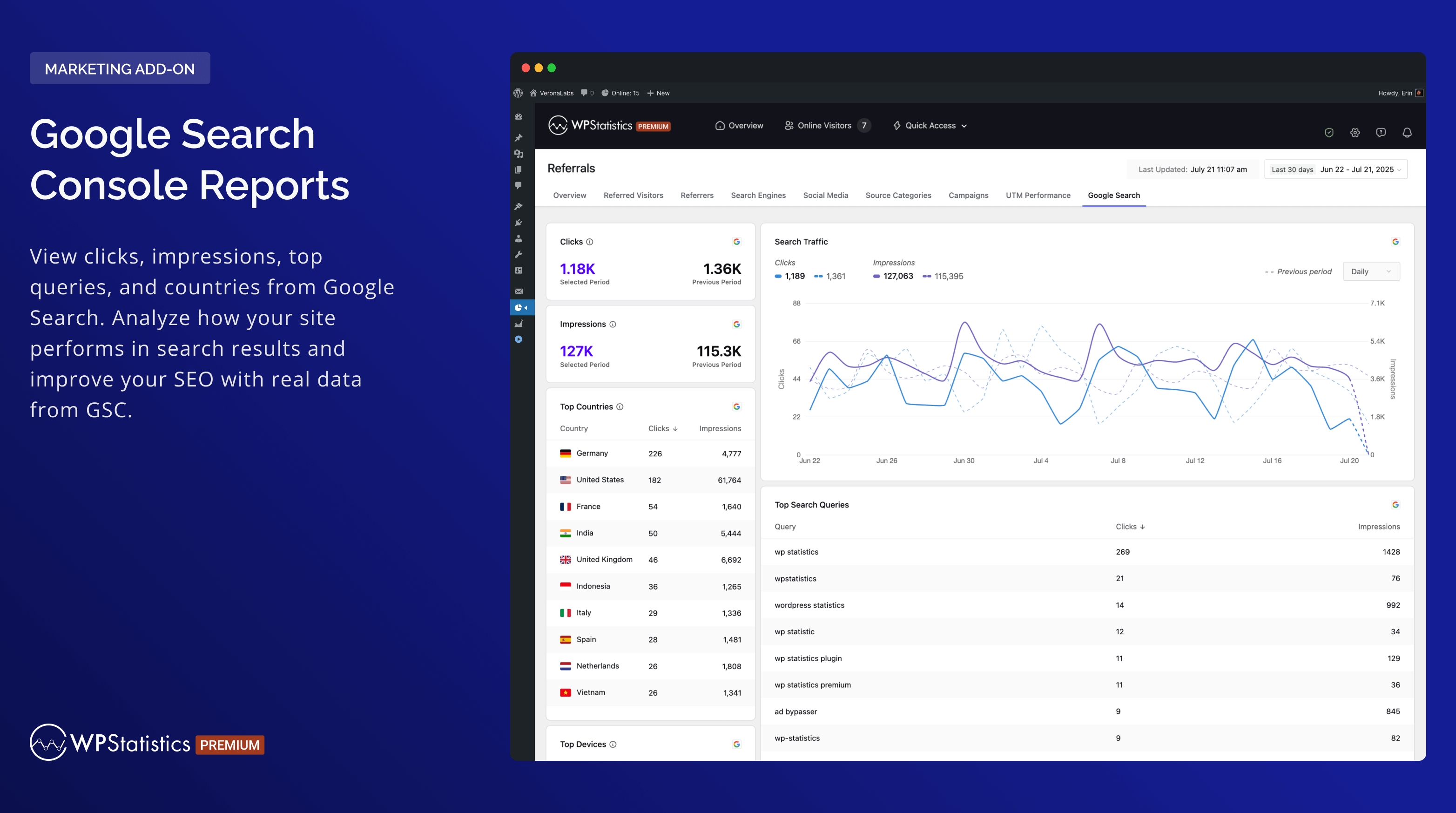
- Google Search Console 整合:監控曝光次數、點擊次數與搜尋查詢。
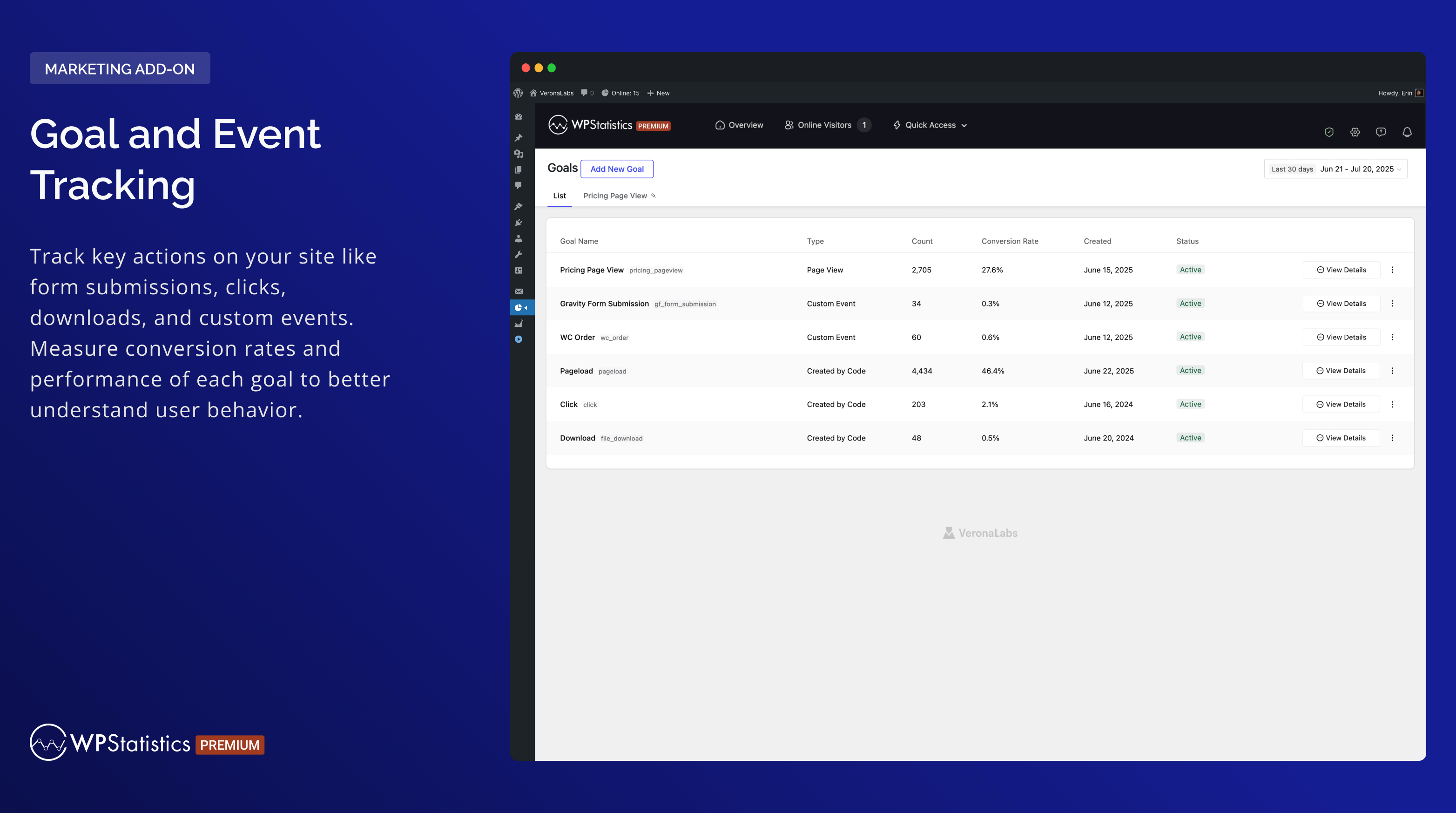
- 自訂事件追蹤:根據點擊、頁面瀏覽量或事件建立目標,並監測轉換。
- 內建 UTM 連結建立工具:在您的控制台中產生並驗證行銷活動網址。
使用 WP Statistics Premium 附加元件,充分發揮網站分析的效益
使用 Data Plus、Advanced Reporting、Real-Time Stats、Mini Chart、Marketing 以及 更多等多種 Premium 附加元件,升級您的分析工具組。借助這些強大的工具,做出明智決策更加容易。
特別優惠:購買 WP Statistics Premium,所有 Premium 功能最高可省下 60% 的費用。
回報錯誤
遇到錯誤嗎?請在 GitHub 上建立問題。請注意,GitHub 僅供回報錯誤使用;其他詢問將會被關閉。
如有安全性漏洞,請透過 Patchstack Vulnerability Disclosure Program 回報。Patchstack 團隊會驗證、分類並處理所有安全性問題。
螢幕擷圖
安裝方式
- 上傳
wp-statistics至/wp-content/plugins/目錄。 - 在 WordPress 的「外掛」選單中啟用外掛。
- 確認 WordPress 中的日期與時間設定正確。
- 前往外掛設定頁面並依需求完成設定(請注意,首次設定時也會下載 GeoIP 資料庫)。
常見問題集
-
哪些人適合使用 WP Statistics?
-
WP Statistics 是為希望追蹤並了解其 WordPress 網站流量的網站擁有者、部落客、行銷人員和分析人員所設計。對專業人士而言,它易於使用且功能強大,初學者也能輕鬆使用。
-
使用 WP Statistics 需要具備技術知識嗎?
-
不需要,WP Statistics 著重於簡易性。您不需要任何程式設計技能即可使用。只要從 WordPress 控制台就能安裝並使用此外掛。
-
WP Statistics 會影響我的網站效能嗎?
-
使用 WP Statistics,您的網站載入速度仍然很快。您可以在「最佳化」設定頁面中微調資料處理方式,為高流量網站提供最佳化效能所需的工具。
-
是否符合 GDPR?
-
是,WP Statistics 預設符合 GDPR。您可以在「我們收集的資料」中找到更多資訊。
-
可以取得個別頁面的分析資料嗎?
-
每篇文章、頁面與自訂內容類型都會受到詳細追蹤。
-
是否與快取和 CDN 相容?
-
WP Statistics 完全相容於所有快取外掛與 CDN。
-
是否會追蹤已登入的使用者?
-
預設不會。不過,您可以在設定頁面啟用已登入使用者追蹤功能。
-
我可以同時使用 WP Statistics 與 Google Analytics 嗎?
-
可以,您可以同時執行兩者,不會有任何問題。
-
是否會計算機器人造訪?
-
我們使用最佳實務技術篩除機器人造訪。與 Google Analytics 相比,您的瀏覽量和訪客數非常相近。「提升資料準確度」文章可以協助您進一步排除機器人。
-
WP Statistics 會顯示跳出率嗎?
-
是。WP Statistics 會在訪客洞察中回報整個網站的跳出率,並回報每個進入頁面的跳出率。跳出率是記錄為單次頁面瀏覽的造訪次數所占的比例,其中一次造訪是同一名訪客在同一天的一次造訪。不需要 Google Analytics 帳號。
-
我可以匯出資料嗎?
-
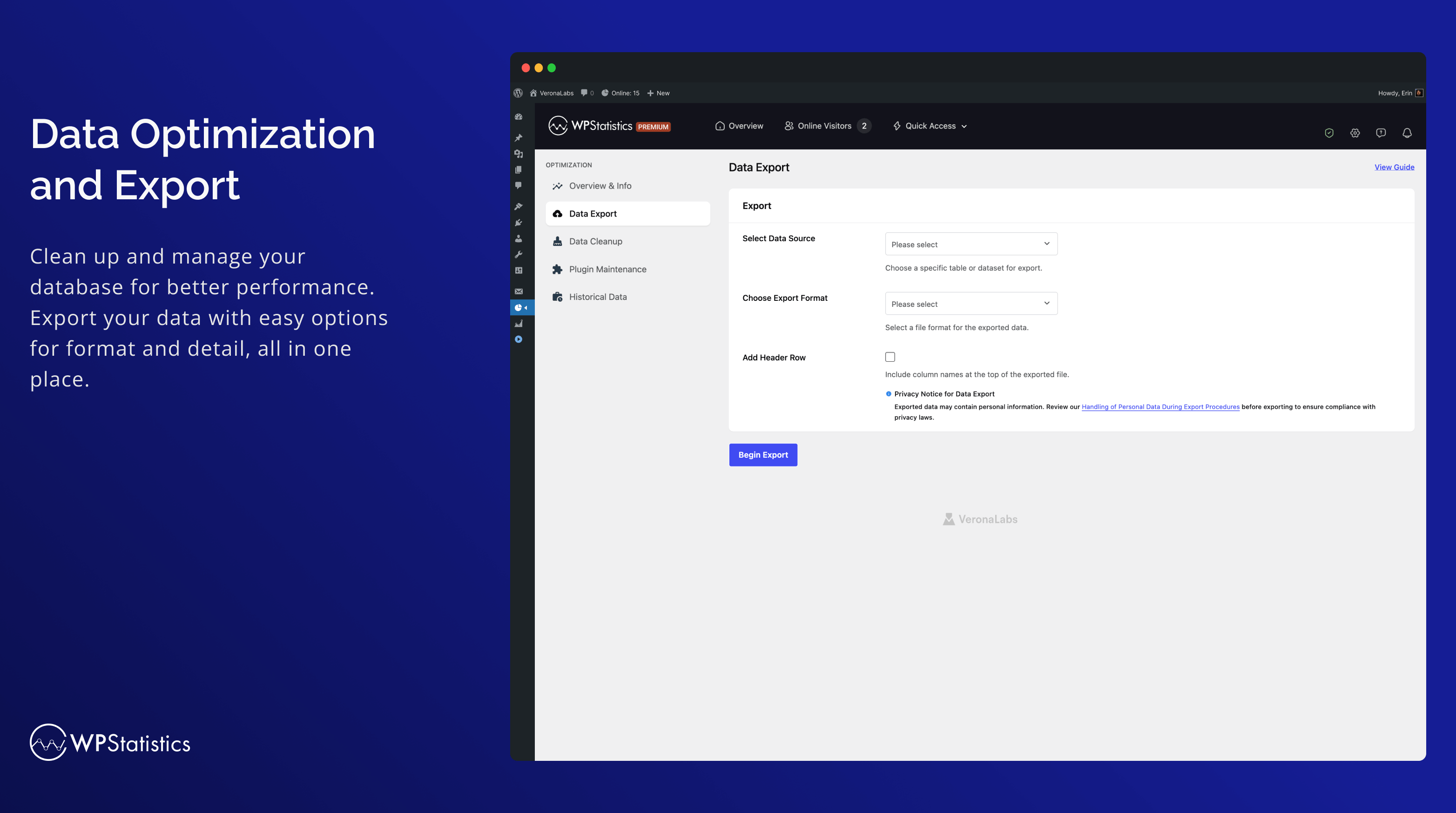
資料可匯出為 XML、CSV 或 TSV 檔案,用於備份或報表用途。
-
是否支援 Multi-Site?
-
WP Statistics 支援 WordPress Multi-Site/Network 安裝。在網路管理介面中,您可以檢視每個子網站的合併或個別分析資料。
使用者評論


參與者及開發者
以下人員參與了開源軟體〈WP Statistics – 易用、注重隱私權的 Google Analytics 替代解決方案〉的開發相關工作。
參與者


變更記錄
14.16.15 – 2026-10-01
- Enhancement: Hardened URL escaping in the filter dropdowns of the Referrals and Author Analytics reports.
- Enhancement: Removed the unused
tracker.min.jsfile. The tracker loadsjs/tracker.js.
14.16.14 – 2026-09-19
- Enhancement: DuckDuckGo noai, html, lite and start endpoints now count as DuckDuckGo search traffic (issue #1142).
- Enhancement: Hardened link escaping in admin reports.
- Fix: Taxonomy archive views are now attributed correctly when term and taxonomy IDs differ (issue #1139).
- Fix: Fewer repeated licence API requests after a refusal (issue #1123).
14.16.13 – 2026-09-05
- Fix: Corrected report links in Category Analytics.
- Fix: Date filters no longer trigger PHP warnings when the period name is unrecognized (issue #1130).
- Fix: Analytics page access and the date range picker now work correctly for custom roles and per-user capabilities (issue #1126).
- Enhancement: Internal improvements and PHP 8.5 compatibility.
14.16.12 – 2026-08-31
- Enhancement: General security hardening and internal improvements.
14.16.11 – 2026-08-22
- New: Bounce Rate in Visitor Insights and a Bounce Rate column in the Entry Pages report.
- Enhancement: Faster bounce rate calculation. Existing per-content bounce rates may shift slightly.
- Enhancement: New
wp_statistics_online_visitors_timeframefilter to set how long a visitor counts as online. - Enhancement: Lighter admin dashboard for users without statistics access.
- Fix: Email report schedules now update when the report frequency changes.
- Enhancement: Tested up to WordPress 7.1.
14.16.10 – 2026-07-25
- Fix: Prevented a fatal error on the tracking request when the referrer parameter was sent as an array instead of a single value.
- Enhancement: General security hardening and internal improvements.
14.16.9 – 2026-07-21
- Fix: Content Analytics no longer adds the site-wide historical baseline into each post’s Total Views, so per-post totals are accurate again (issue #1097).
- Fix: Prevented a fatal error on admin load when license validation fails or the license key is empty.
- Enhancement: Hardened input handling and output escaping across the visitor and referral reports.
14.16.8 – 2026-05-19
- Enhancement: Hardened input handling across admin AJAX endpoints, the dynamic query builder, the referrer pipeline, and the GeoIP download URL.
- Enhancement: Removed the bundled moment.min.js in favor of the copy shipped with WordPress core.
- Enhancement: Added direct-file-access guards, switched date() calls to gmdate(), and routed parse_url() through wp_parse_url().
- Enhancement: Normalized translator placeholders and text domains; routed translated UI strings through escape/kses functions.
- Enhancement: Replaced direct unlink() calls in plugin code with wp_delete_file().
14.16.7 – 2026-05-12
- Enhancement: Hardened escaping and sanitization in device reports.
- Enhancement: Tracking endpoints now send noindex and no-cache headers to prevent “ghost pages” in Google Search Console.
- Fix: Stopped GeoLite2-City background downloads on Cloudflare IP Geolocation sites (issue #1093).
- Fix: “Bypass Ad Blockers” no longer copies the tracker into uploads, improving compatibility with hardened hosting.
- Fix: Run Migration button stays clickable during an active migration to recover stuck queues.
- Deprecated:
wp_statistics_hashed_asset_rootandwp_statistics_hashed_asset_dirfilters; will be removed in a future release.
14.16.6 – 2026-04-16
- Fix: Removed legacy TinyMCE integration that caused “Failed to load plugin” errors in the classic editor, especially with themes like Corvix and Avada.
- Fix: Excluded browser prefetch and prerender requests that were inflating visit counts.
- Fix: Excluded headless browsers and automation tools (Headless Chrome, PhantomJS, Puppeteer, Playwright, Selenium) that were being counted as real visitors.
14.16.5 – 2026-04-11
- Enhancement: Simplify WP Consent API consent level logic.
- Enhancement: Hardened plugin security and improvement
- Enhancement: Tested up to WordPress v7.0
- Fix: Fixed an issue where the download/link tracker did not respect user role exclusion settings (e.g., Administrator), causing admin downloads to be recorded despite being excluded.
14.16.4 – 2026-03-16
- Fix: Improved permission checks on AJAX handlers for better security.
- Enhancement: Updated Device Detector library (6.4.7 6.5.0) with latest browser, device, and bot detection rules.
- Enhancement: Updated MaxMind DB Reader (1.12.1 1.13.1) and GeoIP2 libraries.
14.16.3 – 2025-02-23
- Fix: Minor improvements and fix version.
14.16.1 – 2025-02-09
- Fix: Fixed an issue where historical data was not included in single-content/single-resource reports.
- Fix: Improved compatibility with Bedrock when WP Statistics is placed in mu-plugins by fixing asset hashing and obfuscated tracker path resolution.
- Fix: Fixed an issue where the Page ID was not correctly updated during Interactivity API navigation and barba.js transitions.
- Fix: Prevent infinite or extremely large percentage values when no previous analytics data exists.
- Fix: Fixed the “All Time” filter showing incorrect start date in single content analytics.
- Fix: Fixed notification indicators hiding when viewing the empty Dismissed tab.
- Fix: Optimized license API caching to prevent excessive requests on multilingual sites.
- Fix: Resolved unsafe SQL calls and direct file access issues for WordPress.org compliance.
- New: Added “Total” row to the Traffic Summary widget showing all-time Visitors and Views (includes legacy historical data).
- Enhancement: Added pagination support for Category Analytics.
- Enhancement: Unified disabled premium buttons across the plugin for a consistent look.
- Enhancement: Added PHP environment configuration values (memory_limit, max_execution_time, post_max_size, upload_max_filesize) to anonymous usage data.
- Enhancement: Updated Advanced Reporting premium modal copies.
- Dev: Added
wp_statistics_register_background_jobsfilter to allow add-ons to register custom background processes. - Dev: Added
wp_statistics_register_data_migrationsfilter to allow add-ons to register custom data migration keys. - Dev: Added
wp_statistics_resolve_page_from_urifilter to allow custom page resolution from URL for SPA tracking.
14.16 – 2025-12-01
- New: Added an Export button to all report pages (requires the Advanced Reporting add-on).
- New: Introduced a new
Summary Totalstable to store daily aggregated data, improving performance. - Enhancement: Tested up to WordPress v6.9.
- Enhancement: Updated minimum PHP requirement to v7.4 and WordPress requirement to v6.6.
- Enhancement: Redesigned Summary widgets across all report pages for a cleaner and more consistent look.
- Enhancement: Optimized database queries and improved overall performance.
- Enhancement: Improved the online tracking system by removing heartbeat requests, reducing server load and improving performance.
- Deprecation: Removed the Matomo Referrer Spam Blacklist option from the settings.
For more information about the major update, please visit our release post or follow @wp_statistics on Twitter