
外掛說明
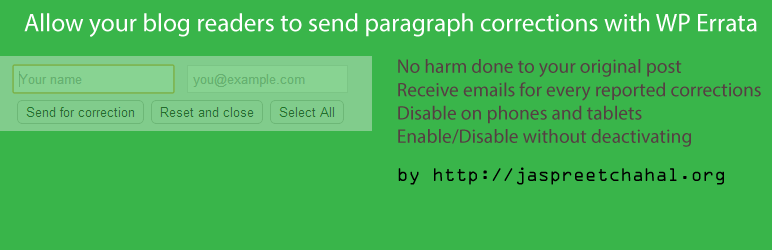
If you would want to make some content in your post editable so that your blog reader can offer edits without really caucing any damage to your post then this plugin is probably right for you.
A video on how it operates is available from my blog post.
How to use it?
Activate this plugin and in your post mark any content up for correction with using class=”jcedit”
e.g. make a div to take corrections as follows
<div class=”jcedit”>This content can be sent for correction. Make your edits and send us your corrections.</div>
Remember
That you should not have any markup under class=”jcedit” container i.e. something like this will not work
<div class=”jcedit”>
<ul>
<li>This is correctable</li>
</ul>
</div>
Only works in latest of the browsers those which support contenteditable.
An email will be sent to entered email address.
You can follow me on Twitter https://twitter.com/jschahal or
like my facebook page http://www.facebook.com/jaspreetchahal.org to get updates on some not so exciting things that I do.
Visit my site http://jaspreetchahal.org to get help on this plugin or more precisely go to http://jaspreetchahal.org/wordpress-errata-plugin
Screenshots ==-
- A screen shot of the options page
- Shows content being edited
Donations
If you would like to donate to help support future development of this plugin, please go to Jaspreet Chahal
螢幕擷圖


安裝方式
- Upload unzipped plugin directory to the /wp-content/plugins/ directory
- Activate the plugin through the ‘Plugins’ menu in WordPress
- Use the “WP Errata” Options under settings.
常見問題集
- Will you be adding more to it?
-
I may soon be writing a PRO version of this plugin. There is so much room for improvement. Leave your comments here to features your would like to see http://jaspreetchahal.org/wordpress-errata-plugin
使用者評論
這個外掛目前沒有任何使用者評論。
參與者及開發者

變更記錄
1.0
- Initial Release