

外掛說明
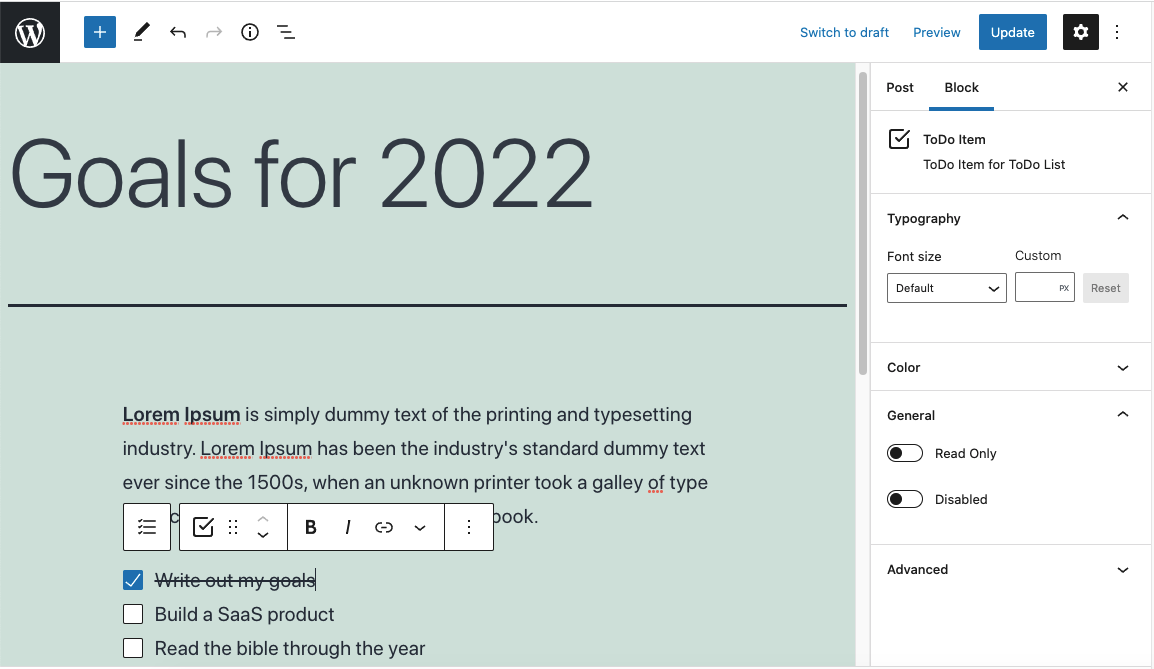
Gutenberg is a great block editor but it does not come with a todo block.
You can now create to-do lists in WordPress Gutenberg editor.
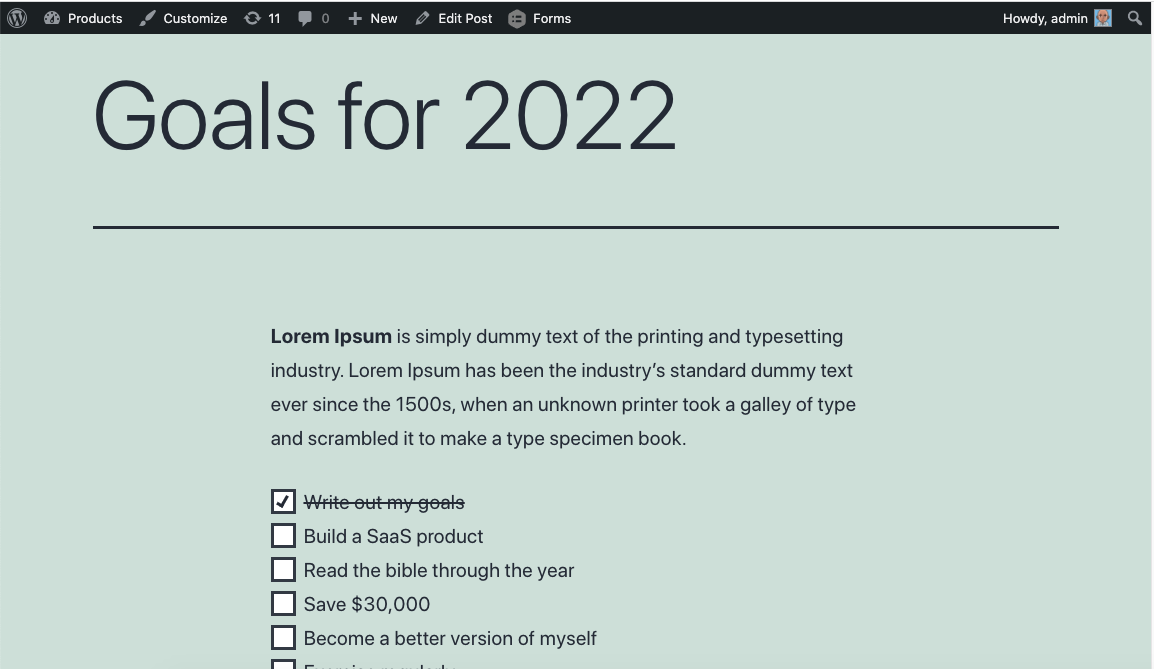
Your todo checkboxes will appear both on the frontend and backend. It will even keep the current state of the checkbox when shown on the frontend.
Logged-in users can save their checkbox selections (if enabled per checklist).
You can use this block to:
- Add tasks to your posts and pages
- Create a checklist of items
- Let logged-in users save their selections
- Set goals and track progress
螢幕擷圖
適用於區塊編輯器
這個外掛提供 2 個可供區塊編輯器使用的區塊。
- Checklist (Todo List) A group of checkboxes
- Checkbox (Todo Item) Checkbox for Todo List
安裝方式
- Upload the plugin files to the
/wp-content/plugins/todo-blockdirectory, or install the plugin through the WordPress plugins screen directly. - Activate the plugin through the ‘Plugins’ screen in WordPress.
常見問題集
-
What is the minimum WordPress version?
-
6.3
-
Can users save their checkbox state?
-
Yes. Enable the “Enable Save” toggle in the Checklist block settings. Logged-in users will have their selections saved per user.
使用者評論

2024 年 7 月 5 日
1 則留言
I does not work on latest WP and PHP 8.2. Added the todo list but didn’t show on the post

2024 年 5 月 7 日
1 則留言
Things I Wish:
I could use markdown to insert a checkbox, I should be able to type [] followed by a spacebar for example to insert or maybe [ ] followed by a spacebar
I could double tap enter to exit the block (instead of just keep creating new checkboxes)
Things I Like:
Read only option
No lag
Light in plugin size

2022 年 4 月 16 日
1 則留言
Works as needed. No extra setup needed.
參與者及開發者


變更記錄
1.2.0
- Fix: Press Enter to create new checkbox items
- Fix: Support multiple todo lists on the same post/page
- Fix: Per-user save state now works correctly for all users
- Fix: Editor UX improvements (cursor, full-width text input)
- Fix: Internationalization loading
- Improvement: Use WordPress built-in block icons
- Improvement: Upgraded build tooling
1.1.1
- Added blueprints
1.1
- Change tested up to
1.0.6
- Remove console.log
- Add Youtube URL
1.0
- Release