
外掛說明
Find it. Rename it. Relax.
Texora Renamer Lite helps you change text visitors see on your website. Search for text, choose a match, enter replacement text, and save a rename rule. The replacement is applied to frontend output; your original posts, pages, and database content are not rewritten.
The plugin is designed for site owners who want to adjust wording without editing theme templates or writing code.
Features
- Search published WordPress content, titles, excerpts, navigation menu items, taxonomy terms, site title, and tagline for matching text.
- Search supported widget and theme/plugin option values for matching text.
- Choose a found text match and review its surrounding context before creating a rule.
- Use an exact phrase you can see on the frontend when it is not found by the database search.
- Replace matching visible frontend text in rendered HTML, including text from themes and plugins.
- Replace supported WordPress translation strings, including plural and contextual strings.
- Includes handling for common customer-facing WooCommerce strings when WooCommerce is active.
- Replace supported text in document titles, menu item titles, widget titles, and selected text attributes such as title, alt, aria-label, placeholder, and value.
- Save and delete rename rules from the WordPress admin area.
- Original post, page, and database content is not modified by the replacement process.
- Rename rules are stored locally in your WordPress database.
Privacy
Texora Renamer Lite stores rename rules in the local WordPress database. The plugin does not send rename rules or website content to an external service.
螢幕擷圖

安裝方式
- Upload the
texora-renamer-litefolder to the/wp-content/plugins/directory, or install the ZIP through Plugins Add New Plugin Upload Plugin. - Activate Texora Renamer Lite through the Plugins screen.
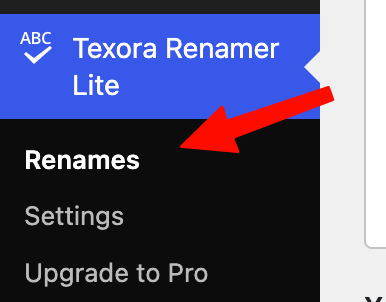
- Open Texora Renamer Lite Renames in the WordPress admin menu.
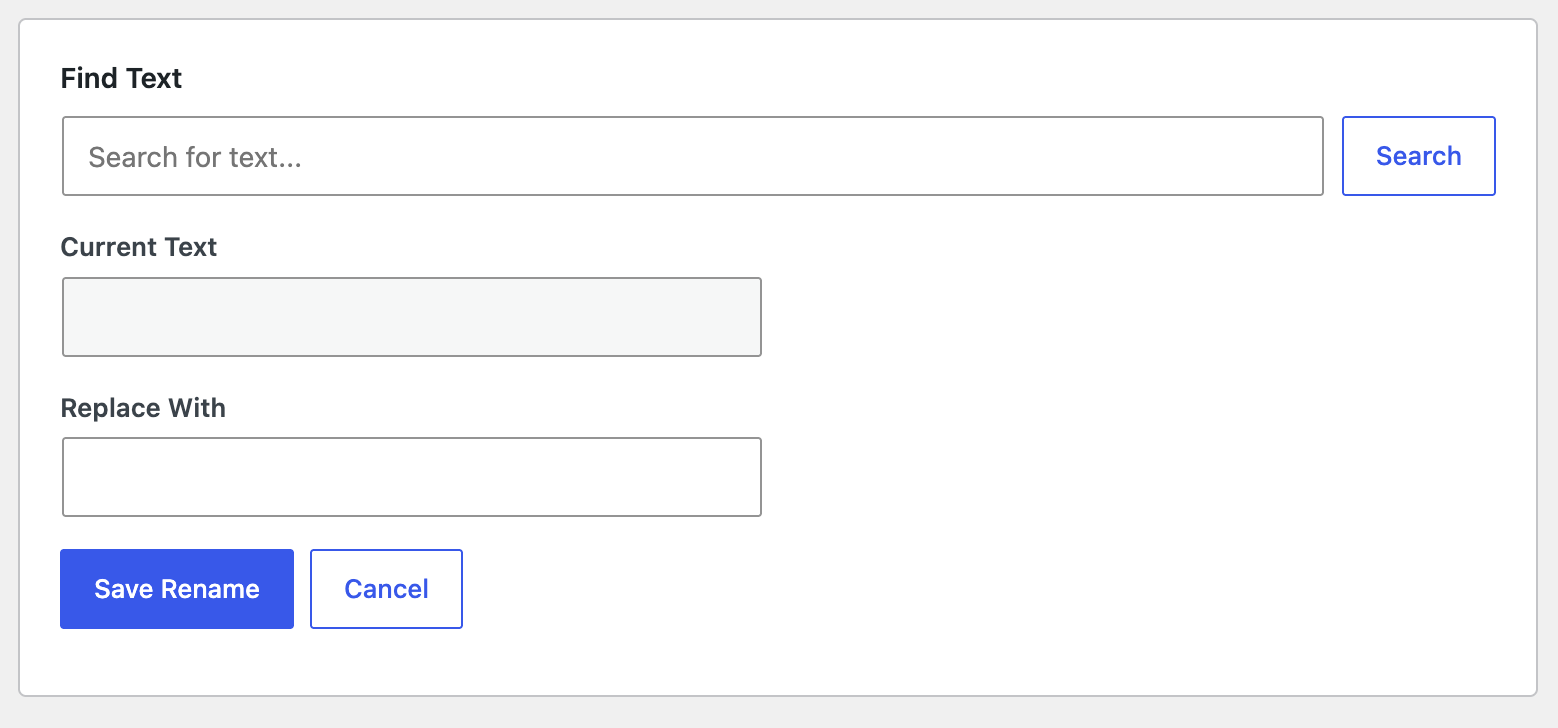
- Search for the text you want to change, select a match (or use the exact text option), enter the replacement, and select Save Rename.
常見問題集
-
Does this change my actual post or page content?
-
No. The plugin changes matching text in frontend output. It does not rewrite your original post, page, or database content.
-
Do I need to edit theme files or write code?
-
No. You can create rename rules from the plugin’s WordPress admin screen.
-
What if the text I see on my website is not found in search results?
-
Use the Use Exact Search Text option and enter the exact phrase visible on your website.
-
Does it work with WooCommerce?
-
WooCommerce is optional. When WooCommerce is active, the plugin includes common customer-facing WooCommerce phrases in its selectable search matches and applies replacement through WordPress translation and frontend output handling.
-
Will deactivating the plugin delete my rename rules?
-
No. Deactivating the plugin does not delete your rules.
-
Will deleting the plugin remove my data?
-
By default, rename rules are kept when the plugin is deleted. You can choose Delete all plugin data when uninstalling in the plugin Settings before uninstalling if you want the plugin to remove its stored rules.
-
Does the plugin send my website data to an external service?
-
The plugin does not include a remote service integration. Rename rules are stored in your WordPress database.
使用者評論
這個外掛目前沒有任何使用者評論。
參與者及開發者

變更記錄
1.0.0
- Initial public release.
- Search for frontend text and create display-only rename rules.
- Add support for WordPress translation strings and common WooCommerce text.