

外掛說明
SmartZoom lets your customers examine product details up close with a smooth magnifying effect on product images. Ideal for stores selling clothing, jewelry, electronics, art, or any item where visual clarity is key.
Features:
– Lightweight and easy to use
– Seamless integration with WooCommerce galleries
– Enable/disable via settings panel
– Adjustable zoom level
– Compatible with most modern themes
螢幕擷圖
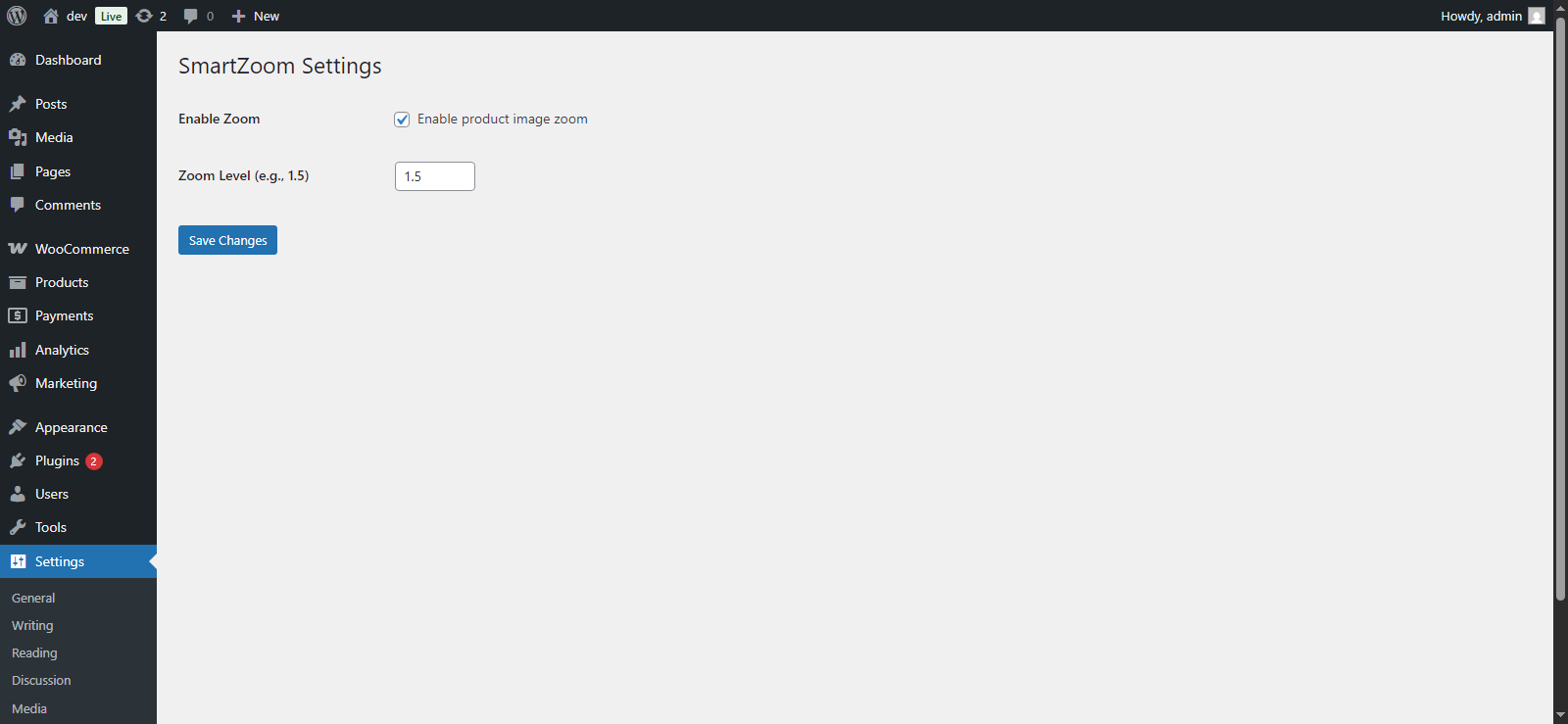
Zoom effect on WooCommerce product image 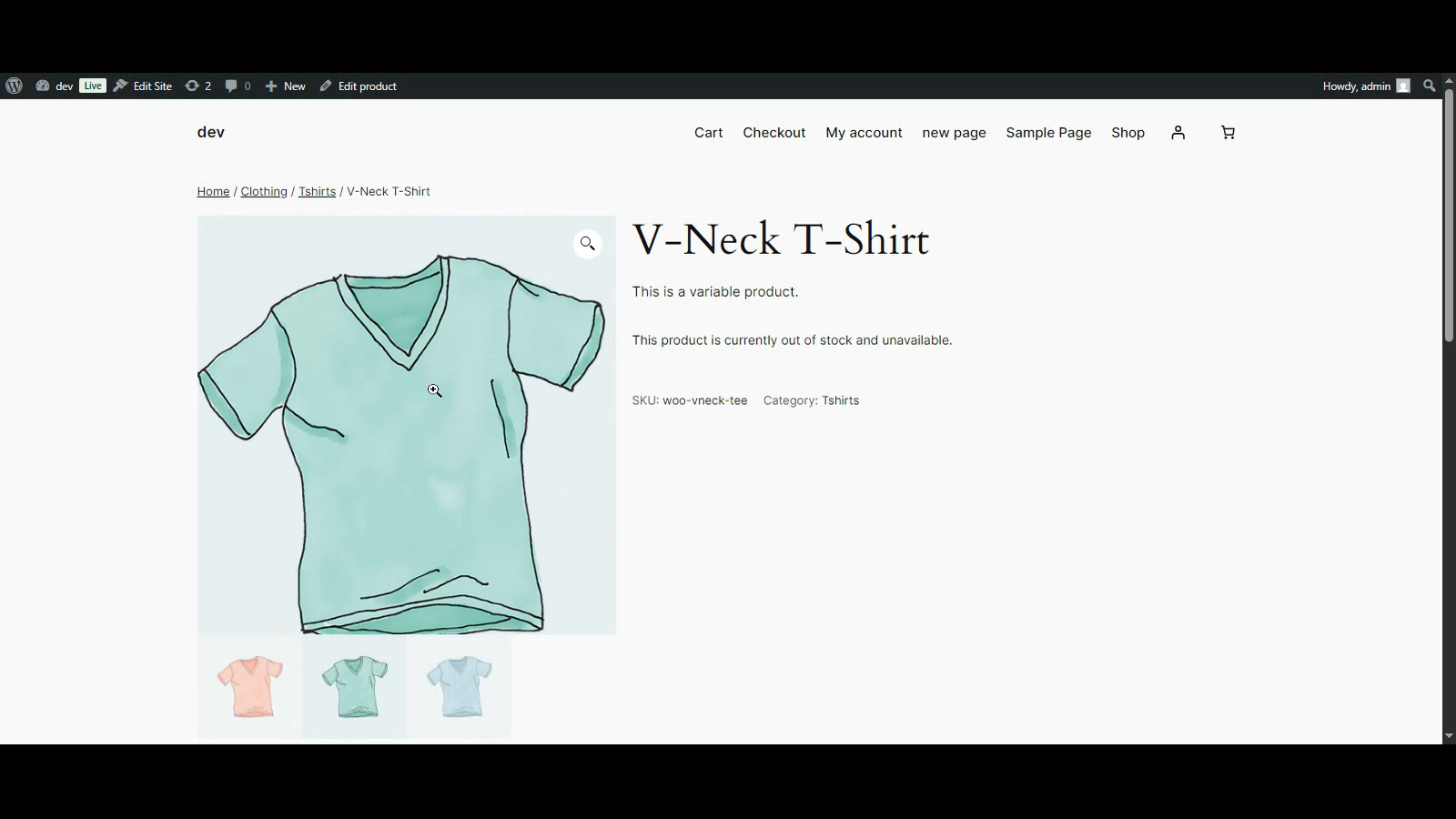
Plugin settings page
安裝方式
- Upload the plugin files to the
/wp-content/plugins/smartzoom/directory, or install it via the WordPress plugin screen. - Activate the plugin through the ‘Plugins’ screen.
- Navigate to Settings > SmartZoom to configure options.
常見問題集
-
Does it work with all themes?
-
It works with most themes that use the standard WooCommerce product gallery layout.
-
Can I change the zoom level?
-
Yes, the zoom level is customizable from the settings page.
使用者評論
這個外掛目前沒有任何使用者評論。
參與者及開發者

變更記錄
1.0.0
- Initial release.