外掛說明
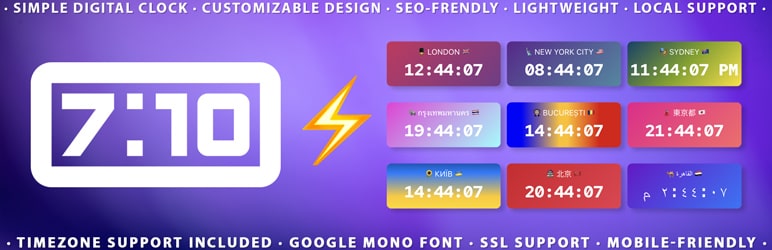
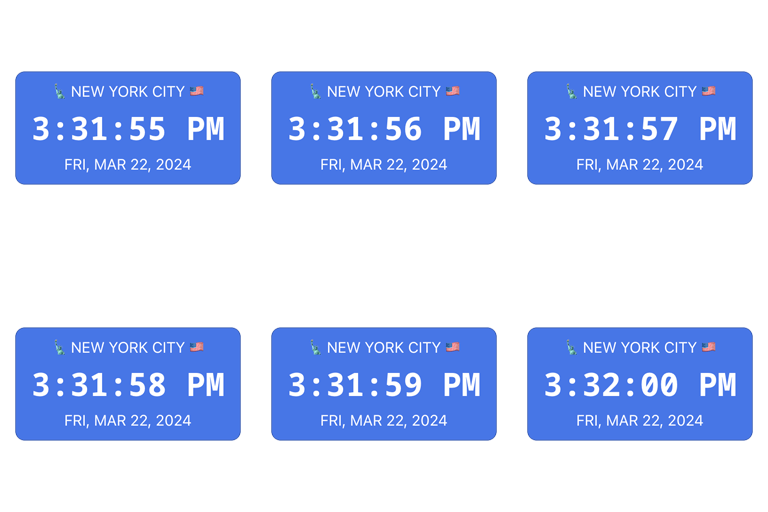
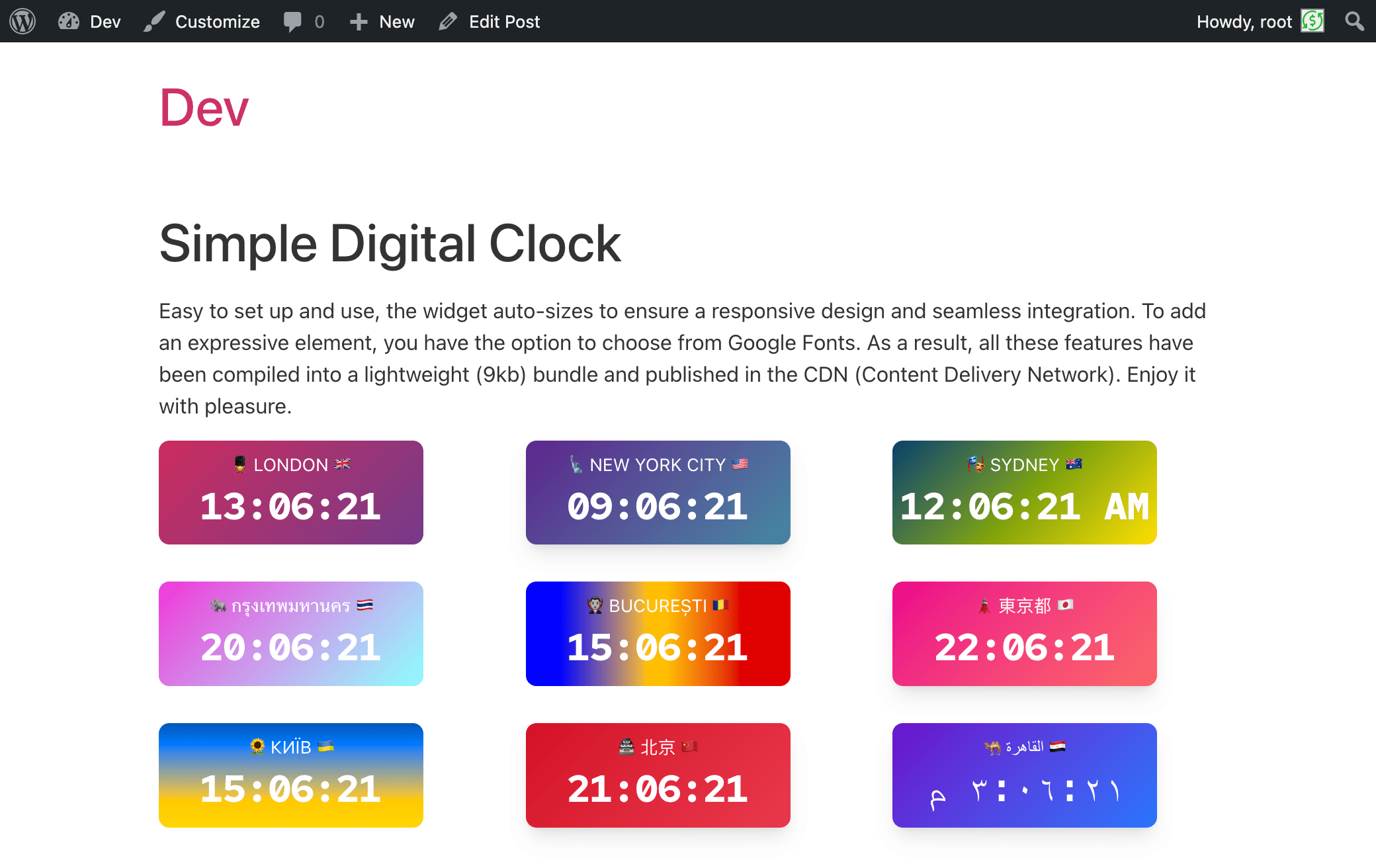
It is 🪄 a magical and easy-to-use digital clock with a beautiful UI, supporting multiple languages, locales, dates, captions, and time zones.
📌 Description
The Digital Clock Widget – the perfect addition to your website! This sleek and minimalist digital clock Gutenberg block (widget) offers a quick and easy way to display the current time on your site. With its clean design and unobtrusive style, it seamlessly blends into any webpage. Whether you’re running a blog, an e-commerce store, or a personal website, our widget keeps your visitors informed with accurate, real-time information. Easy to install and highly customizable, it’s the ideal choice for adding a touch of professionalism to your online presence. Upgrade your website today with the Simple Digital Clock Widget and keep your audience in sync with the times!
The plugin contains compressed JS code in order to save space and optimize the script. Following the WordPress community rules, we have opened a repository so that you can check and make sure that this code is malware-free and will not cause problems to its users.
Github: https://github.com/Timenow-zone/Simple-Digital-Clock-Widget
⭐️ FEATURES ⭐️
- 🚀 Lightweight (~11 KB gzip)
- 🗣 Locale support (BCP-47, e.g.,
en-US,uk,de-DE) - 🌐 IANA time zones (e.g.,
Europe/Kyiv,UTC) - 📝 Custom caption
- 🎨 Styling: color/gradient, radius, shadows
- 🔢 24-hour or AM/PM, ⏱ seconds, 📅 date
- 🔒 SSL-friendly, 📱 responsive, 🔍 SEO-friendly
- 💯 Free, no ads
How it works
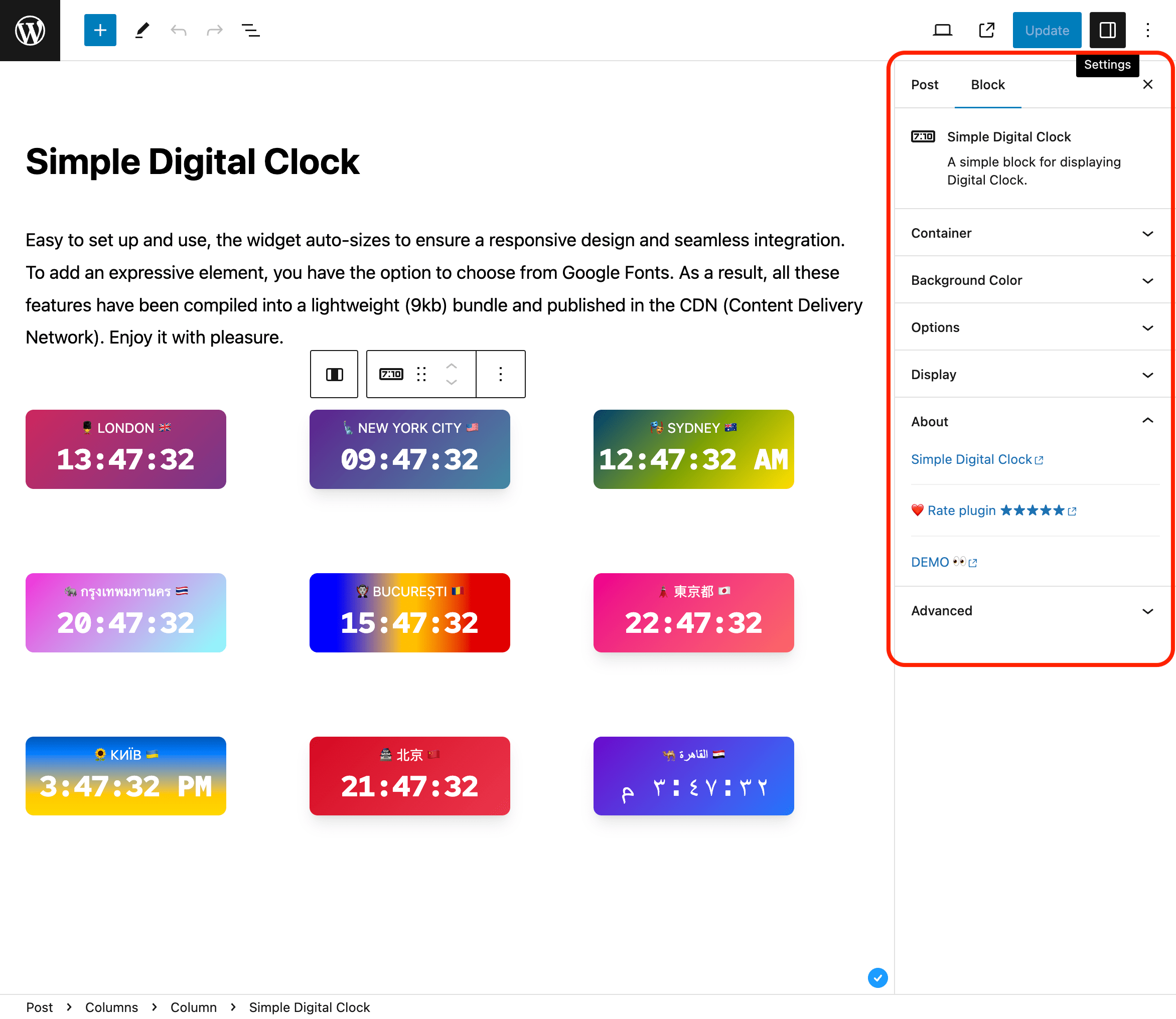
- Add the Simple Digital Clock block in the editor or as a widget.
- Configure in the right sidebar:
- Locale (e.g.,
en-US,uk,fr-FR) - Time Zone (IANA ID, e.g.,
Europe/Kyiv,America/New_York,UTC) - Seconds, Date, 24-Hour (AM/PM), Caption
- Background/gradient, border radius, shadow, and font
- Locale (e.g.,
📌 Installation
= From your WordPress dashboard =
1. Go to Plugins Add New
2. Search for “Simple Digital Clock”
3. Install & Activate
4. Insert the block in the editor or add it as a widget (/wp-admin/widgets.php)
From WordPress.org
- Download “Simple Digital Clock”
- Upload to /wp-content/plugins/
- Activate
- Insert the block / add the widget
🍩 Donations
🕒 Sync Time: UTC
🗓️ Today’s Date: TodaysDateNow
螢幕擷圖
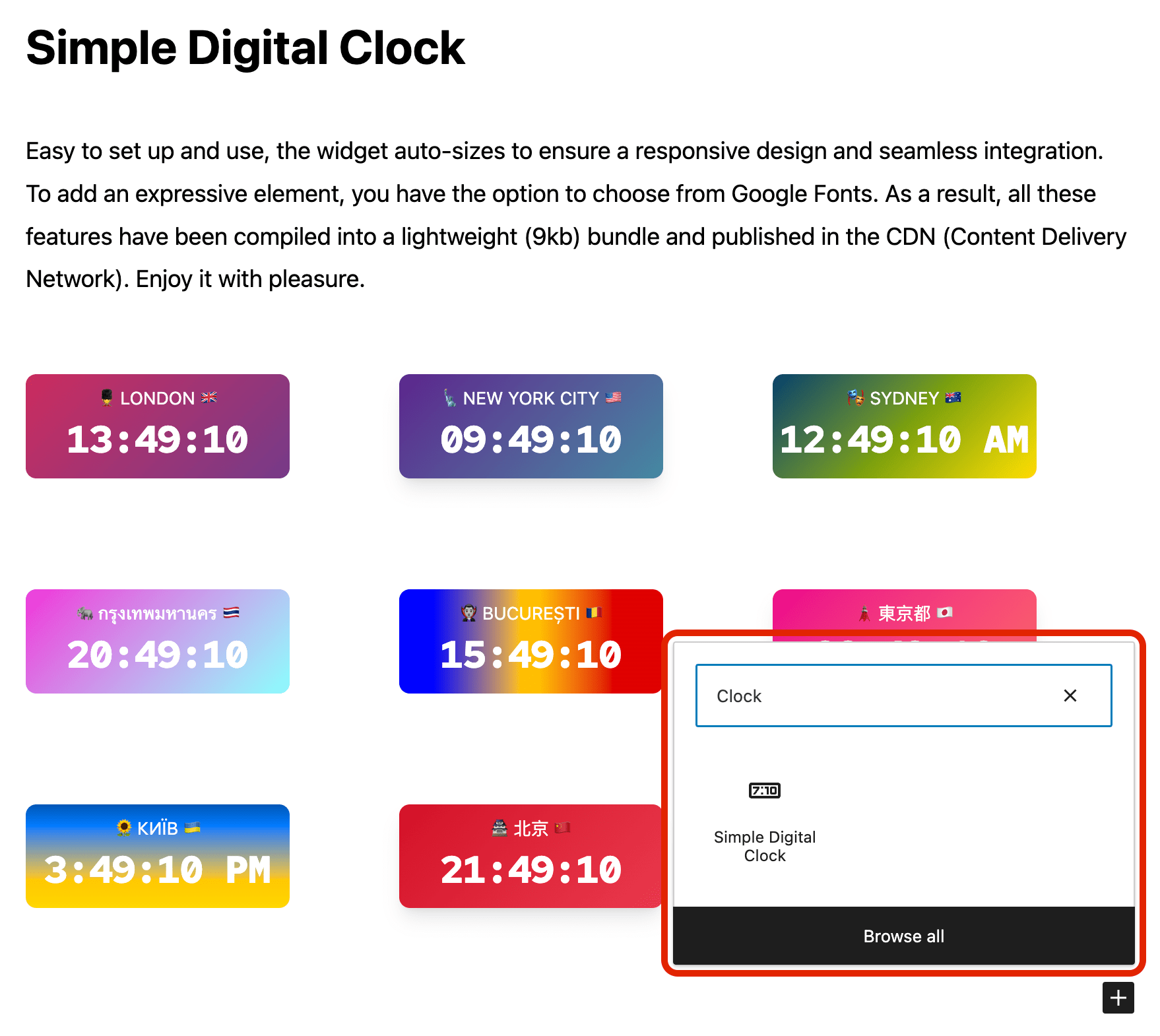
適用於區塊編輯器
這個外掛提供 1 個可供區塊編輯器使用的區塊。
- Simple Digital Clock Block Widget Block
常見問題集
Can I set a custom locale (e.g., `uk` or `en-GB`)?
Yes. Use the Locale field and enter any valid BCP-47 tag.
How do I pick the time zone?
Use the Time Zone field and select any valid IANA ID (e.g.,
Europe/Kyiv,UTC).Can I use my own fonts?
You can choose from built-in mono fonts (Google Fonts) or keep the system font.
24-hour format
Yes. You can enable 24-hour time for any locale. Toggle 24-Hour in the block settings. For 12-hour time with AM/PM, turn it off.
Can I show different locales and time zones on the same page?
Yes. Each block is independent—set its own locale and time zone.
Is it fast?
Yes. The script is tiny and minified, with no heavy dependencies.
使用者評論


參與者及開發者

變更記錄
1.0.4
- Verified compatibility with WordPress 7.0.
- Added isolated upgrade-path testing from the public 1.0.3 release.
- Added WordPress 7 smoke coverage across PHP 8.2, 8.3, 8.4, and 8.5.
1.0.3
- Updated: POT file.
1.0.2
- Fix: Minor bugs fixed.
1.0.1
- Fix: JavaScript issue resolved.
1.0.0
- New: Stable release published.
- New: 24-hour time format option.
0.2.1
- Fix: Minor bugs fixed.
0.2.0
- Enhancement: Clock JavaScript updated.
- Fix: Minor bugs fixed.
0.1.1
- Fix: Minor bugs fixed.
0.1.0
- Initial release.