外掛說明
IMPORTANT: ALWAYS TAKE A DATABASE BACKUP BEFORE CLEANING!
This plugin includes a feature to Download Database Backup directly from the dashboard.
Plugin Features:
1. Database Backup: Download a full database backup before performing any cleanup.
2. Check database size before and after cleanup.
3. Remove revisions, dummy posts, and orphaned post meta.
4. Compatible with Gutenberg editor.
5. Supports pages, posts, and custom post types (CPTs).
Configure settings via WordPress Admin -> Settings -> SatishDB Cleaner.
螢幕擷圖
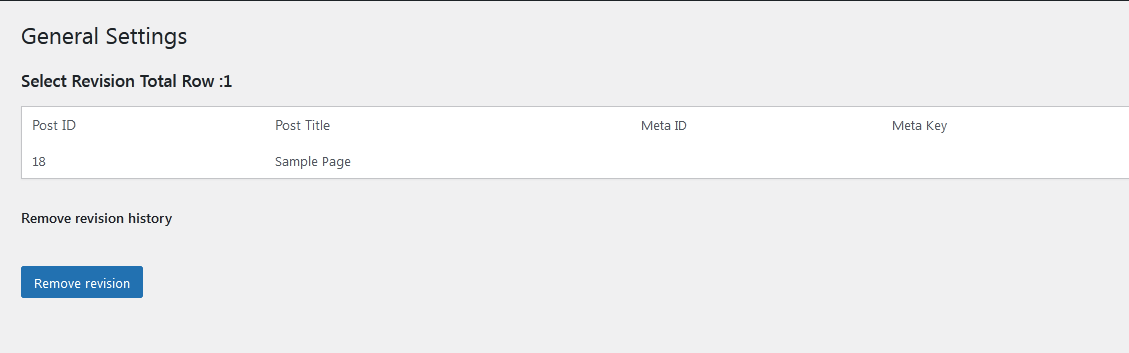
SatishDB Cleaner — Remove Revisions & Dummy Content – list of rows 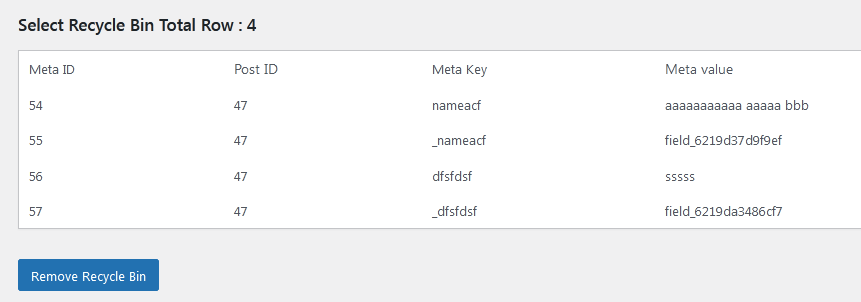
安裝方式
- Upload
satishdb-cleaner-remove-revisionsfolder to your/wp-content/plugins/directory. - Activate the plugin from Admin > Plugins menu.
- Navigate to Settings > SatishDB Cleaner to use the cleanup options.
使用者評論
這個外掛目前沒有任何使用者評論。
參與者及開發者


變更記錄
1.0
- Initial Release
1.1
- Display Reordering
1.2
- Display pages, posts, or CPT listings with Title, Featured Image, Content limit, and Pagination
1.3
- Improved display with animation effects
1.7
- Security hook enhancements