
外掛說明
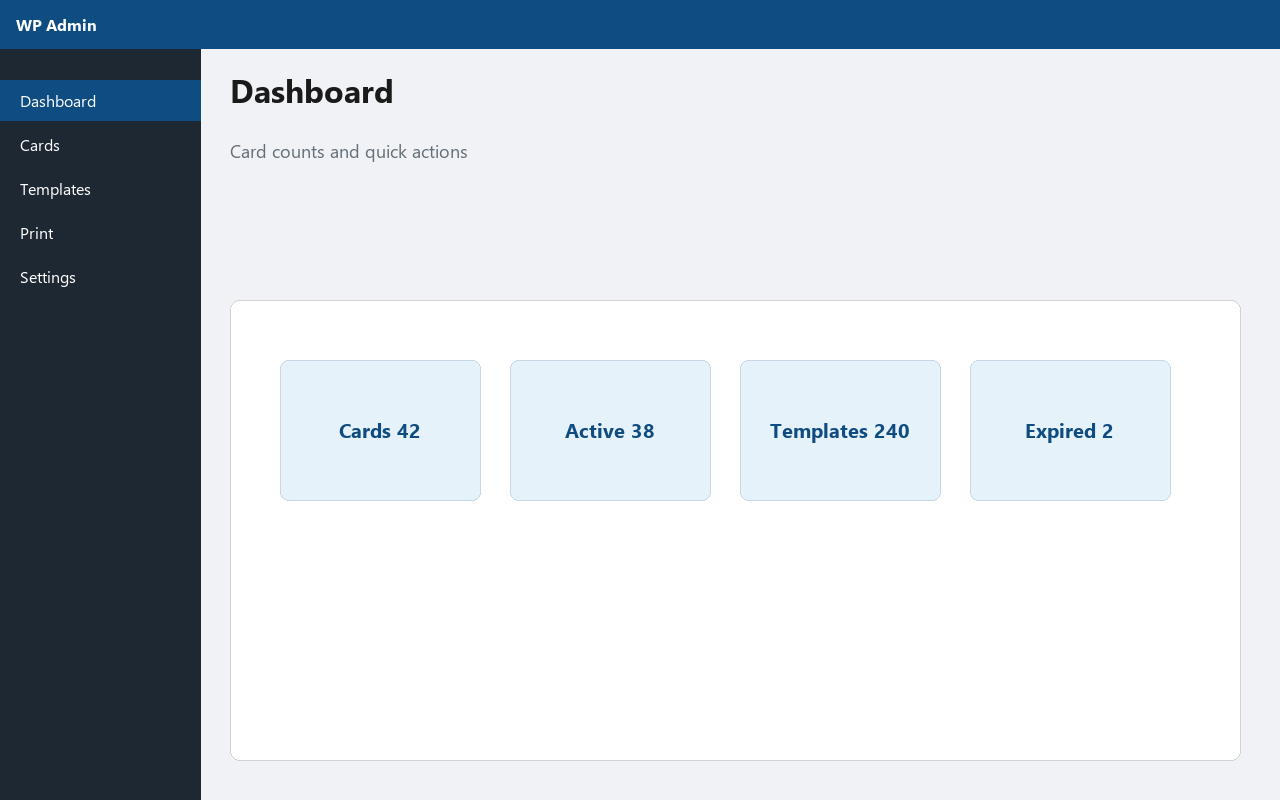
Sajeebit ID Card Generator helps schools, offices, and clubs create printable ID cards directly from the WordPress admin.
It is a self-contained free plugin. Card data stays in your WordPress database. No external ID-card APIs or paid PDF services are required — print from the browser or save as PDF.
Official website: https://sajeebit-id-card-generator.sajeebit.com/
Features
- Organization profile (name, logo, address, phone, footer text)
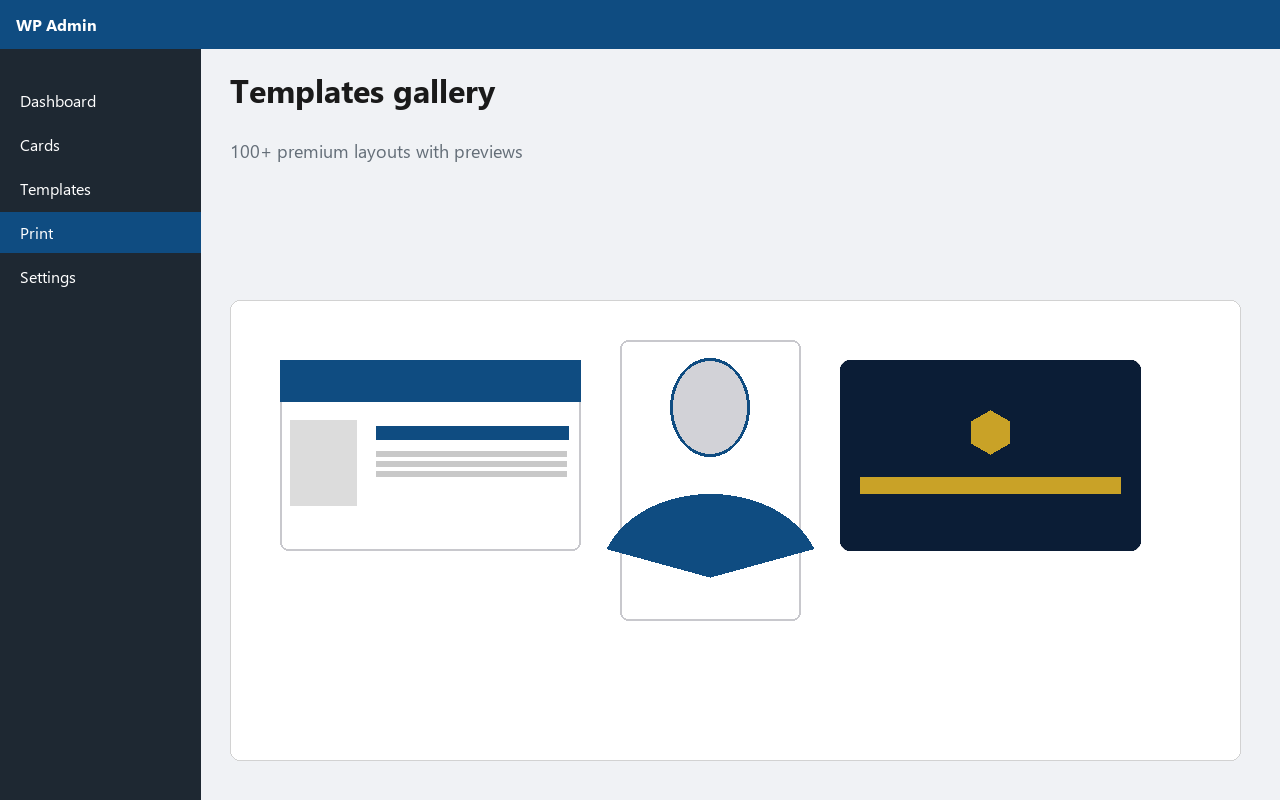
- 100+ premium templates — 16 layout styles × 15 color themes (240 designs)
- Layouts include Classic, Split, Stripe, Badge, Portrait, Ribbon, Minimal, Band, Wave, Geometric, Chevron, Mosaic, Hex, Diagonal, Elegant, Corners
- Live template preview while editing colors and fields
- Card holder records (photo, ID number, designation, department, blood group, dates, status)
- Search and status filters
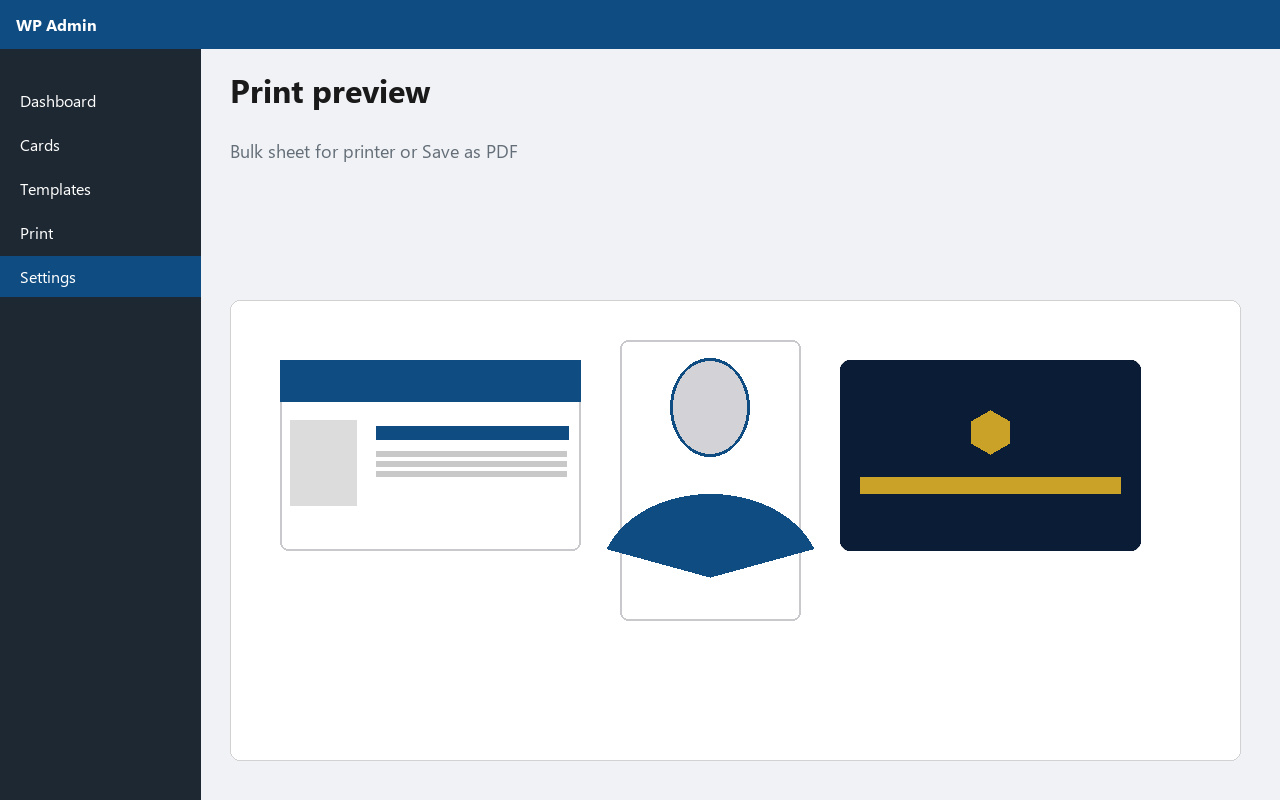
- Single-card and bulk print view
- Browser print / Save as PDF
- Optional delete-all-data on uninstall (disabled by default)
- Capability checks, nonces, prepared SQL
Documentation
Full documentation: https://sajeebit-id-card-generator.sajeebit.com/docs.html
Quick start:
- Activate the plugin.
- Open Settings and set your organization name and logo.
- On Templates, click Install 100+ premium pack, then pick a design.
- Add cards with photos.
- Open Print and print or save as PDF.
Privacy
- No remote tracking
- No analytics injection
- No phoning home
- Optional data deletion on uninstall (disabled by default)
螢幕擷圖
安裝方式
- Install Sajeebit ID Card Generator from the WordPress plugin directory, or upload the plugin ZIP via Plugins Add New Upload Plugin.
- Activate the plugin through the Plugins screen.
- Open Sajeebit ID Cards from the WordPress admin menu.
- Configure organization settings.
- Install the premium template pack and customize.
- Add card holders and print.
More detail: https://sajeebit-id-card-generator.sajeebit.com/docs.html
常見問題集
-
Where can I find documentation?
-
Visit https://sajeebit-id-card-generator.sajeebit.com/docs.html
-
How many templates are included?
-
The premium pack includes 240 templates (16 layouts × 15 color themes). Use Install 100+ premium pack on the Templates screen.
-
What card size is supported?
-
Templates default to CR80 (85.60 × 53.98 mm landscape, or portrait for vertical layouts). You can change width and height per template.
-
Can I export PDF?
-
Yes. Use the Print screen and choose “Save as PDF” in your browser print dialog.
-
Does this require an external service?
-
No. Everything runs inside WordPress.
-
Is my data deleted when I uninstall?
-
Only if you enable “Delete all plugin tables and settings when the plugin is deleted” in Settings. It is off by default.
使用者評論
這個外掛目前沒有任何使用者評論。
參與者及開發者

變更記錄
1.0.0
- Initial release: 100+ premium templates, cards, print, organization settings, live preview, uninstall option