
外掛說明
ProductByte is an e-commerce marketing workspace for business owners, marketers, and agencies. It turns product catalogs into on-brand product photography, campaign creatives, localized offers, and channel-ready social ads.
ProductByte for WooCommerce connects your store to ProductByte Studio and keeps your catalog available as creative context. Use your WooCommerce product data and images to create marketing content without re-entering product details or rebuilding the same campaign for every format and market.
Use it to:
- Send your WooCommerce product catalog to ProductByte
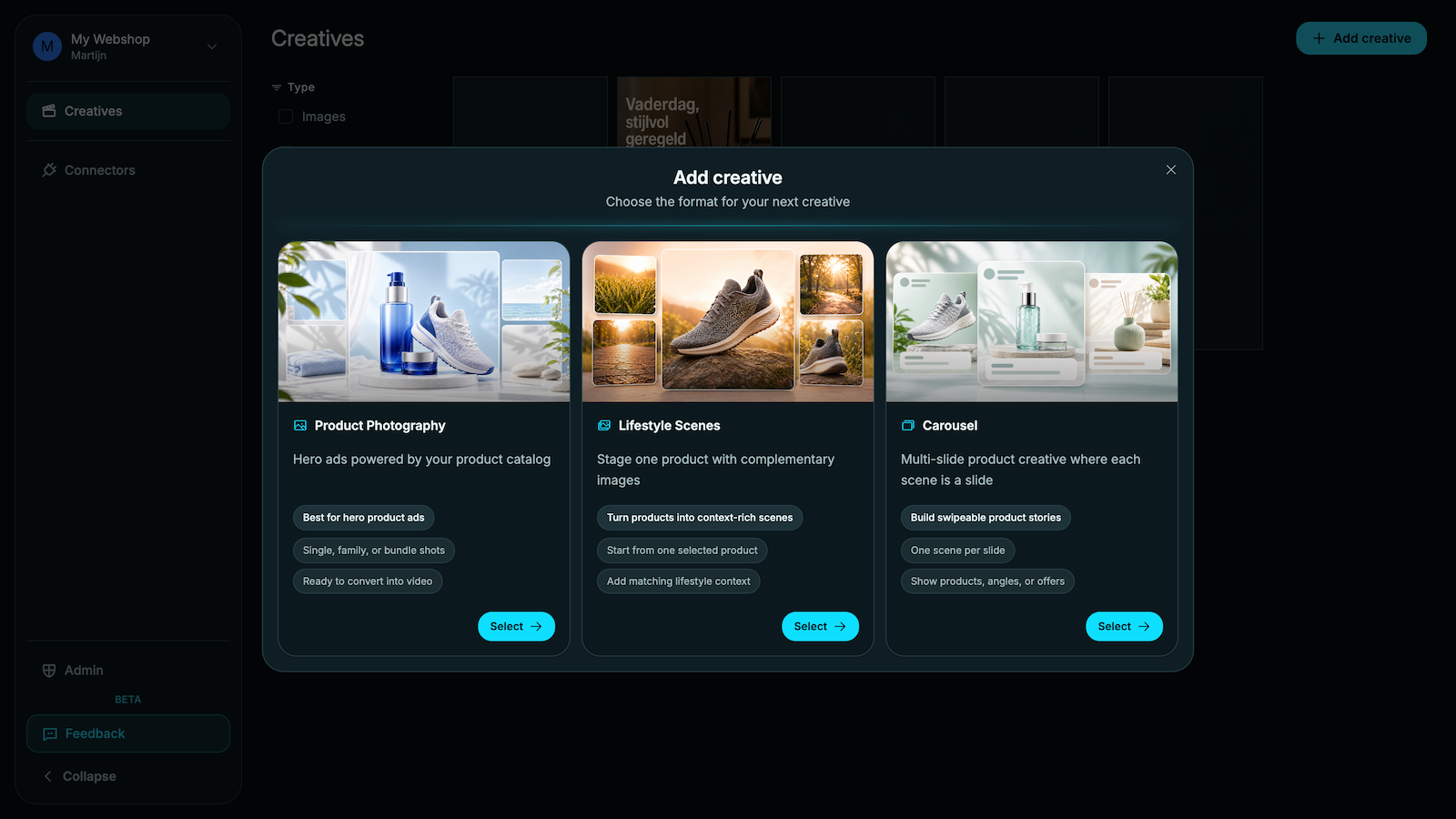
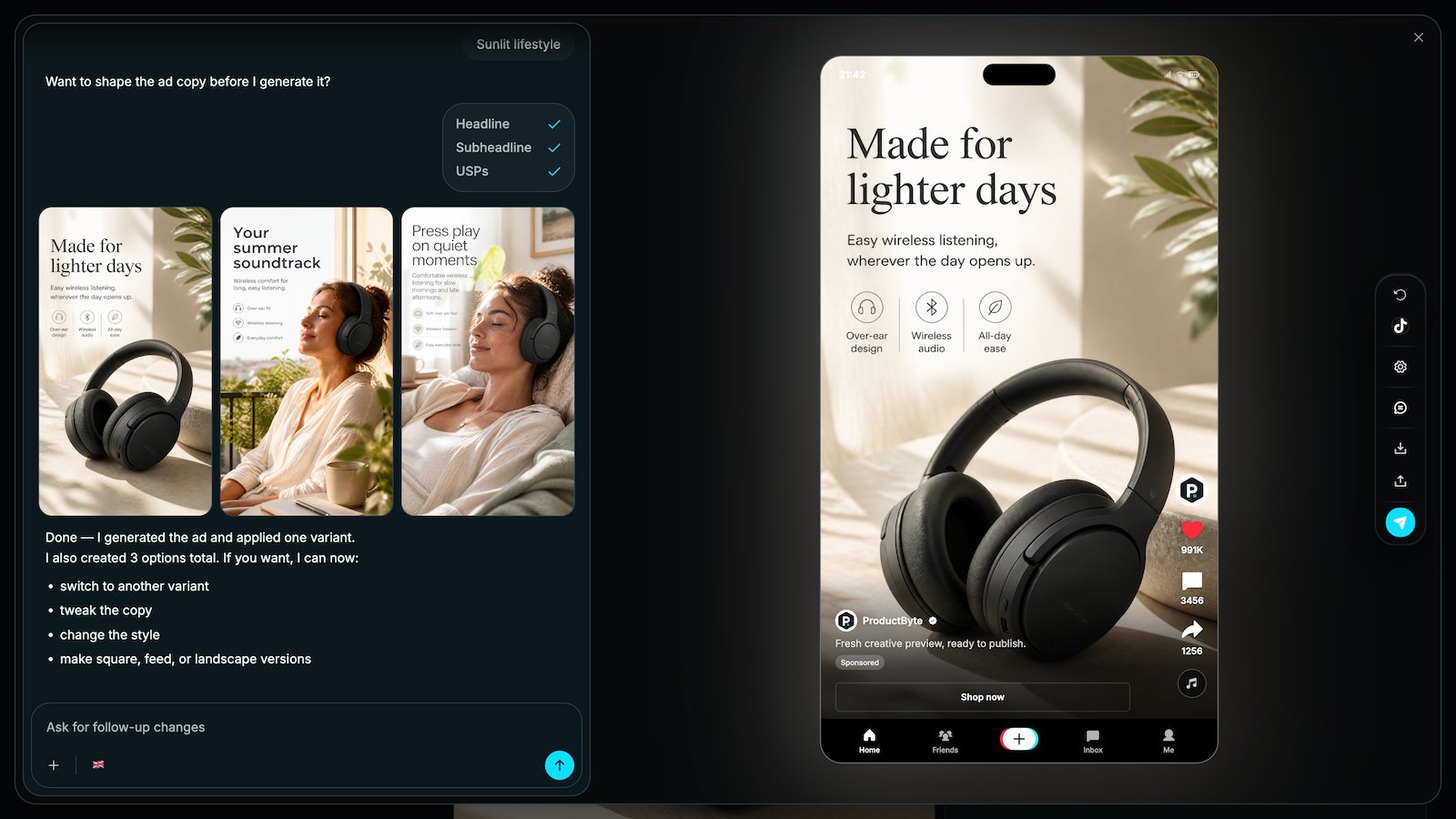
- Create on-brand product photography and campaign creatives from your product context
- Build carousels, localized offers, and channel-ready social ad formats
- Connect from WordPress with one-click OAuth instead of manually creating API keys
How it works
- Install and activate the plugin
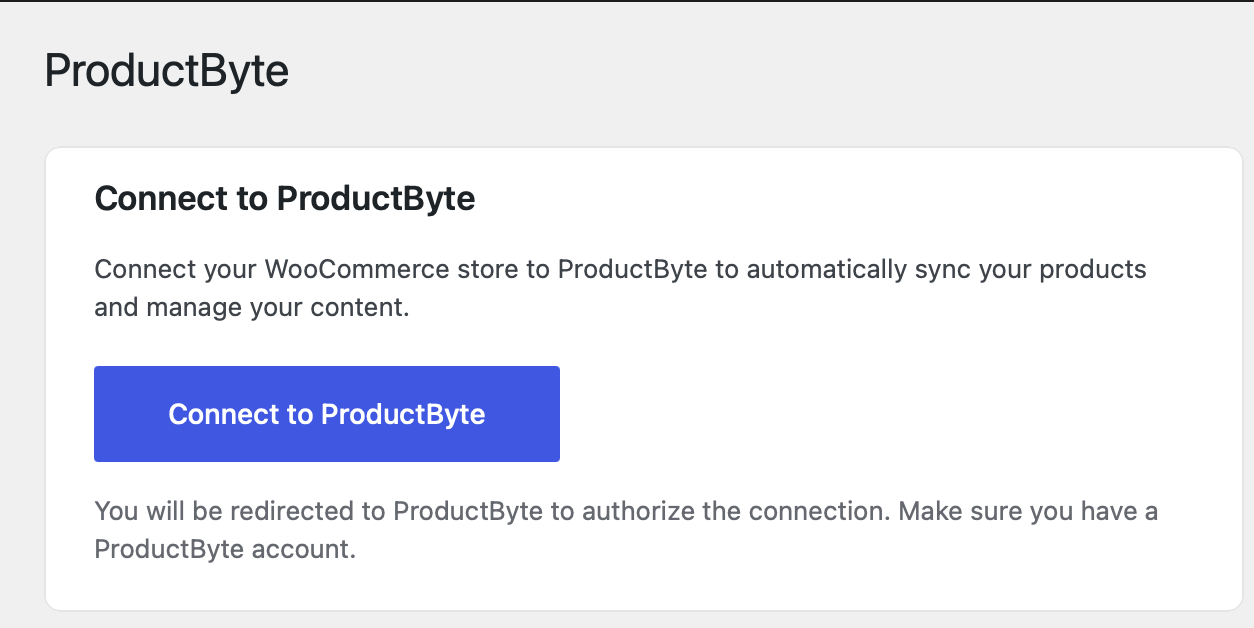
- Click “Connect to ProductByte”
- Log in to your ProductByte account and authorize the connection
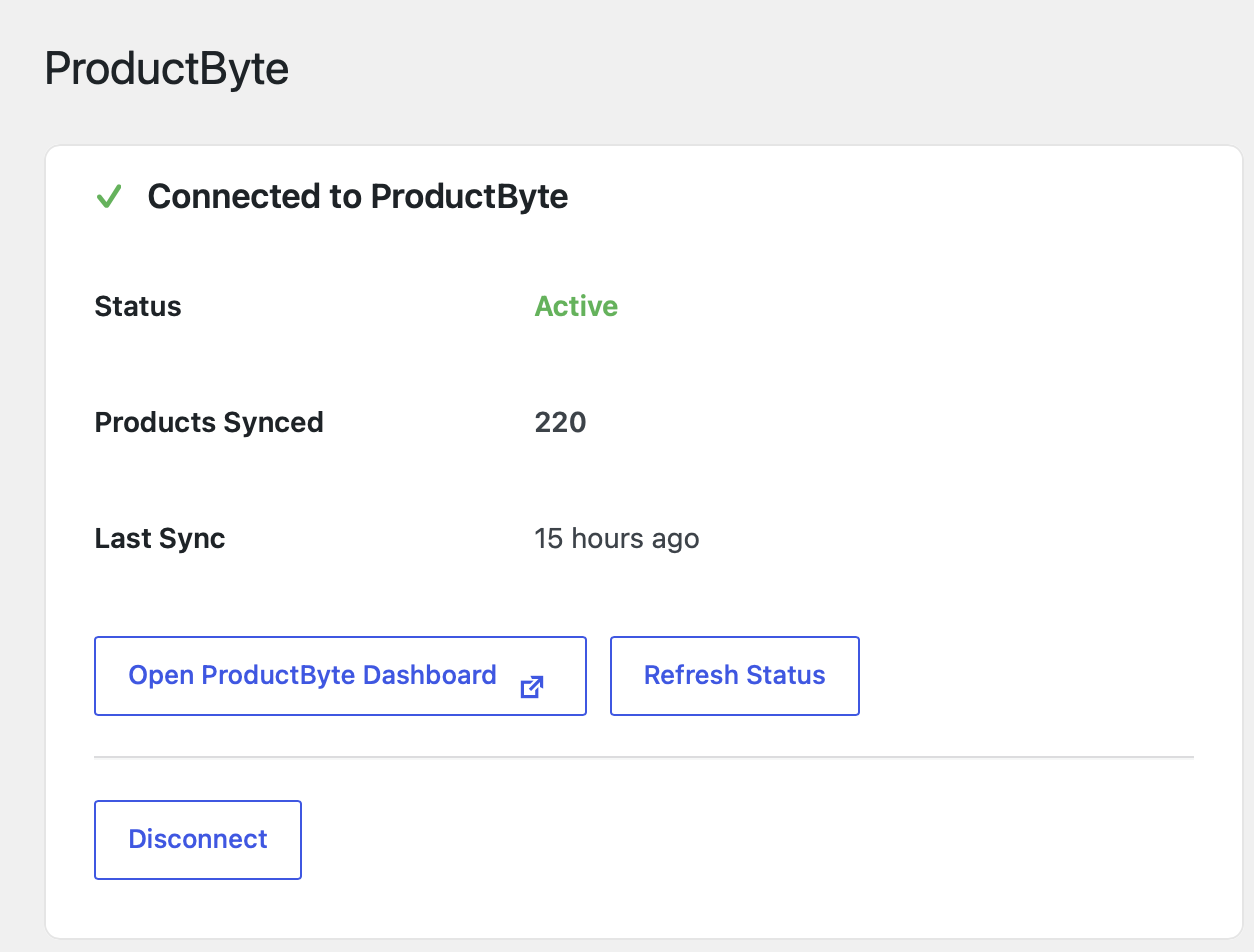
- Your products start syncing automatically
Requirements
- WordPress 5.3 or higher
- WooCommerce 5.0 or higher
- PHP 7.4 or higher
- A ProductByte account (sign up free)
External service and data
This plugin connects your WooCommerce store to ProductByte. ProductByte is an external service, so the plugin sends data to ProductByte servers when you connect the store, sync products, check connection status, or disconnect.
The data sent can include:
- Store URL and store name
- Product catalog data, such as product names, descriptions, prices, images, and related product fields
- WooCommerce REST API credentials generated for the connection
- Connection status and sync metadata, such as product counts and last sync time
You need a ProductByte account to use the service. ProductByte’s terms and privacy policy are available here:
- Terms of Service: https://productbyte.com/terms
- Privacy Policy: https://productbyte.com/privacy
螢幕擷圖
安裝方式
Automatic Installation
- Go to Plugins > Add New in your WordPress admin
- Search for “ProductByte for WooCommerce”
- Click “Install Now” and then “Activate”
- Go to WooCommerce > ProductByte to connect your store
Manual Installation
- Download the plugin zip file
- Go to Plugins > Add New > Upload Plugin
- Choose the zip file and click “Install Now”
- Activate the plugin
- Go to WooCommerce > ProductByte to connect your store
常見問題集
-
Do I need a ProductByte account?
-
Yes, you need a ProductByte account to use this plugin. You can sign up for free.
-
Is my data secure?
-
Yes. We use industry-standard encryption and OAuth 2.0 for authentication. Your WooCommerce API credentials are securely stored and only used to sync product data.
-
How often are products synced?
-
Products are synced when you first connect, and can be manually re-synced from your ProductByte dashboard. Automatic sync schedules depend on your ProductByte plan.
-
Can I disconnect my store?
-
Yes, you can disconnect at any time from WooCommerce > ProductByte. This will remove the connection and delete stored credentials.
使用者評論
這個外掛目前沒有任何使用者評論。
參與者及開發者

變更記錄
2.0.2
- Changed: ProductByte API calls now use the FAPI endpoints
- Removed: Unused inbound webhook receiver
2.0.1
- Updated: Plugin description now reflects ProductByte’s full creative toolset (photography, campaigns, localized offers, social ads), not just product sync
2.0.0
- New: One-click OAuth connection flow
- New: Automatic WooCommerce API key generation
- New: Live sync status display
- New: Disconnect functionality
- Improved: Better error handling and user feedback
- Improved: Modern card-based UI
1.0.0
- Initial release
- Manual token-based connection
- Basic sync functionality