
外掛說明
WooCommerce’s built-in webhooks have no retries, no delivery log, and no replay button — when one silently fails, you usually don’t find out until a customer complains.
Ploq Webhooks connects your site to Ploq, a webhook delivery service with automatic retries, HMAC signing, and full delivery logs. Pick from ready-made WooCommerce and WordPress event sources with a checkbox, or map any custom WordPress hook — no code required.
Sending
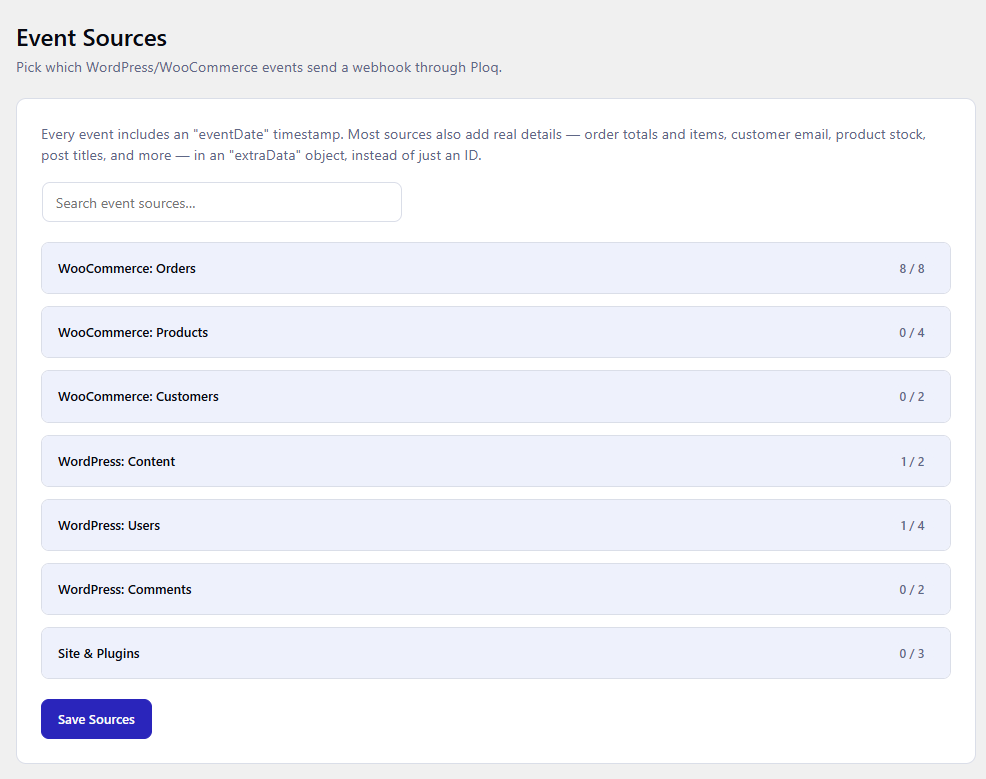
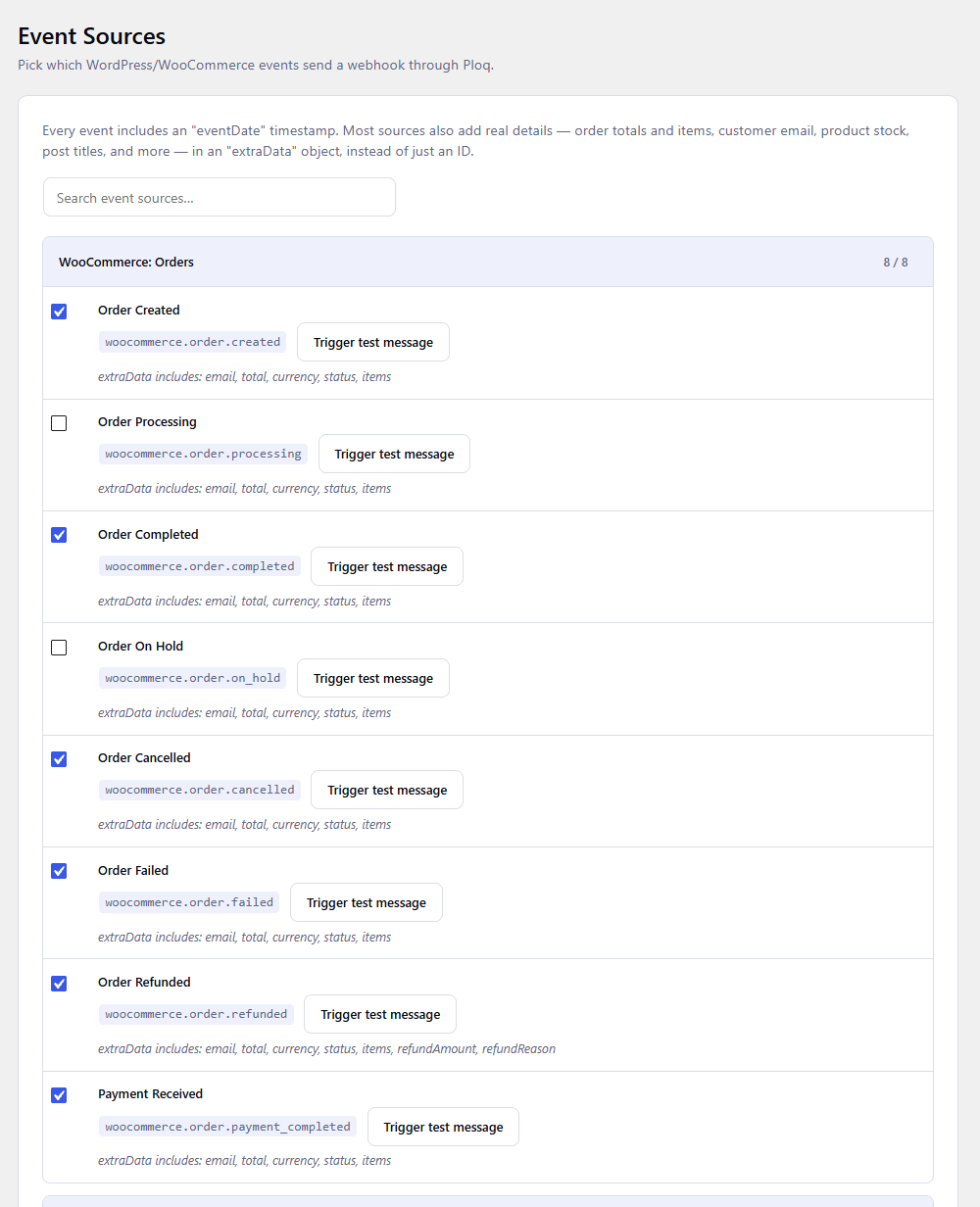
- Turn 25+ ready-made WooCommerce and WordPress events — orders, products, customers, posts, users, comments, plugins/themes — into reliable webhooks with a checkbox, enriched with real order/customer/post details, not just an ID.
- Map any other WordPress action hook to a webhook with a guided form — no JSON or code editing.
- See every delivery attempt, success or failure, right in your WordPress dashboard.
Receiving
- Register this site as a webhook endpoint for any Ploq-powered service.
- Signatures are verified automatically; your theme or another plugin reacts via a single
ploq_webhook_receivedaction.
Requires a free or paid Ploq account and an Application with an API key.
External Services
This plugin connects to the Ploq API to deliver and verify webhooks. It is a connector for the Ploq webhook delivery service and does nothing until you create a Ploq account, enter an API key and App ID, and enable at least one event source or the receiver.
What is sent, and when:
- When an enabled event source fires (or you click “Trigger test message” or “Resend”), the plugin sends the configured event type and payload fields to the Ploq API. Depending on which sources you enable, this can include order IDs and refund IDs; order details such as customer email, total, currency, status, and a plain-text summary of line items; product name, SKU, price, and stock level; user/customer email, username, and display name; post title, permalink, and author; comment author, email, excerpt, and the related post title; or the arguments of any custom hook you map. Every event also includes a timestamp of when it fired.
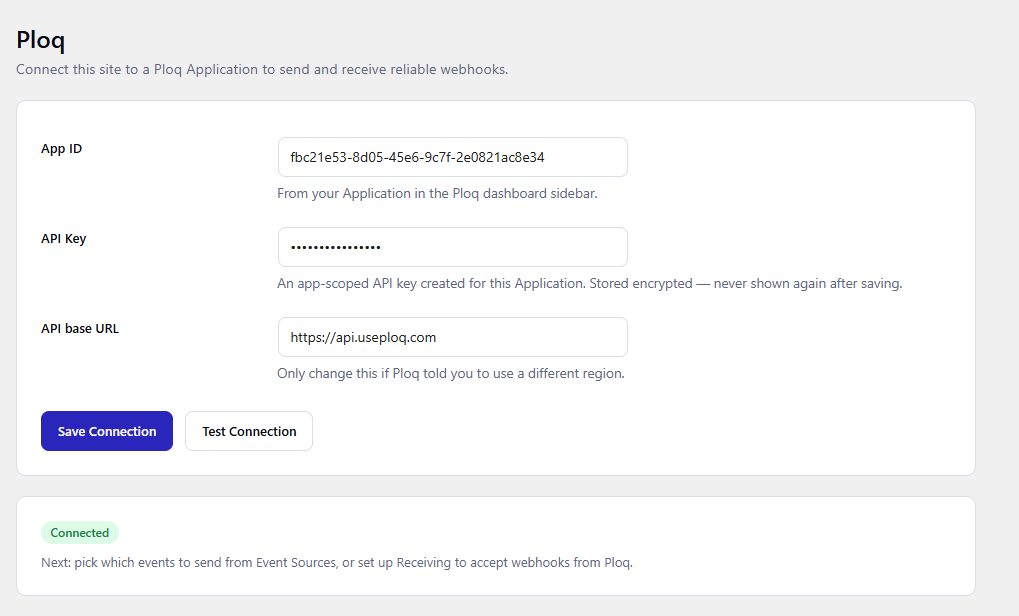
- When you click “Test Connection”, the plugin sends the API key and App ID you entered to verify they work.
- Every request is authenticated with your API key and goes to
https://api.useploq.comby default, or the API base URL you configure in Settings.
The plugin sends no analytics, telemetry, or tracking data, and it never contacts Ploq (or any other external server) on sites where it has not been configured.
This service is provided by Ploq: Terms of Service, Privacy Policy.
螢幕擷圖
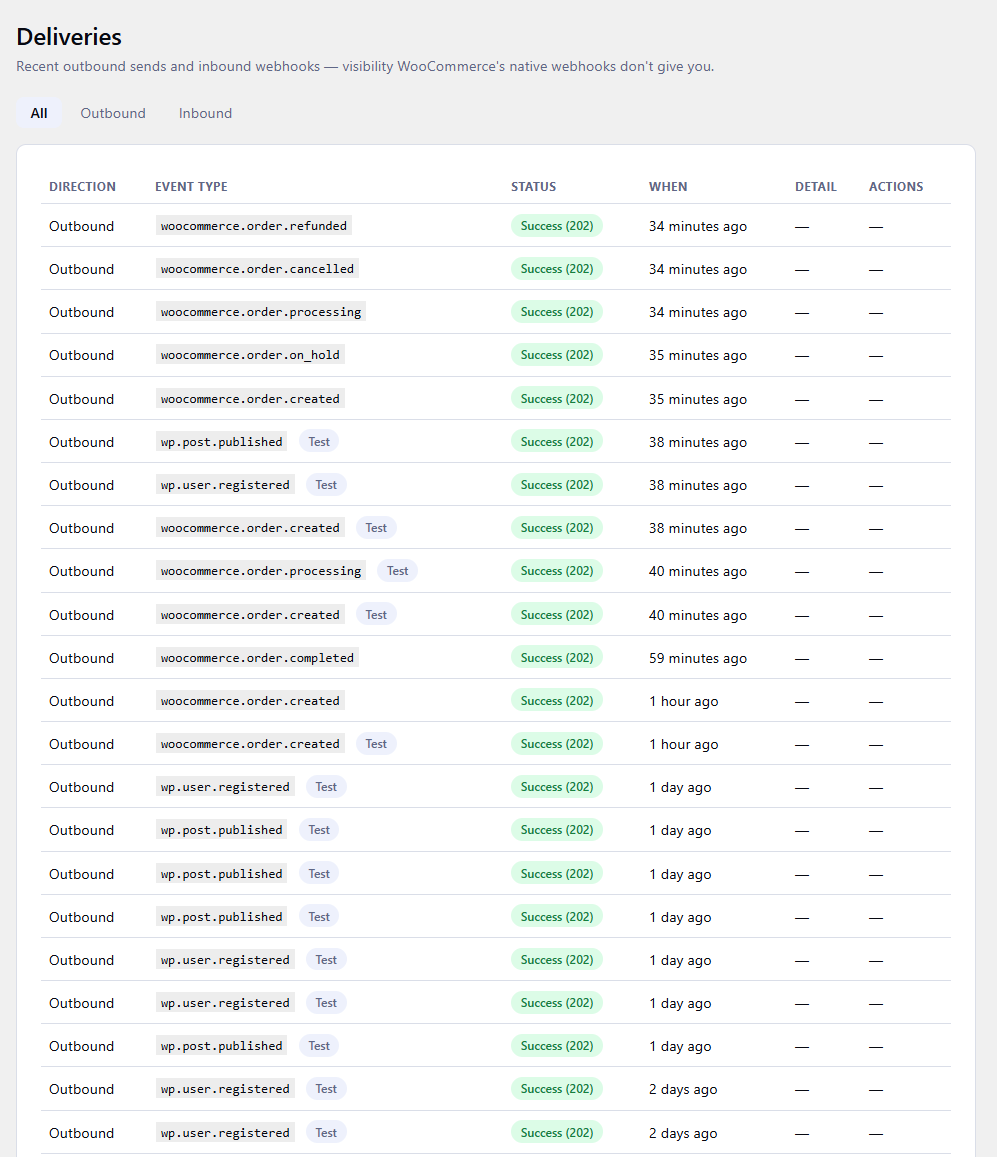
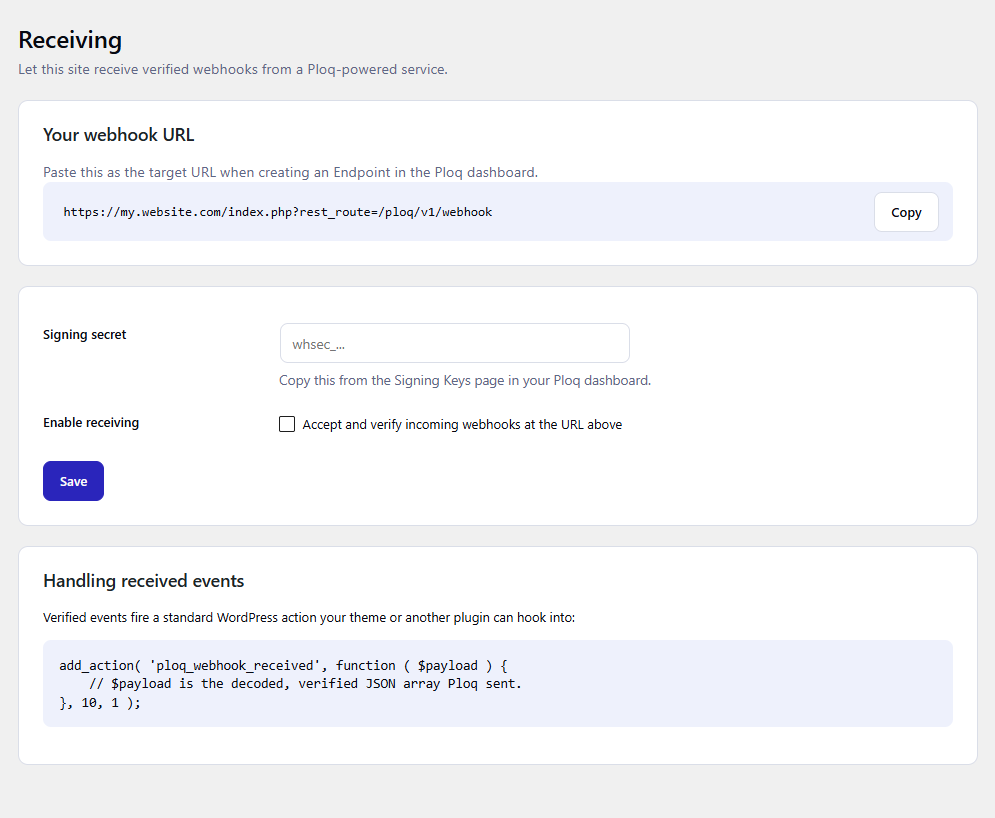
ploq_webhook_received action your theme or another plugin hooks into.安裝方式
- Upload the plugin, or install it from the WordPress plugin directory.
- Activate it.
- Go to Ploq Webhooks Settings, paste your Application’s API key and App ID, then click Test Connection.
- Go to Ploq Webhooks Event Sources to pick which events to send, or Ploq Webhooks Receiving to accept incoming webhooks.
常見問題集
-
Do I need a Ploq account?
-
Yes — create an Application and an app-scoped API key at https://useploq.com first, then paste the key into this plugin.
-
Does this slow down checkout?
-
Outbound sends happen synchronously with a short timeout, the same as WooCommerce’s own native webhooks. A future version may move sending to a background queue.
-
Where are my API key and webhook secret stored?
-
Encrypted in the WordPress database, using a key derived from your site’s own unique
AUTH_KEY/AUTH_SALTvalues (defined in wp-config.php) — never stored in plaintext.
使用者評論
這個外掛目前沒有任何使用者評論。
參與者及開發者

變更記錄
0.2.0
- Renamed the “Deliveries” page to “Messages” and the sidebar menu to “Ploq Webhooks” with a clearer icon.
- Messages page is now paginated instead of showing only the most recent 50.
- Added a “Delete all messages” option (with a confirmation prompt) for shrinking the table on high-traffic sites.
- Messages page now shows the automatic retention period (30 days / 500 rows) as a tip.
0.1.0
- Initial release: standard WooCommerce/WordPress event sources, a guided custom hook builder, a delivery log, and a webhook receiver.