

外掛說明
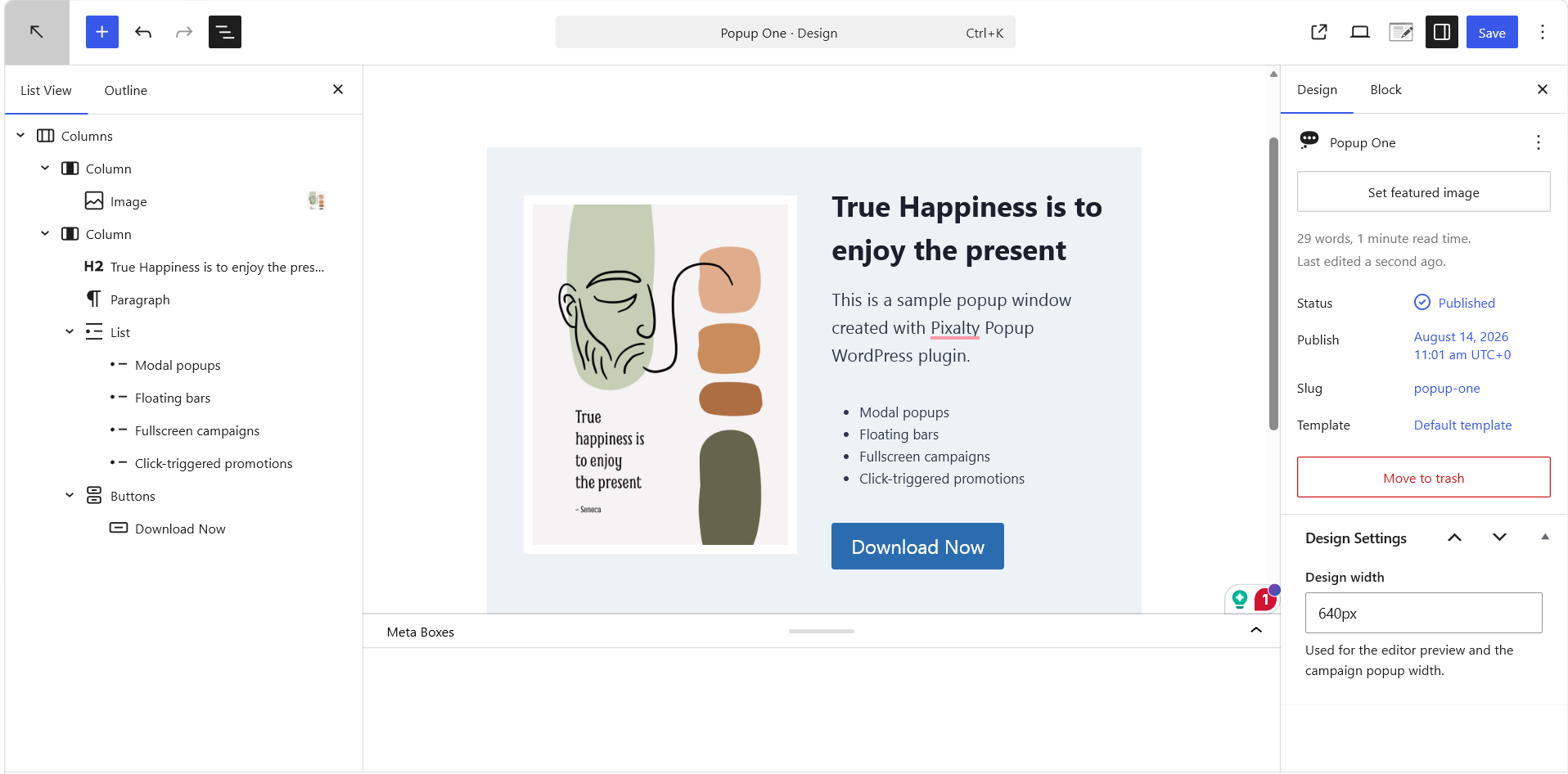
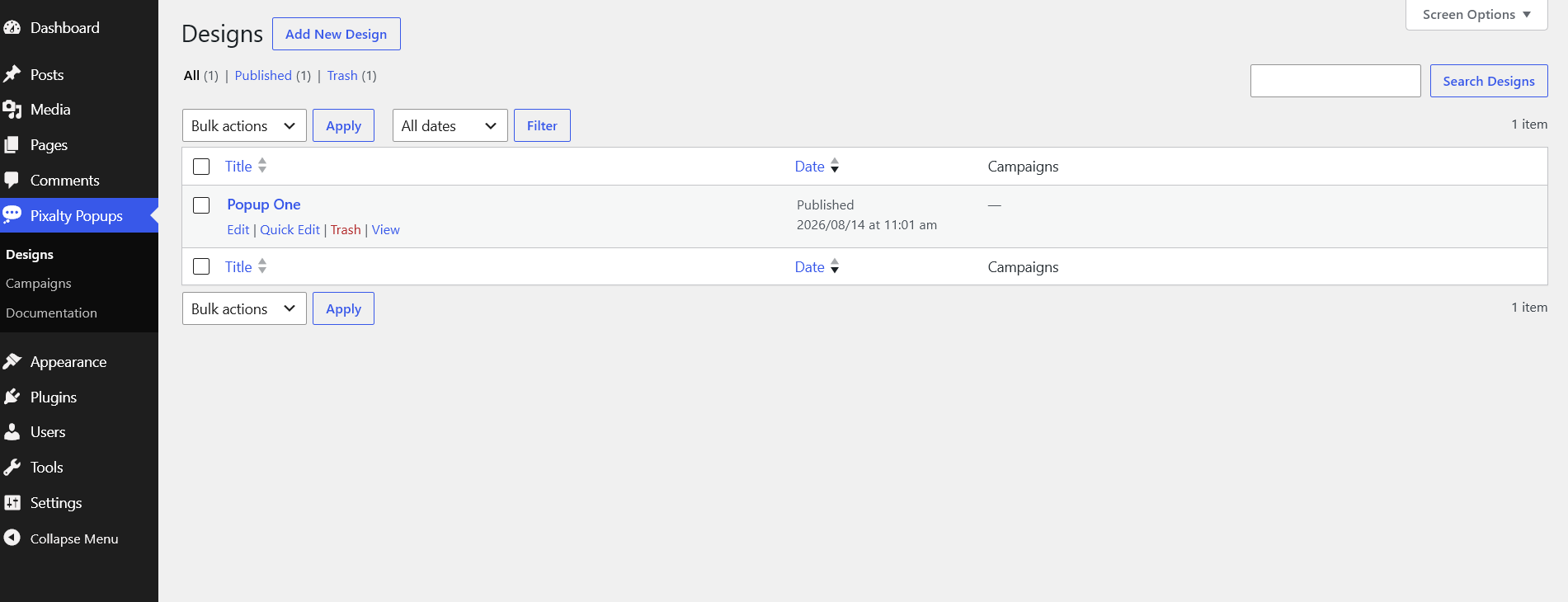
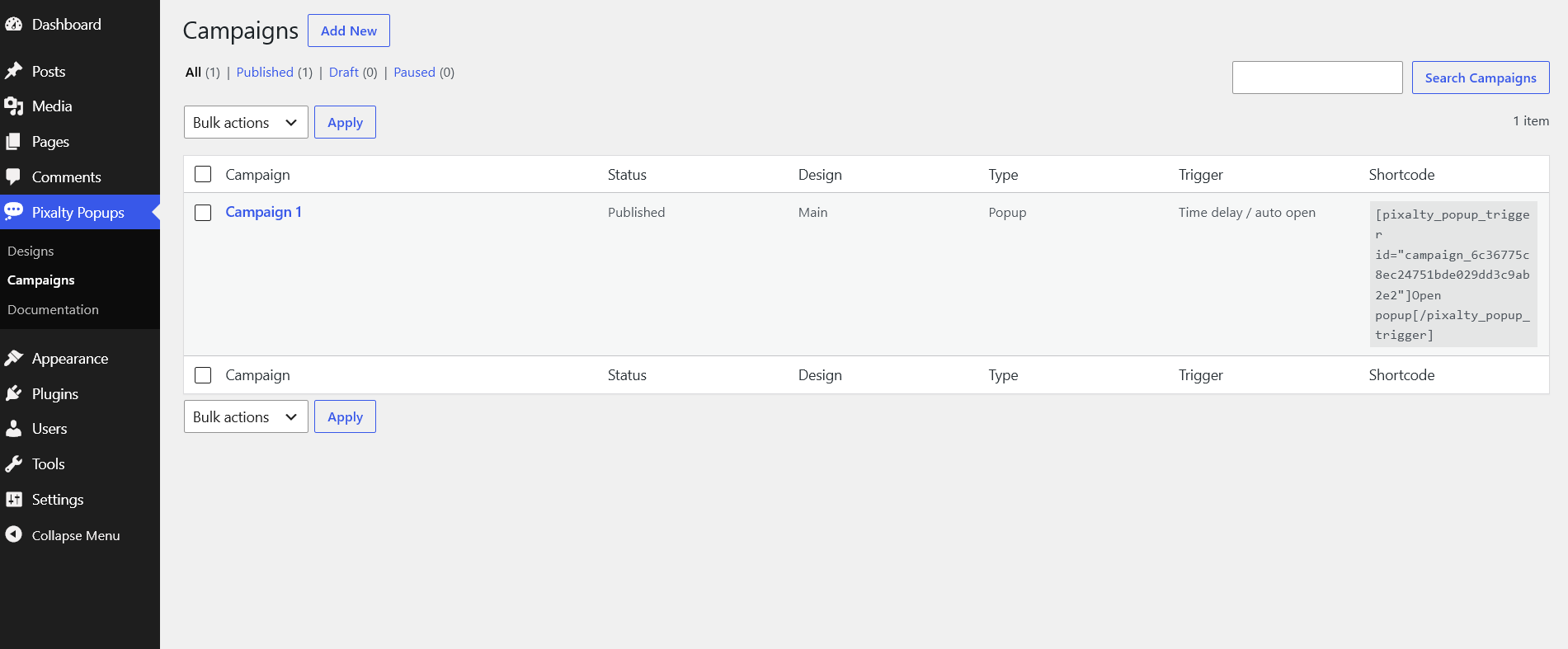
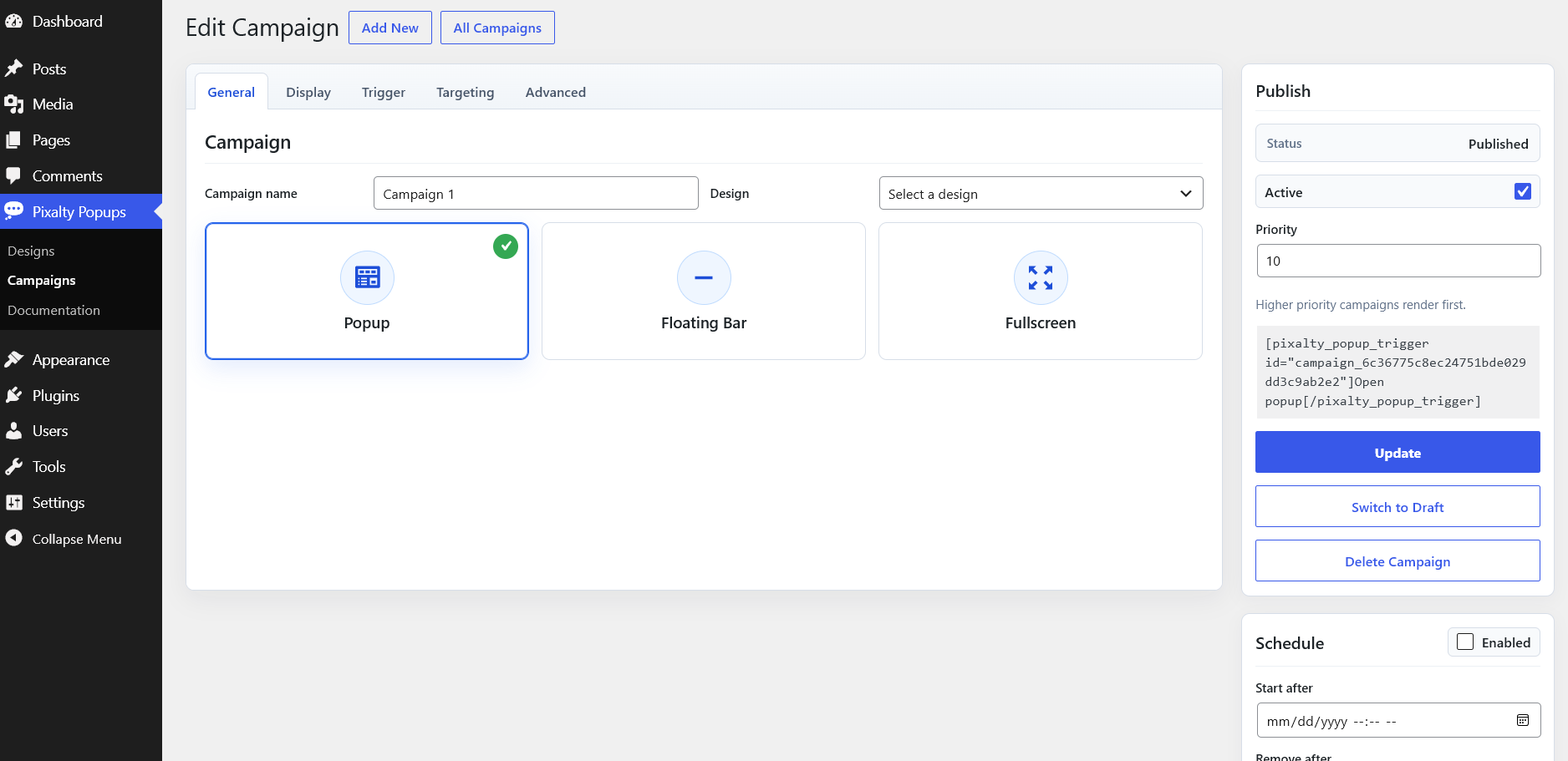
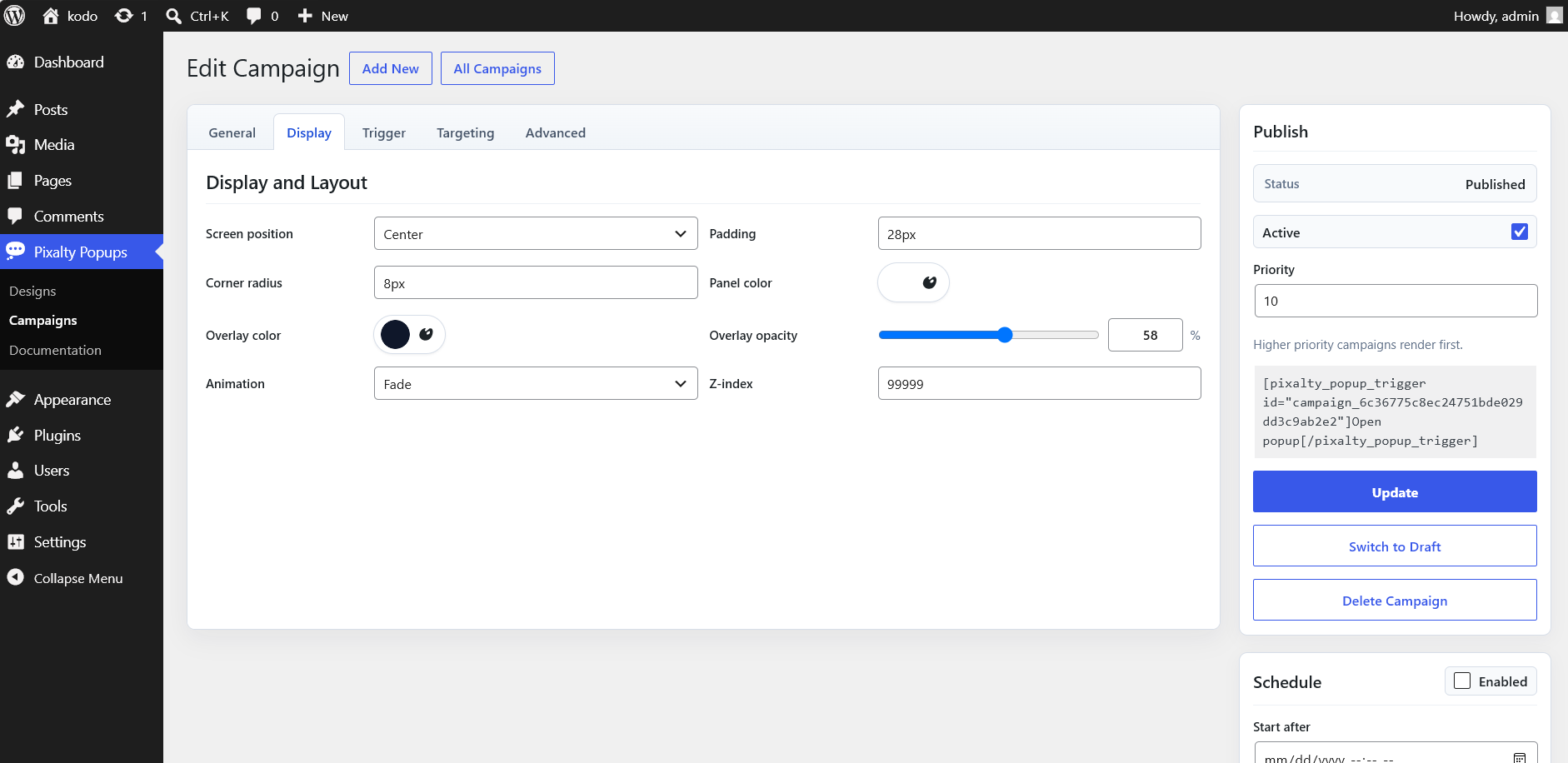
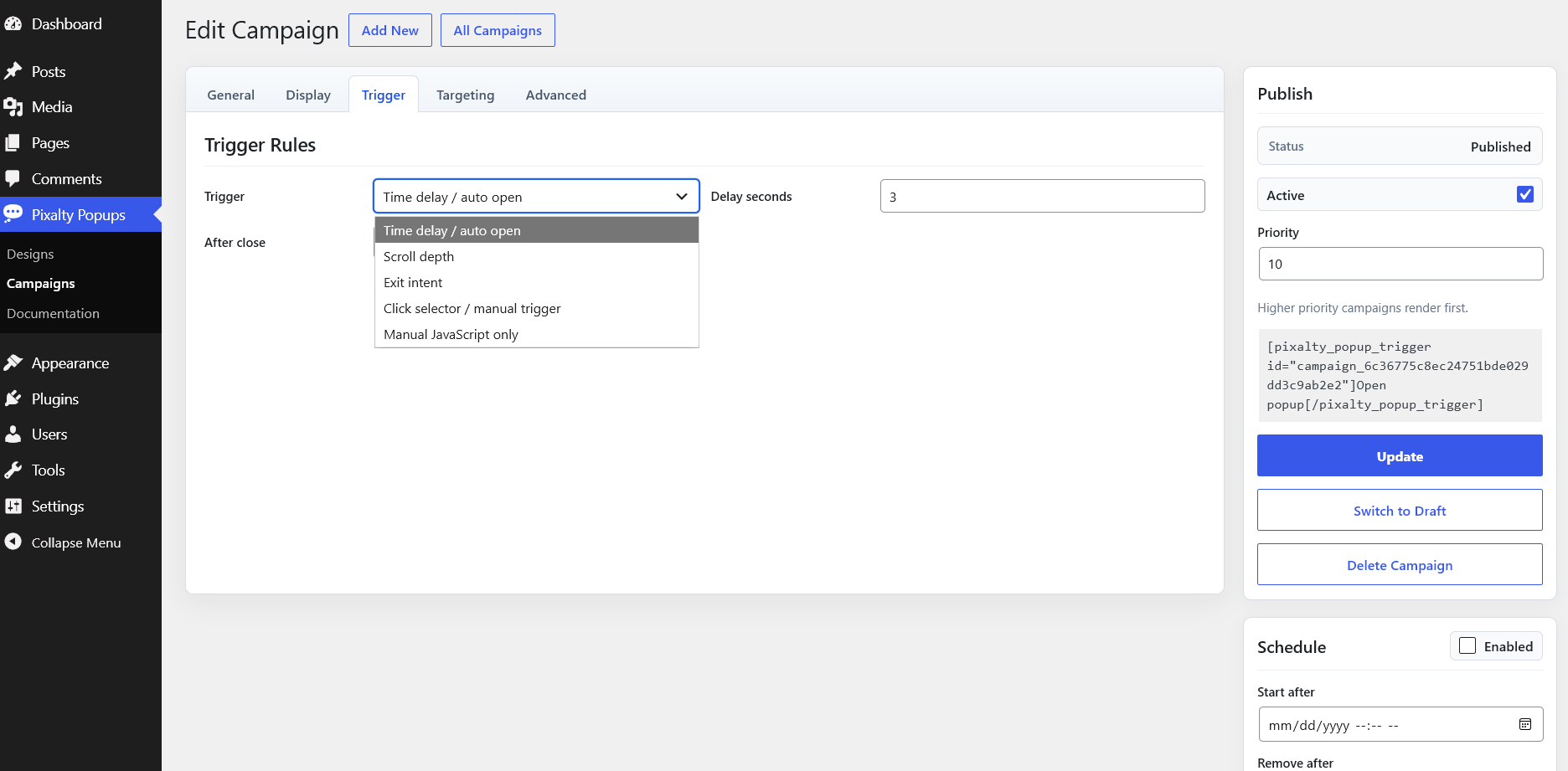
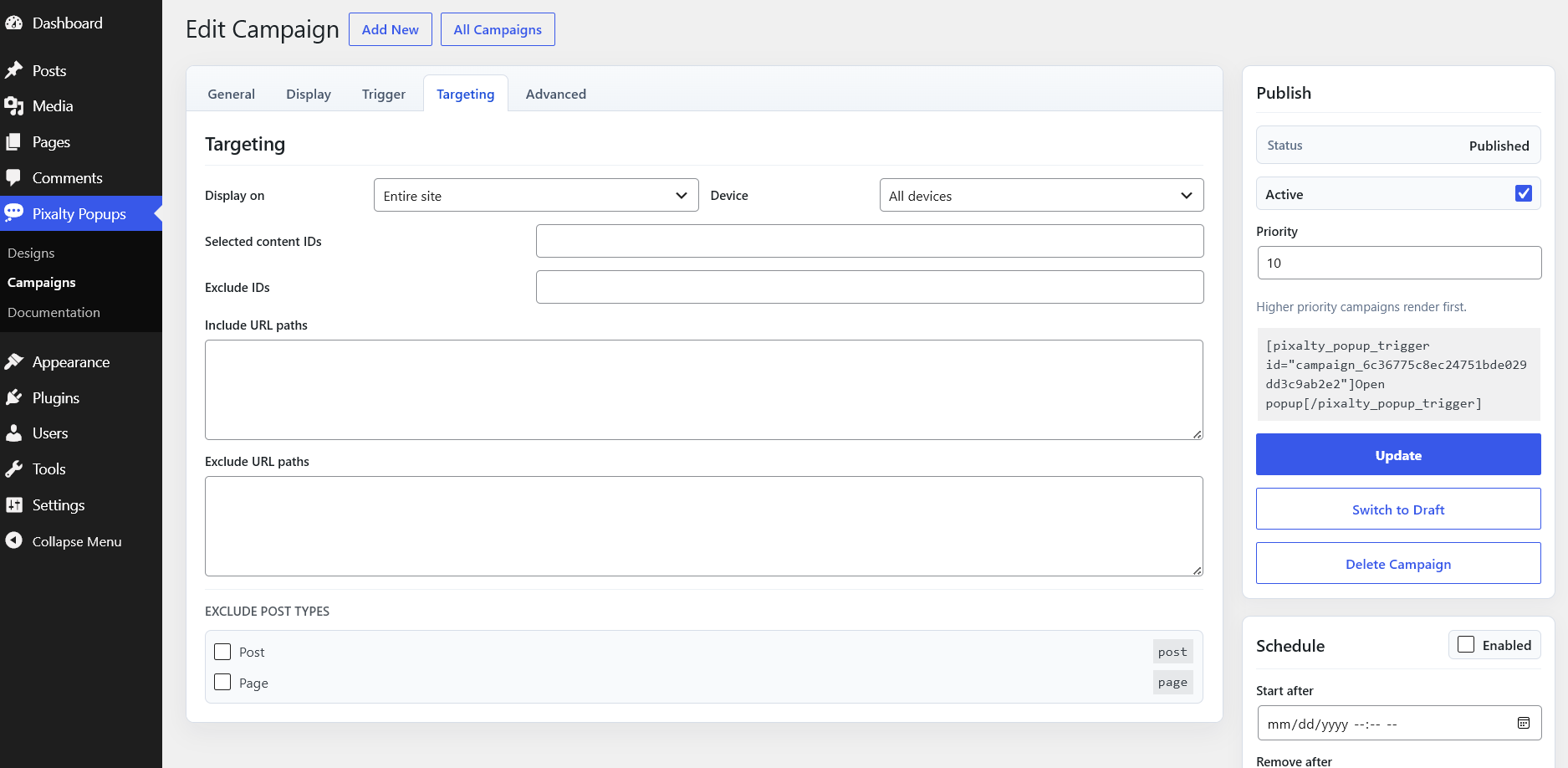
Pixalty Popups separates content from behavior. Create designs with the Gutenberg block editor, set the design width, then select that design from the campaign screen. Campaigns manage popup type, screen position, triggers, display rules, scheduling, targeting, styling, and repeat display behavior.
Shortcodes
Create a trigger:
[pixalty_popup_trigger id="campaign_id"]Open popup[/pixalty_popup_trigger]
Open with JavaScript:
PixaltyPopups.open("campaign_id")<h3>Privacy</h3>
Pixalty Popups does not send data to external services. Visitor close preferences are stored in the visitor’s browser storage only.
Translation
Pixalty Popups uses the pixalty-popups text domain. Plugin interface strings can be translated through WordPress.org language packs, Loco Translate, or standard WordPress translation files. Popup Designs are stored as WordPress content, and campaign title and close-label strings are registered for WPML and Polylang when those plugins are active.
Uninstall
Uninstalling the plugin removes its campaigns and design posts.
螢幕擷圖
安裝方式
- Upload the plugin folder to
/wp-content/plugins/. - Activate Pixalty Popups from the Plugins screen.
- Create a design, then create a campaign and select that design.
使用者評論
這個外掛目前沒有任何使用者評論。
參與者及開發者

變更記錄
1.0.0
- Initial release.
1.0.1
- Close button CSS issue fixed.