

外掛說明
Path Pilot is a conversion rate optimization plugin built to (1) guide website users to conversion with AI-powered insights while (2) providing an easy-to-follow dashboard with actionable data for website managers.
- Path Pilot engages with your website visitors in a way that chatbots don’t. Visitors open the tool on the left-hand side of your website and immediately see personalized recommendations.
Features for Website Visitors:
– Clean, clear UX increases user onsite engagement
– AI-powered on-page personal recommendations that guide visitors to their next best action (for conversion rate optimization)
– Lightweight left-side drawer UI with badges (Recommended, Popular, Newest) and click-through tracking
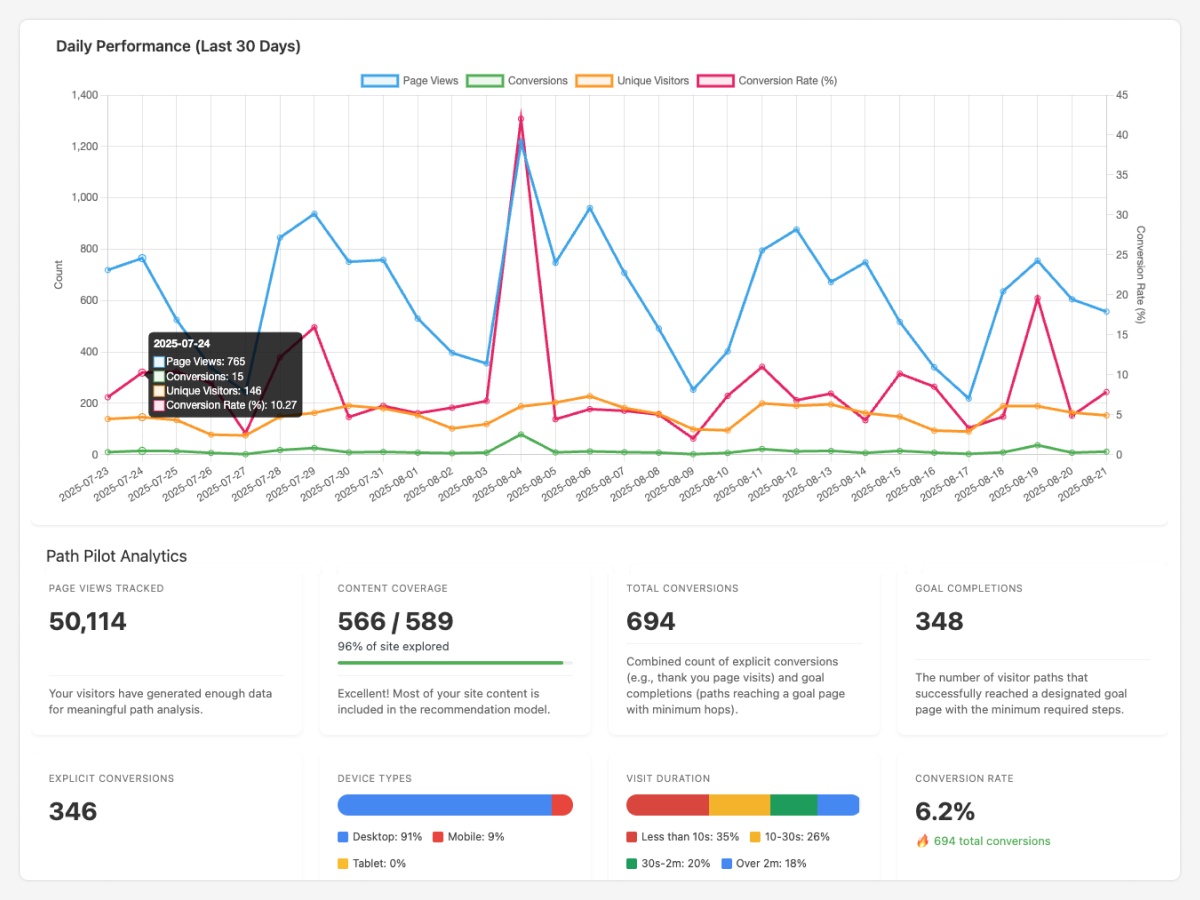
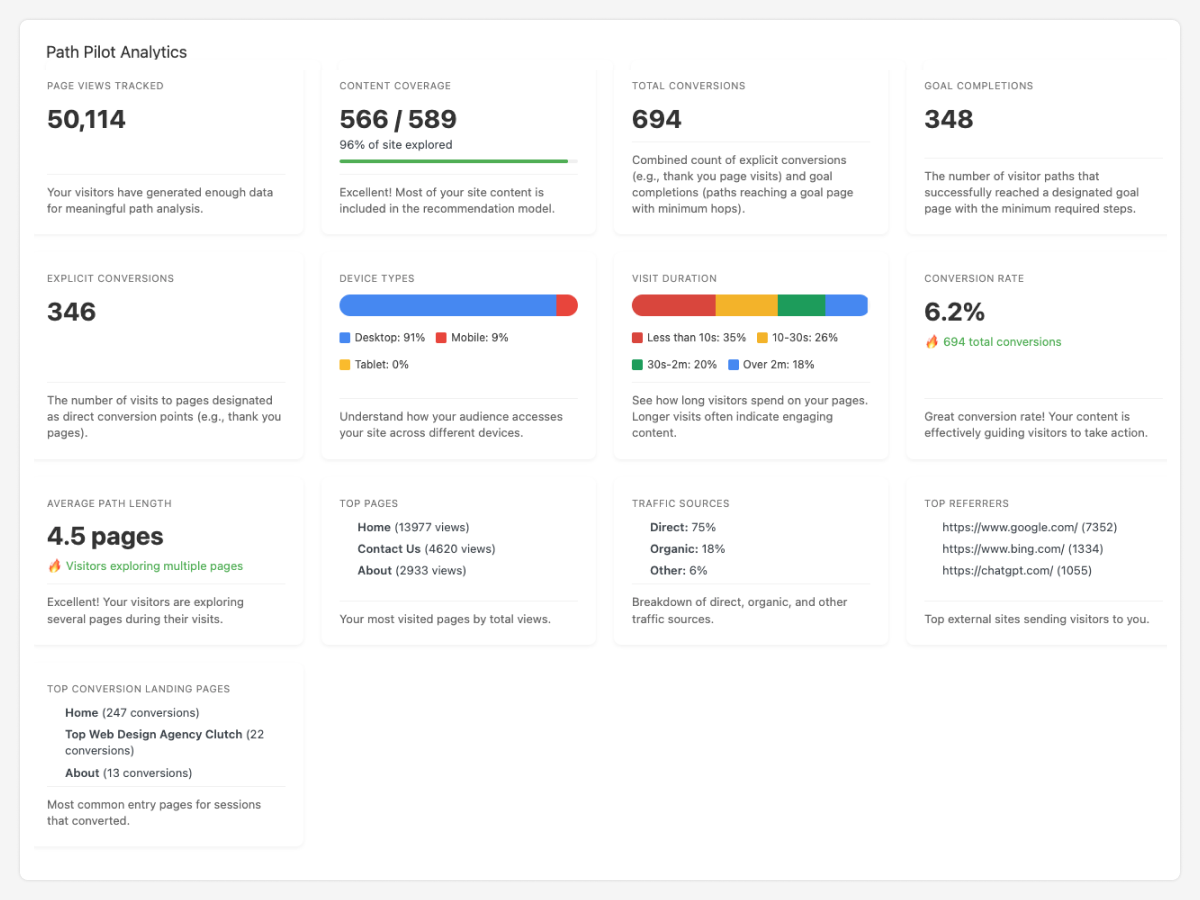
- Path Pilot provides metrics and analysis right in your WordPress dashboard and allows you to customize what your site admins can see. It’s like having the most important information from GA4 right at your fingertips. And, because it’s all first-party data, it’s compliant, secure, complete, and accurate.
Features for Website Admins:
– Conversion path and funnel optimization analytics to see how users move toward your goals based on customized goal page configuration
– Acquisition insights: referrers and top landing pages to understand where users enter your funnel
– Visitor insights & behavioral analytics: page views, unique visitors, device breakdown, visit duration
– Average path length (pages per session) to benchmark engagement and drop-off points
– Reports for top conversion paths and recent user journeys (user journey analytics)
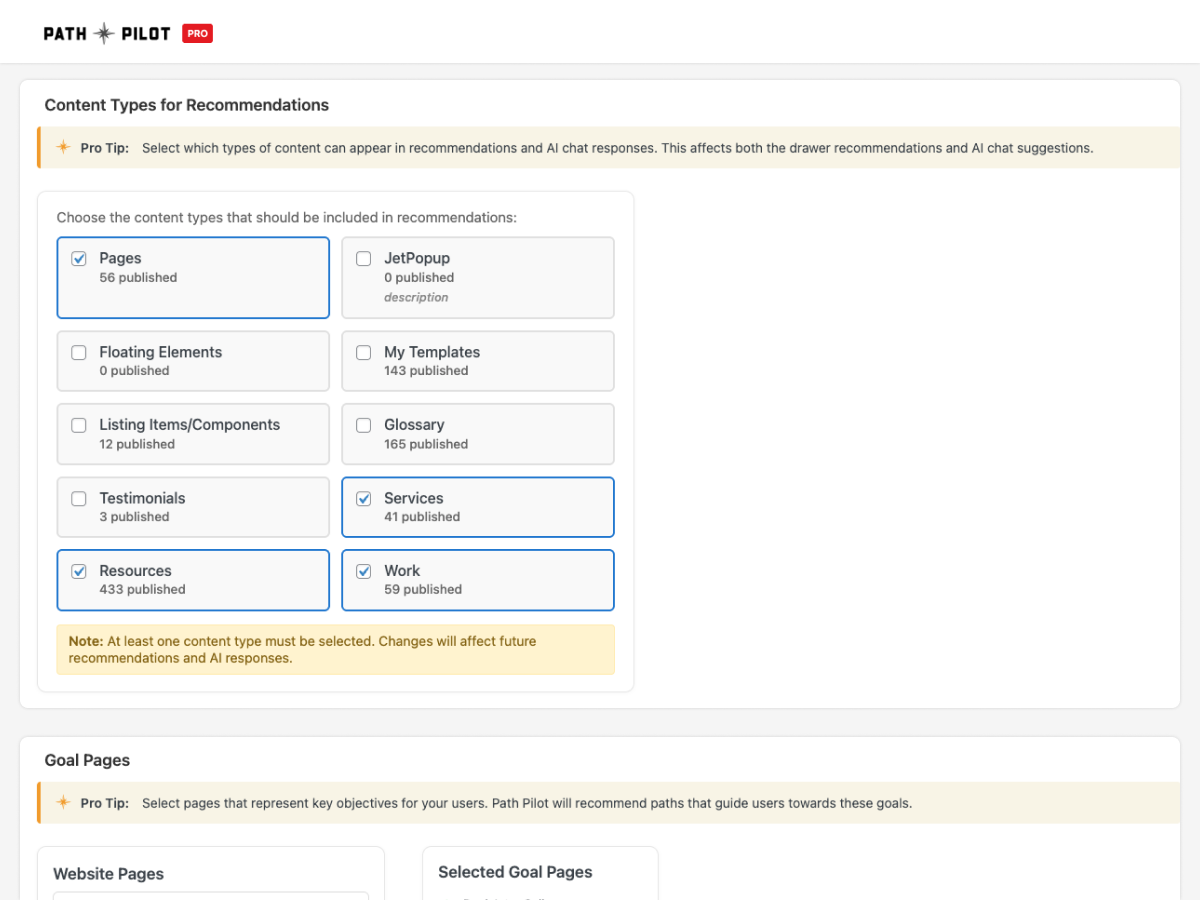
– Works with pages and posts; customizable content types for flexible CRO experiments
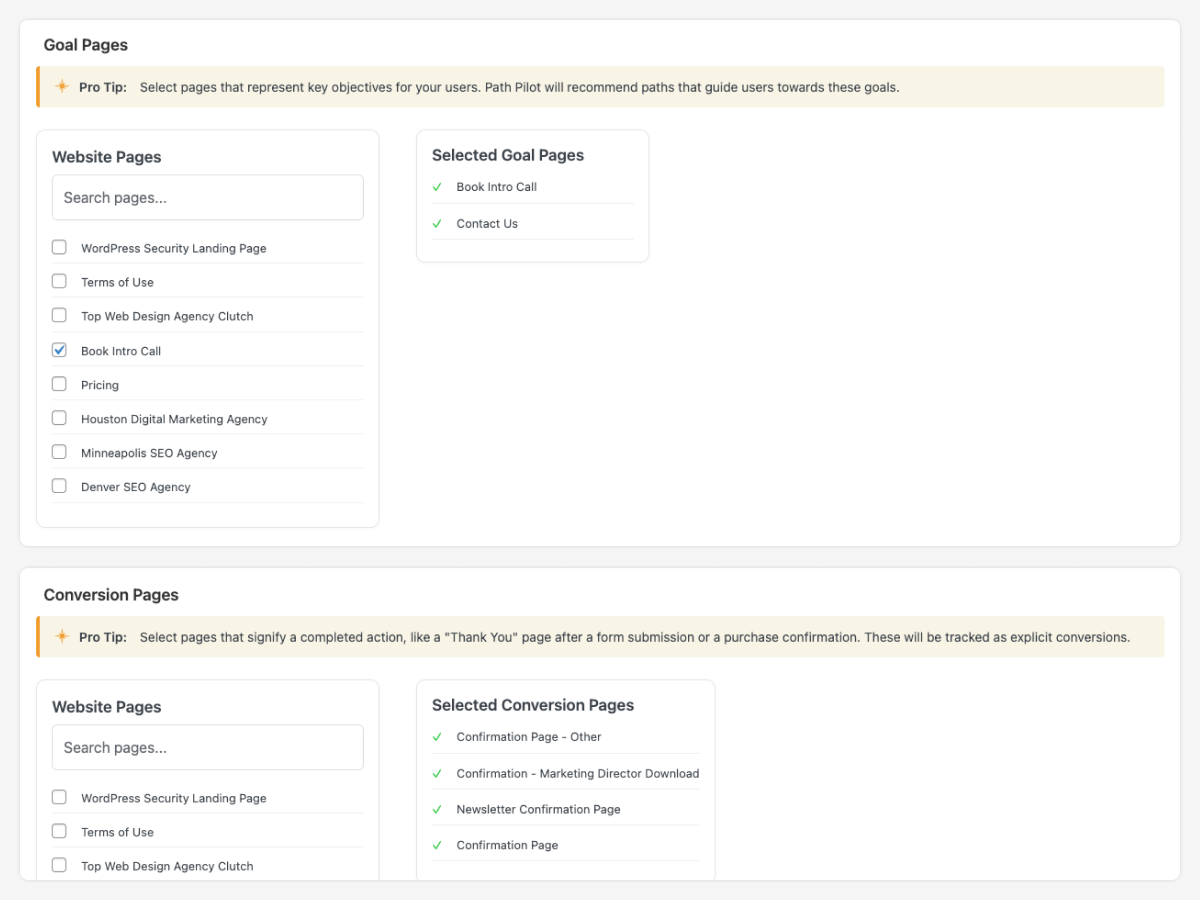
– Simple setup for A/B testing & goal tracking: pick conversion pages and start collecting data instantly
– Updated training via video tutorials and pro tips
– Compatible with modern WordPress (6.0+) and PHP 7.4+
Optional AI Features
– Semantic search with intelligent query rewriting
– Personalization & growth marketing enhancements powered by AI
Path Pilot Pro (additional paid add-on features)
– AI site chat assistant with context-aware responses
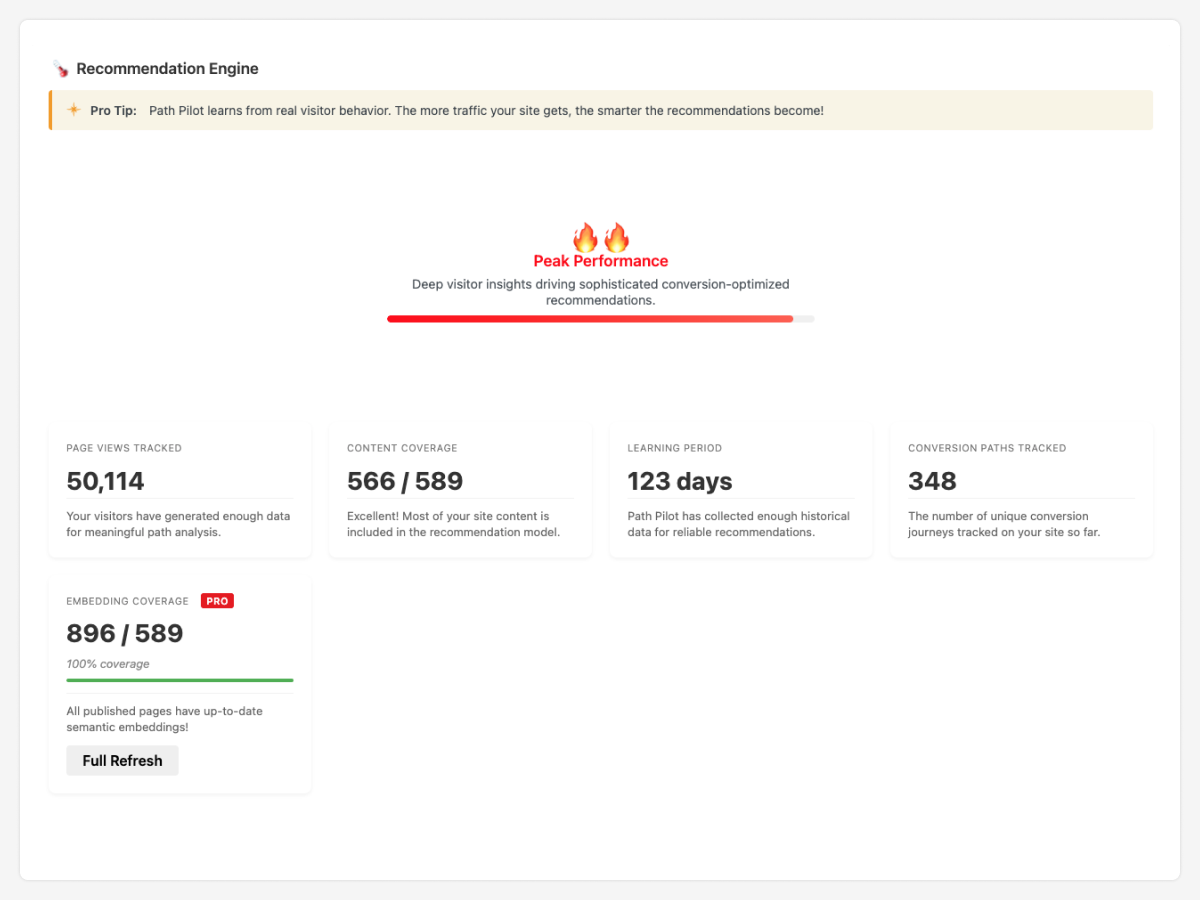
– Embeddings management with “Regenerate Embeddings” control
– Advanced semantic search & retrieval for higher-quality, personalized recommendations
– AI-generated promotional descriptions for more personalized recommendations
– Extended optimization tools for deeper funnel insights, experimentation, and CRO
Usage
Path Pilot needs an initial learning period to gather data.
- View Reports:
- Go to Path Pilot > Reports to see top conversion paths and recent user journeys.
螢幕擷圖


安裝方式
Path Pilot is easy to download and can be used for free.
Instructions for downloading: 1. Log in to your WordPress website 1. Click on the plugins tab 1. Choose add plugin 1. Use the search bar to find Path Pilot 1. Install and activate 1. Website visitors will see the Path Pilot logo on the top left of their screen 1. The Path Pilot dashboard will appear immediately for admins logged in and will begin collecting first-party data
常見問題集
-
Will Path Pilot slow down my site?
-
No. The code is connected via our JavaScript api that does not impact the page load experience.
-
What WP themes does Path Pilot support?
-
Path Pilot was created for WordPress and supports all major themes.
-
What plugins is Path Pilot compatible with?
-
Path Pilot does not conflict with any other plugins on your WordPress website.
-
Do I need to create a Path Pilot account?
-
No. Once you install Path Pilot, it will appear on the backend of your WP website with no sign in required.
-
Where can I find the Path Pilot Terms of Service and Privacy Policy ?
-
These are available here: Terms of Service and Privacy Policy
使用者評論
這個外掛目前沒有任何使用者評論。
