
外掛說明
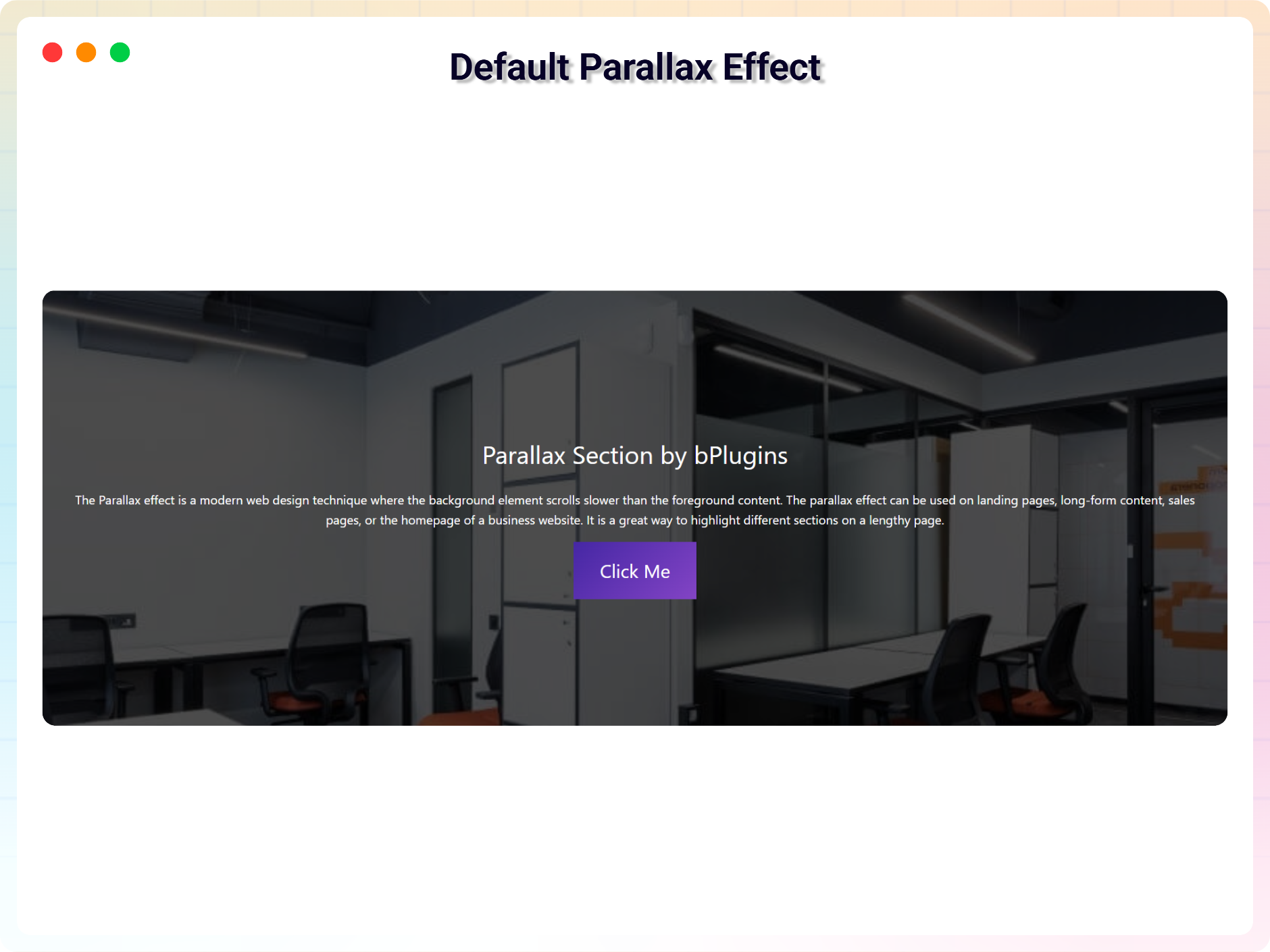
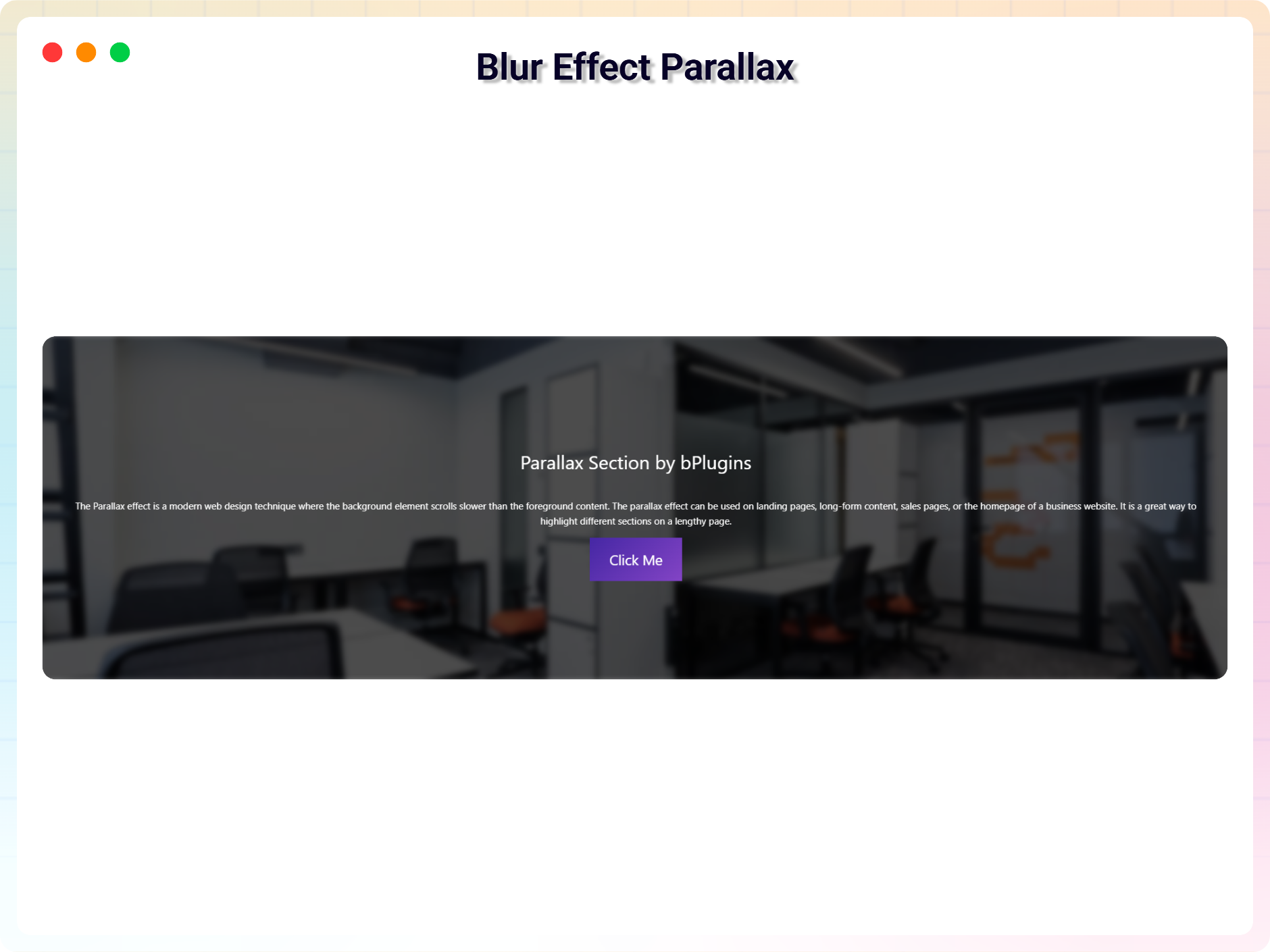
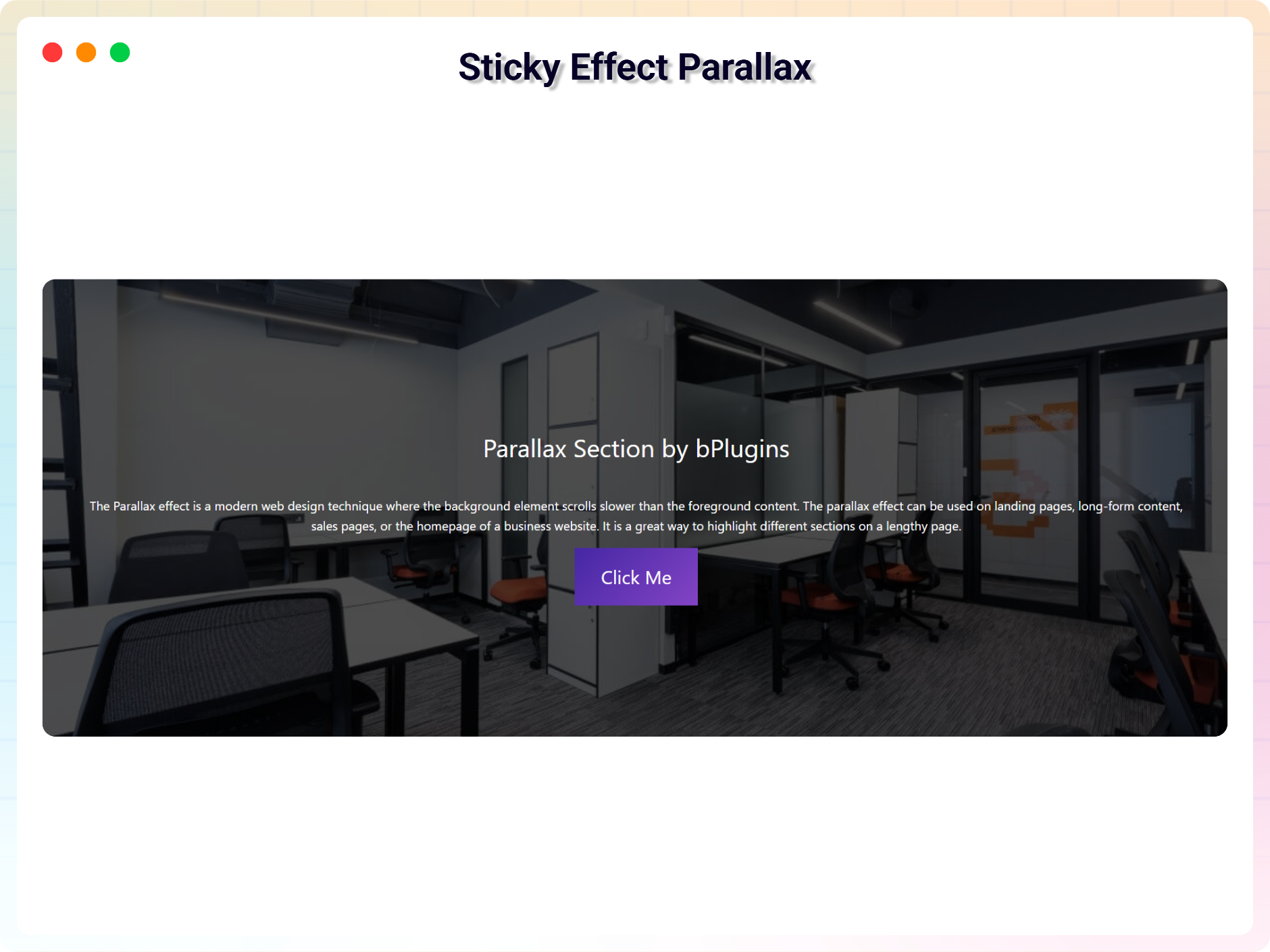
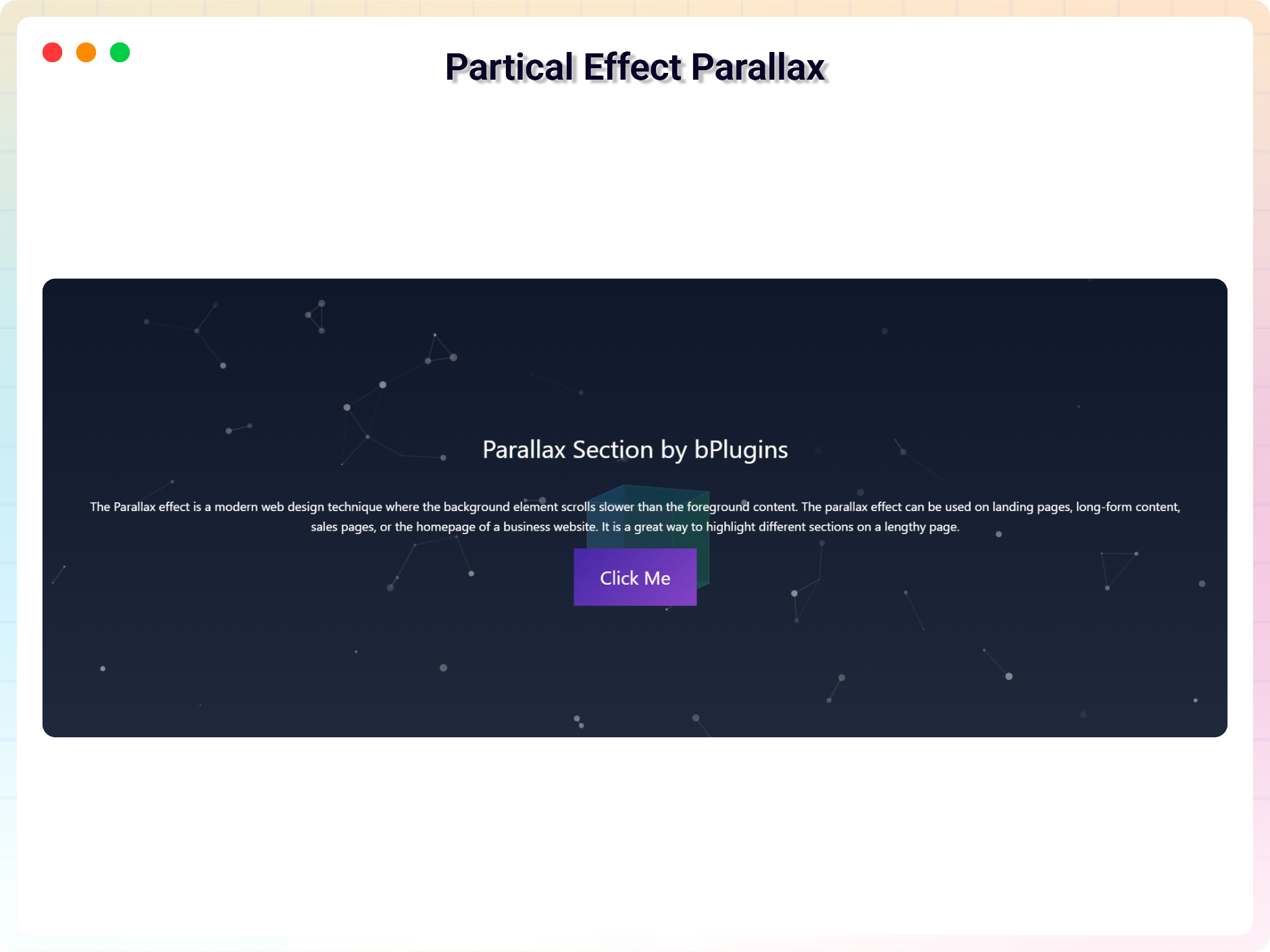
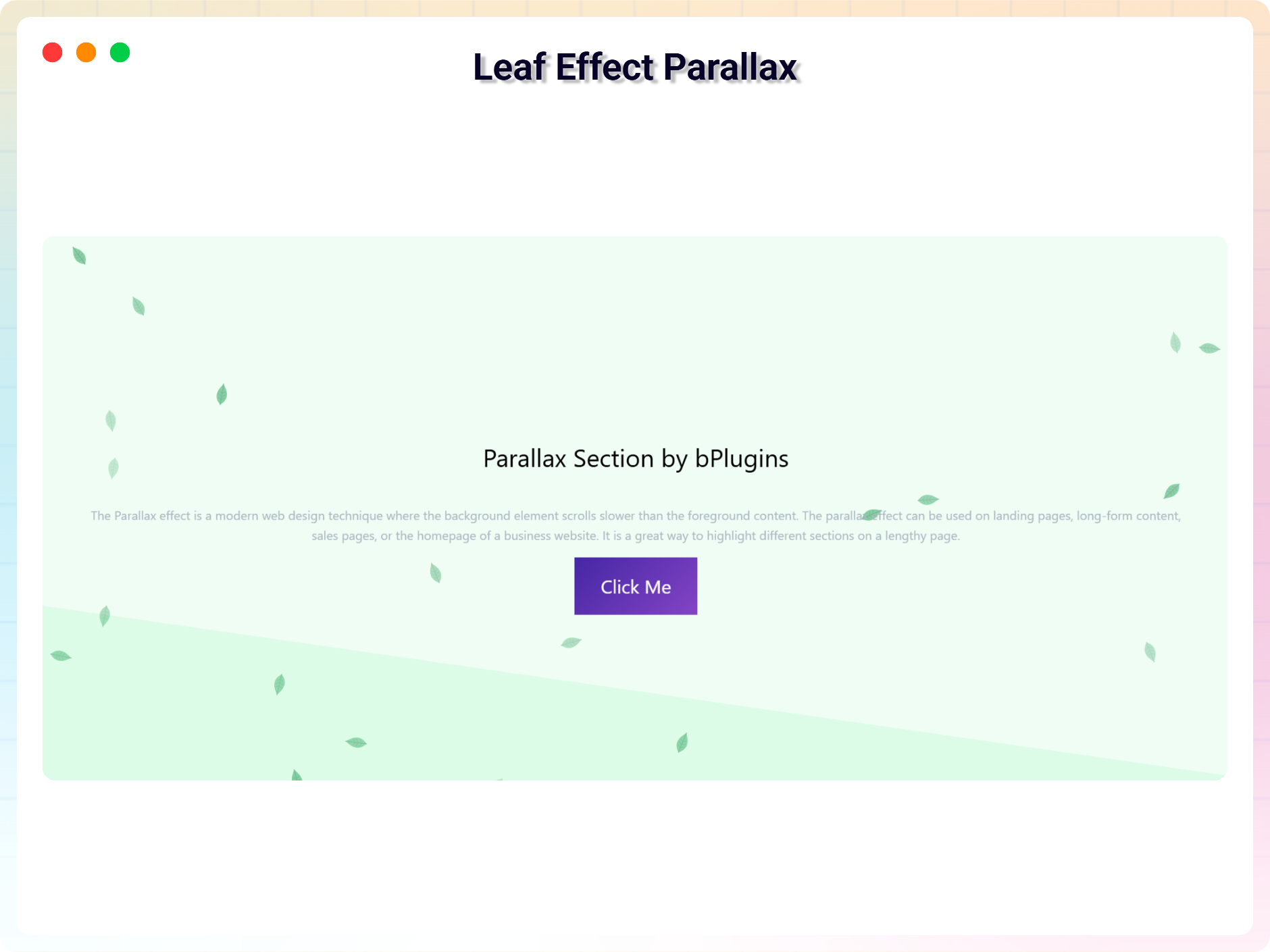
The parallax effect is a modern web design technique where the background element scrolls slower than the foreground content. The parallax effect can be used on landing pages, long-form content, sales pages, or the homepage of a business website. It is a great way to highlight different sections on a lengthy page.
You can easily create a parallax section with this plugin.
Features
- Easy to use
- It does not require much technical knowledge to use
- It is lightweight because it relies on JavaScript
How to use
- First, install the Parallax Section plugin
- Add the Parallax Section block from the block category called “Widgets” in the Gutenberg editor.
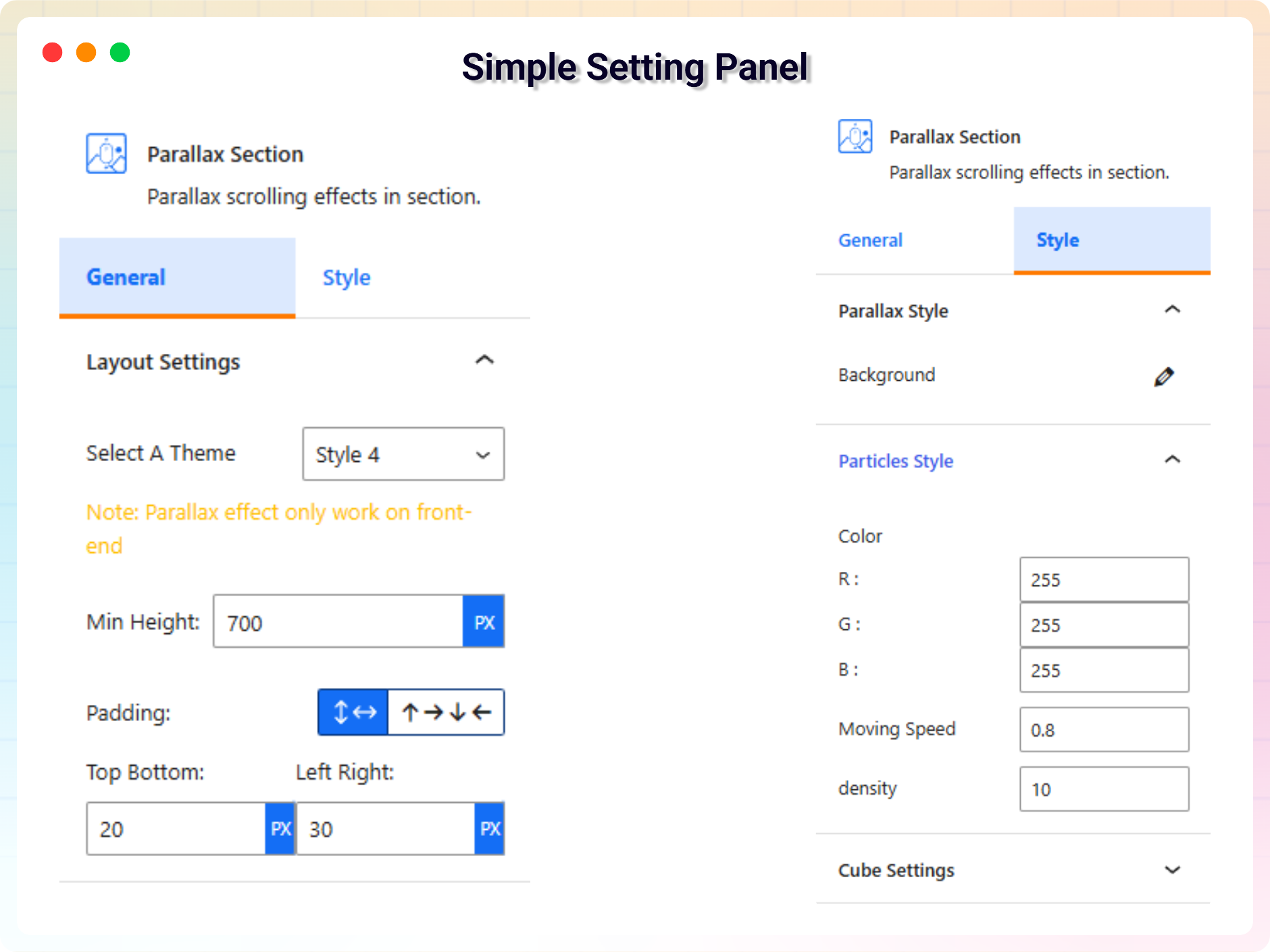
- You can change block settings from the right-side settings sidebar.
-
Enjoy!
-
For installation help click on Installation Tab
Feedback
- Did you like this plugin? Dislike it? Do you have a feature request? Please share your feedback with us
Check out the Parent Plugin of this plugin-
B Blocks – A blocks collection and page building tool for Gutenberg.
Check out our other WordPress Plugins-
Html5 Video Player – Display videos as single and playlist in multiple skins.
PDF Poster – Display/Embed PDF files with different styles.
Html5 Audio Player – Listen audios with awesome visuals.
StreamCast – Customizable radio player with different skins.
3D Viewer – Embed 3D models and 3D products with interaction.
Advanced Post Block – Show posts and custom posts in different layouts.
螢幕擷圖
適用於區塊編輯器
這個外掛提供 1 個可供 Gutenberg/區塊編輯器使用的區塊。
- Parallax Section Parallax scrolling effects in section.
安裝方式
From Gutenberg Editor:
- Go to the WordPress Block/Gutenberg Editor
- Search For Parallax Section
- Click on the Parallax Section block to add the block
Download and Upload:
- Download the Parallax Section plugin (.zip file)
- In your admin area, go to the Plugins menu and click on Add New
- Click on Upload Plugin and choose the
parallax-section.zipfile and click on Install Now - Activate the plugin and Enjoy!
Manually:
- Download and upload the Parallax Section plugin to the
/wp-content/plugins/directory - Activate the plugin through the Plugins menu in WordPress
常見問題集
-
Is Parallax Section free?
-
Yes, Parallax Section is a free Gutenberg block plugin.
-
Does it work with any WordPress theme?
-
Yes, it will work with any standard WordPress theme.
-
Can I change block settings?
-
Yes, you can change block settings from the Gutenberg block editor’s right sidebar.
-
How many times can I reuse a block?
-
You can use unlimited times as you want.
-
Where can I get support?
-
You can post your questions on the support forum here
-
Where do I report security bugs found in this plugin?
-
Please report security bugs found in the source code of the Parallax Section block – Parallax scrolling effects in section. plugin through the Patchstack Vulnerability Disclosure Program. The Patchstack team will assist you with verification, CVE assignment, and notify the developers of this plugin.
使用者評論


參與者及開發者
以下人員參與了開源軟體〈Parallax Section Block – Add Parallax Scrolling Effects to Sections.〉的開發相關工作。
參與者


變更記錄
2.0.4
- Freemius SDK and Admin Dashboard Updated
2.0.3
- Admin Dashboard Updated
2.0.2
- Black Friday Sale Link Added
2.0.1
- Update Freemius Lite SDK
2.0.0
- 5 New Themes Added
- Blur Effect Parallax
- Vertical Parallax
- Particle Parallax
- Three Image Parallax
- Row Scroll Parallax
1.0.9
- Fix Iframe issue
1.0.8
- Reduce Dependency
1.0.7
- Fix issue
1.0.6
- Initial height
1.0.5
- Not load scripts if block is not used
1.0.4
- Add translate feature
1.0.3
- Fix Dependency
1.0.2
- Reduce PHP Code
- Performance Improvement
1.0.1
- Reduce PHP Code
1.0.0
- Initial Release.