

外掛說明
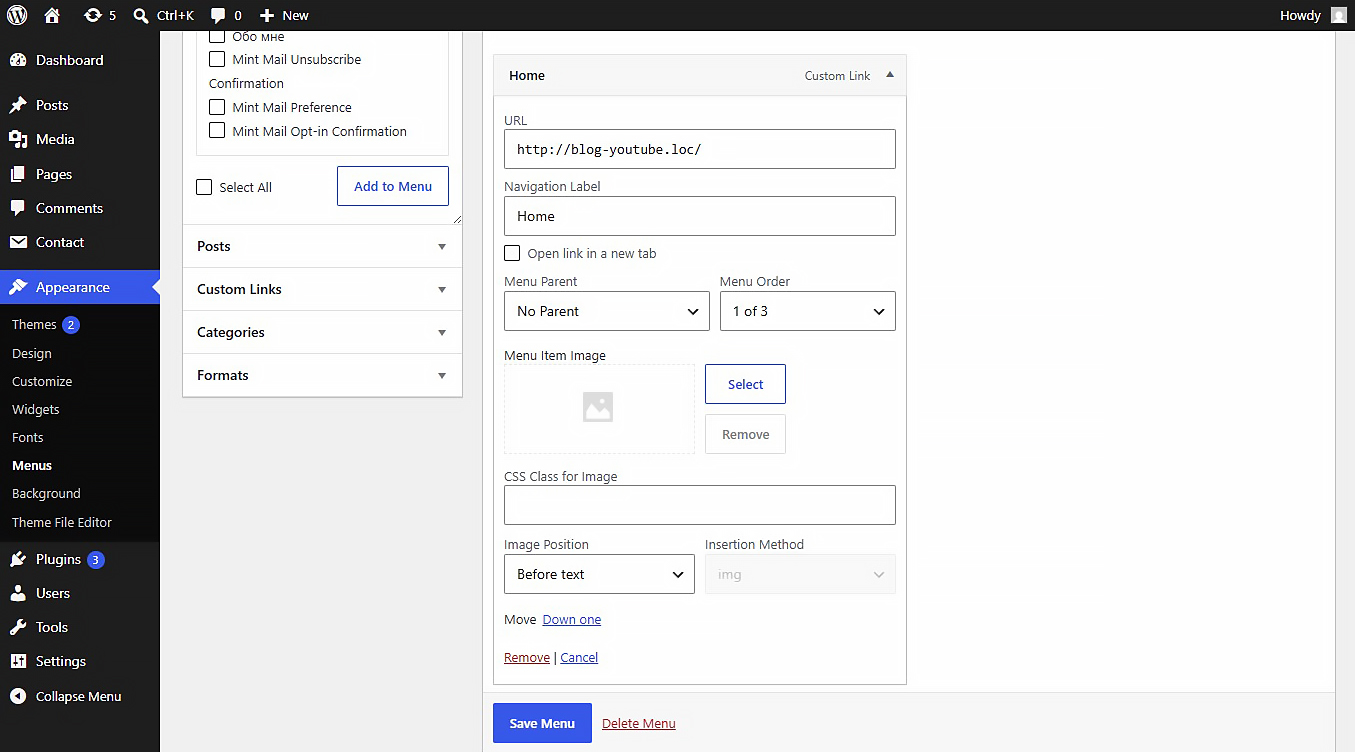
This plugin allows you to upload or link images (JPEG, PNG, WebP, SVG, etc.) directly inside the WordPress Customizer or Appearance > Menus panel. Includes built-in SVG sanitization for secure inline SVG injection.
Settings
After activating the plugin, navigate to Settings Media in your WordPress admin dashboard. There you will find the “NaviPix Settings” section where you can disable SVG upload support and SVG sanitization if needed. This gives you full control over whether the plugin handles SVG files or leaves them to your theme or other plugins.
螢幕擷圖
安裝方式
- Upload the plugin folder to the
/wp-content/plugins/directory. - Activate the plugin through the ‘Plugins’ menu in WordPress.
- Go to Appearance > Menus, open any menu item, and choose your image.
使用者評論
這個外掛目前沒有任何使用者評論。
參與者及開發者

變更記錄
1.0.0
- Initial release.