

外掛說明
Maca Tjatt adds a floating chat widget or inline shortcode to your site. Visitors can ask questions and get answers based on your website content.
-
Uses the WordPress 7.0 AI Client (no plugin-managed API keys)
-
Local search index — relevant website snippets are matched and sent with each question
-
Index pages, posts, and custom knowledge text
-
Floating widget or
[maca_tjatt]shortcode
Source code: https://github.com/maca59/maca-tjatt
External services
This plugin uses the WordPress AI Client introduced in WordPress 7.0. AI requests are routed through WordPress to whichever provider the site administrator has configured under Settings Connectors (for example the official AI Provider for OpenAI, Anthropic, or Google plugins).
No AI data is sent unless the chat is enabled and a visitor or administrator asks a question, or when an administrator builds the local search index.
AI providers (via WordPress Connectors)
Used when an administrator or visitor sends a chat question: the visitor question, a short chat history (last few turns), and relevant indexed text snippets as context are sent through the WordPress AI Client to the configured provider.
Data sent when an administrator builds the search index: website content is stored locally in a custom database table on your site. Indexing does not call an external AI service.
The exact provider, terms, and privacy policy depend on which AI provider plugin the site owner installs and connects. Common official options include OpenAI, Anthropic, and Google.
螢幕擷圖
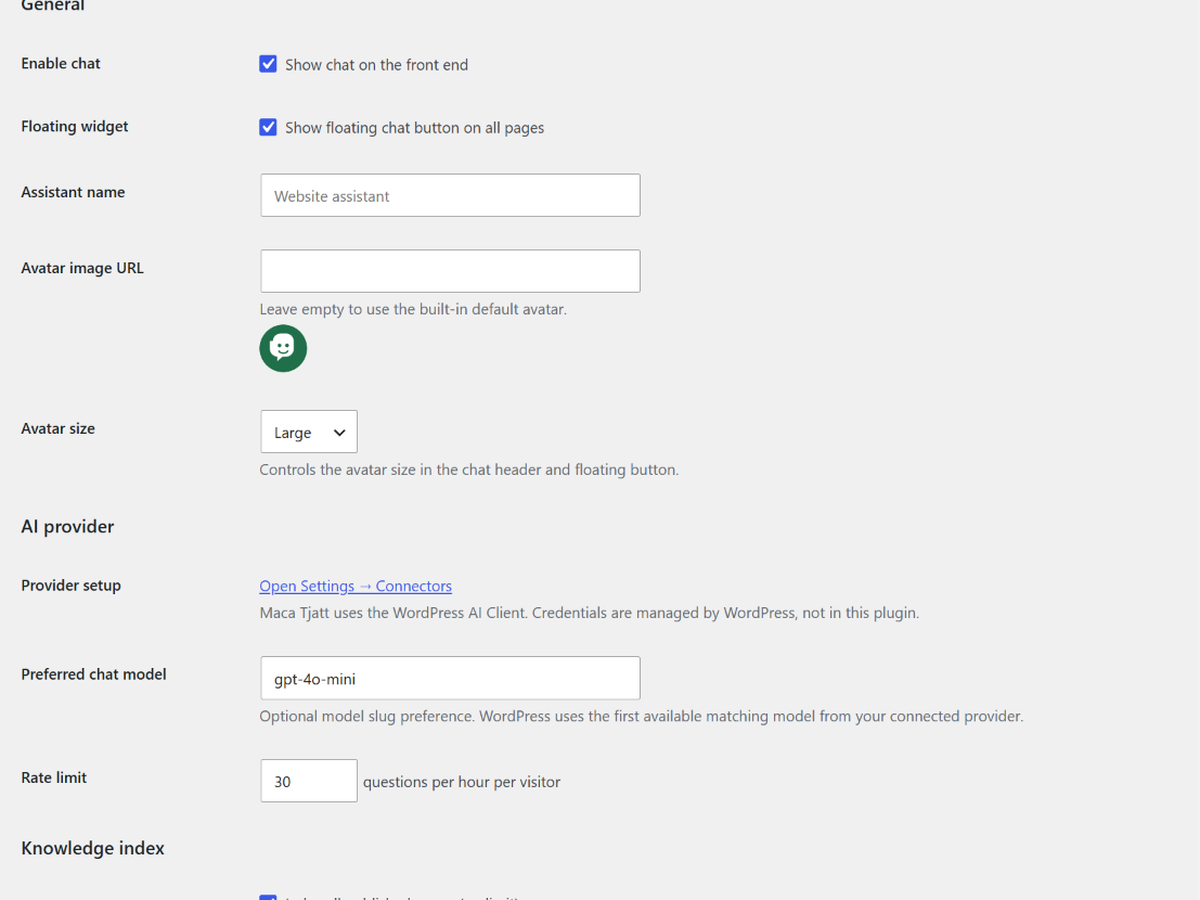
Maca Tjatt settings — enable chat, assistant name, and avatar
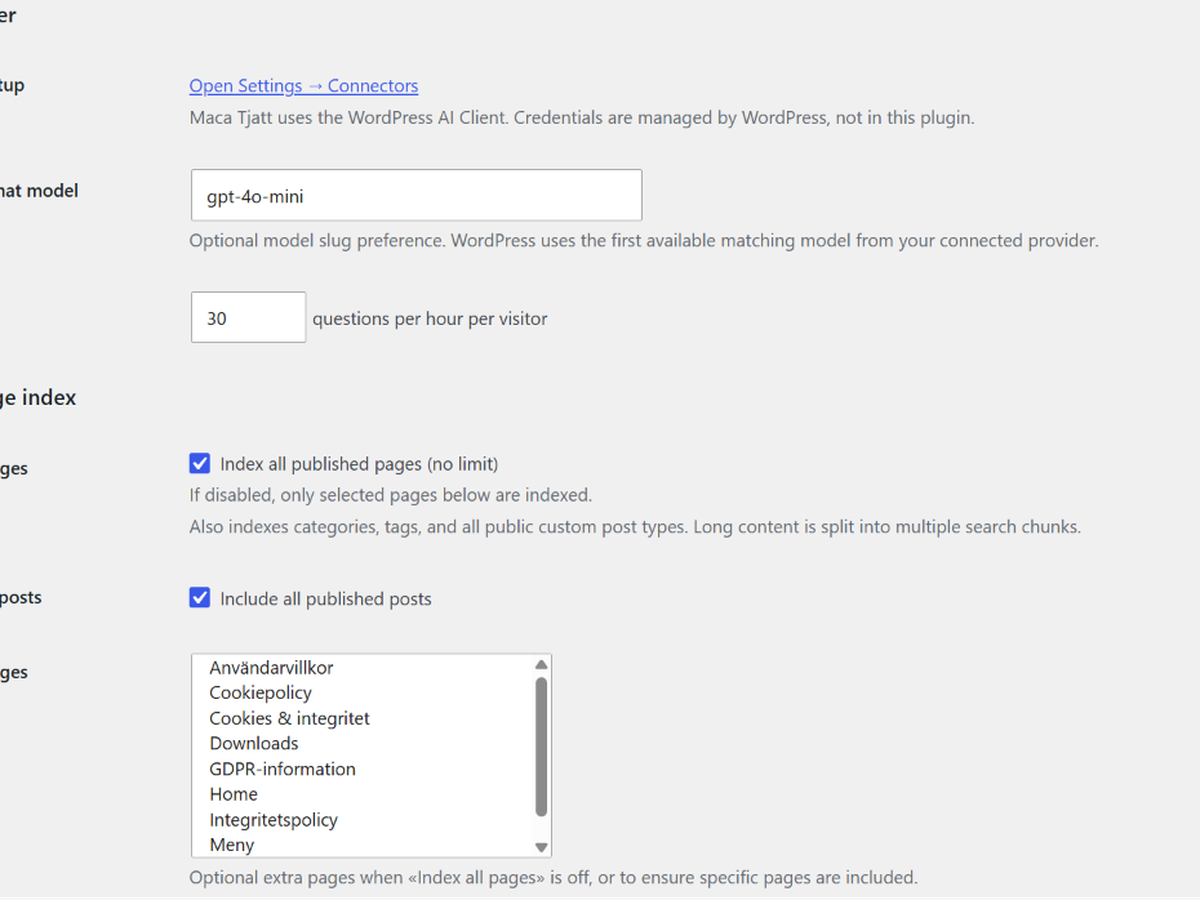
AI provider setup and preferred chat model
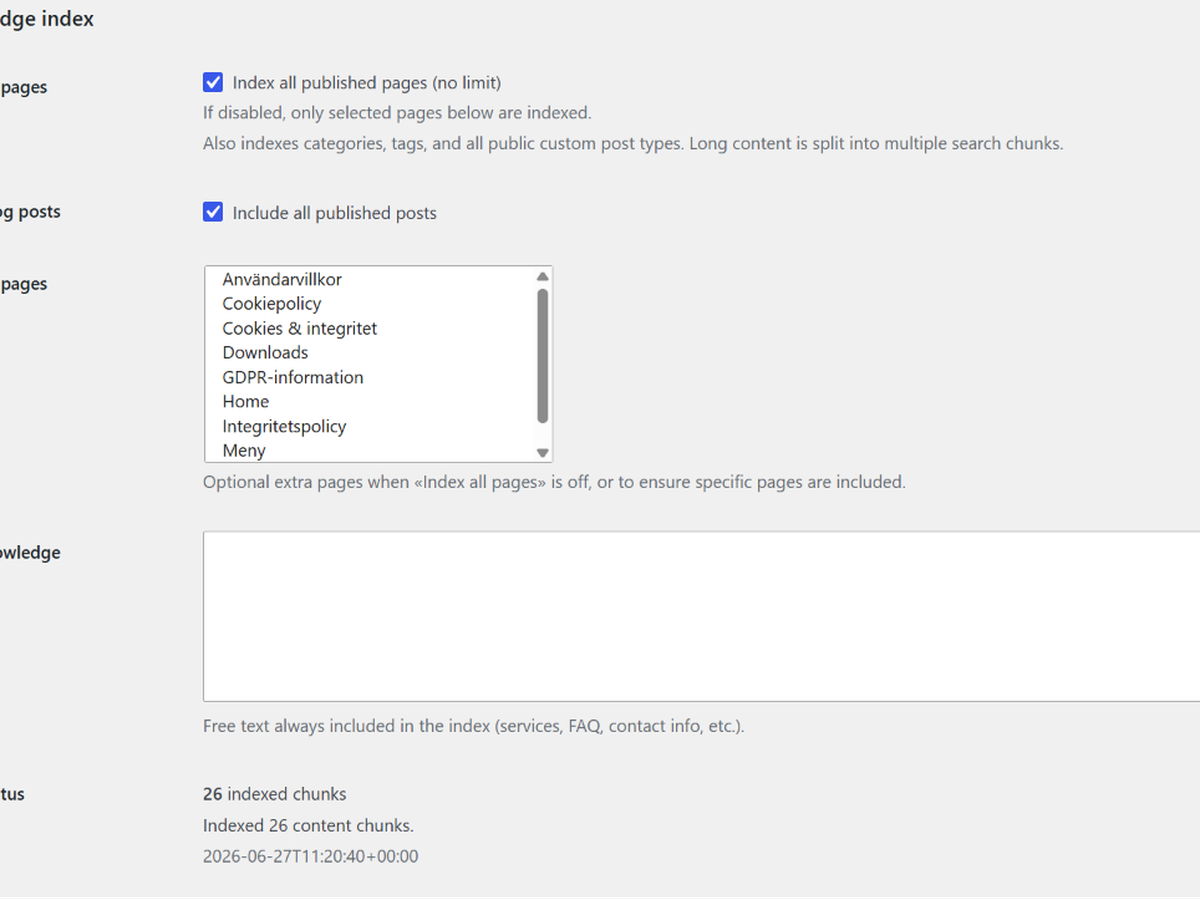
Knowledge index options and build index action
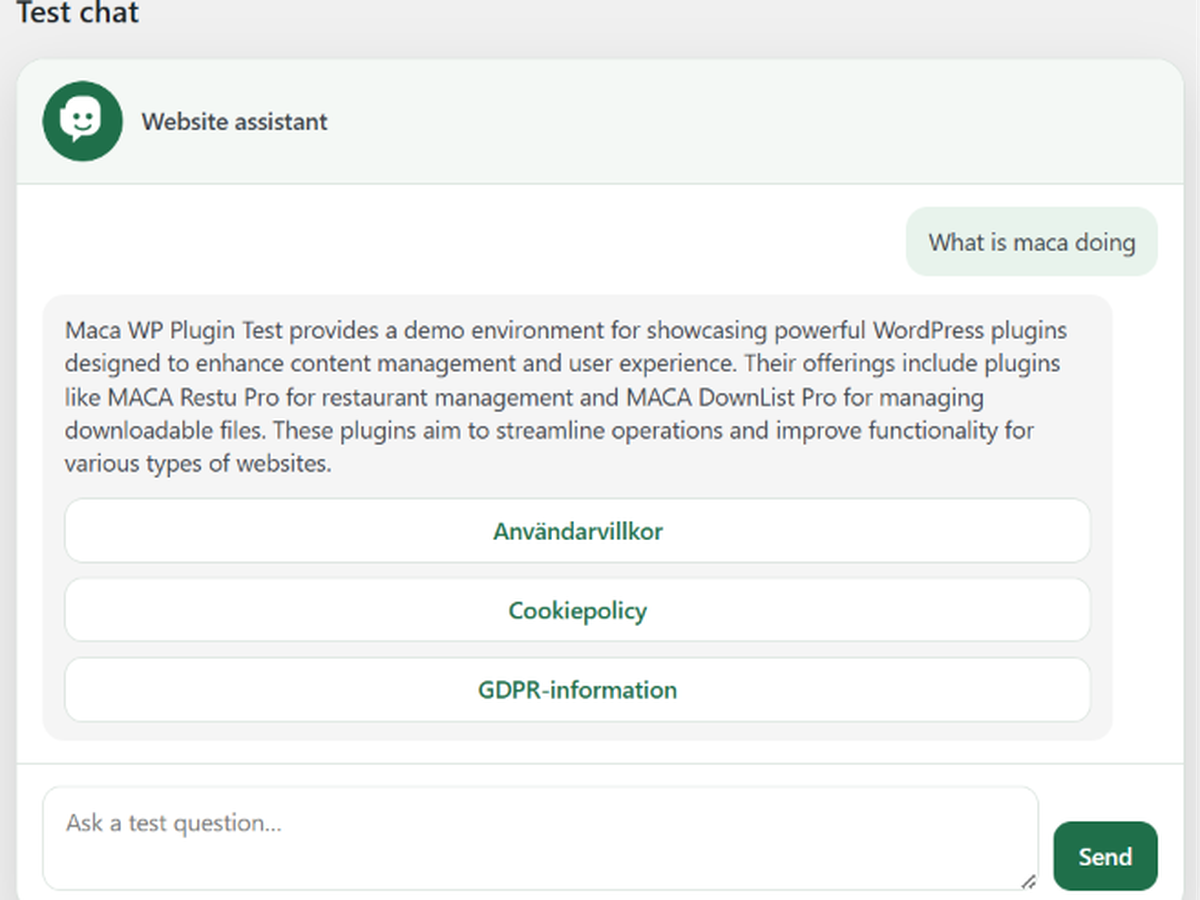
Admin test chat before publishing on the site
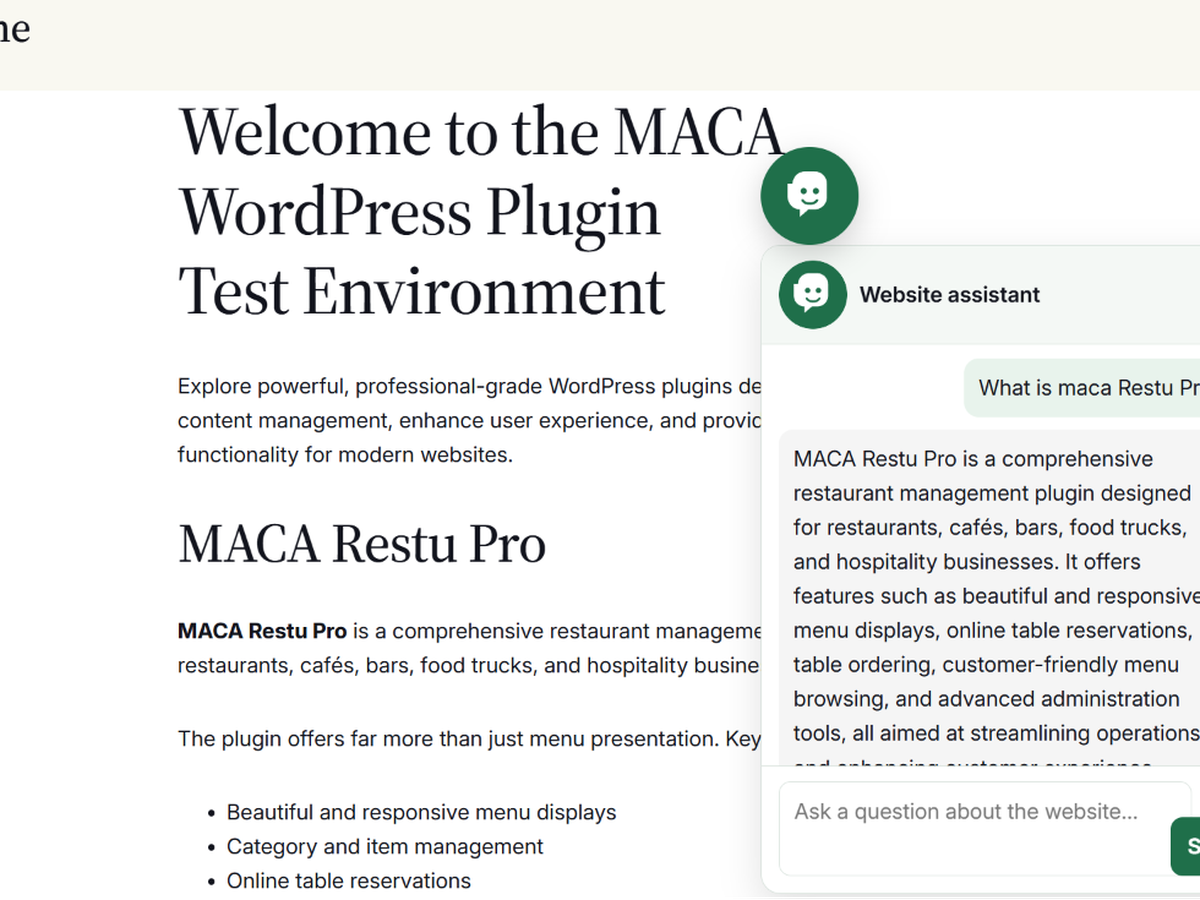
Floating chat widget on the front end
![Inline chat embedded with the [maca_tjatt] shortcode](https://ps.w.org/maca-tjatt/assets/screenshot-6.png?rev=3588095)
Inline chat embedded with the [maca_tjatt] shortcode
安裝方式
Use WordPress 7.0 or newer
Install and connect an AI provider under Settings Connectors
Upload the plugin folder to
/wp-content/plugins/maca-tjatt/Activate the plugin
Go to Maca Tjatt in wp-admin
Configure content sources and build the index
常見問題集
-
Who pays for AI usage?
-
The site owner configures and pays for their chosen AI provider through WordPress Connectors. This plugin does not include or bill for AI access.
-
Does it store visitor chat history?
-
No. Questions are processed in real time and not saved to the database. Only the search index (website content chunks) is stored locally.
-
What content is indexed?
-
Site name and tagline, optional custom knowledge text, published pages, posts, categories, tags, public custom post types, and optionally selected pages.
-
What WordPress version is required?
-
WordPress 7.0 or newer, with the built-in AI Client and at least one connected AI provider.
使用者評論
這個外掛目前沒有任何使用者評論。
參與者及開發者

變更記錄
1.1.3
-
Deactivation feedback modal on the Plugins screen (like maca Restu)
-
Plugin URI updated to maca.se/maca-tjatt-info/
1.1.2
- Add built-in default avatar when no custom image URL is set
1.1.1
- Fix AI availability detection when Connectors shows a provider as connected
1.1.0
-
Migrate chat requests to the WordPress 7.0 AI Client
-
Remove direct OpenAI API integration and plugin-managed API keys
-
Local keyword-based search index (no external calls during indexing)
-
Requires WordPress 7.0
1.0.4
- Readme: screenshots section and OpenAI billing FAQ for WordPress.org listing
1.0.3
- WordPress.org prep: GitHub URI, external services documentation, Plugin Check escaping fixes
1.0.2
-
Avatar size setting
-
Swedish translations when site or user locale is Swedish
-
Plugin Check and packaging fixes
1.0.0
- Initial release extracted as standalone website chat plugin