

外掛說明
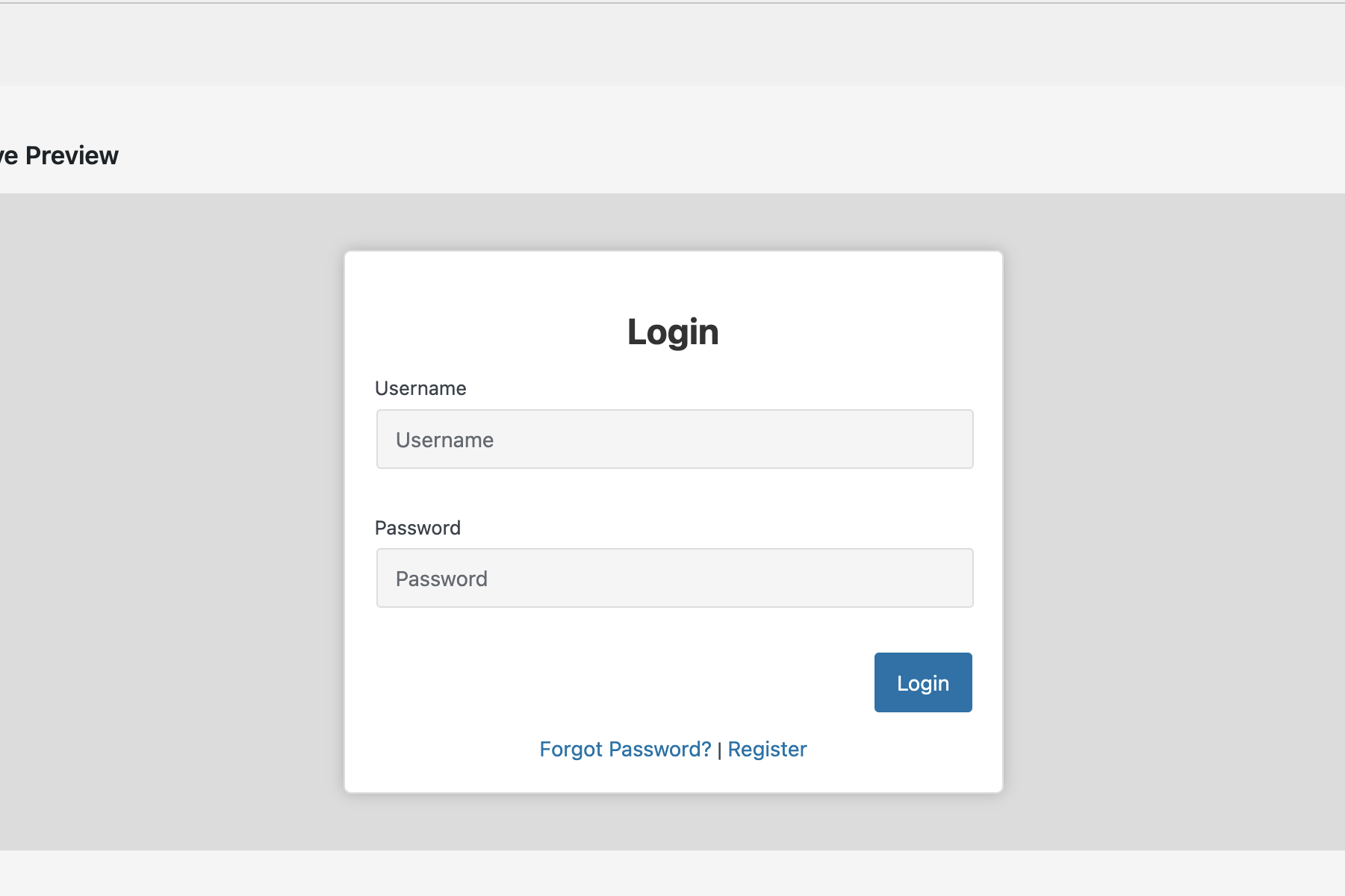
LogiNova transforms the standard WordPress login and registration experience by providing stylish popup windows. Users can login, register, and recover passwords without leaving the page they’re on. The plugin is also fully adaptive for WooCommerce, ensuring smooth integration with product pages, carts, and checkout flows.
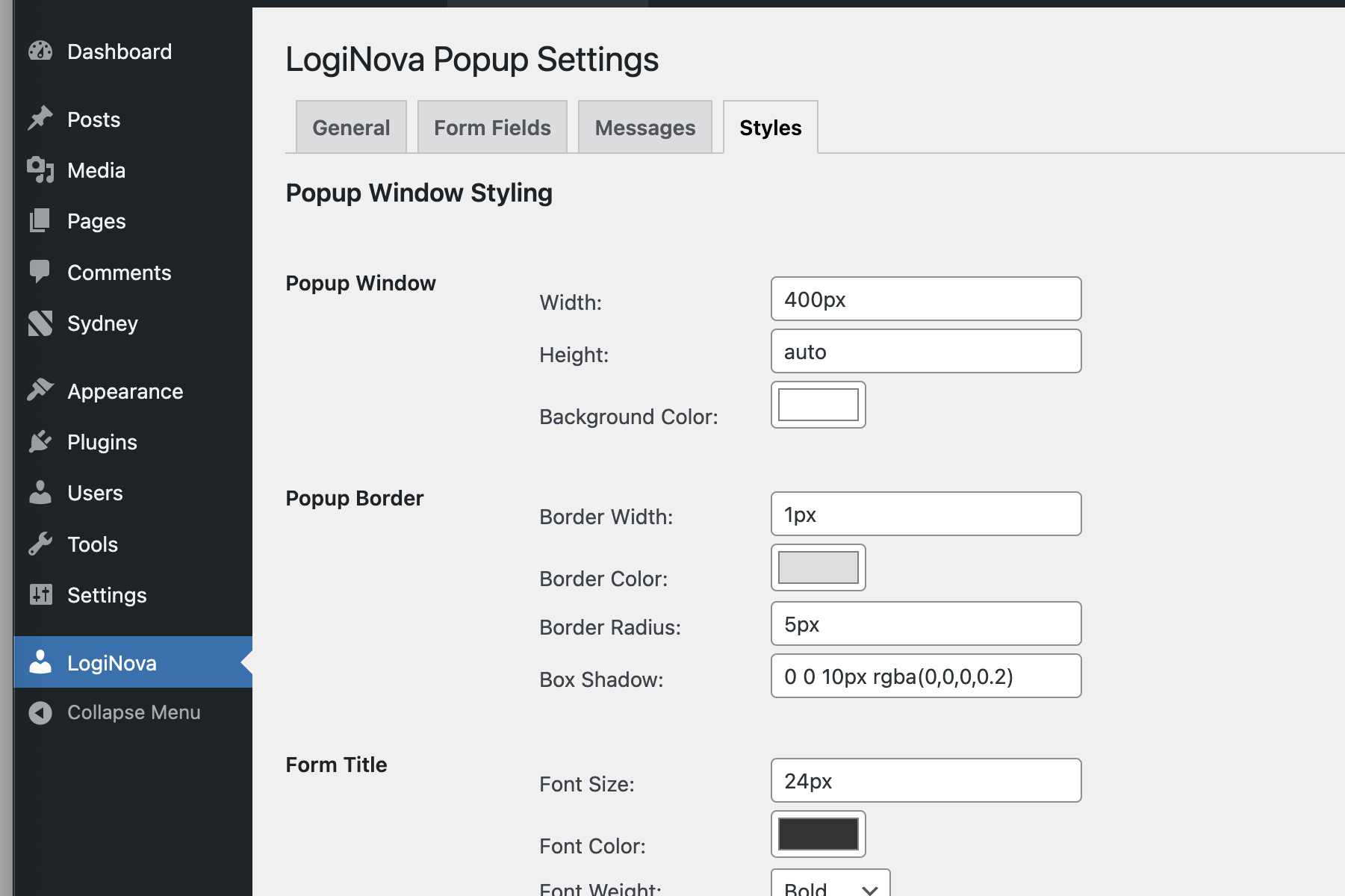
Why LogiNova is convenient: Even users who have no programming knowledge can easily configure LogiNova thanks to its wide range of styling and customization options. The plugin allows complete control over the appearance of the login and registration popups through an intuitive admin panel. From colors, fonts, and sizes to custom messages, everything can be adjusted visually, in real time.
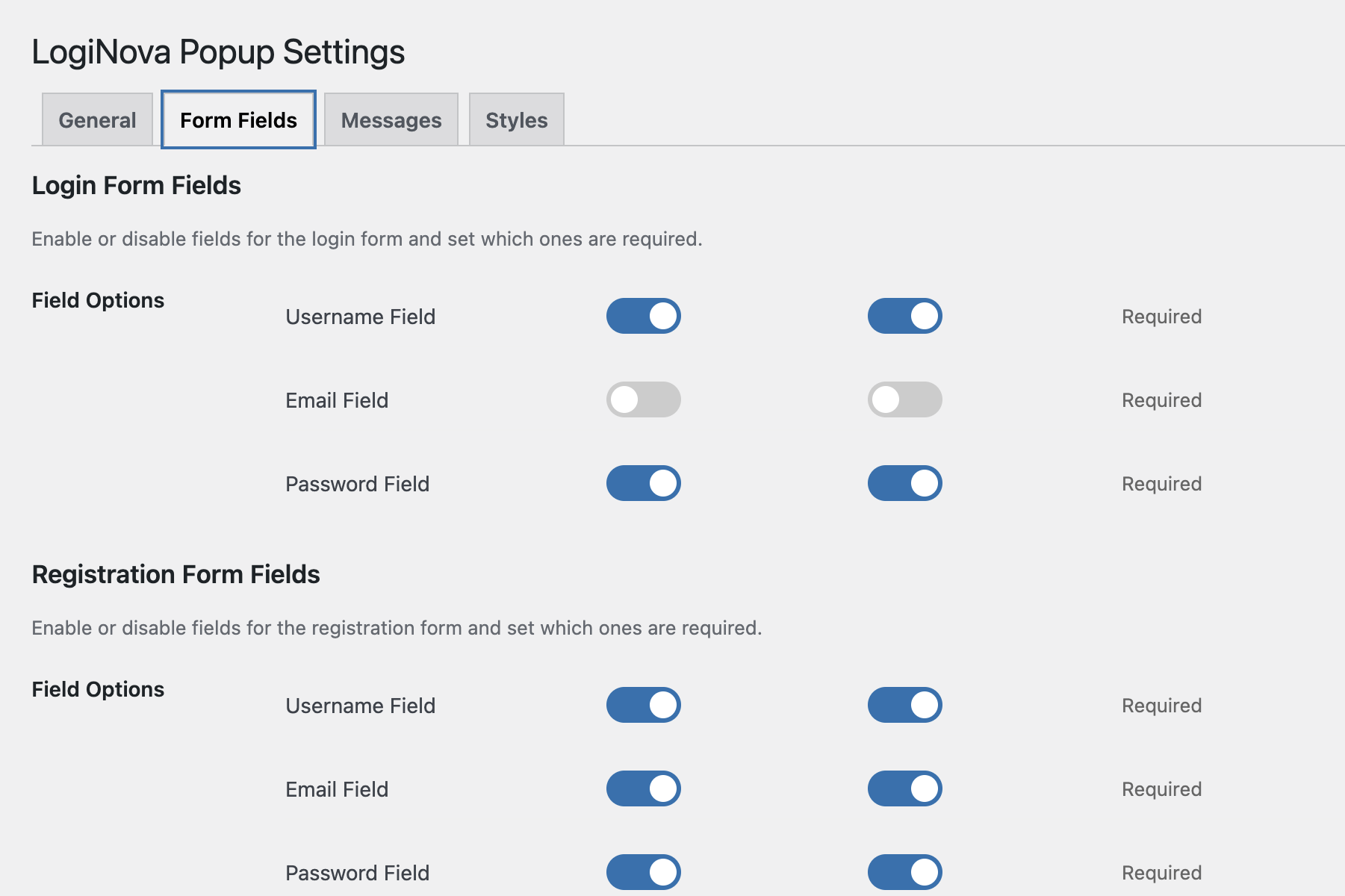
LogiNova also gives flexibility for how login and registration are handled – you can allow users to sign up with or without an email address, depending on your site’s requirements.
Key Features:
- AJAX-powered login and registration – no page reloads
- Wide range of login and registration options (with or without Name)
- Customizable popup design with extensive styling options
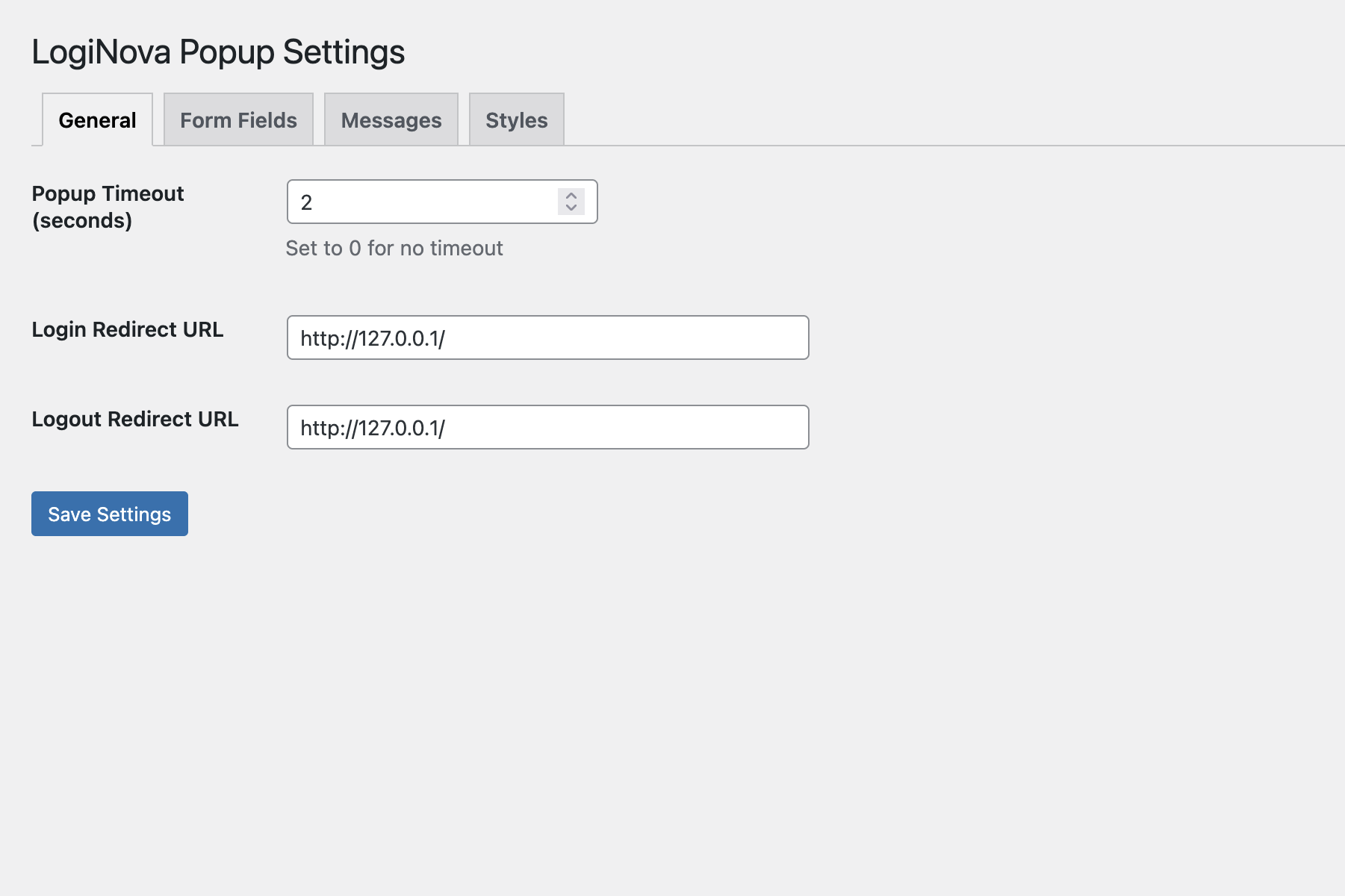
- Redirect users to specific pages after login/logout
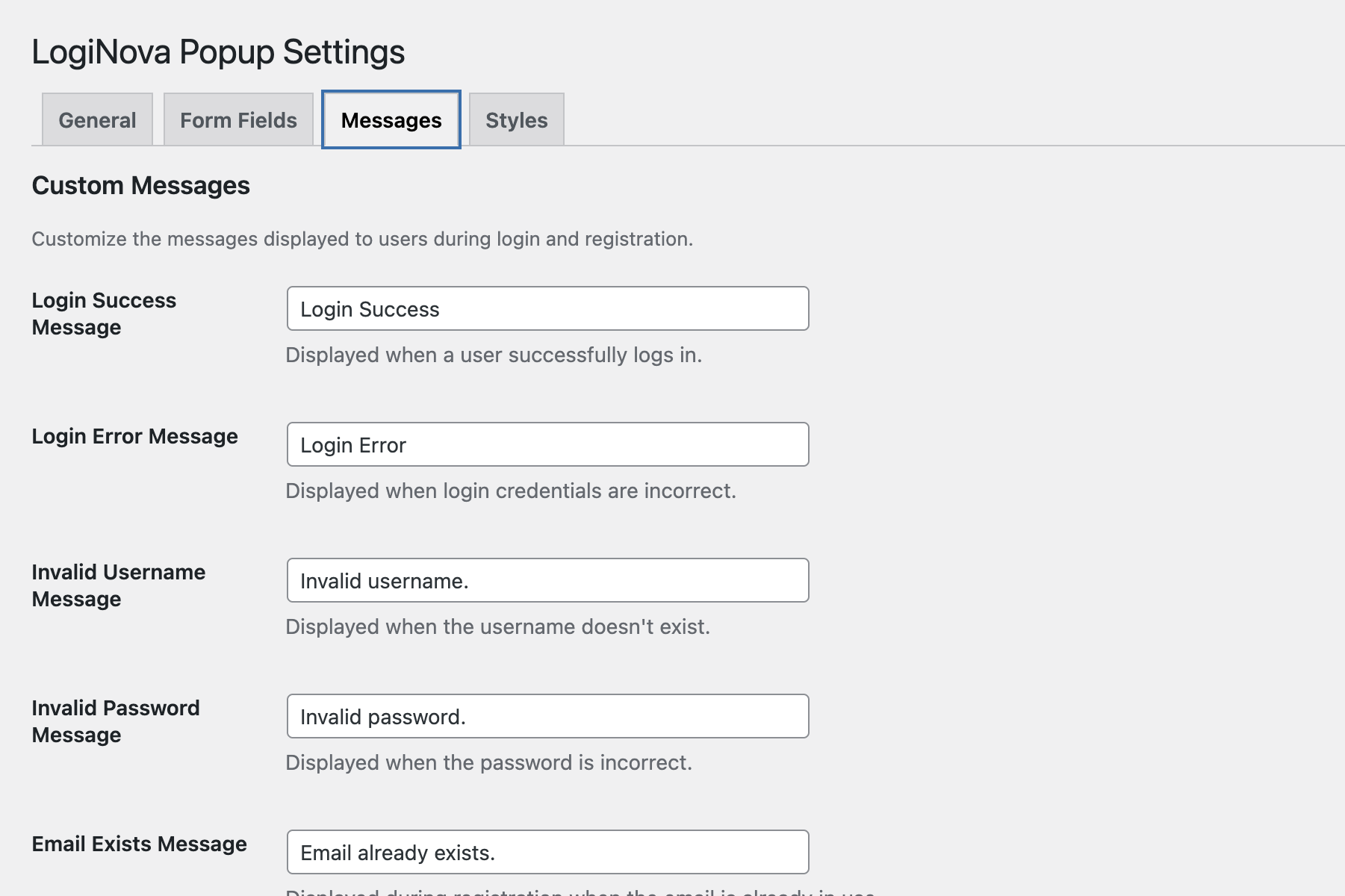
- Custom error messages
- Terms and conditions consent option
- Password recovery functionality
- Responsive design works on all devices
*Beginner-friendly: no coding knowledge required
Privacy Policy
LogiNova uses cookies to keep users logged in and may store IP addresses for security purposes. It does not share any data with external services.
螢幕擷圖
安裝方式
- Upload the
loginovafolder to the/wp-content/plugins/directory - Activate the plugin through the ‘Plugins’ menu in WordPress
- Go to ‘LogiNova’ in your admin menu to configure settings
常見問題集
-
The plugin automatically adds login/register links to your navigation menu.
-
Can I customize the appearance of the popup?
-
Yes! The plugin includes extensive styling options. Go to LogiNova Styles in your WordPress admin to customize colors, sizes, fonts, and more.
-
Does this work with custom user roles?
-
Yes, the plugin uses WordPress’s built-in authentication system, so it works with all user roles.
使用者評論

參與者及開發者

變更記錄
1.8
- Fixed the JavaScript error handling to properly display error messages
- Added proper form validation to prevent empty submissions
- Added the missing form fields in the admin page for all error messages
- Updated the settings save code to safely handle form submissions
- Ensured all custom error messages are properly saved and displayed
1.7
- Added responsive design improvements
- Fixed compatibility issues with latest WordPress version
1.6
- Added password recovery functionality
- Improved security with better nonce verification
1.5
- Added terms and conditions consent option
- Enhanced styling options
1.0
- Initial release