
外掛說明
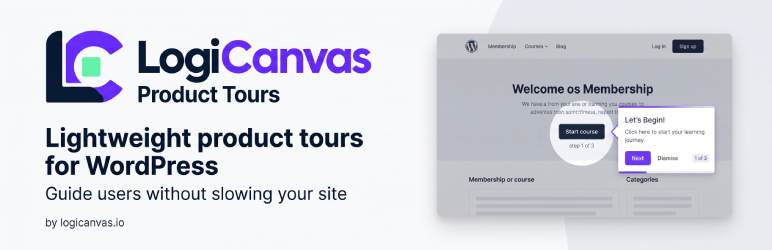
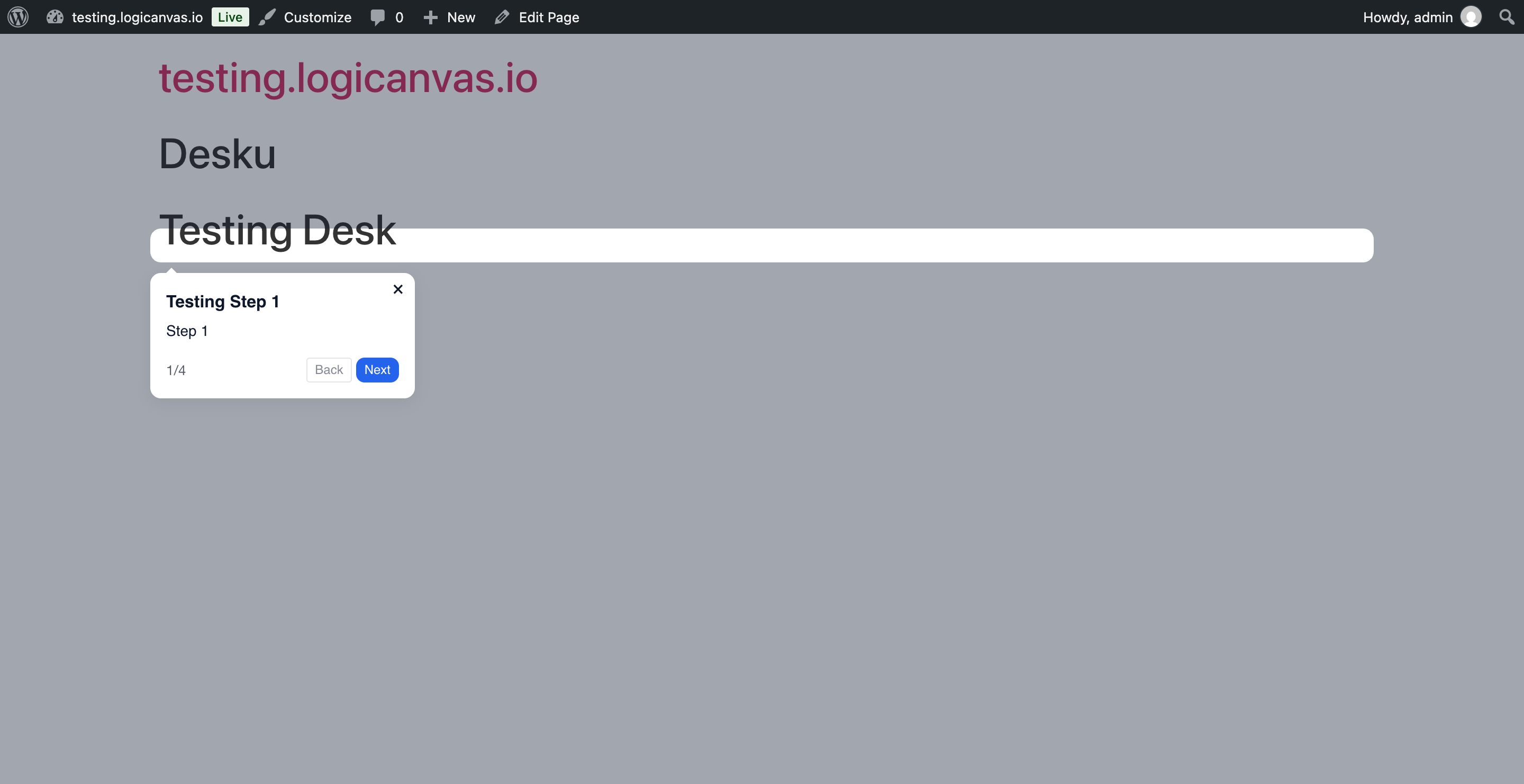
Logicanvas Product Tours lets you create modern, branded product tours without slowing down your site.
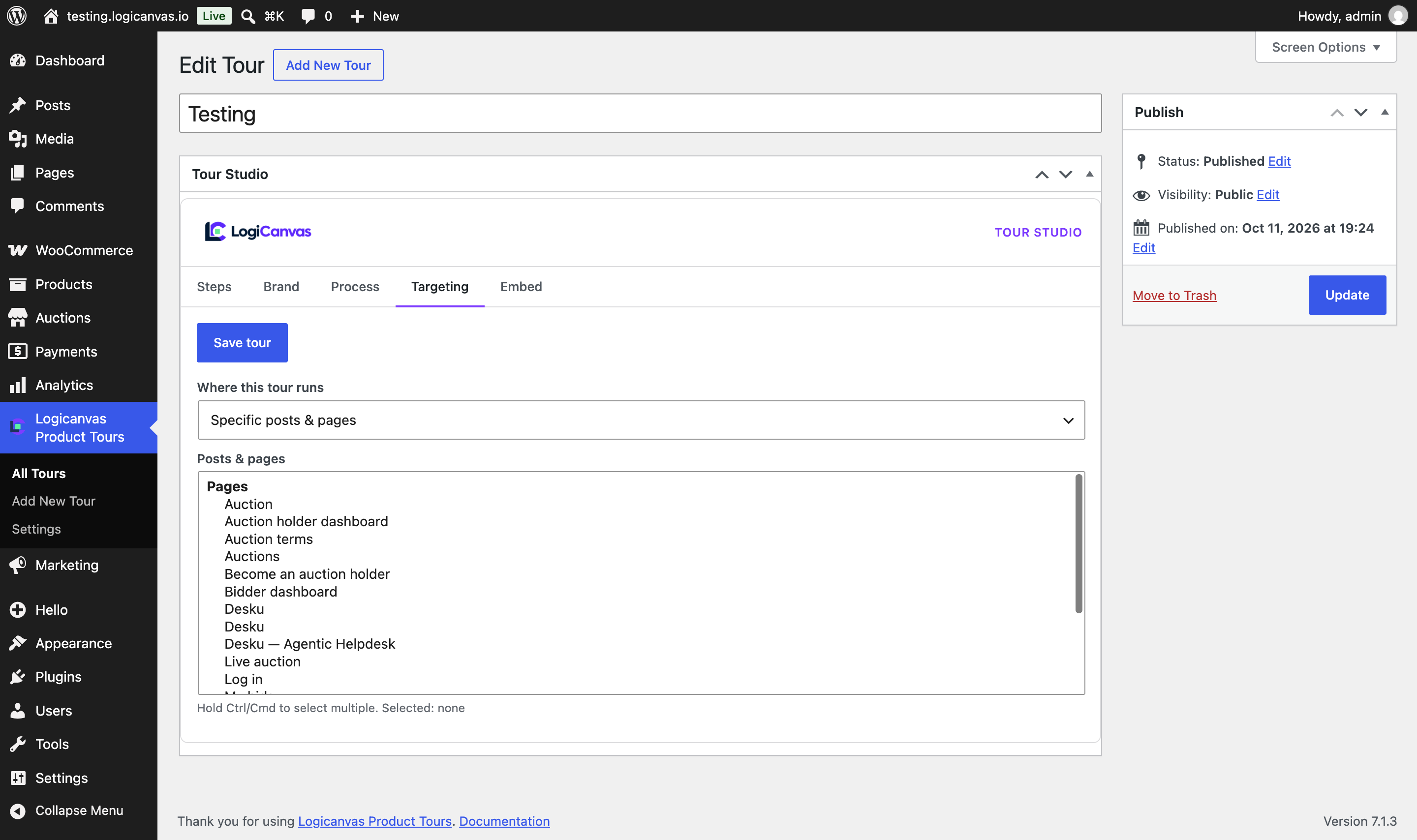
- Target existing
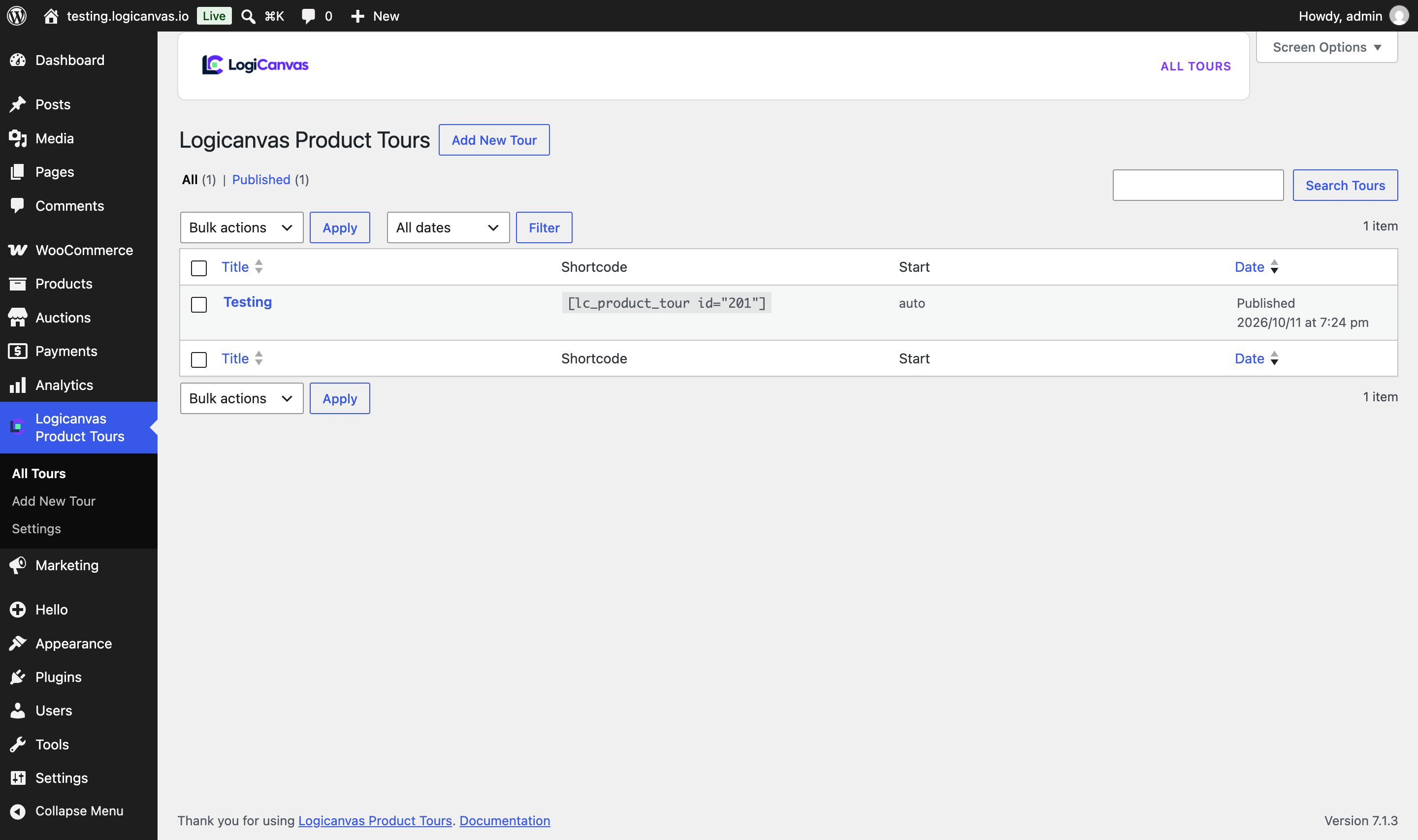
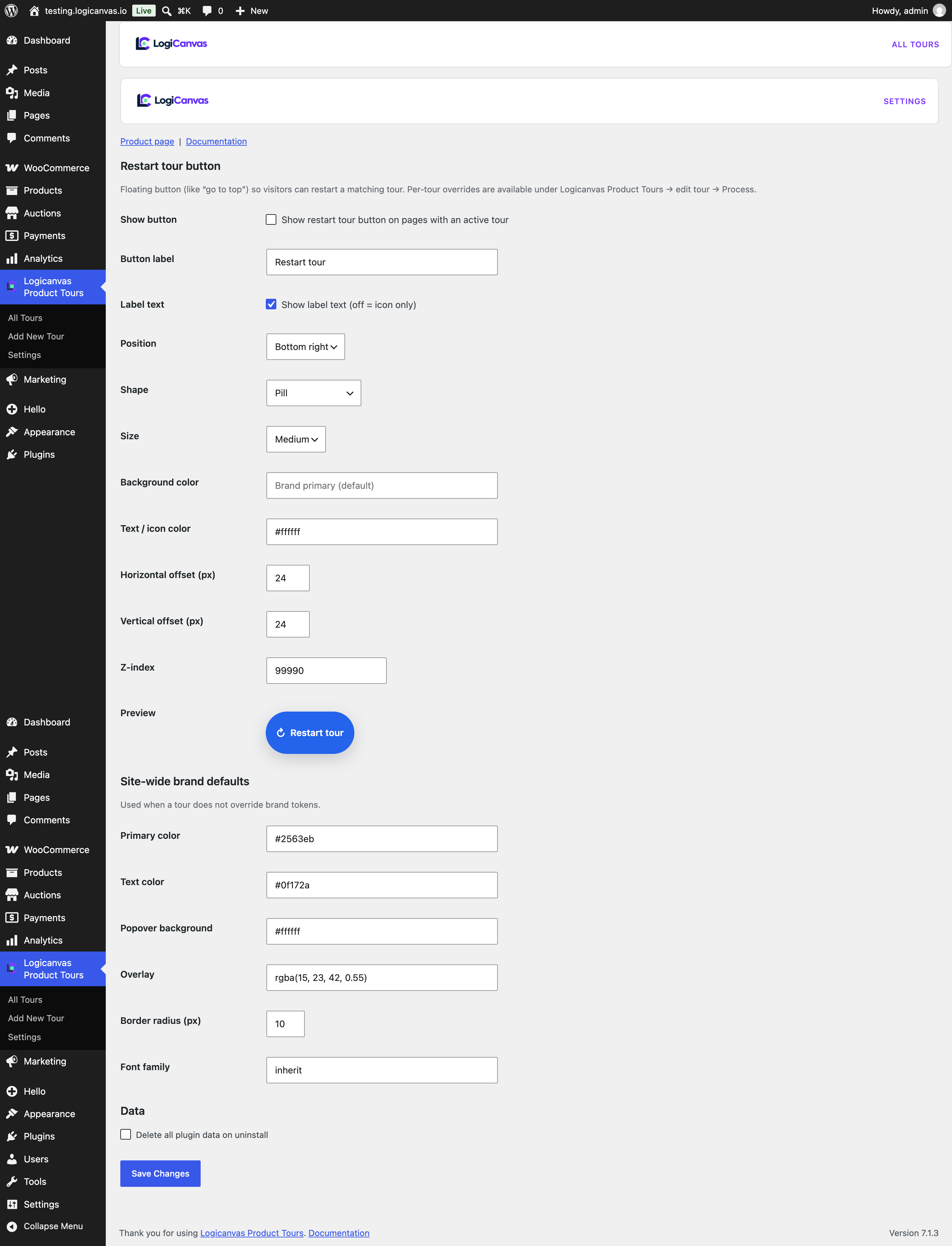
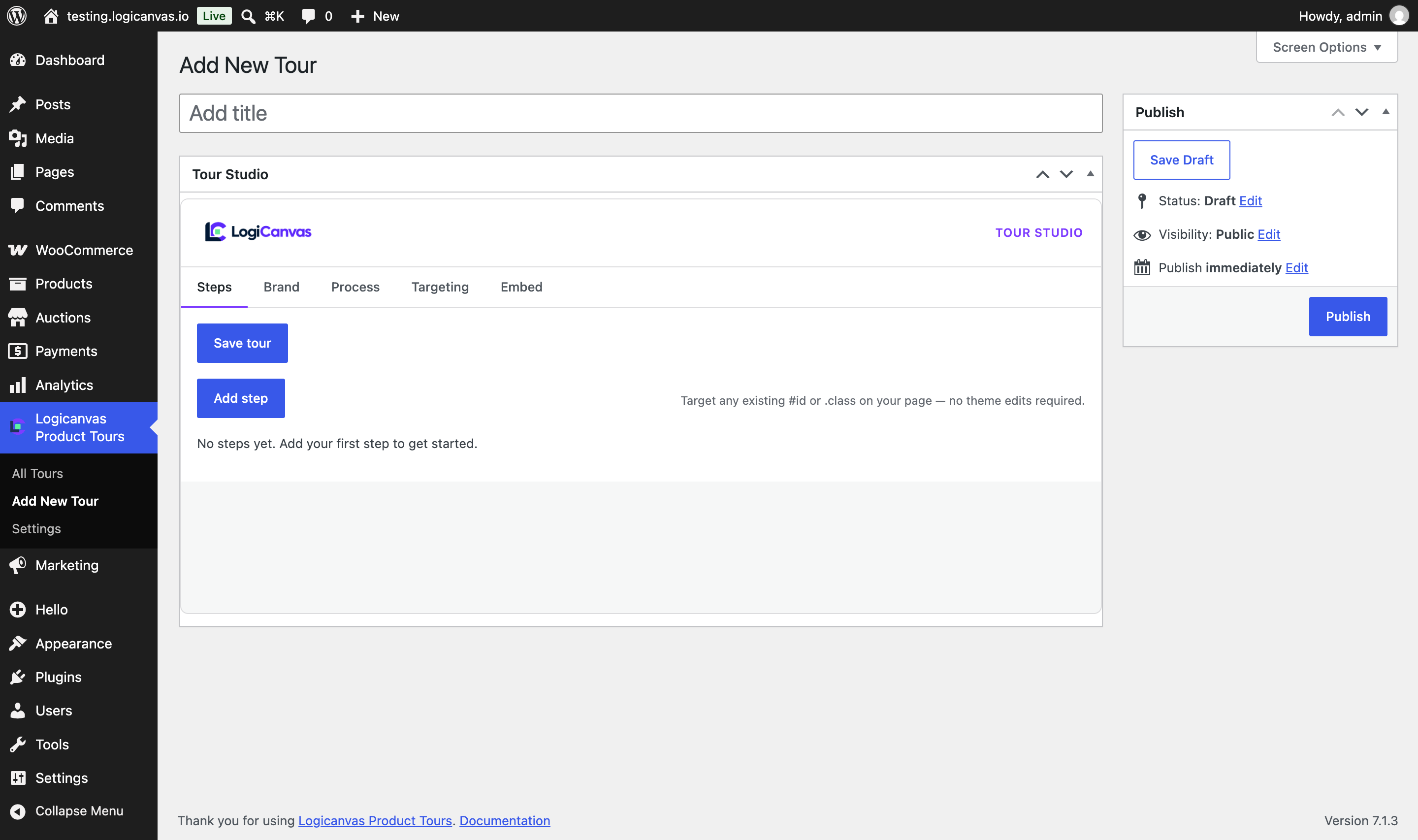
#idand.classselectors from the Tour Studio — no theme edits required - Brand kit: colors, radius, fonts, overlay, and live preview
- Process controls: auto/manual start, audience, show-once with version bump, require-click steps
- Featherweight: assets load only when a tour matches the page
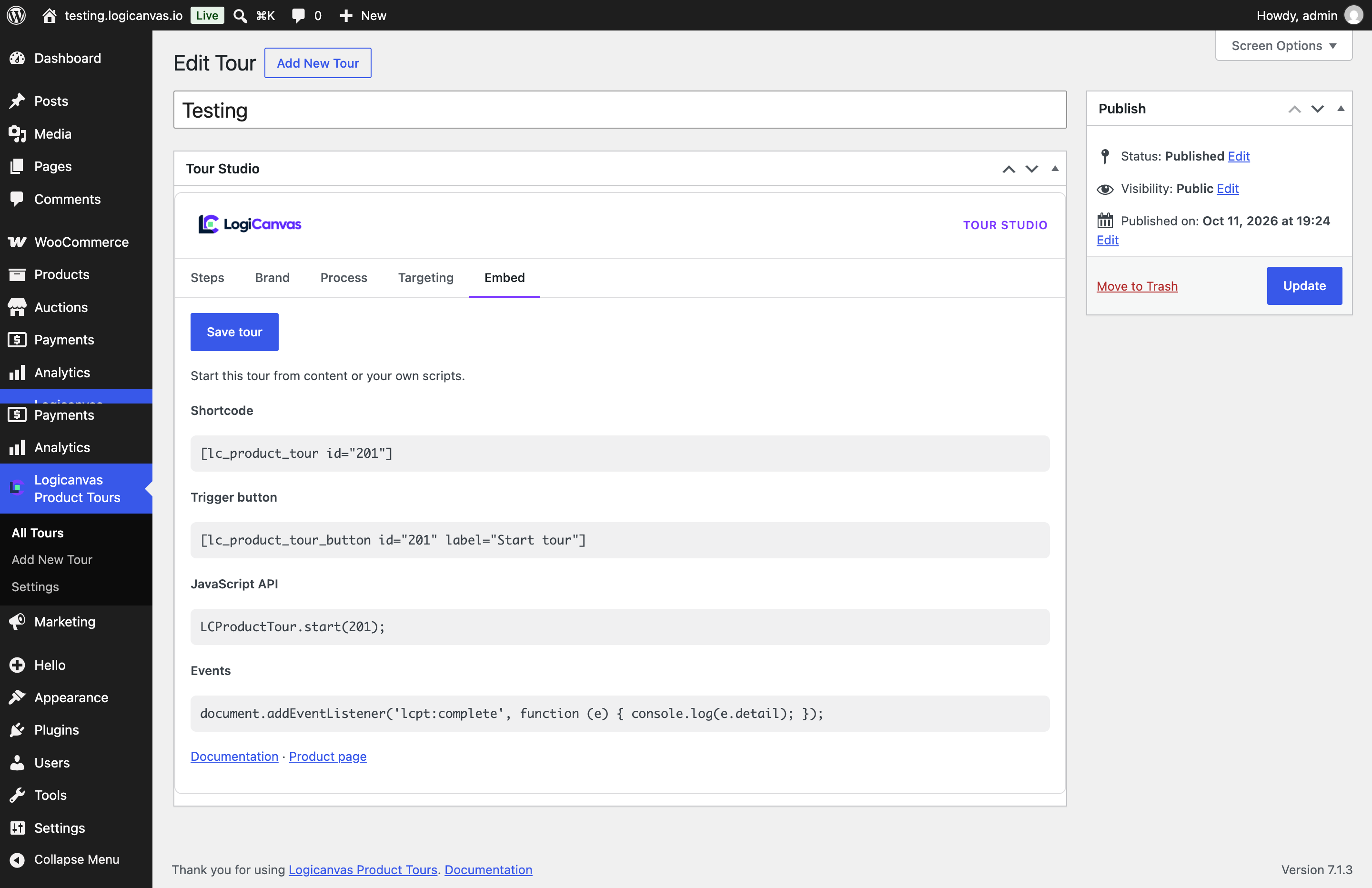
- Shortcode, Gutenberg trigger block, and
LCProductTour.start(id)API
Product page: https://plugins.logicanvas.io/product-tour-by-logicanvas
Documentation: http://docs.logicanvas.io/product-tour-by-logicanvas
Pro add-on (separate plugin): Elementor Tour Trigger widget, visual element picker, query/scroll triggers, multi-page resume, and completion analytics.
螢幕擷圖
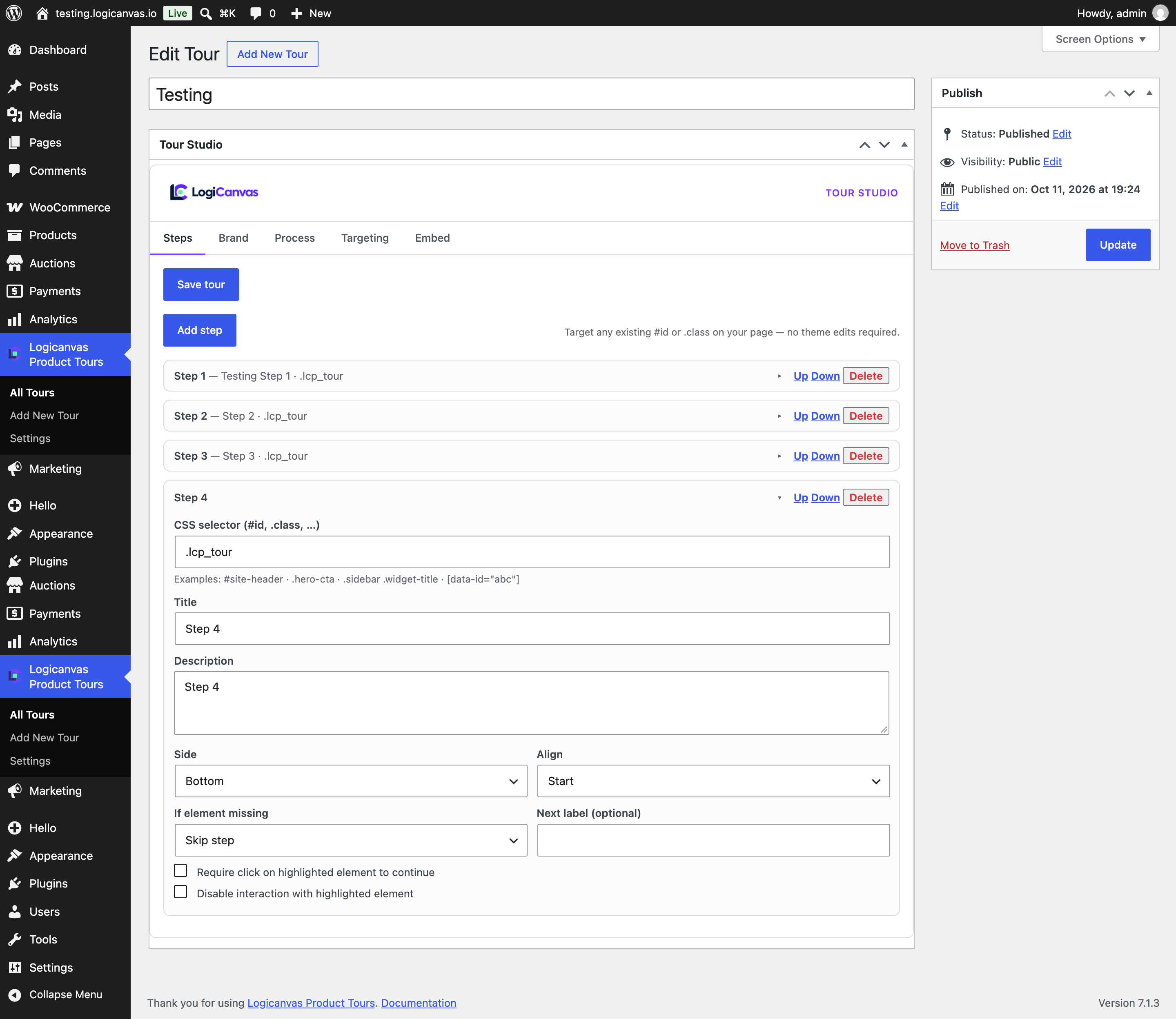
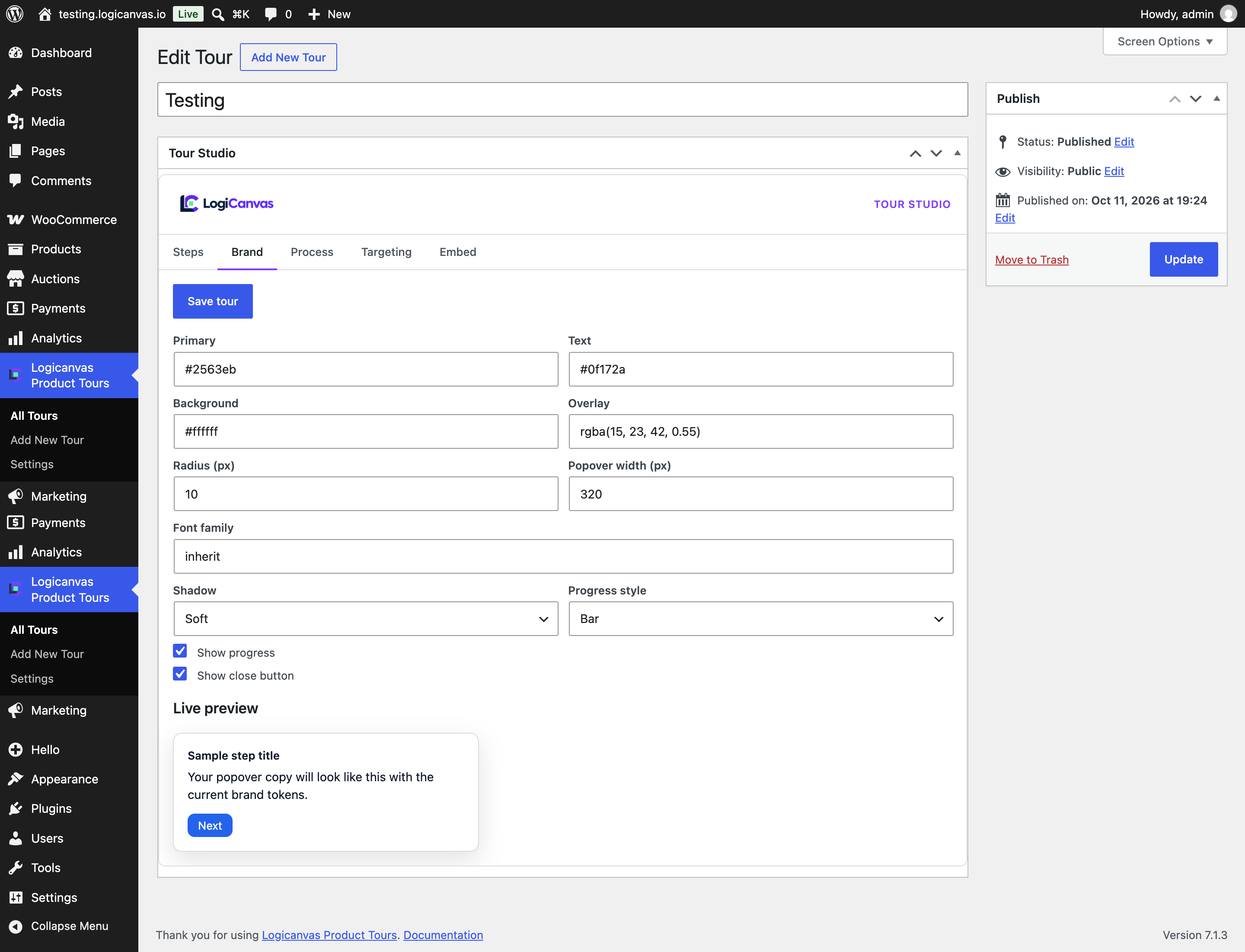
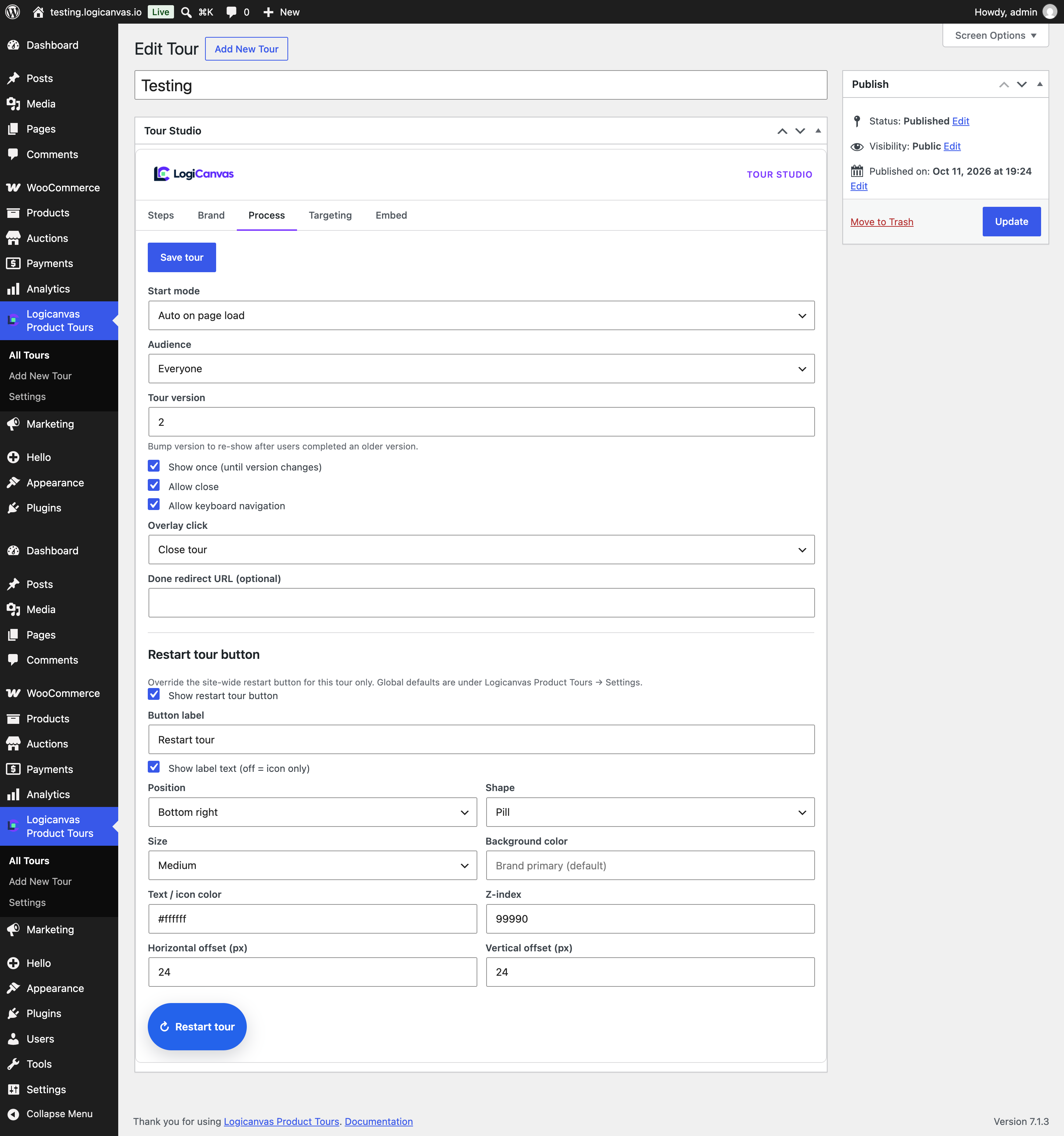
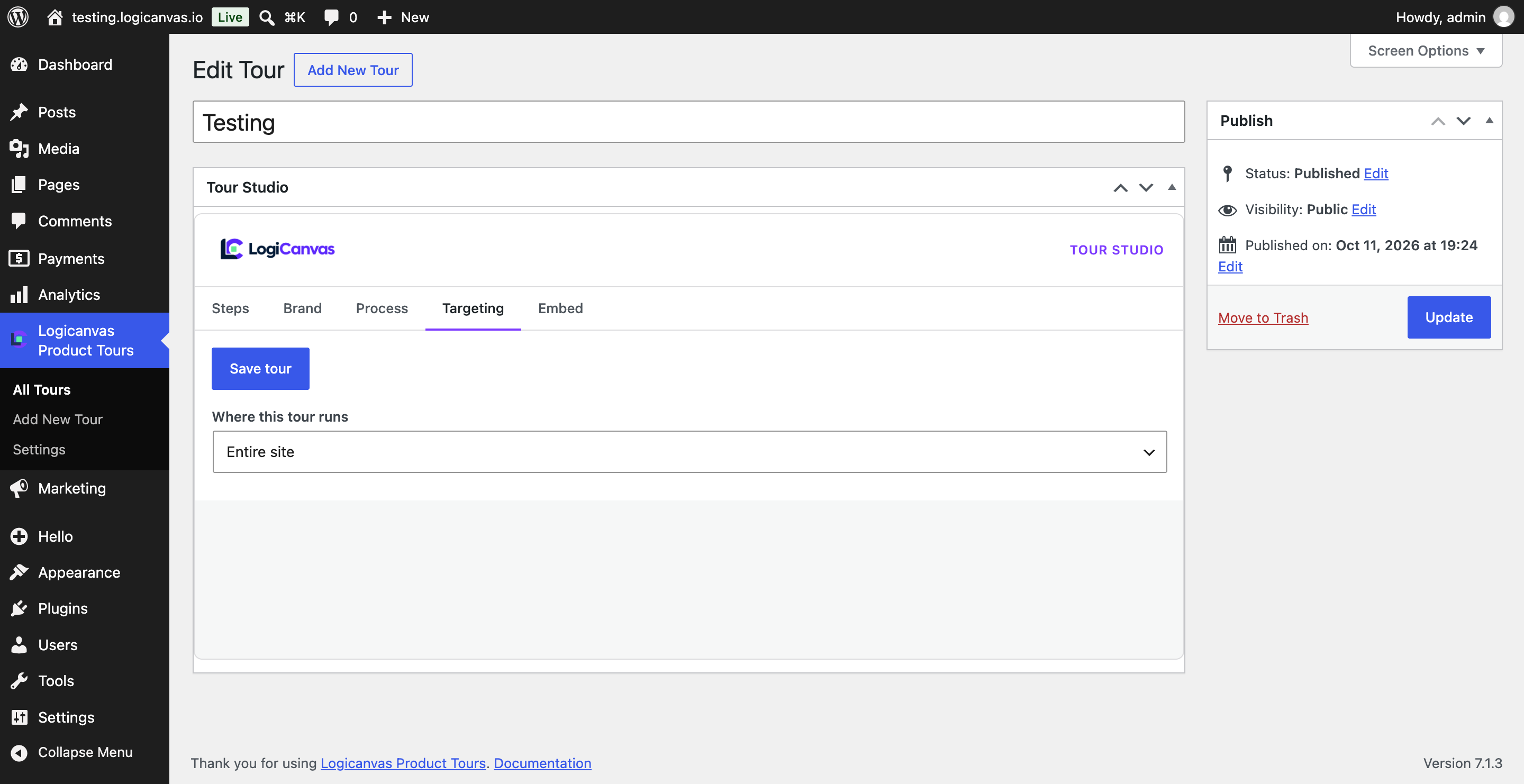
適用於區塊編輯器
這個外掛提供 1 個可供區塊編輯器使用的區塊。
- Logicanvas Tour Trigger
安裝方式
- Upload the plugin folder to
/wp-content/plugins/logicanvas-product-tours - Activate Logicanvas Product Tours through the Plugins screen
- Go to Logicanvas Product Tours Add New and build steps in the Tour Studio
- Publish and visit a matching page
常見問題集
-
Will this slow down my site?
-
No. When no tour matches the current page, the plugin loads zero frontend CSS/JS.
-
Can I use my theme’s existing classes and IDs?
-
Yes. Each step accepts any CSS selector (
#header,.btn-primary, nested selectors,[data-id]). -
Does it work with Elementor?
-
The free plugin works with any markup Elementor outputs via CSS selectors. The Pro add-on adds a Tour Trigger widget and visual picker.
使用者評論
這個外掛目前沒有任何使用者評論。
參與者及開發者


變更記錄
1.0.1
- Initial release
- Brand kit via form fields (no arbitrary custom CSS)
- Escape compiled brand CSS before inline output
- Restart tour button, process controls, and LCProductTour.start() API