

外掛說明
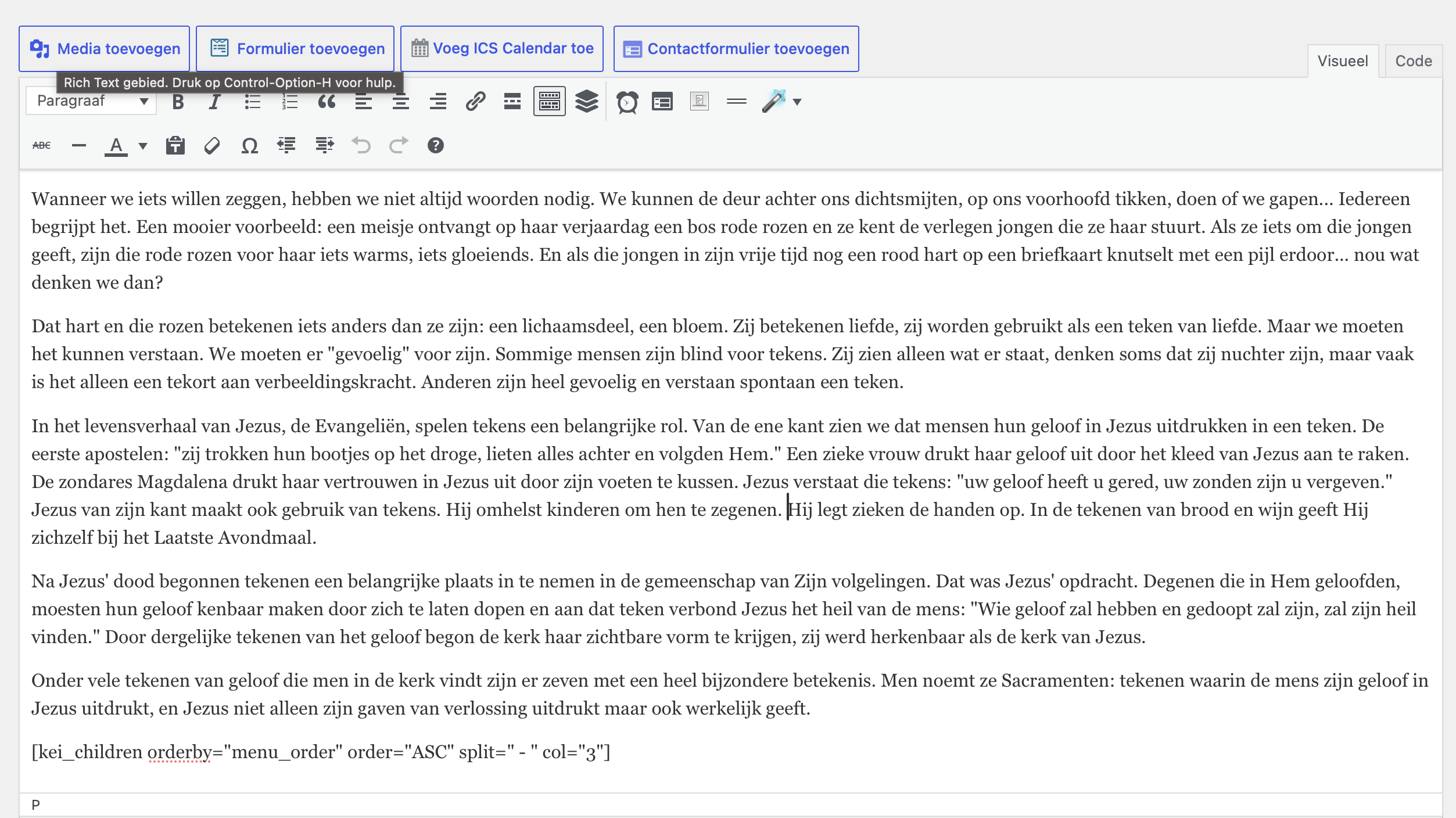
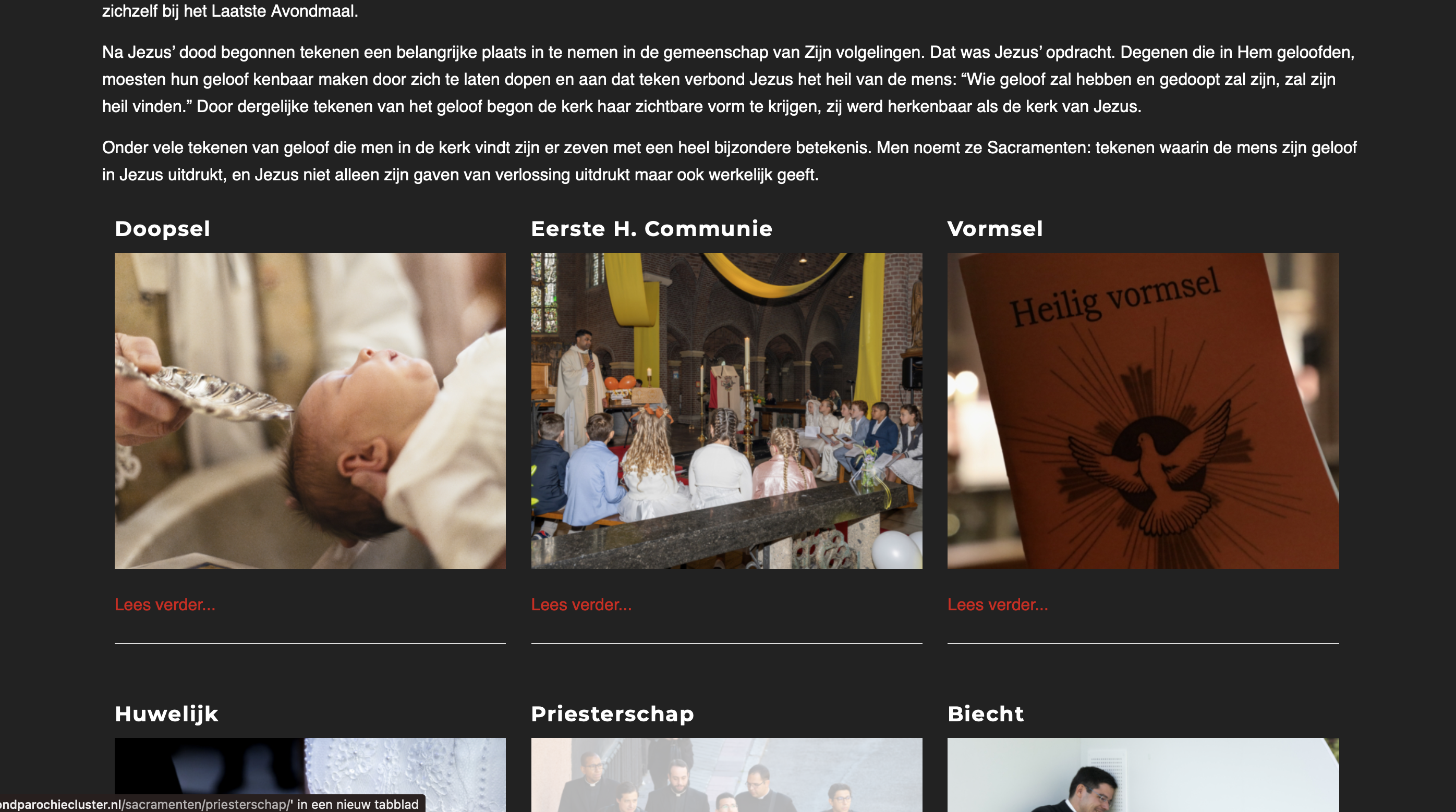
After setting up a good navigation structure on your website, you can use this plugin to display child pages in a nice grid.
It shows the title, featured image, description from the summary field, and a link to read more. The title, image, and read more link all link to the child page.
螢幕擷圖
安裝方式
- In WP Admin, go to Plugins > Add New
- Search for “Kerk en IT Children” and press Enter
- Click “Install Now”
- Click the “Activate Plugin” link
You will be able to use the shortcode.
[kei_children orderby="menu_order" order="ASC" split=" - " col="3" hr="true"]
Explanation of the code above:
title extra title which is practicaly not used.
orderby sorts by the menu order defined in the menu structure.
order can be ASC for ascending or DESC for descending.
split is used to split the page title and replace it with a <br>.
col is used for columns. Right now it only supports 2, 3, and 4 for 2, 3, and 4 columns respectively.
hr can be true or false. When true it creates a horizontal line between the children. When used in combination with above col it generates a horzontal line between the rows.
常見問題集
-
Yes, this is useful for correct sorting.
-
How many times can I use this shortcode?
-
You can use this as many times as you want.
-
Will this work with any theme?
-
It is optimized to work with Enfold, but it may also work with many other themes. However, you will need to style it yourself.
使用者評論
這個外掛目前沒有任何使用者評論。
參與者及開發者

變更記錄
1.0
- Replaced Google Maps for OpenStreetMap
- Added a column for Chamber of Commerce
- Added a column for Stipendia (IBAN)
- Added validation for IBAN and Stipendia to ensure valid IBAN values and formatting.
- Added a section for volunteer jobs