

外掛說明
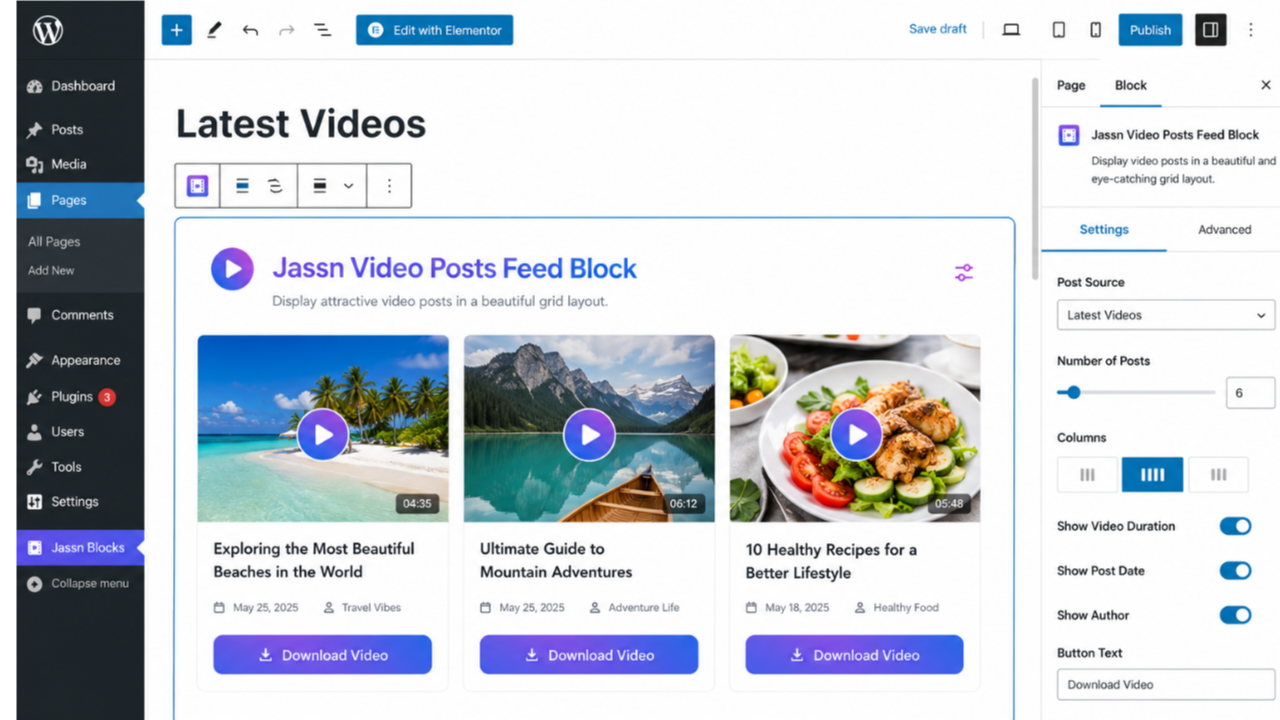
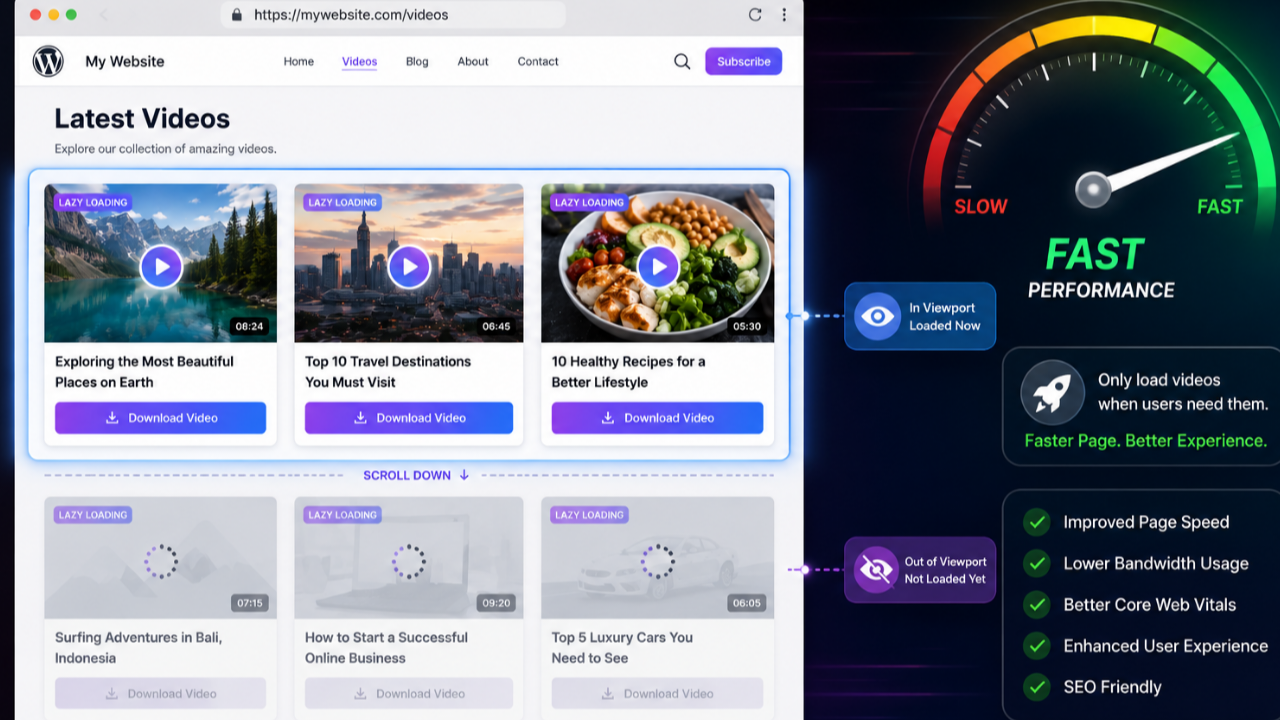
Jassn Video Posts Feed Block is a custom Gutenberg block that turns your WordPress posts into a stunning video feed. It displays local videos (MP4, WebM, OGG) from your media library in a clean, responsive grid.
Key Features
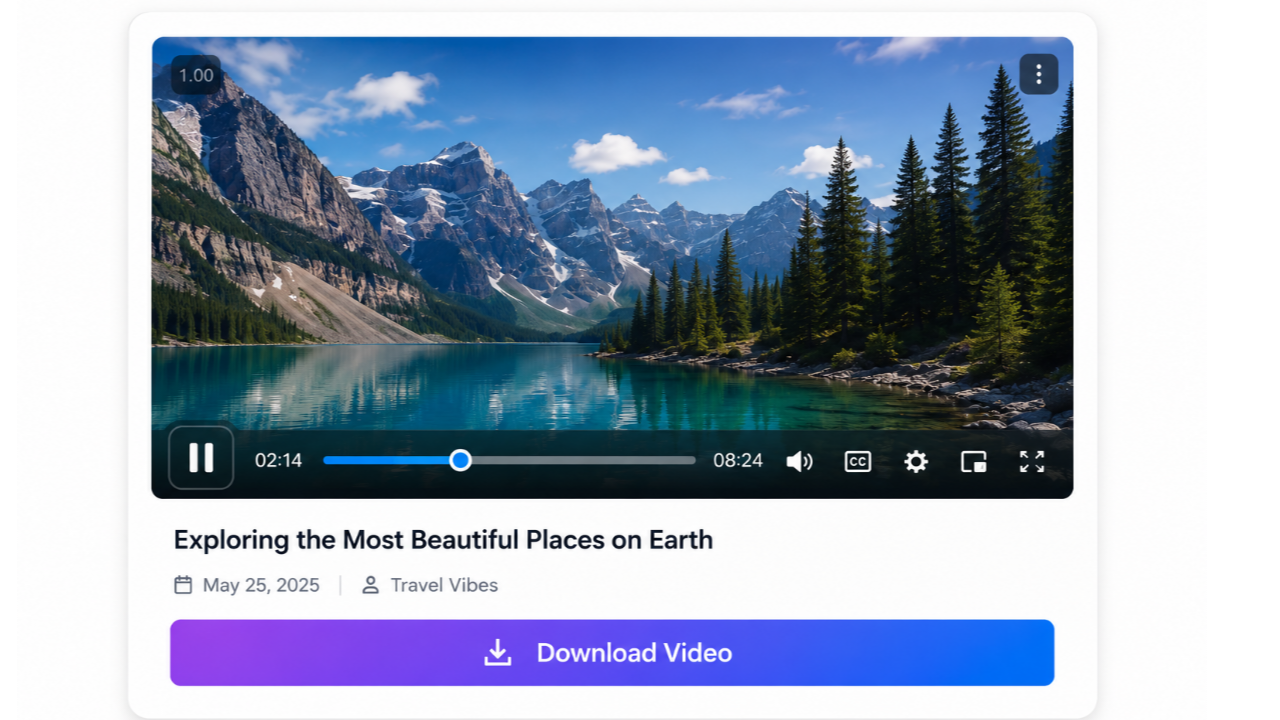
- Modern Video Player – Uses the lightweight Plyr player for a beautiful, accessible video experience.
- Lazy Loading – Videos load only when they scroll into view, boosting page speed.
- Automatic Thumbnails – Uses featured images as video posters (fallback to gradient placeholder).
- Download Button – A stylish gradient download button appears below the title for each video.
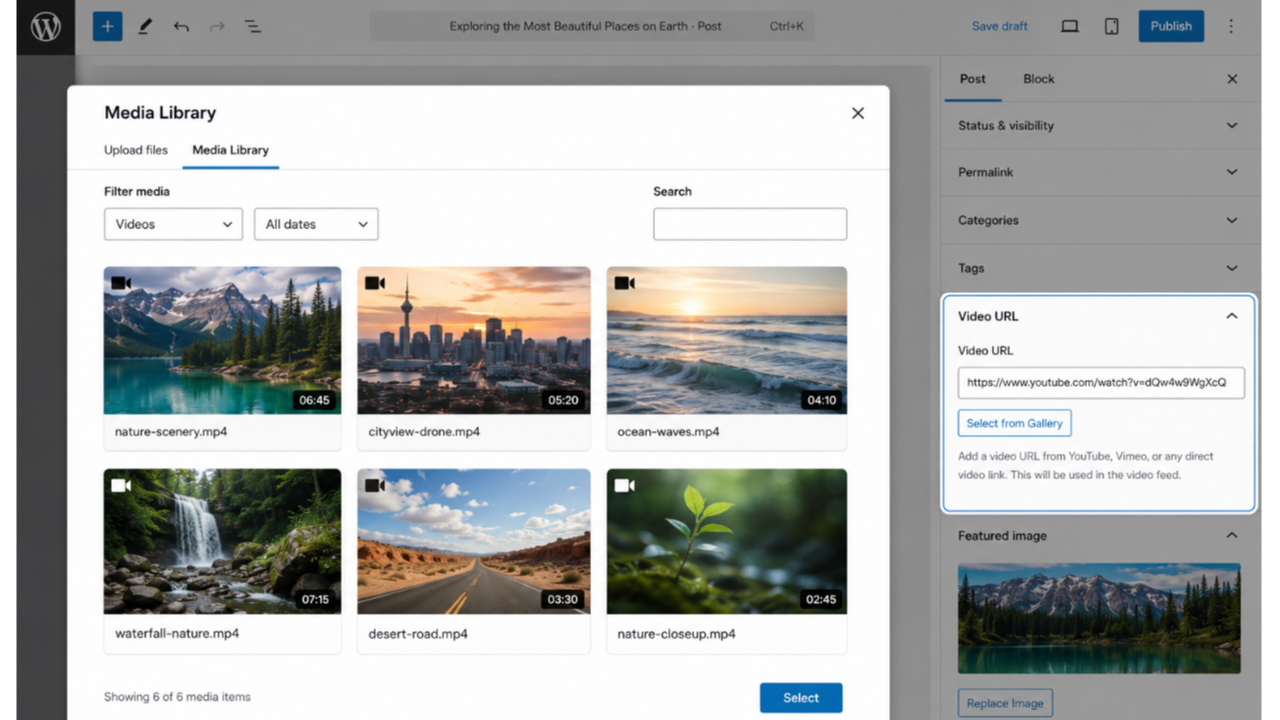
- Media Gallery Integration – Click “Select from Gallery” to choose a video from your media library.
- Fully Responsive – Works seamlessly on desktop, tablet, and mobile.
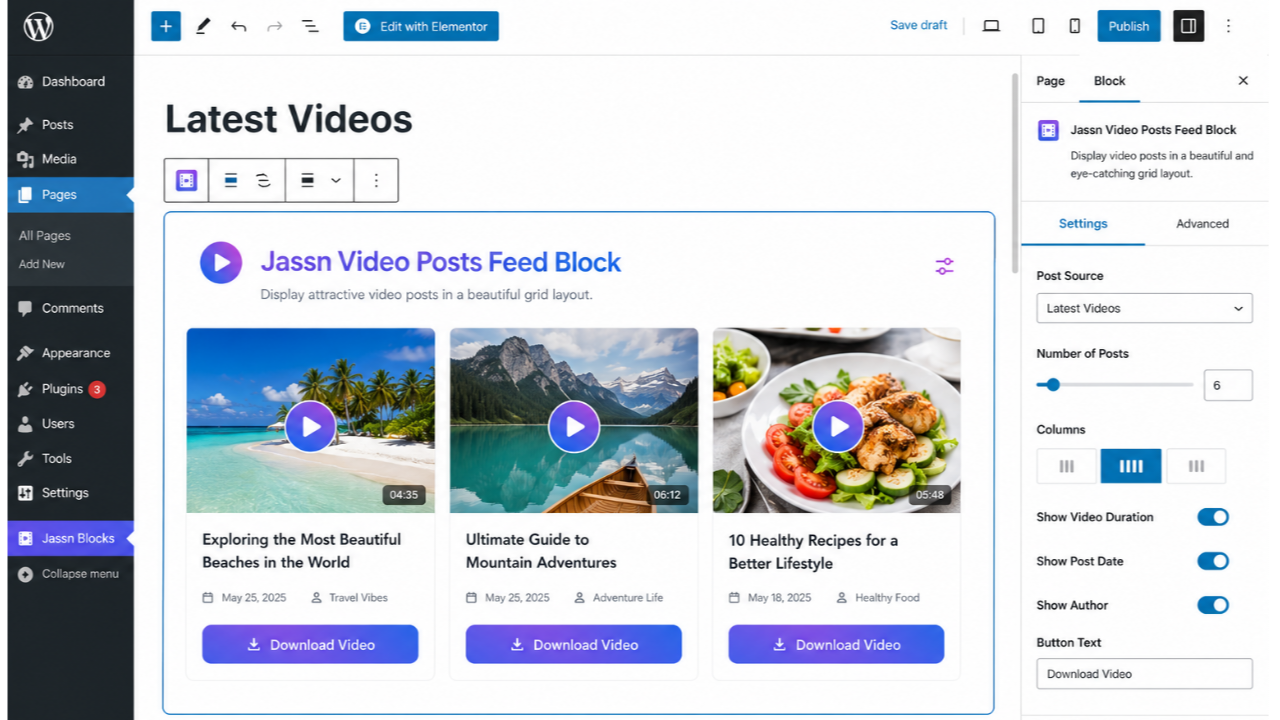
- Gutenberg‑Native – Configure number of posts, order (newest/oldest), and more.
How It Works
- Upload a video to your WordPress media library.
- Add the video URL to any post using the “Video URL” meta box (sidebar).
- Insert the Jassn Video Feed block into any page or post.
- The block displays all posts that have a video URL, sorted by date.
Credits
- Plyr – Licensed under MIT (https://github.com/sampotts/plyr)
螢幕擷圖


適用於區塊編輯器
這個外掛提供 1 個可供 Gutenberg/區塊編輯器使用的區塊。
- Jassn Video Feed
安裝方式
- Upload the plugin folder to
/wp-content/plugins/or install via the WordPress admin. - Activate the plugin.
- Edit any post and scroll to the “Video URL” meta box in the sidebar.
- Click “Select from Gallery” to pick a video from your media library.
- Add the Jassn Video Feed block to any page or post and configure the settings.
常見問題集
-
Can I use videos from my media library?
-
Yes. Click the “Select from Gallery” button in the Video URL meta box.
-
What video formats are supported?
-
MP4, WebM, and OGG formats are supported.
-
How do I add a thumbnail to a video?
-
Set a featured image for the post – it will be used as the video poster.
-
How can I change the number of videos shown?
-
Edit the block and use the “Number of Videos” setting (max 20).
-
Does the plugin work with YouTube or Vimeo?
-
No. This plugin only supports local videos hosted on your own server.
使用者評論
這個外掛目前沒有任何使用者評論。
參與者及開發者

變更記錄
4.5.1
- Initial public release.