

外掛說明
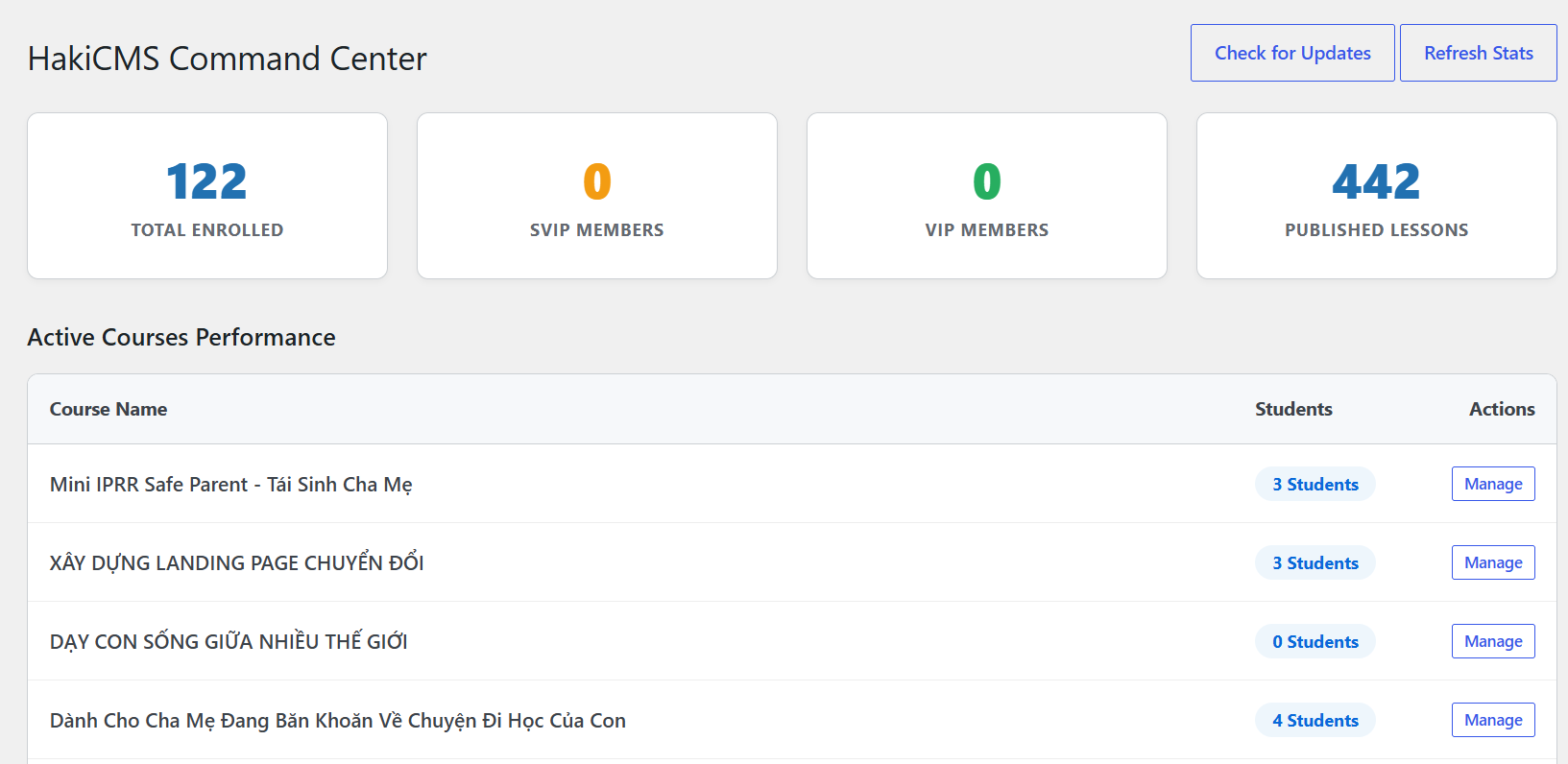
Stop blogging, start teaching. HakiCMS transforms your scattered blog posts into a high-value learning academy.
Instead of writing random content, HakiCMS helps you structure your expertise into problem-solving modules. Turn your ‘boring’ WordPress posts into premium assets that generate real revenue for you while providing real solutions for your readers.
Your WordPress posts are no longer just articles—they are the building blocks of your profitable online business.
External services
This plugin connects to our external API (HakiCMS Cloud) to fetch the latest list of available premium add-ons for the Marketplace page.
– What data is sent: No user data or site data is sent. It is a simple GET request.
– Service provided by HakiCMS: Terms of Use | Privacy Policy
Key Features
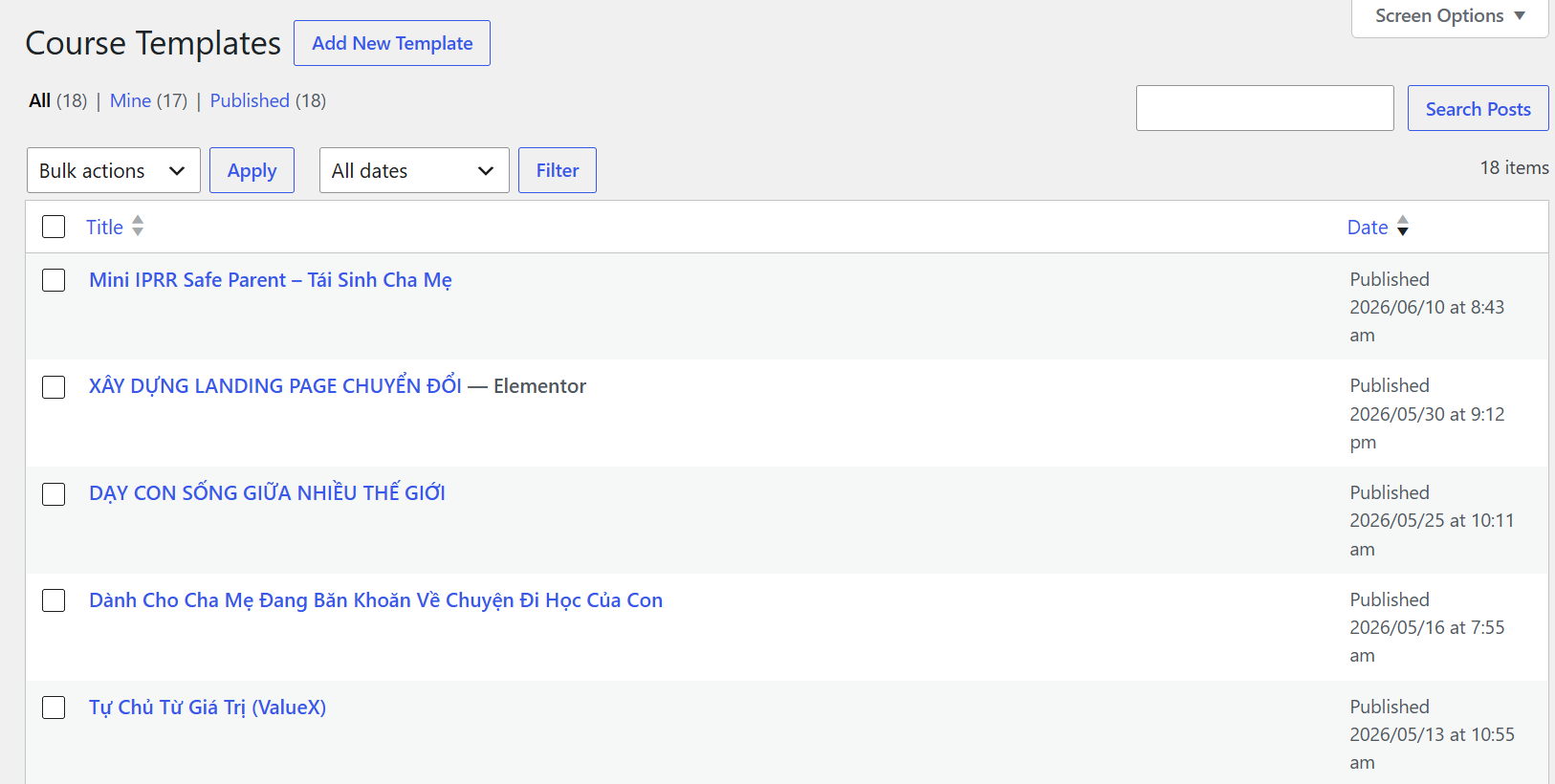
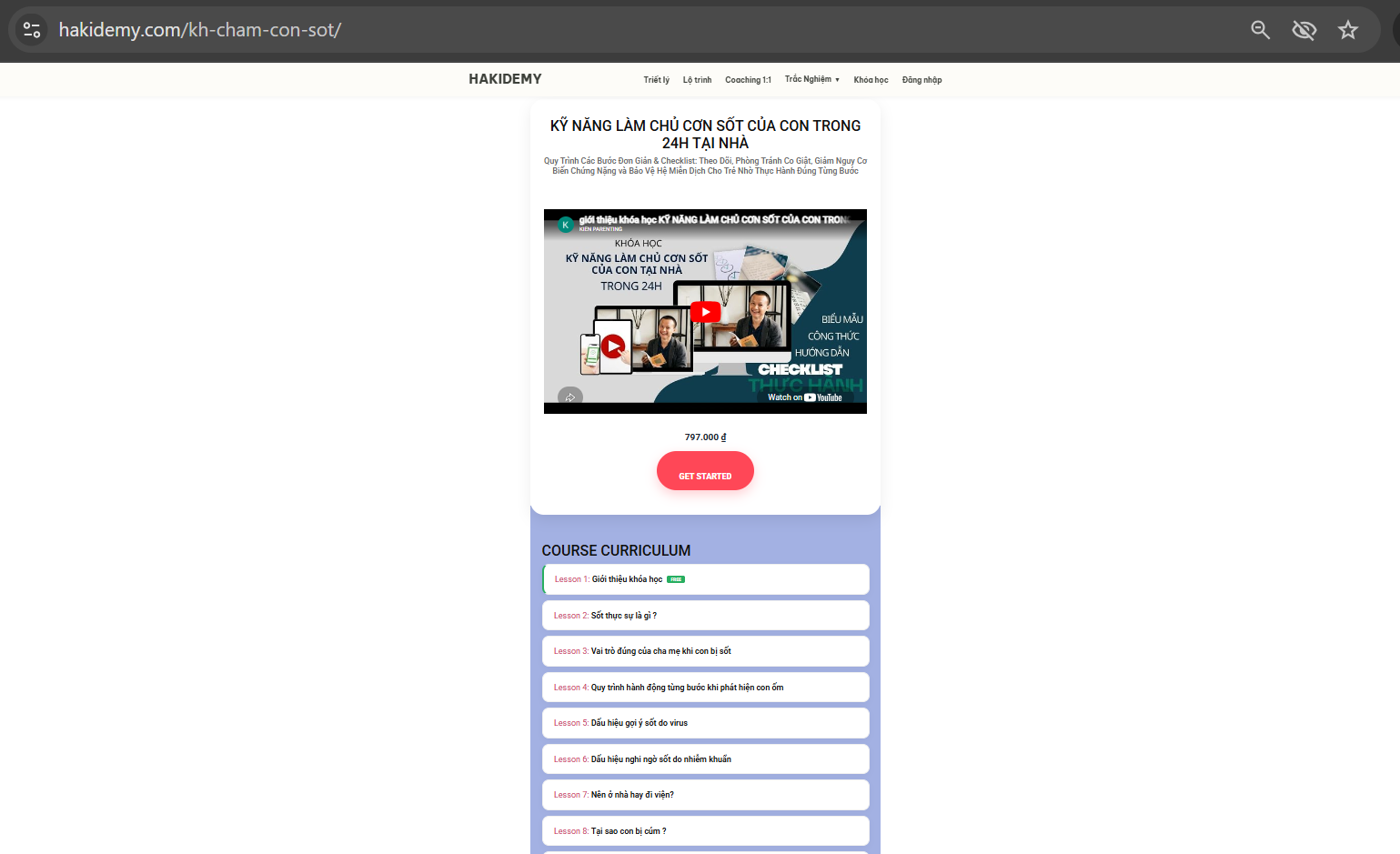
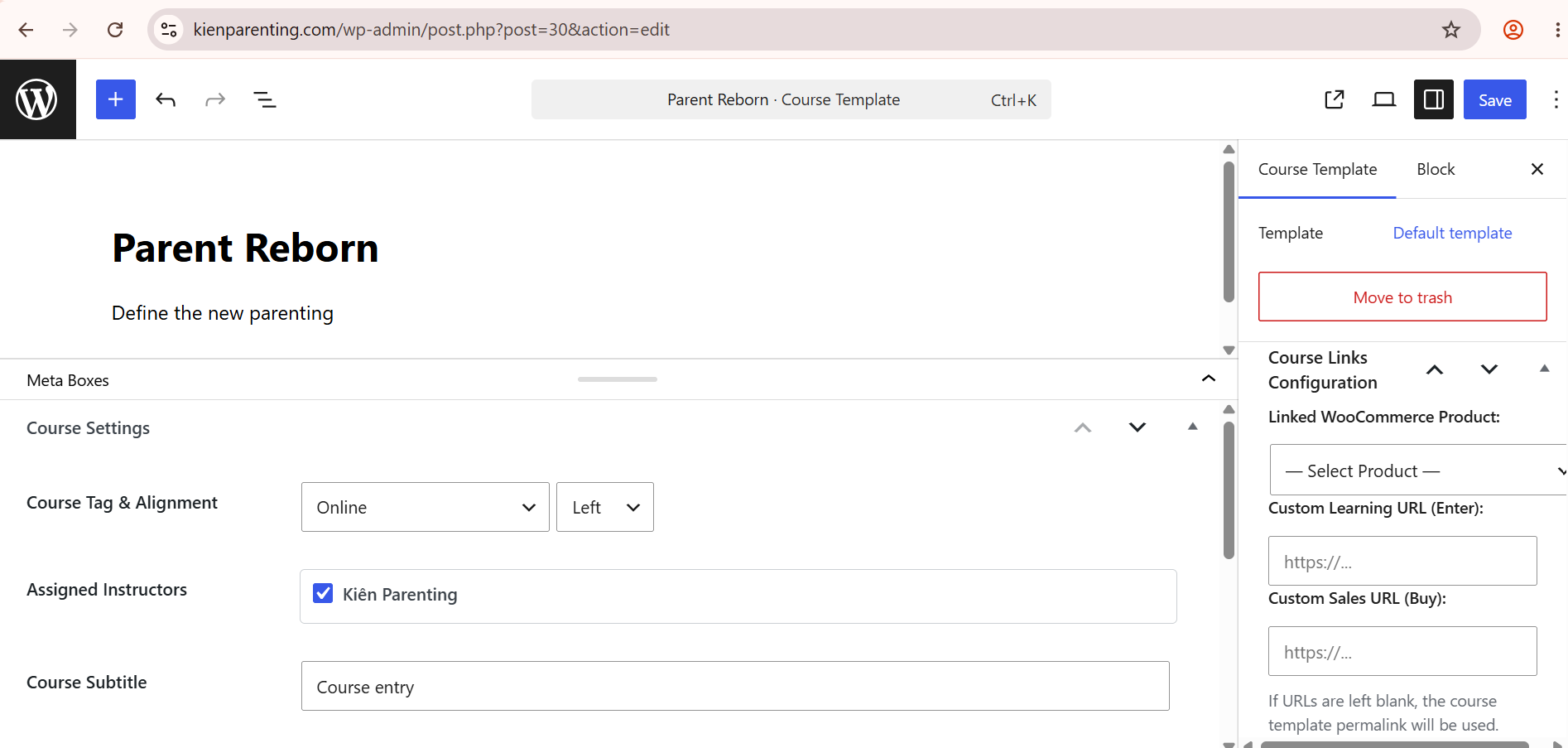
- Course Management: Create professional course landing pages using Course Templates.
- Student Dashboard: A dedicated area for students to track their learning progress with beautiful progress bars.
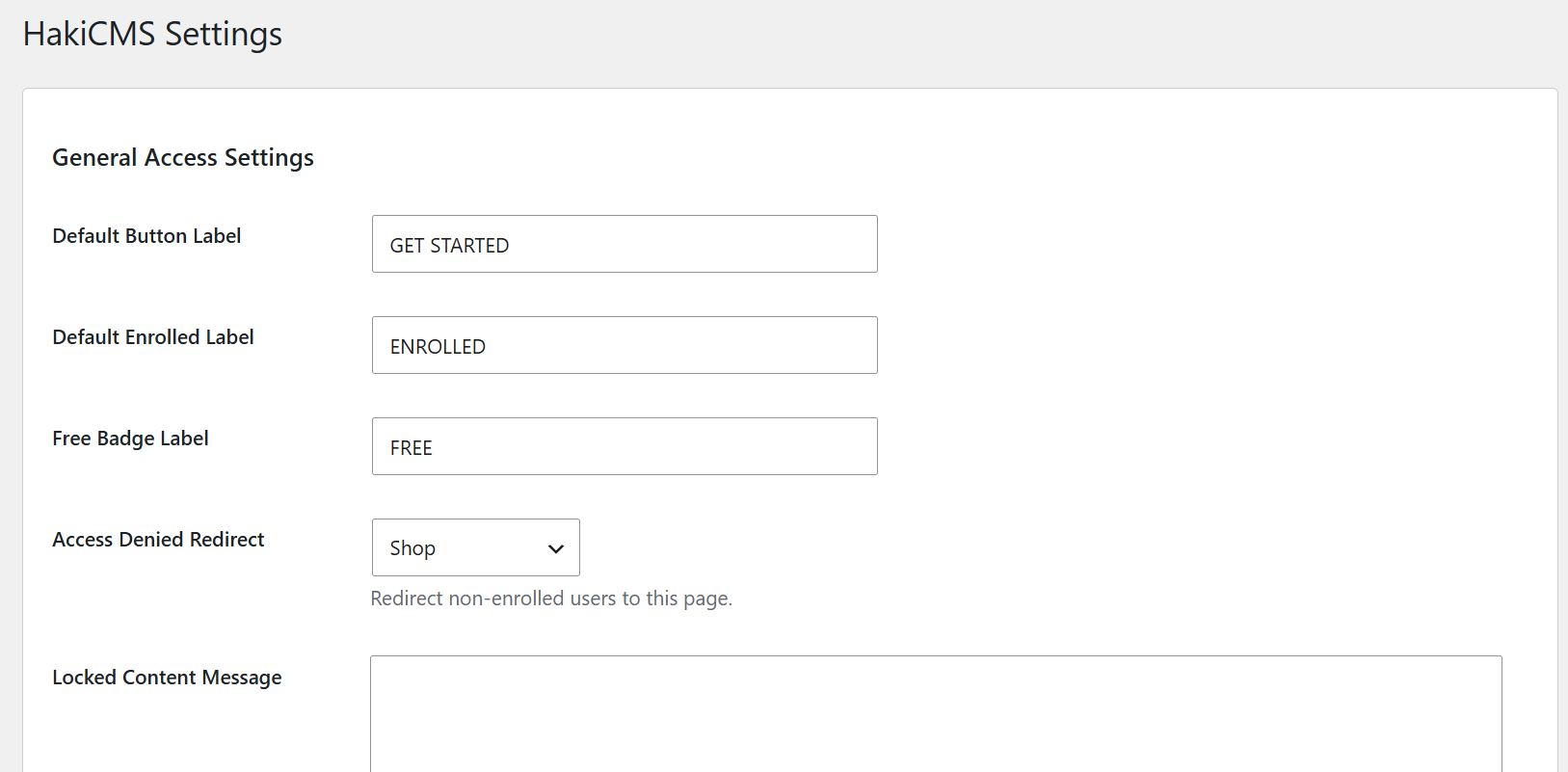
- Content Protection: Protect your premium lessons from unauthorized access.
- Manual Enrollment: Easily enroll students into specific courses from the WordPress admin.
- Elementor Ready: Seamlessly integrate your Elementor-designed landing pages into your courses.
- Modular Design: Extend functionality anytime with HakiCMS Add-ons.
Addons
For advanced features like WooCommerce automation, etc visit HakiCMS.com.
Shortcodes
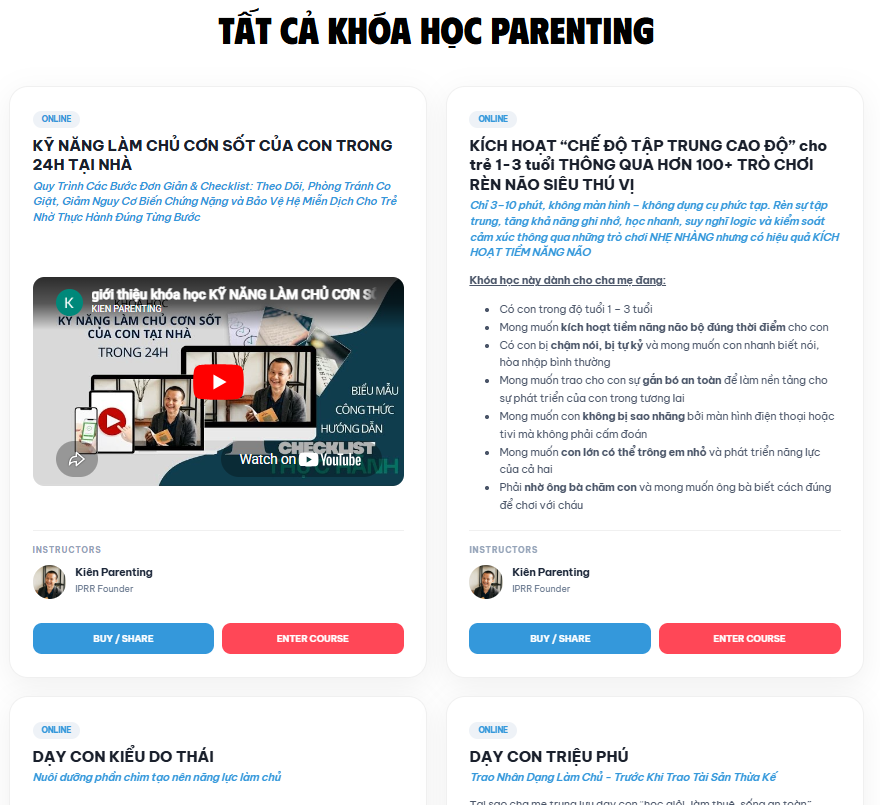
[hakicms_course id="XX"]: Display a specific course (XX is the Template ID).[hakicms_dashboard]: Display the student personal area.[hakicms_course_list]: Display a grid/carousel of all available courses.[hakicms_lesson_list]: Display a sidebar list of lessons in a course.
螢幕擷圖
安裝方式
- Upload the
hakicmsfolder to the/wp-content/plugins/directory. - Activate the plugin through the ‘Plugins’ menu in WordPress.
- Create your first category for lessons, then link it to a new Course Template.
- Use the shortcode
[hakicms_dashboard]or find elementor widget Hakicms on a page to create your student area.
常見問題集
-
How do I add lessons to a course?
-
Simply create standard WordPress Posts and assign them to the Category you linked in your Course Template.
-
Can I sell courses ?
-
Yes, It supports manual enrollment. To automate sales with WooCommerce, you need the HakiCMS WooCommerce Bridge add-on.
使用者評論
這個外掛目前沒有任何使用者評論。
參與者及開發者

變更記錄
4.0.0
- Initial official release of HakiCMS FREE for WordPress.org.
- Standardized security protocols (Escaping, Sanitization, Nonces).
- Improved migration engine for legacy data.
- Fixed Elementor widget compatibility.