

外掛說明
Fliz Video Generator is the easiest way to convert your WordPress articles into professional AI-generated videos. Simply click a button, and our AI agent will:
- Analyze your content
- Write an engaging script
- Select relevant images
- Generate a natural voiceover
- Add subtitles and music
- Deliver a ready-to-publish video in 3 minutes
Key Features:
- One-click video generation from any post
- Multiple formats: 16:9 (YouTube), 9:16 (TikTok/Reels), 1:1 (Instagram)
- 27+ languages supported
- Customizable voices, subtitles, and music
- Bulk video generation
- Custom watermark/logo support
- Shortcode for easy embedding
Requirements:
- A Fliz.ai account with API access
- API key (available on all paid plans)
External services
This plugin connects to the Fliz.ai API to generate AI-powered videos from your blog post content.
What is Fliz.ai?
Fliz.ai is an external AI video generation service that transforms text content into professional videos with voiceover, subtitles, images, and music. This plugin requires a Fliz.ai account with API access to function.
What data is sent and when?
When you click the “Generate Video” button (either on a single post or through bulk generation), the following data is sent to the Fliz.ai servers (https://app.fliz.ai):
- Post title: Used as the video name/title
- Post content/excerpt: Used to generate the video script
- Your site URL and name: Optionally included for branding purposes
- Watermark image URL: If you have configured a custom watermark
- Video preferences: Format, language, voice, subtitle style, music, and other customization settings
Data is only sent when you explicitly request video generation. No data is sent automatically or without user action.
The plugin also communicates with Fliz.ai to:
* Verify your API key connection
* Retrieve available voices and music options
* Check video generation status
* Retrieve the final video URL once generation is complete
Service links
- Fliz.ai website: https://fliz.ai
- Terms of Service: https://fliz.ai/terms
- Privacy Policy: https://fliz.ai/privacy-policy
- API Documentation: https://app.fliz.ai/api-docs
螢幕擷圖
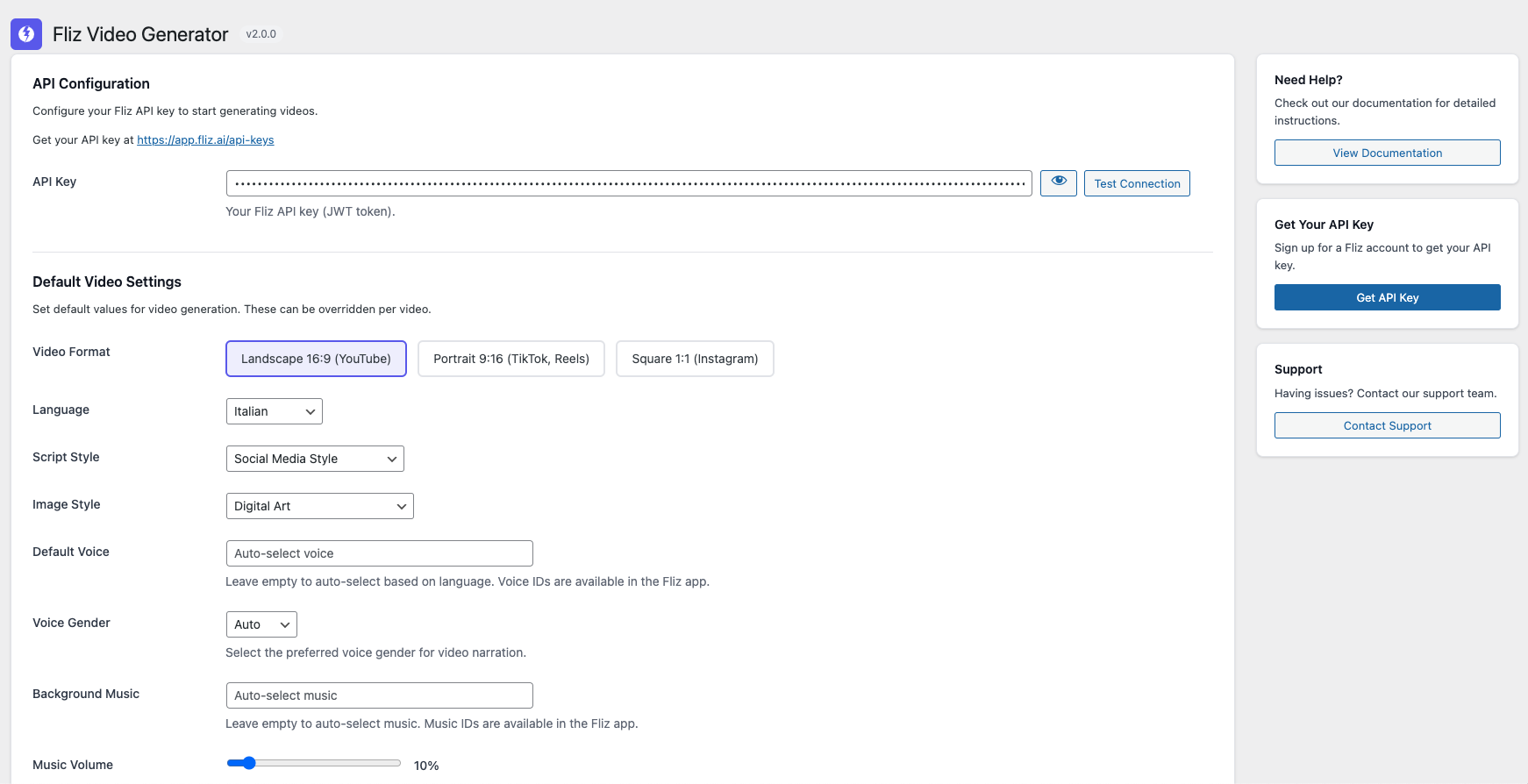
Settings page – Configure your API key and default preferences 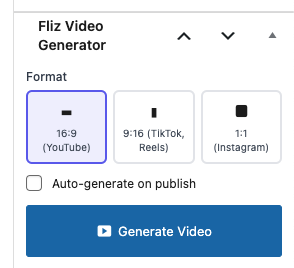
Post editor metabox – Generate videos with one click 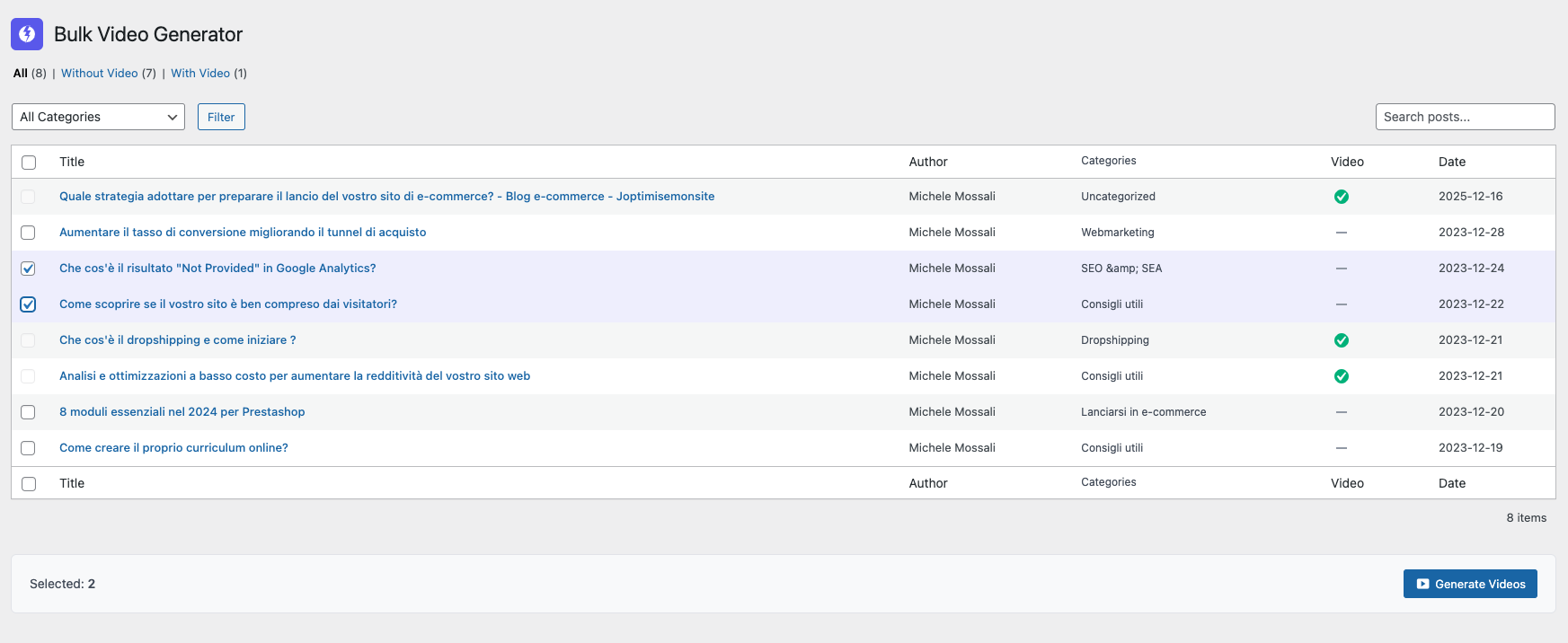
Bulk generator – Create multiple videos at once 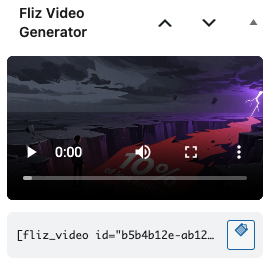
Video player – Embedded video display
安裝方式
- Upload the plugin files to
/wp-content/plugins/fliz-video-generator/ - Activate the plugin through the ‘Plugins’ menu in WordPress
- Go to Settings > Fliz Video to enter your API key
- Configure your default video preferences
- Start generating videos from any post!
常見問題集
-
Do I need a Fliz account?
-
Yes, you need a Fliz.ai account with API access. All paid plans include API access.
-
How many videos can I generate?
-
It depends on how many Fliz credits you have. Count on about 85 credits per video.
-
What video formats are supported?
-
The plugin supports 16:9 (landscape), 9:16 (portrait/vertical), and 1:1 (square) formats.
-
Can I customize the generated videos?
-
Yes! You can set default preferences for voice, subtitle style, music, and watermark in the settings.
使用者評論
這個外掛目前沒有任何使用者評論。
參與者及開發者

變更記錄
2.0.0
- Complete rewrite for WordPress.org compliance
- New REST API integration
- Enhanced customization options
- Improved user interface
- Added bulk generation feature
- Better error handling and logging