

外掛說明
The official plugin for integrating Finteza web analytics with WordPress websites
What is Finteza?
The system features real-time web analytics. Track the number of visitors, page views and events of your website. Analyze the incoming traffic quality, examine the audience behavior and build conversion funnels. Detailed statistics on users’ georgraphy and traffic sources are updated in the reports in real time!
Finteza advantages
- Online tracking of website audience
- Bots and toxic clicks detection
- Stats without delays and sampling
- Intuitive interface
For more information, visit the official Finteza website.
Plugin features
- Quick registration in Finteza
- Counter code integration in all pages of the site
- Tracking of Link clicks
螢幕擷圖
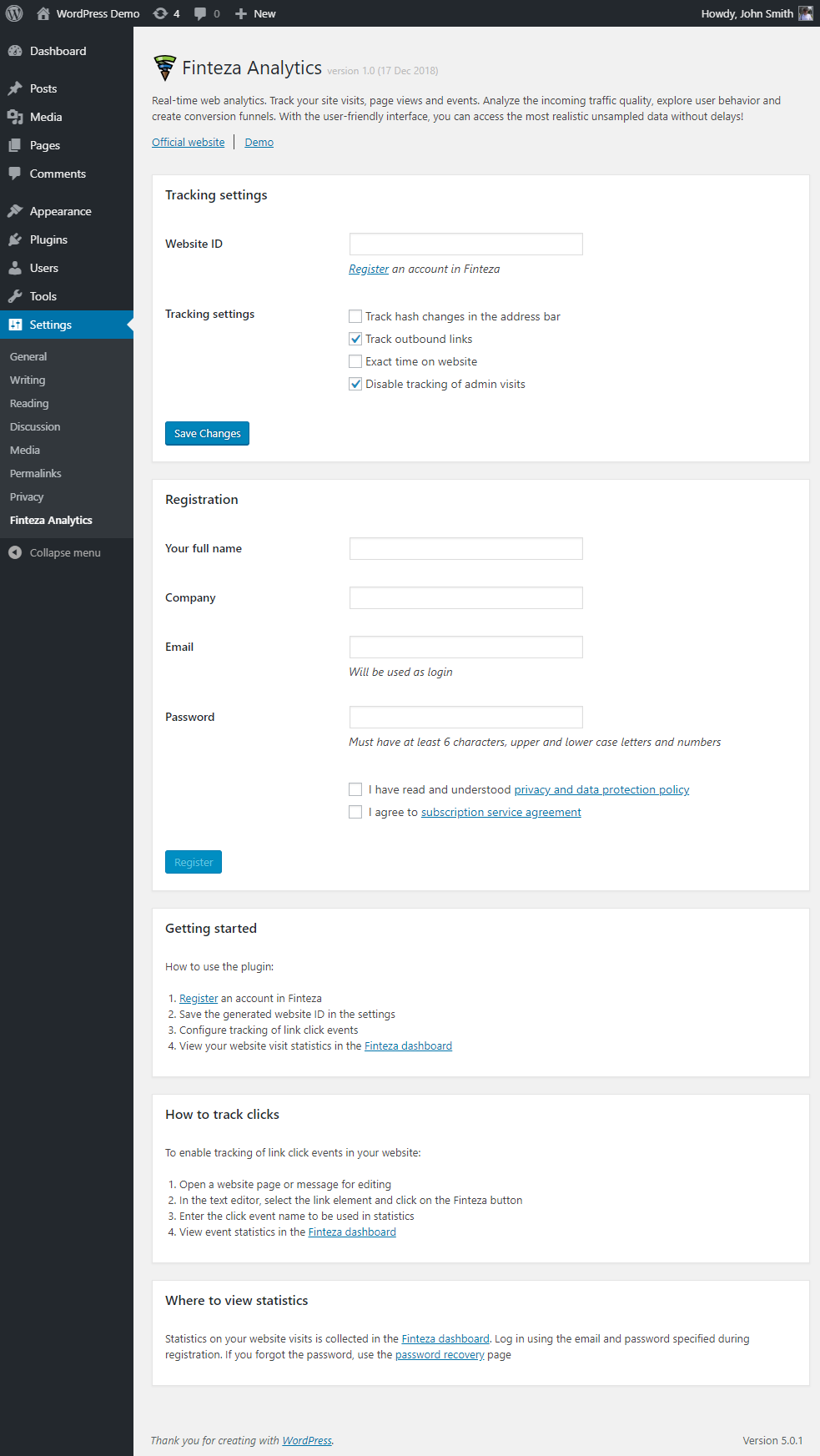
Plugin settings 
Link сlicks tracking
安裝方式
To install the plugin, please follow these steps:
- Upload plugin files to the directory
/wp-content/plugins/finteza-analytics - Activate the plugin in the ‘Plugins’ section of the WordPress console
- Configure the plugin using Settings->Finteza Analytics
常見問題集
-
What is Finteza?
-
The system features real-time web analytics. For more information, visit the official Finteza website.
-
Where do I get the website ID?
-
The ID will be provided to you after registration in Finteza:
- automatically during registration, in plugin settings, or
- in the platform panel
-
How do I register in Finteza?
-
- In plugin settings, after the plugin installation
- On the platform website
-
Where do I view statistics?
-
On the Finteza panel. Log in using the email and password specified during registration. If you forgot the password, use the password recovery page
-
Is it free?
-
The service employs a freemium model.
Basic functions are available for free, with more advanced features available in a paid version.
使用者評論


參與者及開發者

變更記錄
1.0
- Initial version
1.1
- Refactoring