
外掛說明
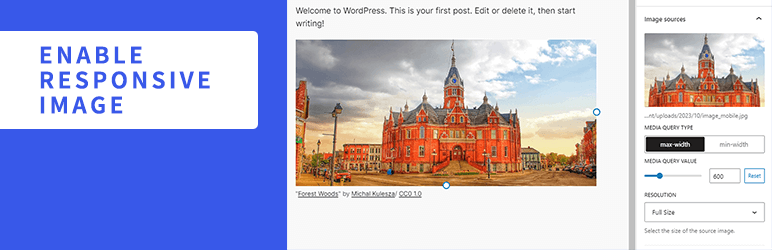
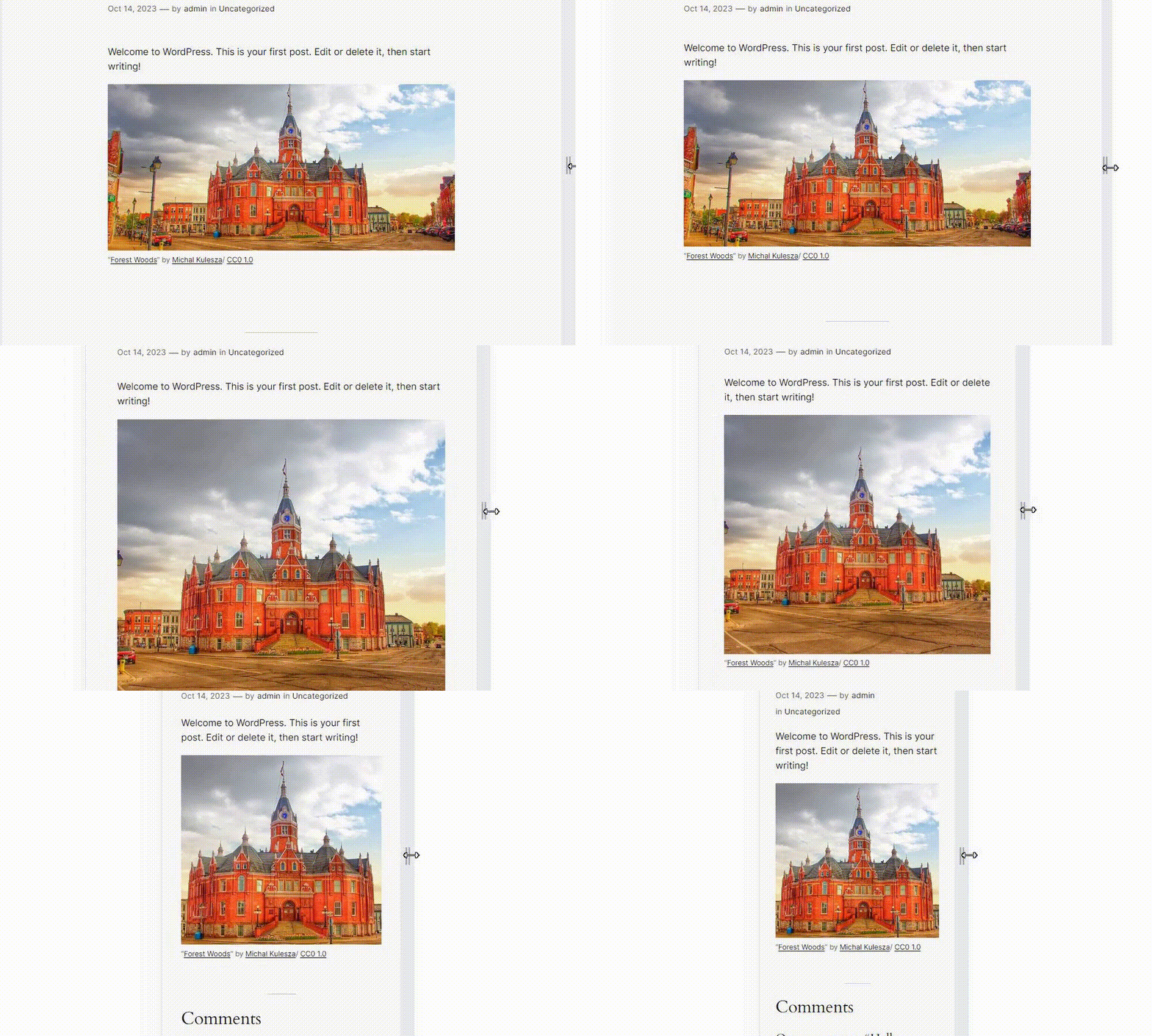
Enable Responsive Image 能為 [圖片] 區塊加入可以依據螢幕寬度顯示不同圖片的額外設定。使用者可以新增多張圖片並為個別圖片設定媒體查詢及解析度。當螢幕寬度與媒體查詢設定的條件相符時,便會切換至對應的圖片。
資源
螢幕擷圖中的圖片
- 使用授權:公眾領域
- 來源:https://openverse.org/image/cd8e5cc5-d38a-462e-b4c1-1ea5c6f94e20
螢幕擷圖
![新增至 [圖片] 區塊資訊欄的額外設定](https://ps.w.org/enable-responsive-image/assets/screenshot-1.png?rev=3008450)
安裝方式
- 將外掛安裝套件 ZIP 壓縮檔解壓縮所得的
enable-responsive-image資料夾上傳至網站的/wp-content/plugins/目錄。 - 在 WordPress 管理後台的 [外掛] 選單中啟用外掛。
常見問題集
-
這個外掛如何運作?
-
這個外掛會重寫 [圖片] 區塊在網站前端轉譯的 HTML 標記。使用
picture元素包裝img元素,並依據新增圖片的設定,在picture元素中加入包含srcset及media屬性的source元素。 -
設定多張圖片來源時,這個外掛沒有正確執行。
-
請嘗試重新排列圖片順序。舉例來說,如果 2 張圖片都設定為使用 [媒體查詢類型] 的 [最大寬度],寬度較小的圖片應該排在最上方。
-
即使在編輯器中切換螢幕寬度或裝置,卻沒有切換至設定的圖片。
-
在編輯器中,預設不會切換圖片。點擊區塊工具列上的 [啟用回應式圖片預覽] 便能處理這個狀況。
-
可以使用哪些篩選器?
-
可供使用的篩選器列於 GitHub 存放庫的 README。
使用者評論

2025 年 3 月 17 日
Must-have plug-in for responsive websites.

2025 年 3 月 12 日
This is exactly the plugin I wanted. Thank you.

2024 年 12 月 8 日
Very convenient!

2024 年 7 月 26 日
Working well, just what was needed. Thanks for making this! While I understand this functionality not being the core image block, it's essential for any kind of professional site build so thank you very much for making it!

2024 年 2 月 7 日
At last! I have waited a long time for this functionality to come to Gutenberg… As far as I know, this is the only plugin out there that will allow you to set different images for different screen sizes – all inside the block editor!! No more outside-the-editor workarounds needed to achieve this – Brilliant!!!By-the-way, this developer has created a whole "swiss army knife" range of additional plugins for Gutenberg: Flexible Spacer Block, Flexible Table Block and more.
Well done, thank you, and keep up the great work, Very Best Wishes!!!!
參與者及開發者


變更記錄
1.7.0
- Tested to WordPress 7.1
- Drop support for WordPress 6.9
- Accessibility: Improve focus management when removing and reordering image sources
1.6.1
- Security: Fix stored XSS by using validated media type in source tag
1.6.0
- Tested to WordPress 7.0
- Drop support for WordPress 6.8
- Enhancement: Polish block sidebar
- Accessibility: Improve source button aria-label
1.5.0
- Tested to WordPress 6.9
- Enhancement: Update block toolbar icon
- Drop support for WordPress 6.6 and 6.7
- Drop support for PHP 7
1.4.0
- Tested to WordPress 6.8
- Enhancement: Show full srcset url
- Accessibility: Respect user preference for CSS transitions
- Drop support for WordPress 6.5
1.3.0
- Tested to WordPress 6.7
- Drop support for WordPress 6.4
1.2.0
- Tested to WordPress 6.6
1.1.1
- Remove unnecessary changelog
1.1.0
- Tested to WordPress 6.5
- Enhancement: Polish block sidebar
1.0.0
- Initial release