

外掛說明
This plugin connects to the Email Machine API to synchronize data from your WordPress site. It can transfer WordPress users, WooCommerce customers, and Contact Form 7 submissions to the Email Machine platform for email marketing and automation purposes.
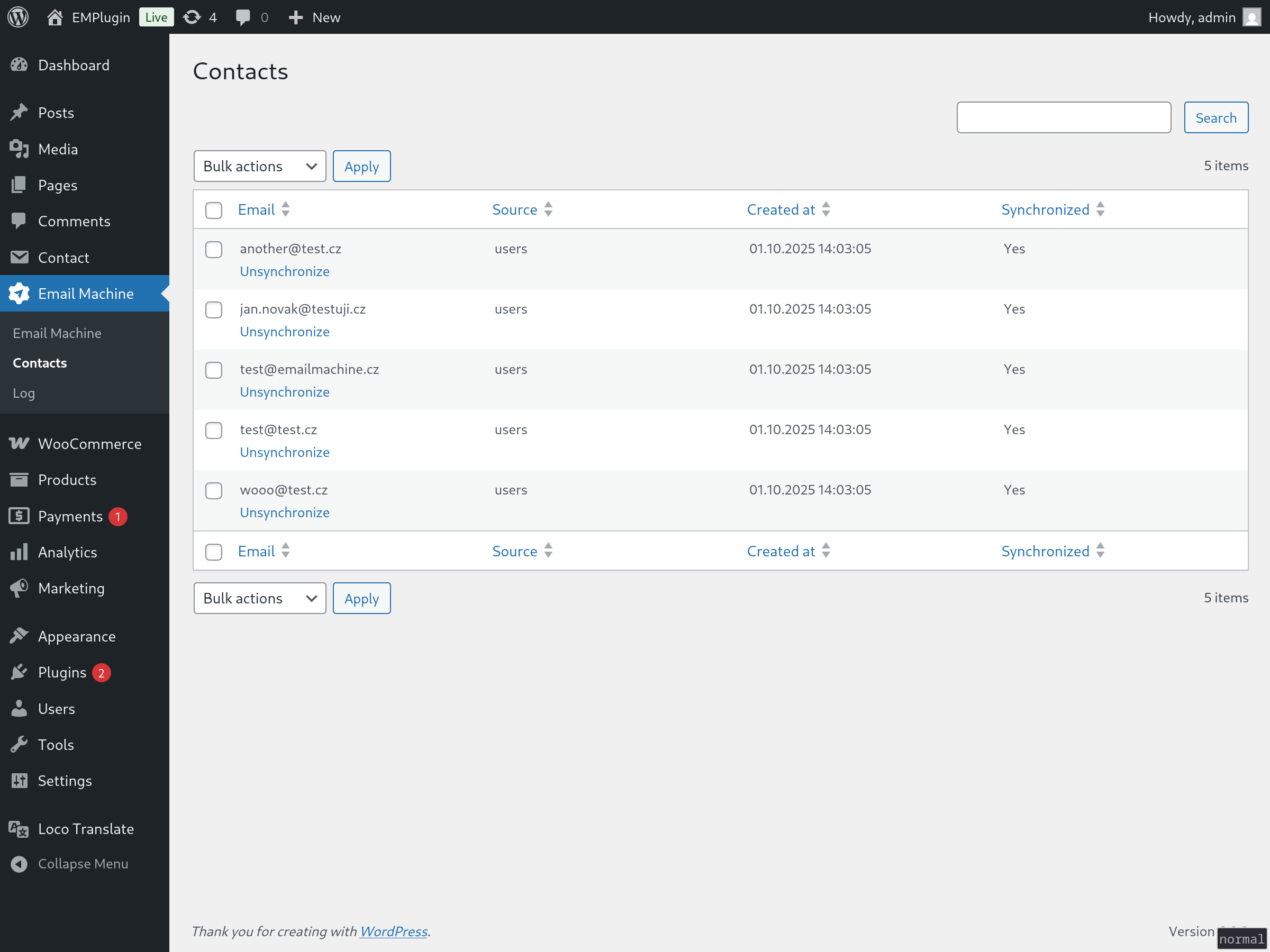
It sends user data whenever synchronization occurs (can be setup as manual sync or automatic sync whenever new contact is added). The email field is required for all records. Additional fields can be optionally mapped and sent based on your configuration settings.
Supports:
- WordPress users
- Woocommerce customers
- Contact Form 7 submissions
- Icegram Express submissions
- Implement your own using provided hooks
Available filters
emaima_contact_data
$filtered_data = apply_filters('emaima_contact_data', [
            'ID' => $this->ID,
            'email' => $this->email,
            'source' => $this->source,
            'source_ID' => $this->source_ID,
            'source_note' => $this->source_note,
            'created_at' => $this->created_at,
            'synced_at' => $this->synced_at,
            'sync' => $this->sync,
            'fields' => $this->fields
        ], $this);
You can manipulate the contact data with this filter.
Available hooks
emaima_before_save_contact
emaima_after_save_contact
emaima_before_sync_contact
emaima_after_sync_contact
emaima_before_unsync_contact
emaima_after_unsync_contact
These are self explanatory, you can run your own code in these actions.
Available actions
emaima_create_contact
You can add contact with this action. Default data are:
$contact_data = [
            'email' => 'john@doe.com', // email, required
            'source' => 'my_table', // name of the source (table in db, or other), 'custom' if empty
            'source_ID' => 3, // ID of the source, mostly ID of row in the db
            'source_note' => '', // note
            'fields' => [] // contact fields, array of key => value pairs
];
External services
This plugin uses a third party service “Email Machine” (endpoint: app.emailmachine.cz: Terms and Conditions, Privacy Policy.
螢幕擷圖
安裝方式
- Upload
email-machineto the/wp-content/plugins/directory - Activate the plugin through the ‘Plugins’ menu in WordPress
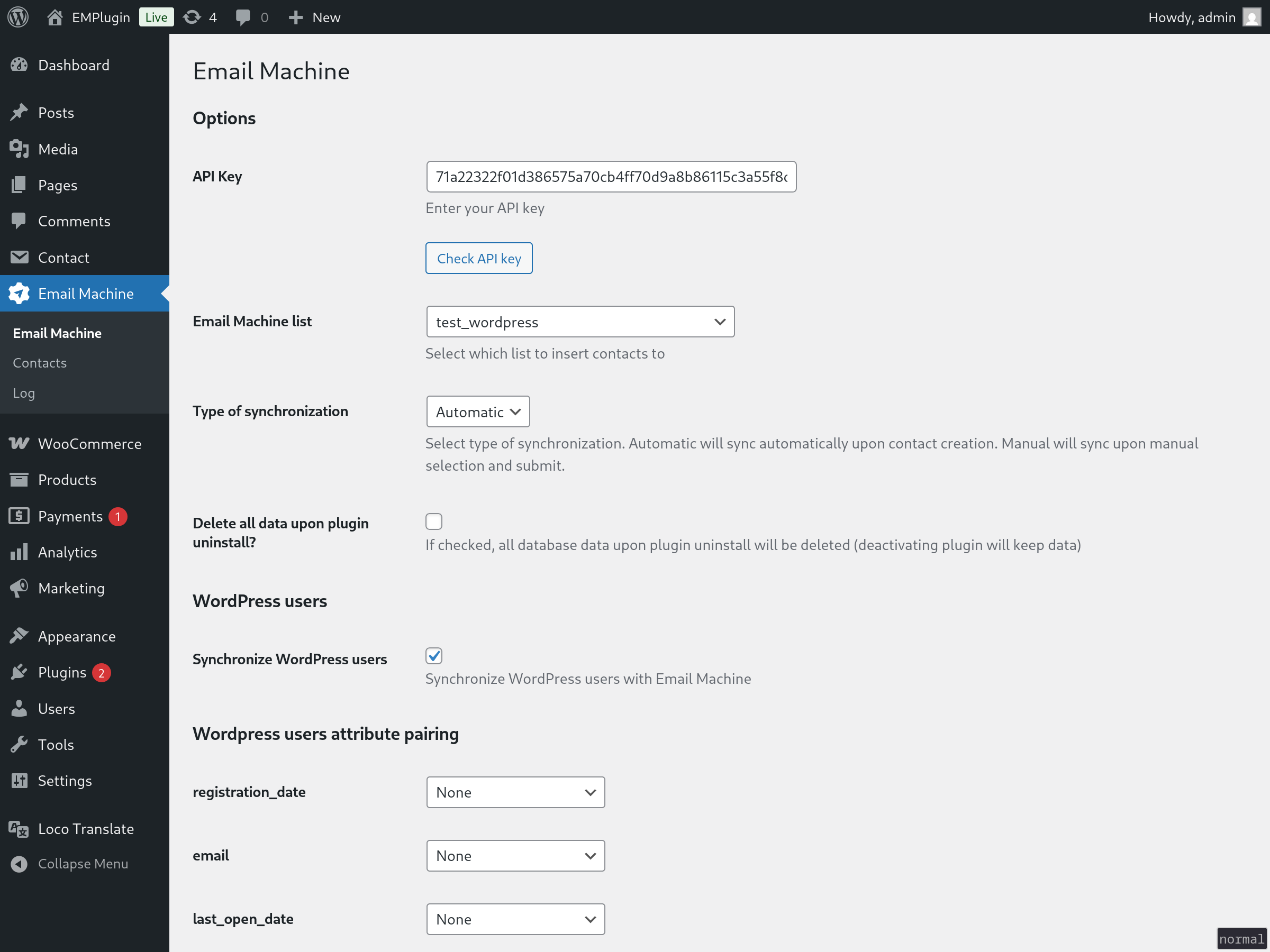
- Insert API key in the plugins settings page
- Choose EmailMachine list to synchronize to
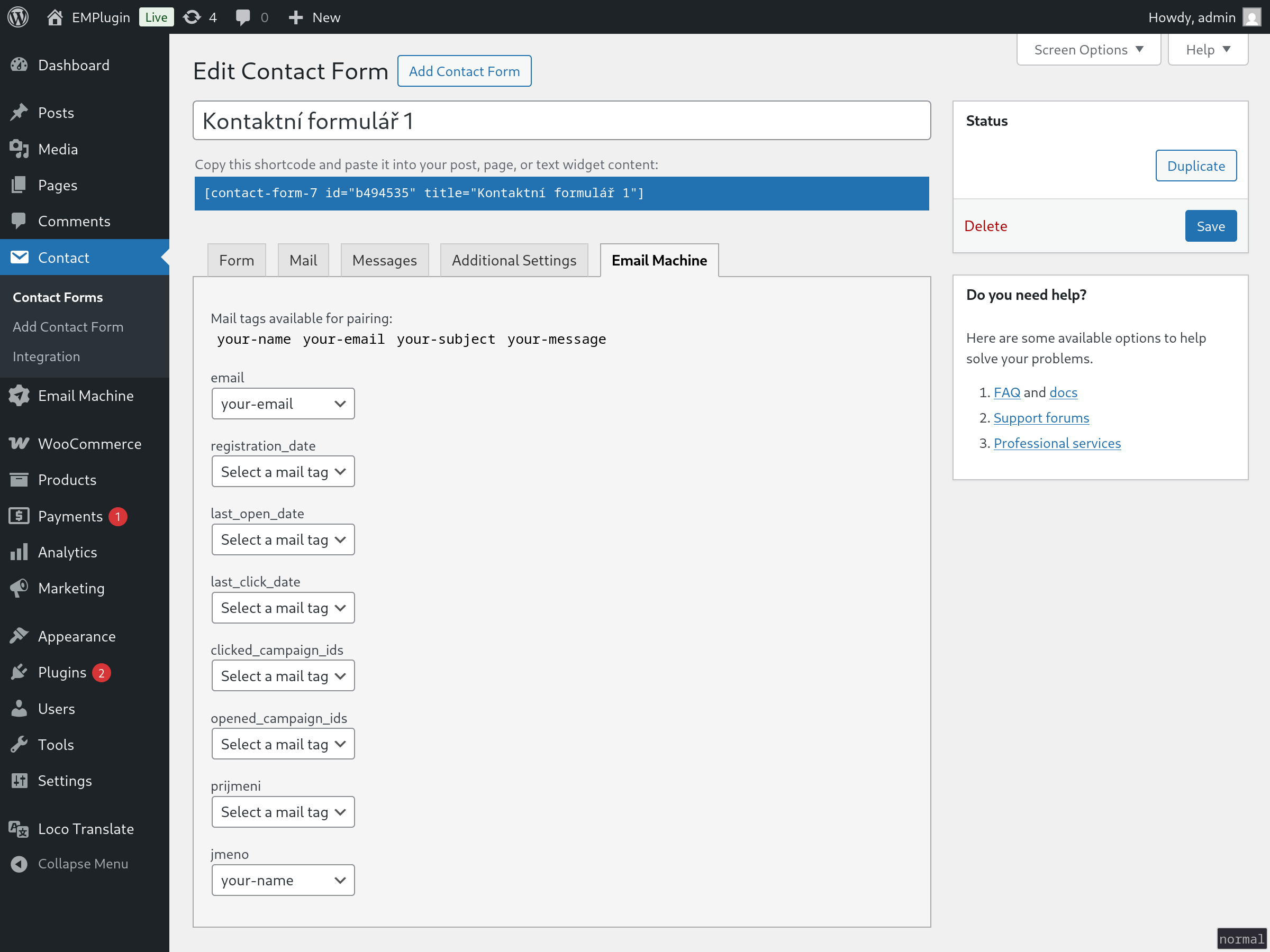
- Optionally pair additional attributes in Settings page or Contact Form 7 pages
常見問題集
-
Where do I get EmailMachine API key?
-
Register with EmailMachine here. You can then get API key in the
settings portion of the app.
使用者評論
這個外掛目前沒有任何使用者評論。
參與者及開發者


變更記錄
1.0.1
Icegram Express integration
1.0.0
Initial version of plugin