外掛說明
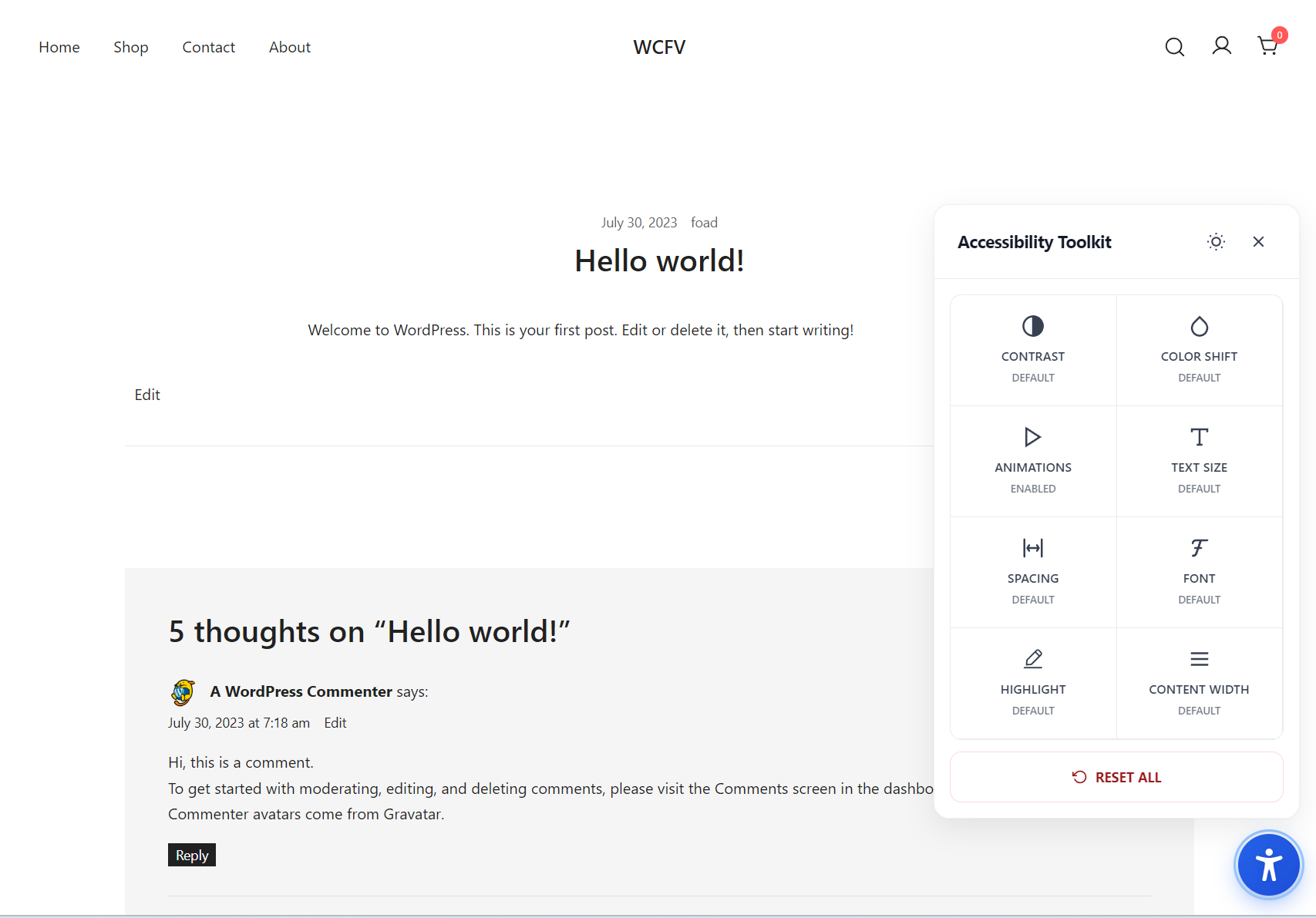
Easybility adds a modern accessibility widget to your site, empowering visitors to adjust the visual presentation in real time without altering your content or theme. Designed for users with low vision, color-vision deficiencies, reading difficulties, and motion sensitivity, the toolkit follows WCAG 2.1 AA guidelines and best practices, respects system preferences, and keeps your markup untouched.
Key Features
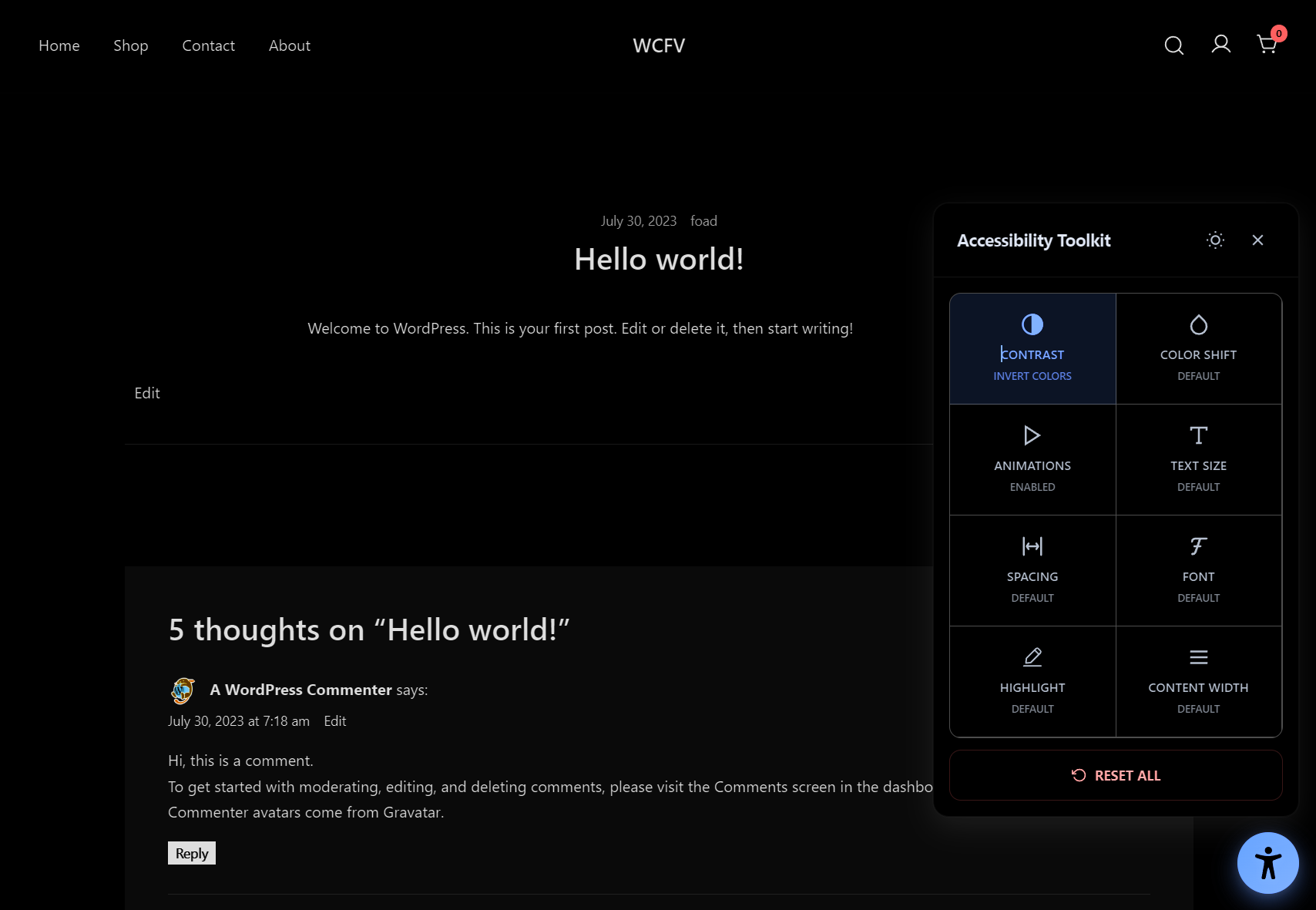
- High-contrast and visual filters
- High contrast, desaturate, invert
- Color-shift modes for protanopia, deuteranopia, tritanopia, and monochrome
- Readability controls
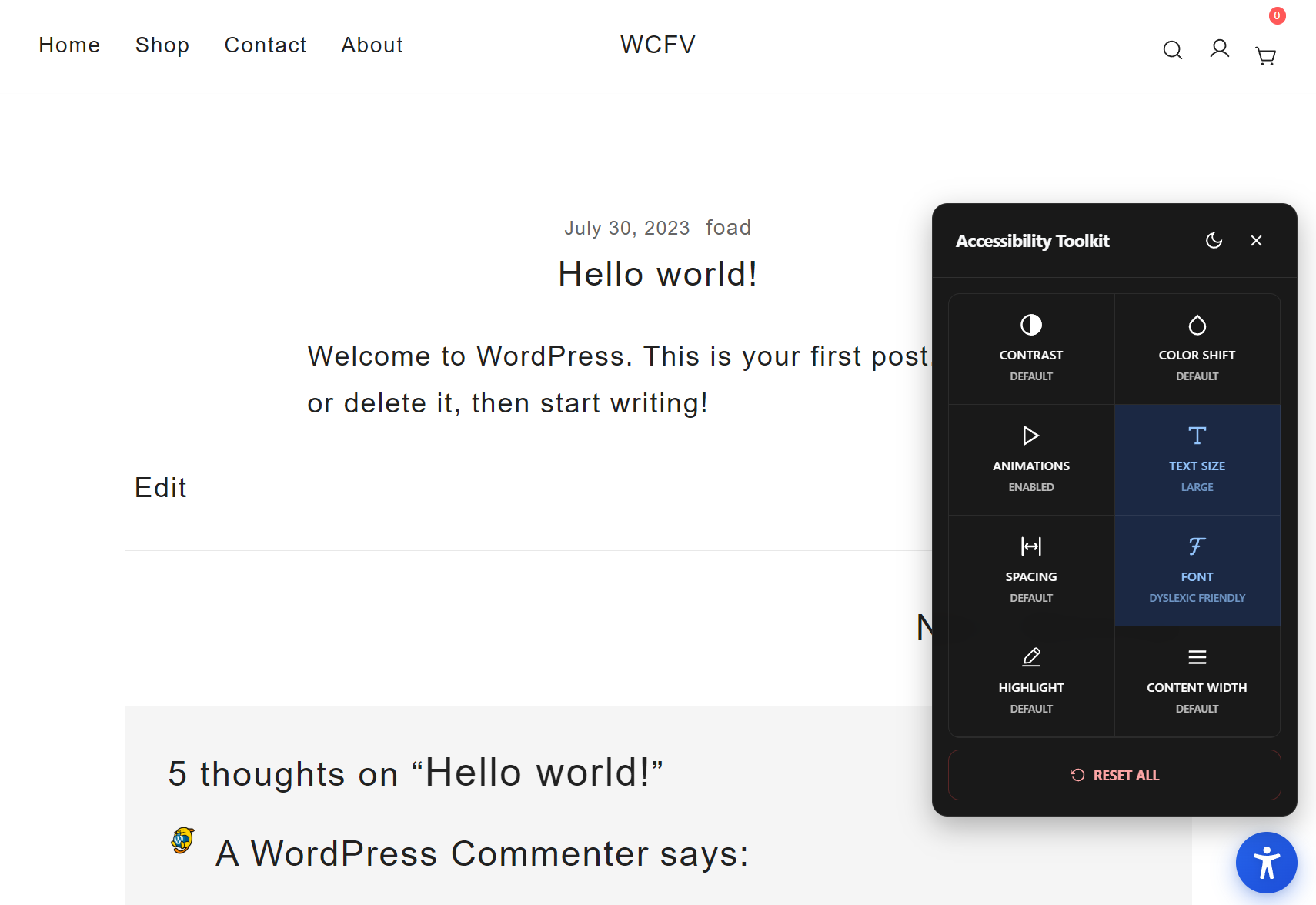
- Text size scaling up to 200% (WCAG 1.4.4)
- Adjustable spacing (line height, letter spacing, paragraph spacing) (WCAG 1.4.12)
- Font options: serif, sans-serif, and dyslexic-friendly
- Content width limiting to ~65 characters per line for optimal readability (WCAG 1.4.8)
- Highlight mode to emphasize links, headings, buttons, or all interactive elements
- Motion safety
- One-click disables all animations and transitions
- Persistent preferences
- Saves per-browser using localStorage (no cookies, no tracking)
- Lightweight and theme-agnostic
- Zero external dependencies, minimal footprint, no layout rewrites
螢幕擷圖
安裝方式
- Upload the plugin folder
easybilityto/wp-content/plugins/or install from the Plugins screen. - Activate the plugin through the “Plugins” screen in WordPress.
- The accessibility widget automatically appears as a floating button on the front end. No configuration is required.
常見問題集
-
Does this change my theme’s CSS or content?
-
No. It applies classes and inline styles at runtime to the current page only. Your theme files and content remain unchanged.
-
Is it compatible with screen readers?
-
The widget is hidden from screen readers on purpose because screen reader users rely on their own assistive technology. The controls are designed for sighted users who benefit from visual adjustments. The widget remains fully keyboard accessible for sighted keyboard users.
-
Does this hurt SEO or Core Web Vitals?
-
No. It is lightweight, loads in the footer, and does not block rendering. It does not modify your HTML output.
-
Is any personal data collected?
-
No. Preferences are stored locally using the browser’s localStorage. No cookies, tracking, or external requests.
-
Can I customize styles?
-
Yes. You can override the default CSS in your theme or child theme. Look for classes prefixed with
eawp-. -
Multisite support?
-
Yes. Activate network-wide or per-site as needed.
使用者評論
這個外掛目前沒有任何使用者評論。
參與者及開發者

變更記錄
1.0.2
Tested up to WordPress 7.0.
1.0.1
Tested up to WordPress 6.9.
1.0.0
Initial release.
– Contrast modes: high, desaturate, invert
– Color-shift modes: protanopia, deuteranopia, tritanopia, monochrome
– Text size scaling up to 200%
– Spacing controls for line height, letter spacing, and paragraph spacing
– Font options: serif, sans-serif, dyslexic-friendly
– Content width limiting for optimal readability (~65 characters per line)
– Highlight modes: links, headings, buttons, or all elements
– Persistent per-browser settings (localStorage)