

外掛說明
Demfilz Studio Core adds the content features used by the Demfilz Studio theme. It works with any theme.
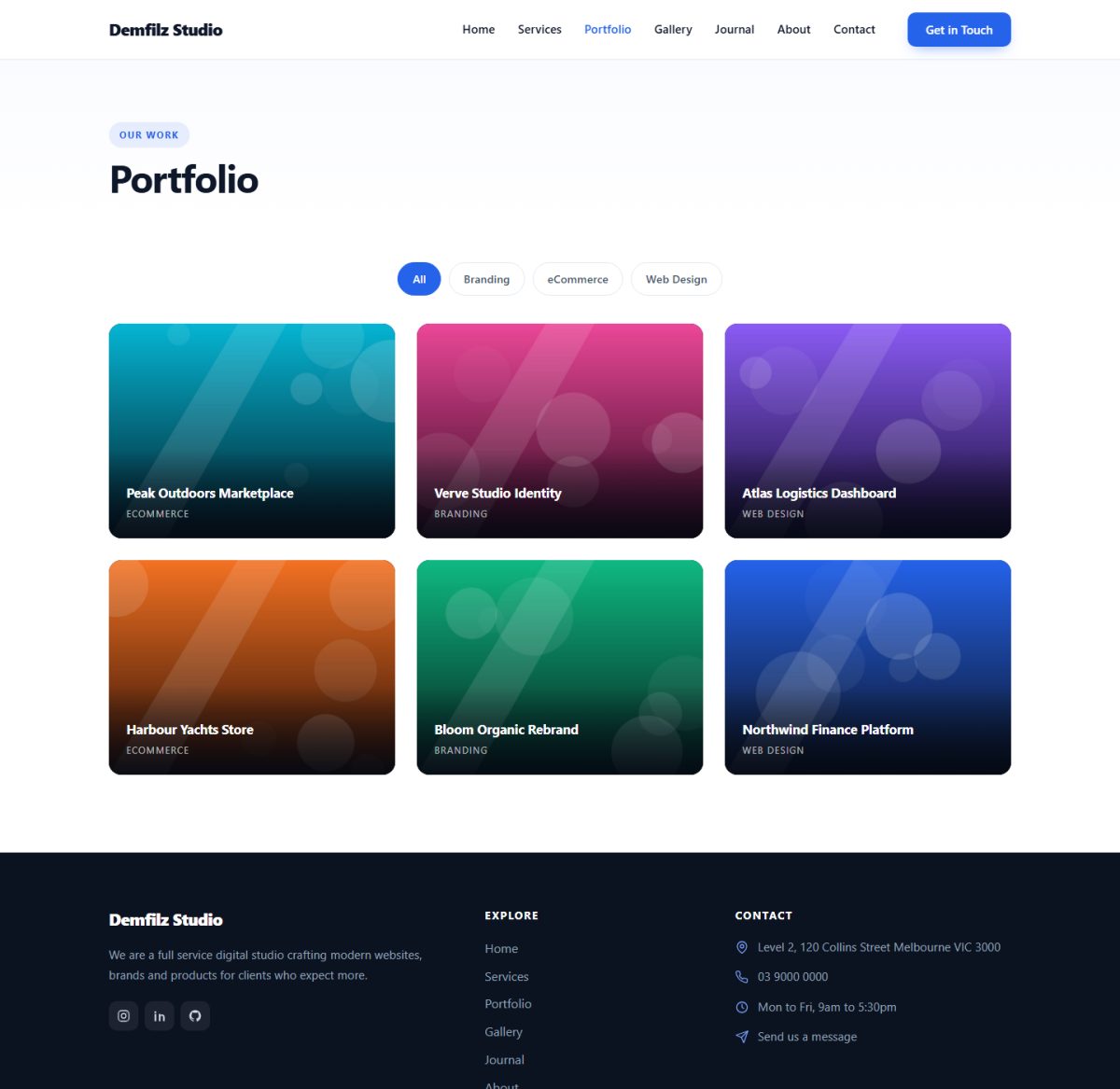
- Portfolio post type with Project Categories and a Project Details box (client, year, project URL).
- Services post type with an icon picker for service cards.
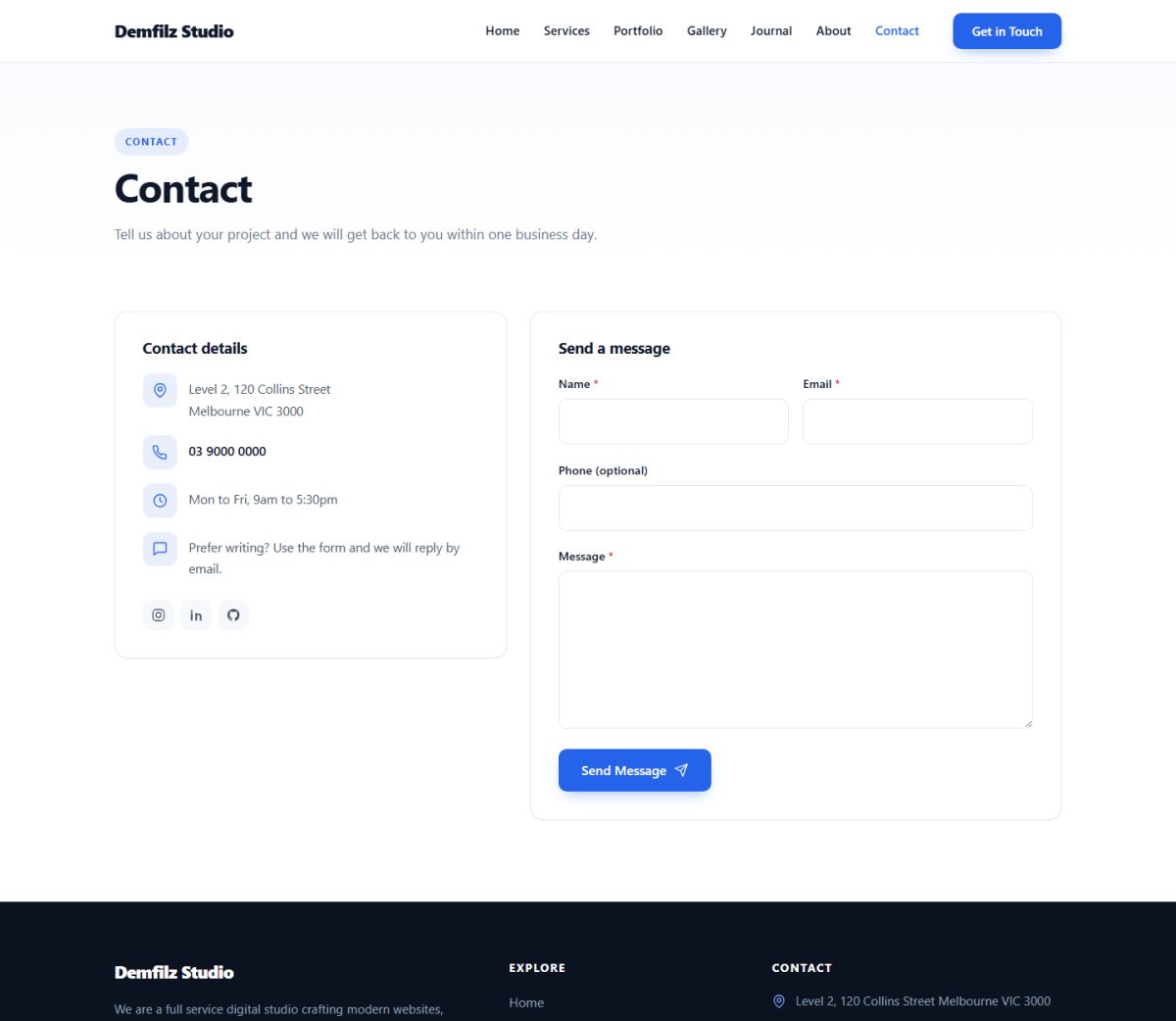
- Contact form: honeypot, minimum fill time and a per-IP rate limit; submissions are emailed to your chosen recipient and stored in the dashboard under Form Entries. No email address is ever printed on the page.
- [dstudio_button] shortcode for call to action buttons in any post or page:
[dstudio_button text="Get a Quote" url="/contact/" style="solid" size="large" icon="arrow-right"].
Pairs with the free Demfilz Studio theme, which provides the portfolio grids, service cards, contact page template and button styling. With other themes the post types and form still work; presentation is up to the theme.
螢幕擷圖

安裝方式
- Install and activate the plugin.
- If you use the Demfilz Studio theme, its Contact Page template picks the form up automatically. With other themes, call
dstudio_contact_form()in a template. - Add content under Portfolio and Services in the dashboard.
- Set the recipient address under Appearance > Customize > Theme Options > Contact Page (Demfilz Studio theme), or leave it empty to use the site admin email.
常見問題集
-
Where do form submissions go?
-
They are emailed to the configured recipient and stored under Form Entries in the dashboard.
-
What data does the form store?
-
Each submission stores the name, email, optional phone, message, the sender’s IP address and browser user agent. Entries are private posts visible only in the dashboard; delete them at any time from Form Entries.
-
Does it work without the Demfilz Studio theme?
-
Yes. Post types, meta boxes, the form handler and the shortcode all work with any theme. The Demfilz Studio theme adds the matching templates and styling.
使用者評論
這個外掛目前沒有任何使用者評論。
參與者及開發者

變更記錄
1.0.0
- Initial release.