
外掛說明
Contactus widget removes hurdles and facilitates communication for both sides. It thus supports customer acquisition and customer retention in equal measure.
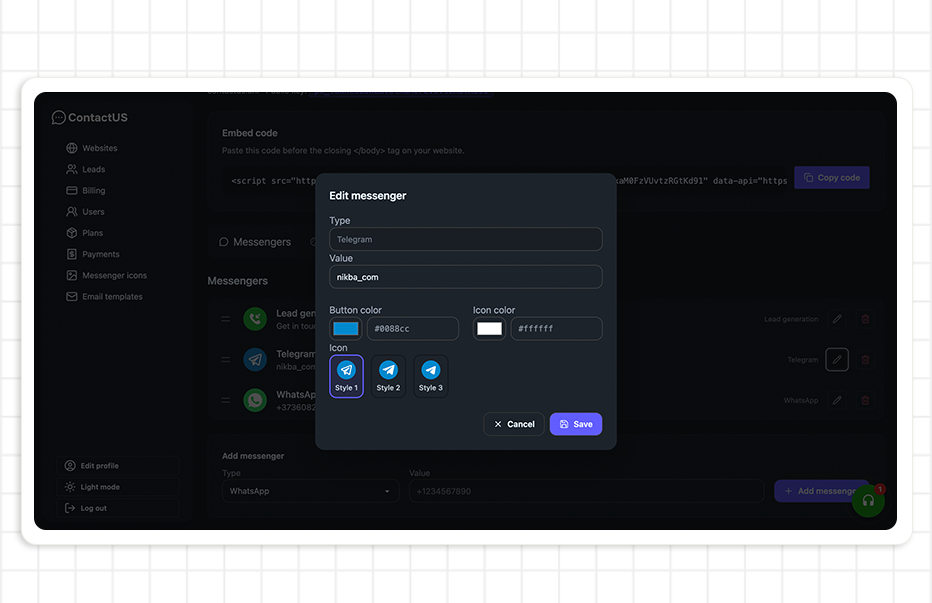
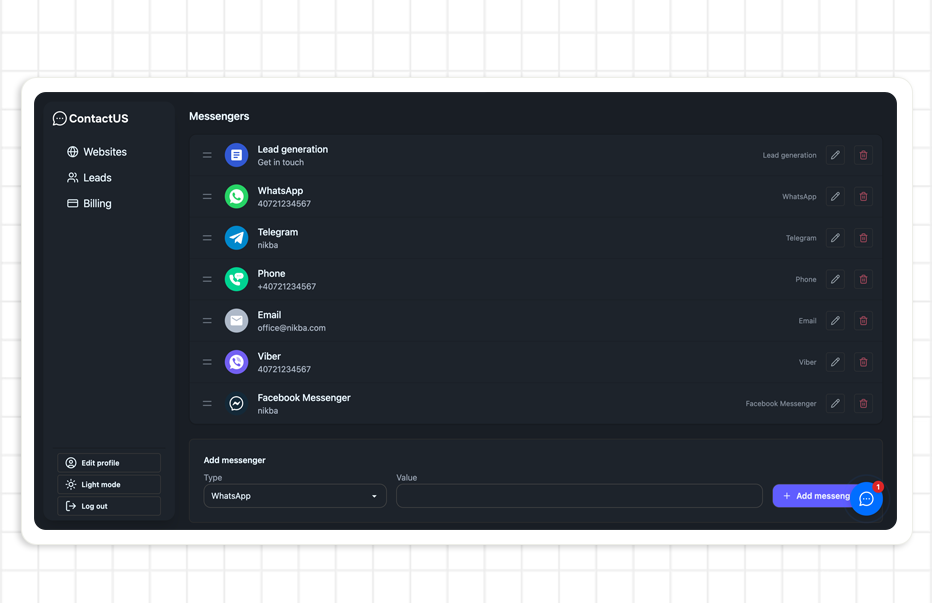
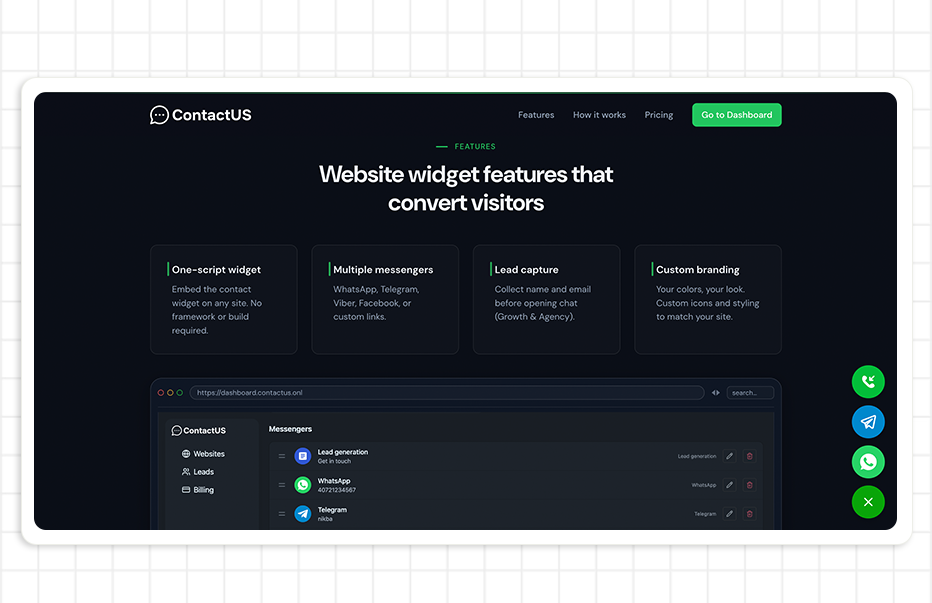
You can integrate Contactus that lead your visitors directly to the apps you’re offering as contact options: Facebook Messenger, WhatsApp, Telegram, and Viber.
You can add your individual values for Widget Title and Button Text. This is very useful for multilingual sites!
Features (v2.0)
- Simple mode – Enter your public key only; the plugin auto-generates the embed code.
- Advanced mode – Paste the full script tag from the Contactus dashboard (backward compatible).
- Gutenberg block – Add the Contactus Widget block to specific posts or pages.
- Site-wide widget – The widget is injected in the footer on all pages, or use the block for per-page placement.
Support
Contactus offers 24×7 support, send us an email at office@nikba.com
Arbitrary section
螢幕擷圖
適用於區塊編輯器
這個外掛提供 1 個可供區塊編輯器使用的區塊。
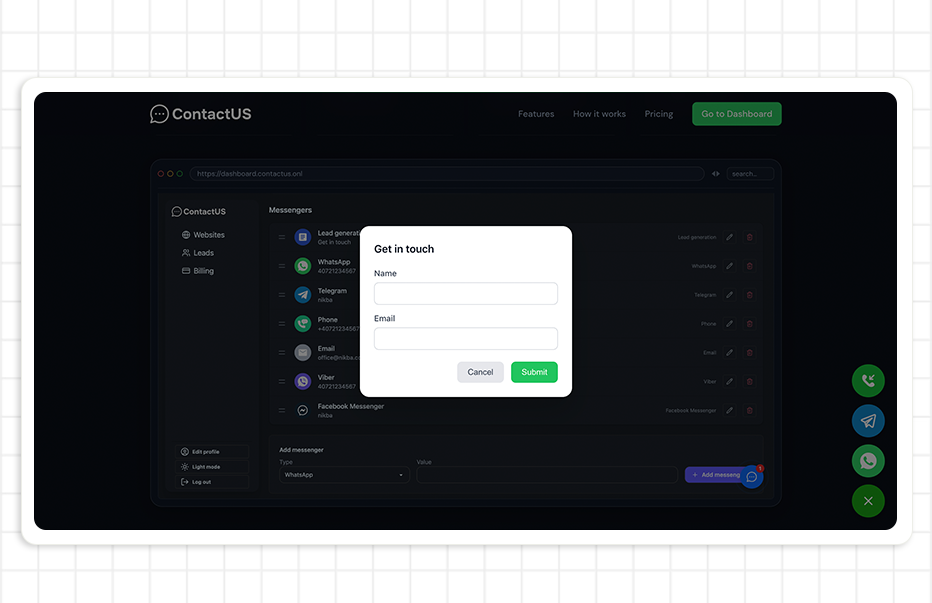
- Contactus Widget Display the Contactus chat widget (WhatsApp, Messenger, Telegram, Viber) on this page.
安裝方式
Adding Contactus to your WordPress site is really easy, follow these steps :
- Install and activate the Contactus Plugin through the ‘Plugins’ menu in WordPress.
- After installation, click the Contactus section in the left toolbar.
- Go to Contactus and get your public key or embed code.
- Simple mode: Enter your public key (e.g. pk_xxx) and click Save.
- Advanced mode: Copy the full script tag from the dashboard, paste it in the form, and click Save.
- Done! The widget appears site-wide in the footer. Optionally, add the “Contactus Widget” block to specific posts or pages.
For the full feature list and additional information check https://contactus.onl
常見問題集
-
Can i use Contactus for free?
-
Absolutely! You can use Contactus for free and with no limited features.
-
Do i need any software on my server for Contactus to work?
-
No, you don’t! Contactus is a SaaS service, which means all server stuff is on us. You just need to install the WordPress module, and you’re all set.
-
How will i receive messages from my customers?
-
You will receive messages directly in your messenger application! Facebook, Viber, Telegram or WhatsApp
-
What is the difference between Simple and Advanced mode?
-
Simple mode (recommended): Enter only your public key from the Contactus dashboard. The plugin generates the embed code automatically. Advanced mode: Paste the full script tag if you need custom configuration or prefer manual control. Both modes are fully supported.
使用者評論


參與者及開發者

變更記錄
2.0.0
- Modernized for WordPress 6.9.1 and 2026 best practices.
- Added Simple mode: enter public key only; plugin auto-generates embed.
- Added Advanced mode: paste full embed code (backward compatible).
- Refactored into includes/ classes (Admin, Frontend, helpers).
- Proper Settings API with add_settings_section and sanitize callbacks.
- Security: sanitize public key and embed code on save.
- Abilities API integration (WordPress 6.9+).
- Gutenberg block: add Contactus Widget block to posts/pages.
- Preview on site button in admin.
- Requires PHP 7.4+, WordPress 6.0+.
- Bundled translations: Romanian (ro_RO) and Russian (ru_RU).
1.2
- Plugin is now translation-ready (load_plugin_textdomain, all admin strings wrapped).
- Bundled translations: Russian (ru_RU) and Romanian (ro_RO) included in the plugin.
- Added languages/ folder with .pot template and .po/.mo files for included languages.
1.1
- Tested with WordPress 6.9.1. Requires WordPress 5.9 or higher.
- Limited plugin tags to 5 for directory compliance.
1.0
- Welcome our very first version of the plugin!