

外掛說明
BubbleForge for WooCommerce is a lightweight, high-performance plugin that lets merchants create unlimited product badges (“bubbles”) using an advanced rule engine. Replace the standard WooCommerce sale badge with a fully visual, condition-driven system.
Key features
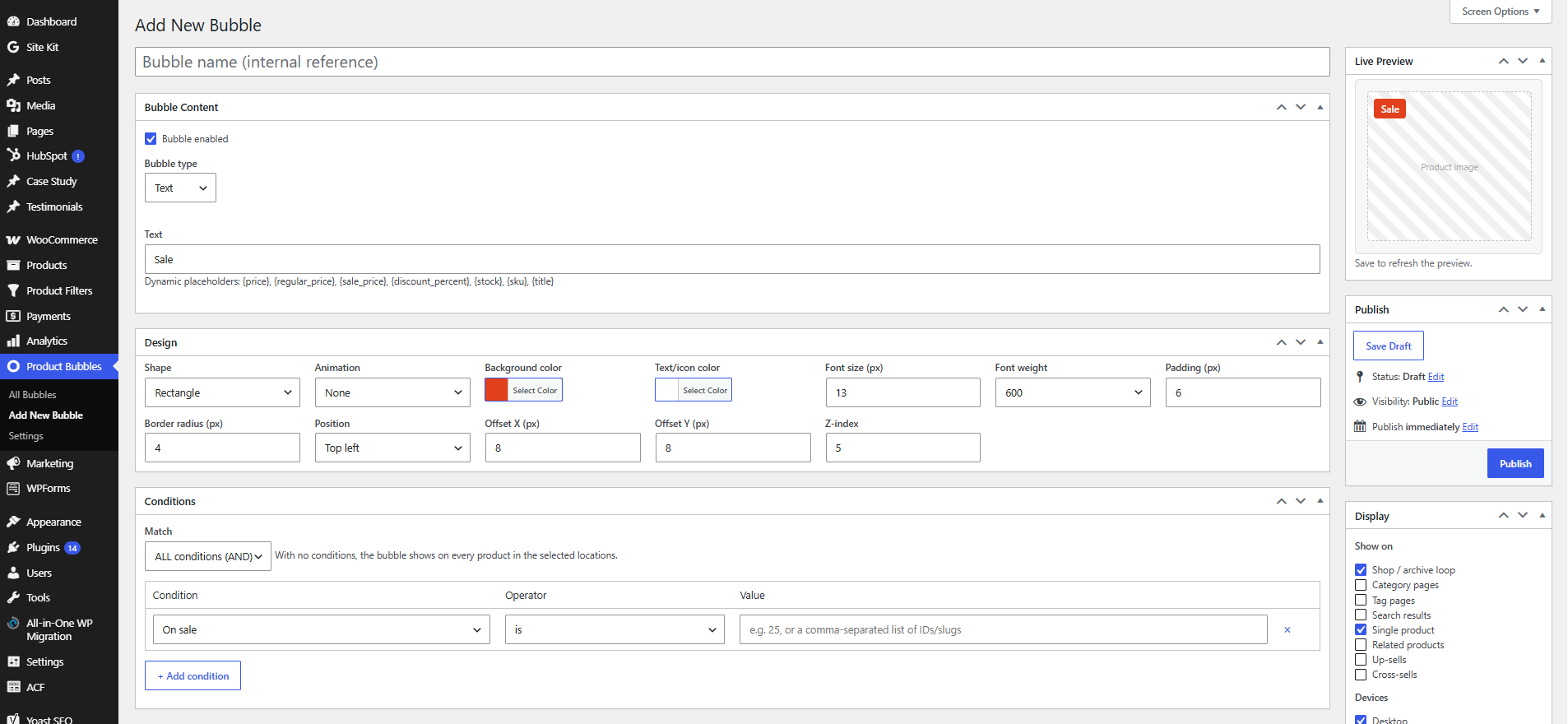
- Bubble types — Text, Emoji, Dashicon, Image, and inline SVG.
- Dynamic placeholders —
{price},{regular_price},{sale_price},{discount_percent},{stock},{sku},{title}. - Advanced rule engine — combine any number of conditions with AND/OR logic:
- Products, categories, tags, attributes, brands, product type
- On sale, discount %, price, featured
- Stock status and stock quantity
- Best sellers, top rated, newly added
- User roles, customer country, device, date schedule
- Display locations — shop/archive loop, categories, tags, search, single product, related, up-sells and cross-sells.
- Design builder — colors, typography, shapes (rectangle, circle, ribbon, flag, star), animations, drag-free positioning with offsets, and responsive device visibility.
- Performance first — conditional asset loading and a cached active-bubble set.
- Compatibility — WooCommerce HPOS (High-Performance Order Storage) and Cart/Checkout blocks compatible.
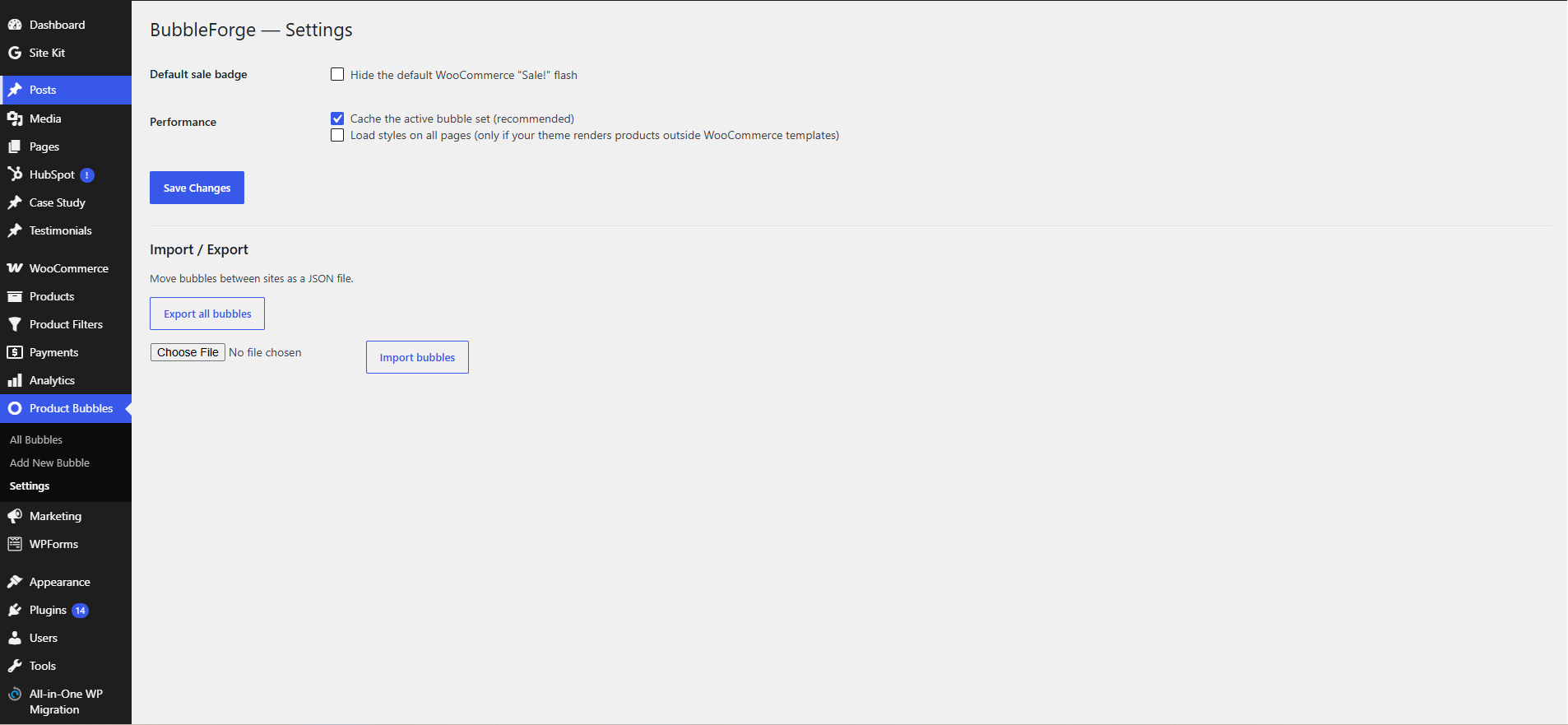
- Import / Export — move bubbles between sites as JSON.
螢幕擷圖
安裝方式
- Upload the
bubbleforge-for-woocommercefolder to/wp-content/plugins/, or install via Plugins Add New. - Activate the plugin through the Plugins menu in WordPress.
- Make sure WooCommerce is installed and active.
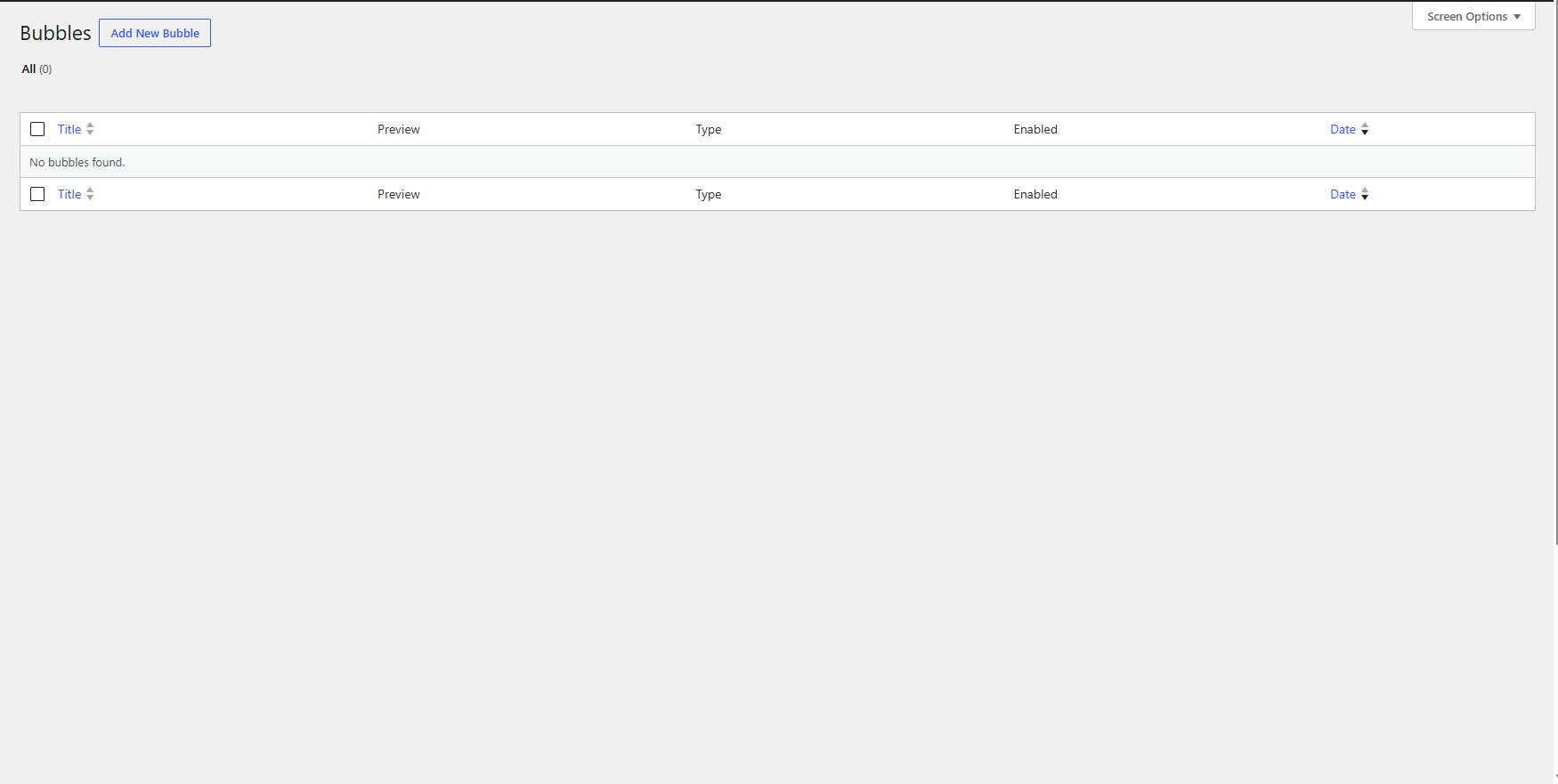
- Go to Product Bubbles Add New to create your first badge.
常見問題集
-
Does it work with High-Performance Order Storage (HPOS)?
-
Yes. The plugin declares HPOS and Cart/Checkout blocks compatibility.
-
Will it replace the default WooCommerce “Sale!” badge?
-
Optionally. Enable Product Bubbles Settings Hide the default WooCommerce “Sale!” flash.
-
My theme doesn’t show bubbles — why?
-
The plugin hooks into the standard WooCommerce template actions (
woocommerce_before_shop_loop_item_titleandwoocommerce_before_single_product_summary). Highly customized themes or page builders that don’t use these hooks may need thebbfgw_should_enqueue_frontendfilter or a custom hook location. -
Can I add my own conditions?
-
Yes, use the
bbfgw_evaluate_conditionfilter to implement custom condition types.
使用者評論
這個外掛目前沒有任何使用者評論。
參與者及開發者

變更記錄
1.0.1
- Fixed product bubble display issue.
- Improved rule handling.
1.0.0
- Initial release.