

外掛說明
Booking Widget for Softula embeds the Softula booking widget — such as the Planner booking widget — directly into your WordPress pages and posts via the [softula] shortcode or the native “Booking Widget for Softula” block.
The plugin only loads widget.js on pages where the shortcode or block is actually used.
External services
This plugin connects to the Softula widget-delivery service to load and render the booking widget.
It loads a JavaScript file (widget.js) from https://planner-api.softula.com (or a self-hosted/staging API base configured via Settings) every time a page with the [softula] shortcode or block is viewed. The request includes the widget version and, embedded in the rendered widget’s markup, the site’s configured embed token and widget type — no personal visitor data is sent by the plugin itself; any data exchanged once the widget is loaded (e.g. booking form submissions) is handled directly between the visitor’s browser and Softula’s API, governed by Softula’s own terms.
This service is provided by Softula: Terms of Service, Privacy Policy.
Usage
Basic:
[softula token=”your-embed-token” widget=”planner”]
With API base override:
[softula token=”your-embed-token” widget=”planner” api_base=”https://test-planner-api.softula.com”]
Attributes:
* token (required) — your Softula embed token (found in the dashboard under widget settings).
* widget (required) — the widget type, e.g. “planner”.
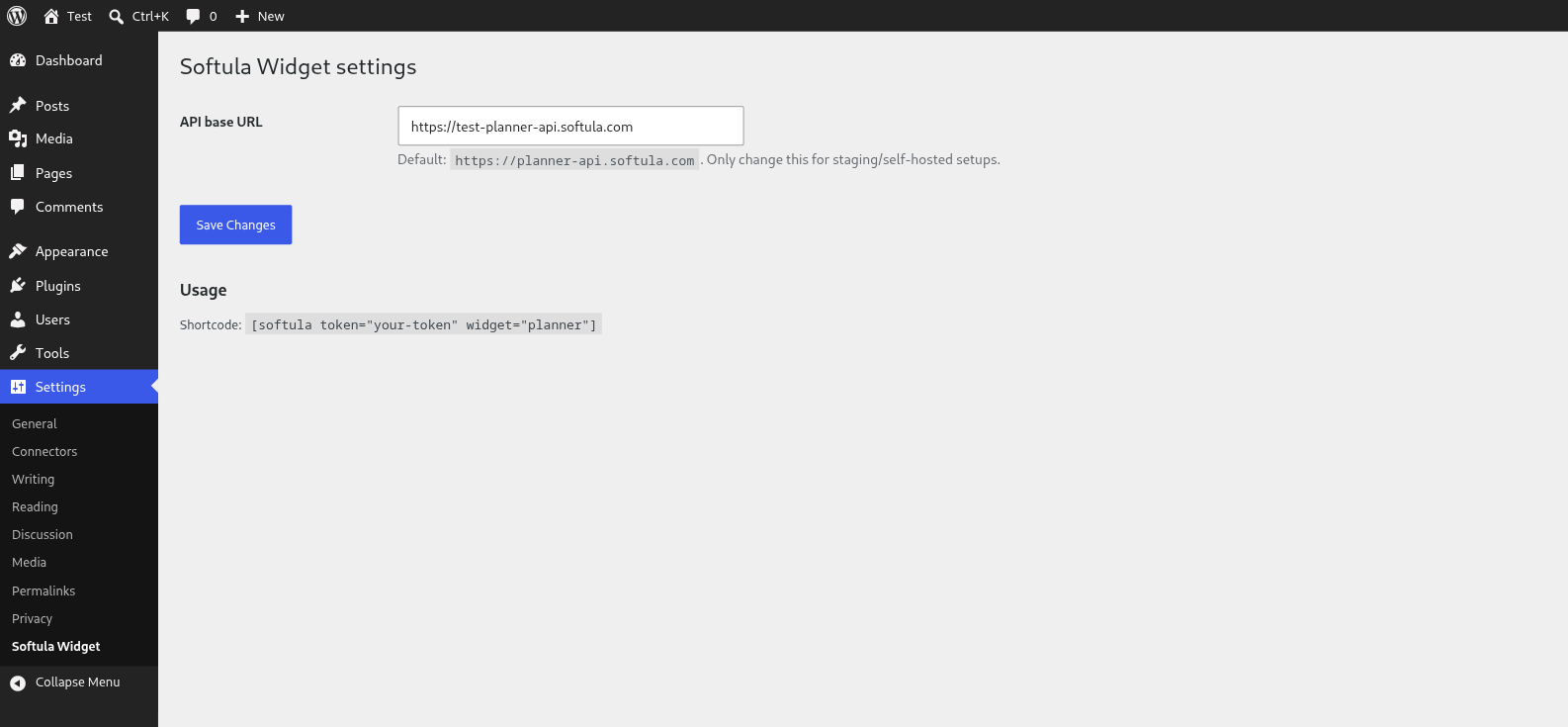
* api_base (optional) — override the API base URL. Default: https://planner-api.softula.com, configurable via Settings Booking Widget for Softula or SOFTULA_API_BASE in wp-config.php.
螢幕擷圖
適用於區塊編輯器
這個外掛提供 1 個可供 Gutenberg/區塊編輯器使用的區塊。
- Booking Widget for Softula Embed the Softula booking widget (e.g. the Planner booking widget).
安裝方式
- Upload the
booking-widget-for-softulafolder to/wp-content/plugins/. - Activate the plugin via the “Plugins” menu.
- (Optional) Go to Settings Booking Widget for Softula to configure a custom API base (staging/self-hosted).
- Add the
[softula]shortcode, or the “Booking Widget for Softula” block, to a page or post.
常見問題集
-
Does the plugin work with the block editor (Gutenberg)?
-
Yes. Besides the
[softula]shortcode, a native “Booking Widget for Softula” block is available in the block inserter (category “Embeds”). Fill in the token and widget type via the block settings in the sidebar. -
What happens to my settings when I remove the plugin?
-
When the plugin is deleted (not just deactivated), the stored API base setting is automatically removed from the database.
-
Where do I find my embed token?
-
In the Softula dashboard, under the widget settings of the widget you want to embed.
-
Can I use multiple widgets on one site?
-
Yes, use a separate shortcode or block per widget with its own token.
使用者評論
這個外掛目前沒有任何使用者評論。
參與者及開發者

變更記錄
1.0.0
- Initial release