

外掛說明
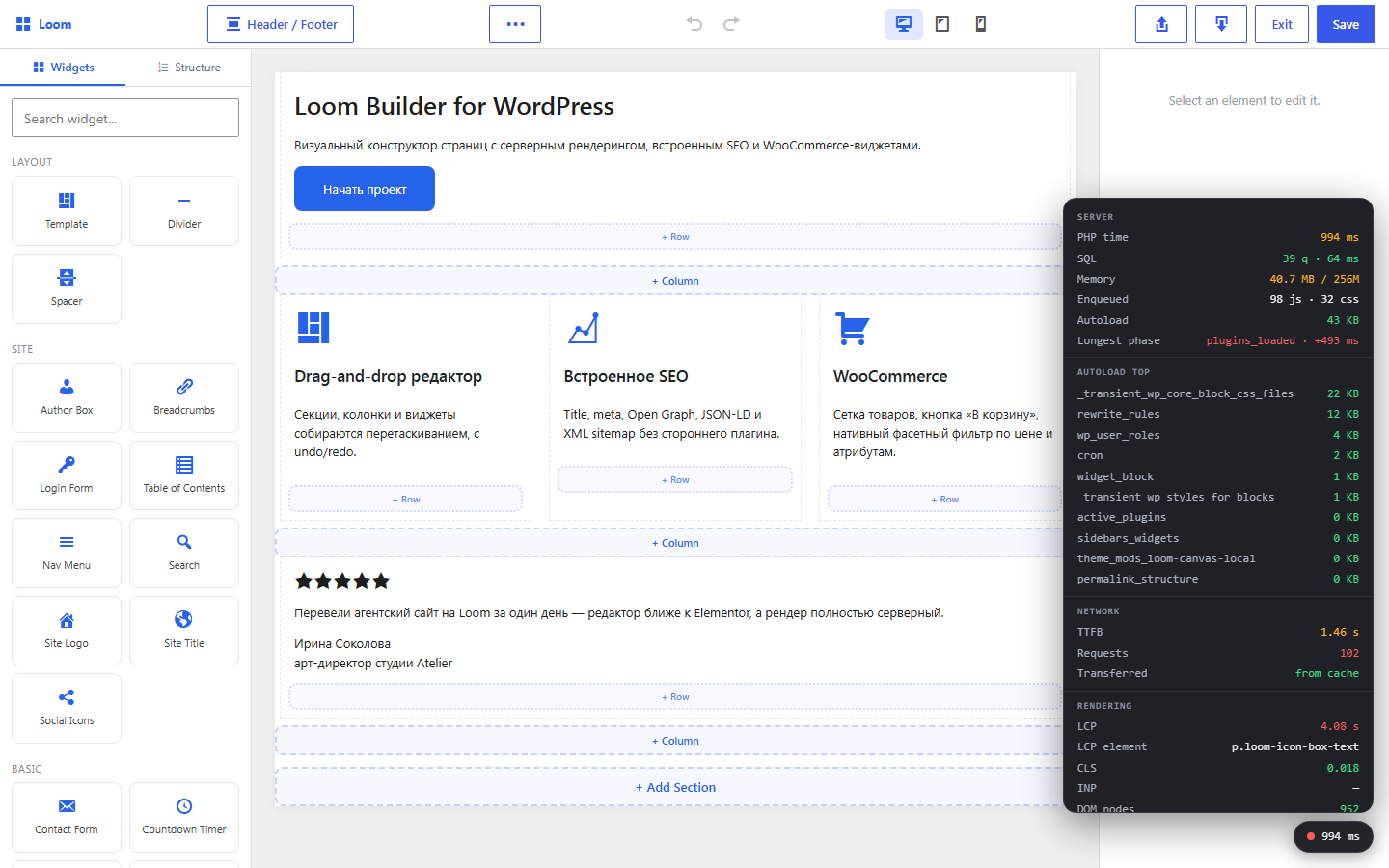
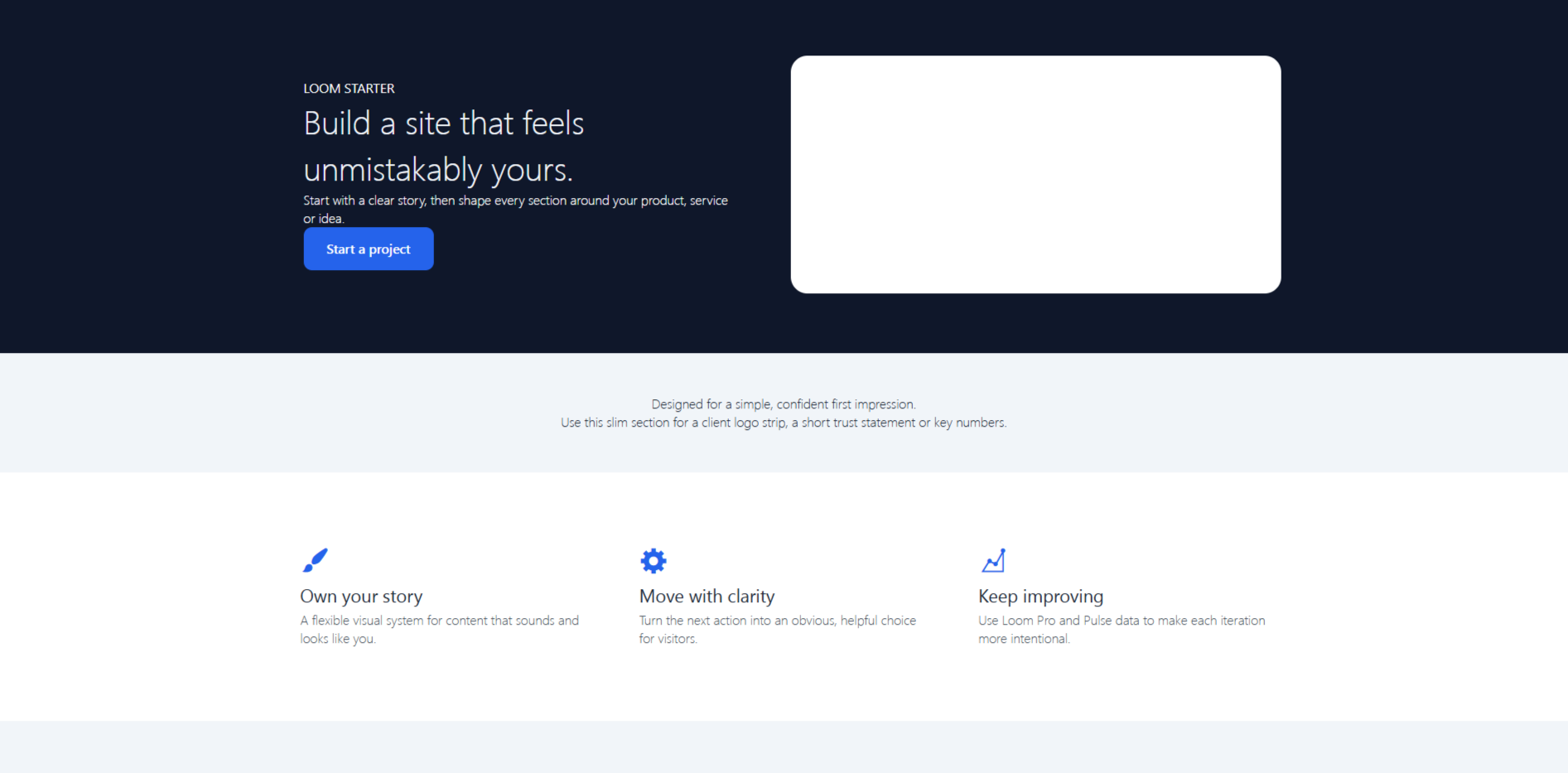
Arvexa Loom Builder is a visual page builder for WordPress with a built-in SEO module. Build landing pages and complete sites without writing code. The plugin uses WordPress and its own components, with no required third-party plugins.
The editor is built with native WordPress React (wp.element) and requires no build step. Public pages are rendered by PHP from a JSON layout, keeping the output fast and search-engine friendly.
Features:
- Visual page builder with responsive controls, reusable sections and animations.
- Slider, carousel, gallery, lightbox and repeater controls.
- Native custom fields, field groups and dynamic data binding.
- WooCommerce product, cart and filter widgets when WooCommerce is active.
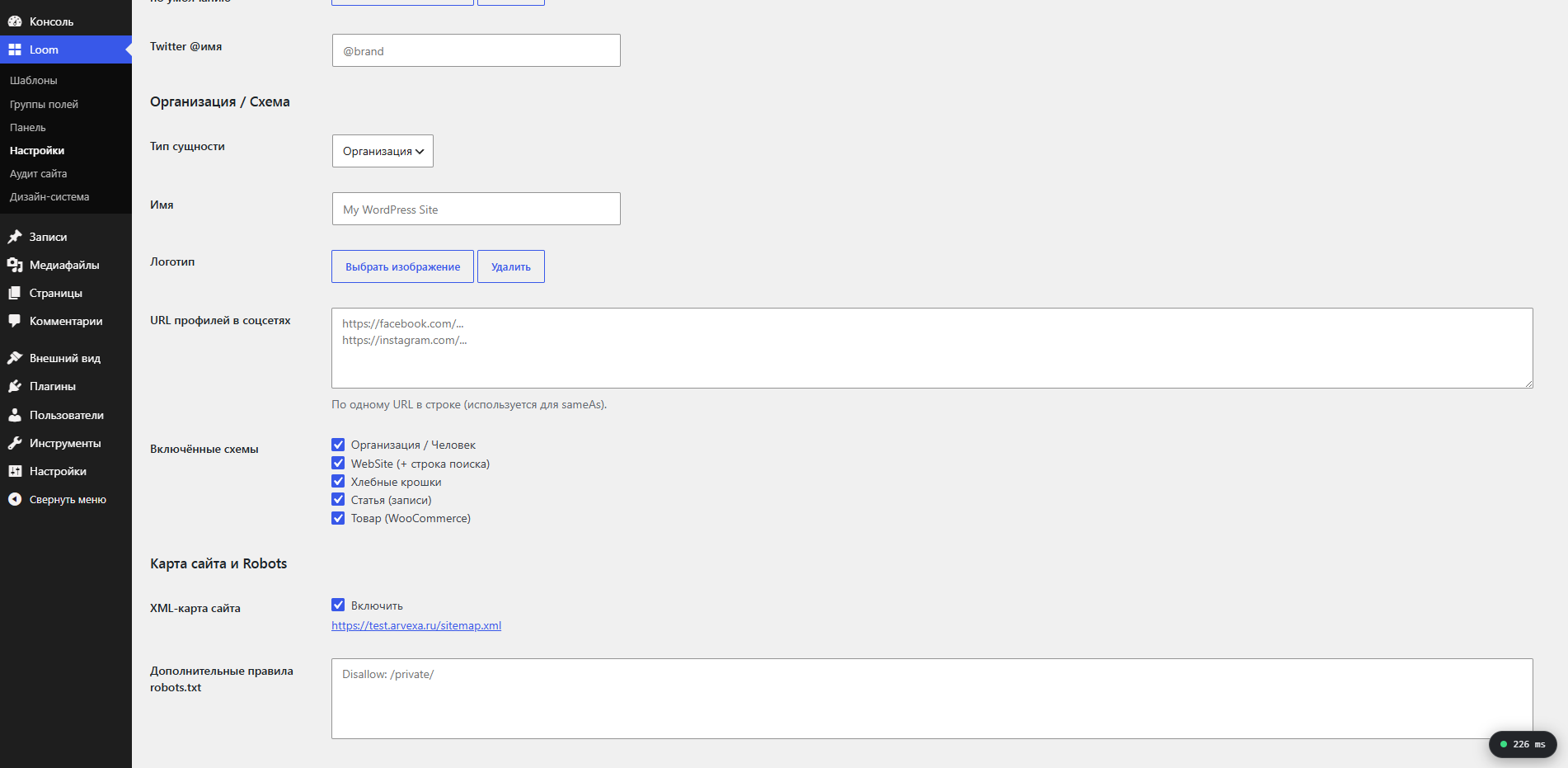
- Built-in SEO tools for titles, meta tags, Open Graph, JSON-LD, robots rules and XML sitemaps.
- Reusable header, footer and block templates with display conditions.
螢幕擷圖
安裝方式
- Upload the
arvexa-loom-builderfolder to the/wp-content/plugins/directory, or install the plugin from the WordPress Plugins screen. - Activate the plugin through the Plugins screen in WordPress.
- Open a page or post and choose “Edit with Loom”.
常見問題集
-
Does the plugin require another page builder?
-
No. Arvexa Loom Builder is a standalone visual editor and does not require another builder.
-
Does it provide custom fields?
-
Yes. The plugin includes its own field engine with field groups, location rules and ten field types, including repeaters. No additional custom-fields plugin is required.
-
Can I use the built-in SEO module with another SEO plugin?
-
The plugin provides title templates, meta descriptions, canonical URLs, Open Graph tags, JSON-LD and XML sitemaps. To avoid duplicate head tags and sitemaps, enable only one SEO module at a time.
-
Does it work with block themes?
-
Loom replaces enabled post content through the standard
the_contentfilter in the main WordPress loop. Use a theme whose page template renders the post content in that loop and provides the page width you need. -
Does it work with WooCommerce?
-
Yes. When WooCommerce is active, the editor provides product-grid, add-to-cart and product-filter widgets.
-
What happens when the plugin is deactivated?
-
Your layout is kept as post metadata. While the plugin is inactive, WordPress shows the normal post content; the Loom layout is available again after reactivation.
-
Is there a paid version?
-
An optional Arvexa Loom Builder Pro add-on adds a design system, global sections, a visual query loop, layout revisions and a site-wide SEO audit. It is installed separately on top of the free plugin.
使用者評論
這個外掛目前沒有任何使用者評論。
參與者及開發者

變更記錄
1.7.0
- Editor UX: drag-and-drop reordering of sections, columns and widgets (with a drag handle), including moving widgets between columns; undo/redo with history and Ctrl/Cmd+Z / Ctrl+Shift+Z (Ctrl+Y) shortcuts; export a section or the whole page to JSON and import sections from JSON (IDs are regenerated to avoid clashes).
1.6.0
- Reusable templates:
loom_templatecan be a Header, Footer or Block, shown by display conditions (entire site, front page, post type, specific post, post type archive, 404 or search). Headers and footers render in theme positions throughloom_header()/loom_footer()with awp_body_open/wp_footerfallback. Blocks can be inserted through the Template widget or the[loom_template id="123"]shortcode. Self-recursion is guarded.
1.5.0
- SEO module: per-post SEO settings (title, description, canonical URL, share image and noindex); title templates, meta description, canonical, robots, Open Graph and Twitter Card tags; JSON-LD graph for Organization/Person, WebSite, BreadcrumbList, Article and WooCommerce Product; native XML sitemap index and per-post-type sitemaps at
/sitemap.xml; robots.txt sitemap entry and custom rules.
1.4.0
- WooCommerce integration (guarded by
class_exists). Widgets: Products grid, Add to Cart and Product Filter. Native faceted filters throughpre_get_postsfor categories, attributes and price ranges. WooCommerce widget category in the editor panel.
1.3.0
- Native field engine with text, textarea, number, select, true/false, color, image, gallery, link and repeater fields. Field groups have a visual builder and location rules. Public API:
loom_field(). Builder text and image widgets can bind to custom-field values at render time.
1.2.0
- Advanced animations: entrance presets with per-element duration, delay and easing; continuous loop animations; and hover animations. Scroll-triggered animations use IntersectionObserver and honor
prefers-reduced-motion.
1.1.0
- Slider widget (slide, fade and cards), Carousel widget, Gallery widget with a native lightbox, repeater controls, multi-image gallery picker and single-image object control. All interactions use vanilla JavaScript with no external libraries.
1.0.0
- Core builder, REST layout API, server renderer, responsive scoped CSS, heading, text, image, button and spacer widgets, plus entrance animations.