
外掛說明
AI companies send crawlers to read websites, some to train models and some to answer questions in AI search. BotGate lets you decide which of them may read your site, from one screen under Settings BotGate.
AI bot control
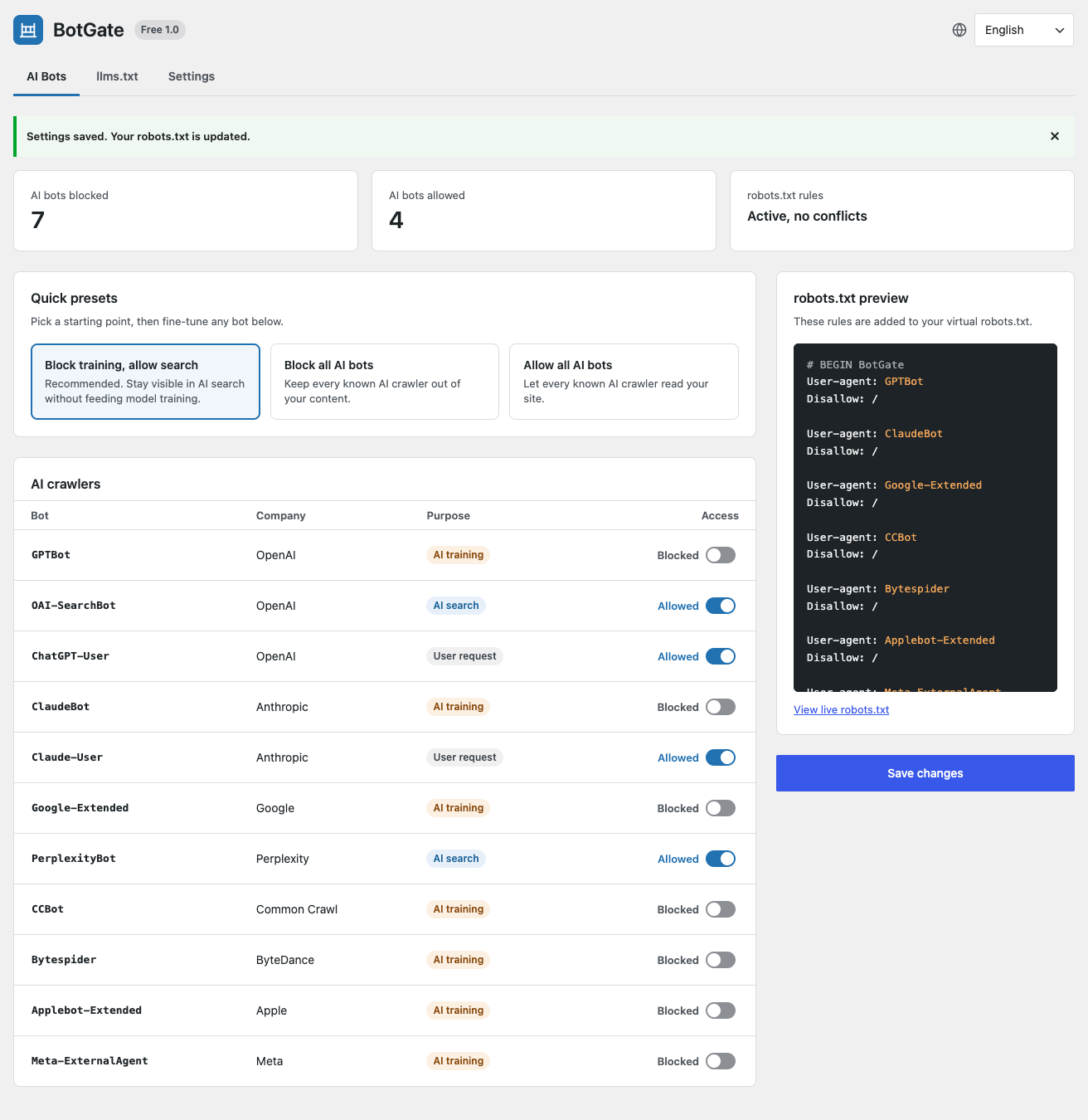
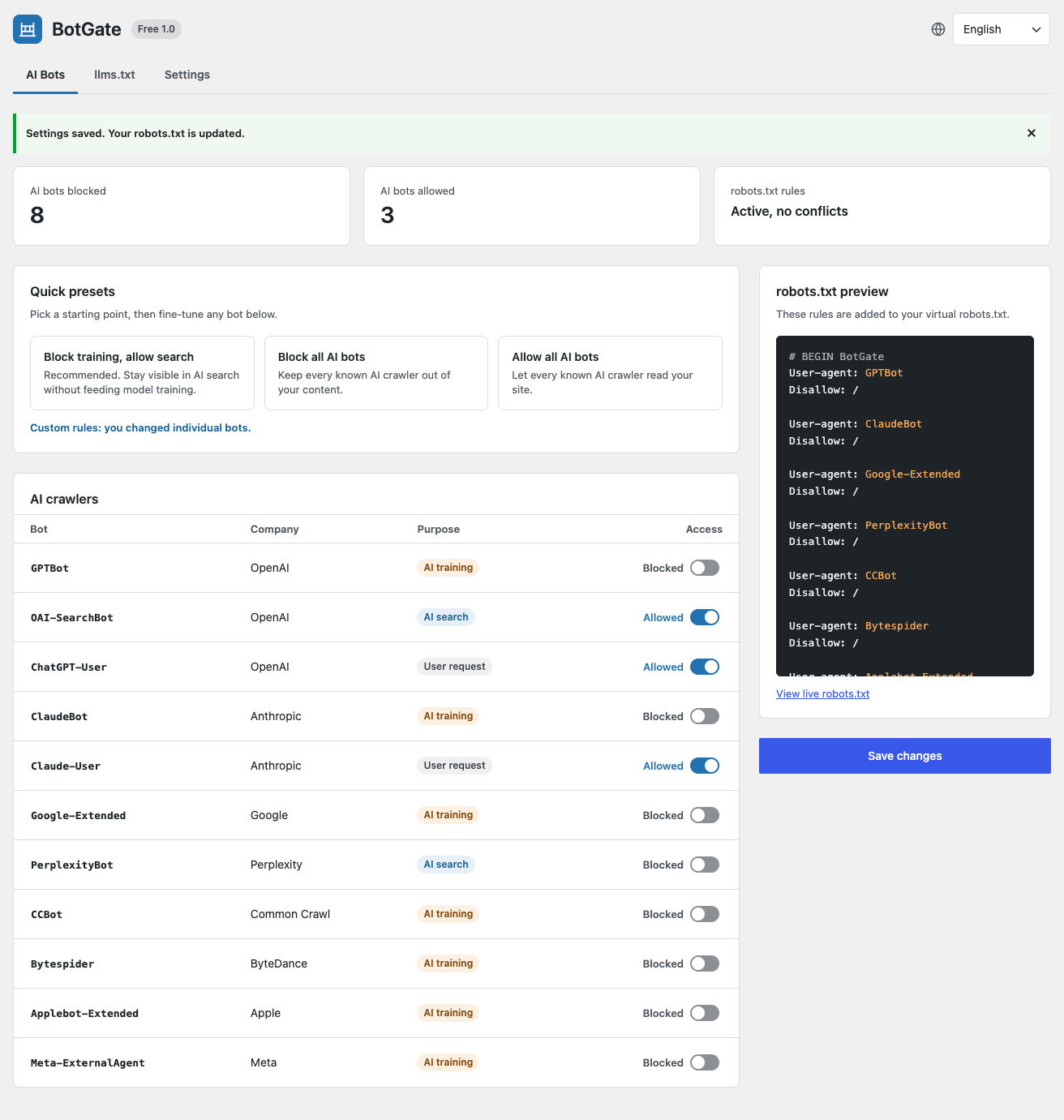
- A table of known AI crawlers: name, company, purpose (AI training, AI search or user request) and an Allow / Block switch.
- Three one-click presets: Block training, allow search (recommended), Block all AI bots and Allow all AI bots. Fine-tune any bot after picking one.
- Rules are added to WordPress’s virtual robots.txt through the
robots_txtfilter, between# BEGIN BotGateand# END BotGate. BotGate never edits a file on your server. - A live preview shows exactly which rules will be added before you save.
- Conflict detection warns you when a physical robots.txt file overrides the virtual one, when the site discourages search engines, when WordPress is installed in a subdirectory, or when plain permalinks are used.
- A Site Health test (Tools Site Health) reports the same conflicts.
llms.txt generator
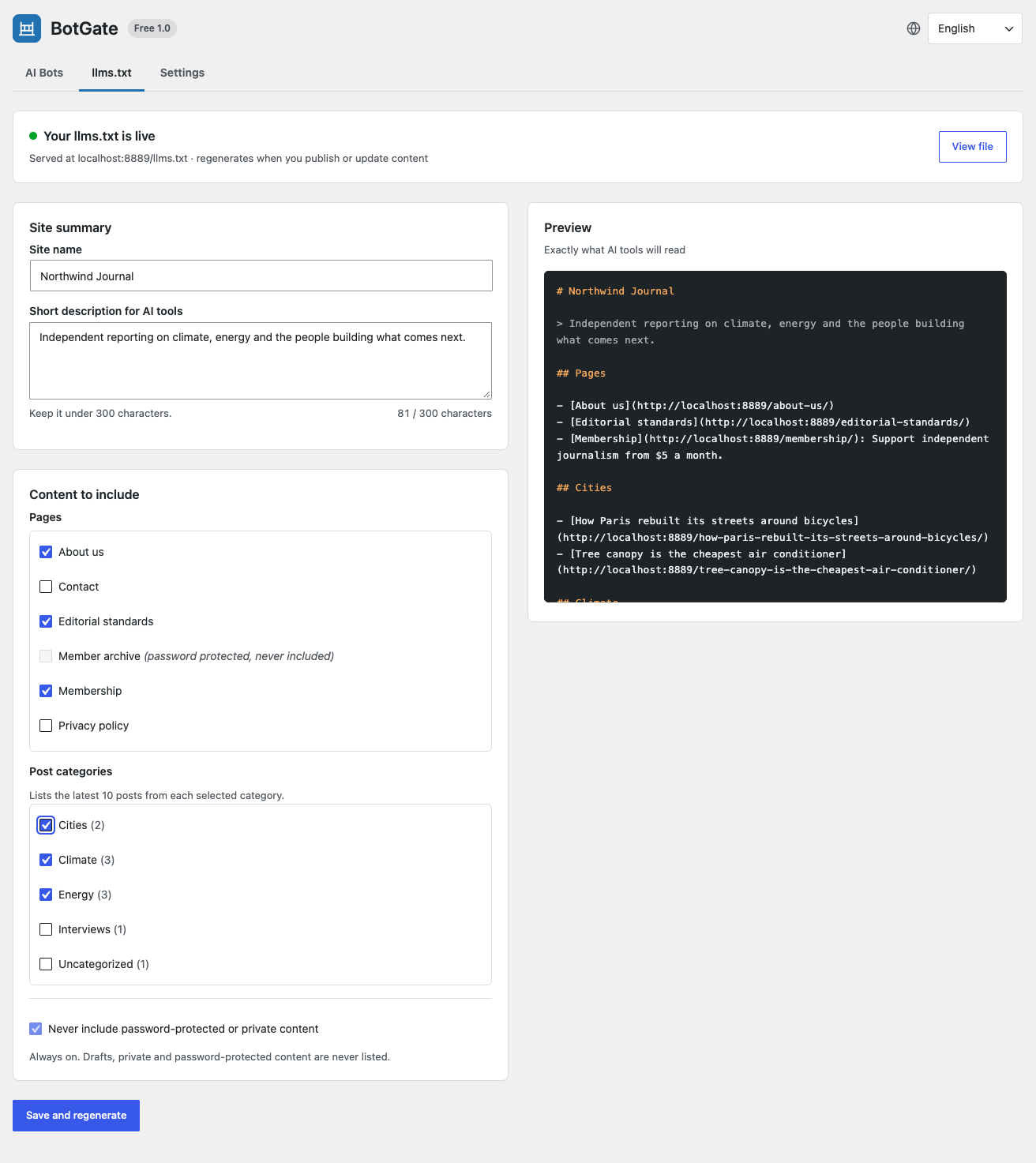
- Publishes a Markdown file at
/llms.txtwith your site name, a short description, the pages you choose and the latest posts from the categories you choose. - Preview the file before saving.
- Regenerates automatically when you publish, update or delete content.
- Password-protected, private and draft content is never included.
Privacy
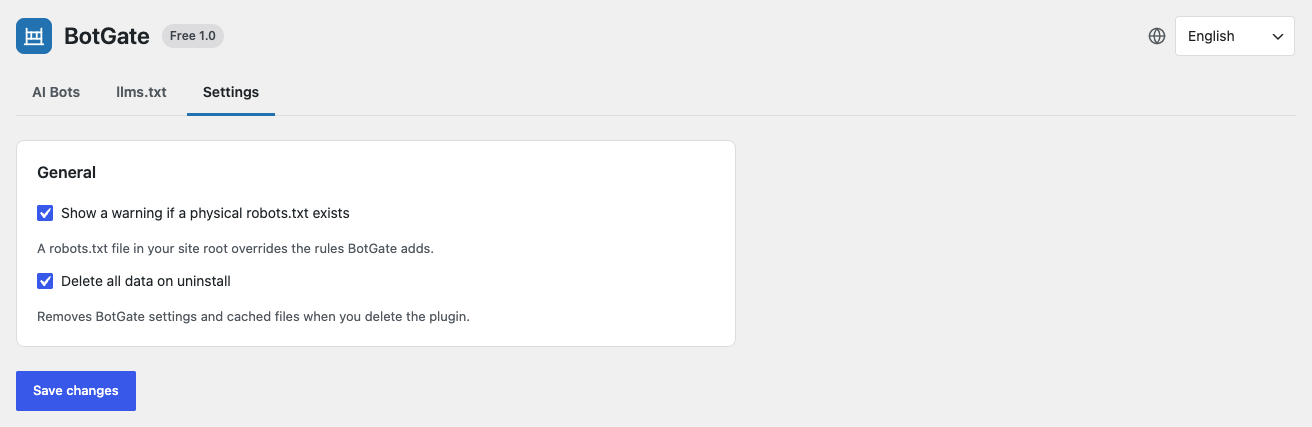
The free version makes no external requests and does no tracking.
Known bots in this release
GPTBot, OAI-SearchBot, ChatGPT-User (OpenAI) · ClaudeBot, Claude-User (Anthropic) · Google-Extended (Google) · PerplexityBot (Perplexity) · CCBot (Common Crawl) · Bytespider (ByteDance) · Applebot-Extended (Apple) · Meta-ExternalAgent (Meta).
The list ships with the plugin and is updated with each release. Developers can change it with the botgate_bots filter.
螢幕擷圖

安裝方式
- Upload the
anilsuwal-botgatefolder to/wp-content/plugins/, or install the plugin from the Plugins screen. - Activate it.
- Go to Settings BotGate. The recommended preset (block training, allow search) is active by default.
- Open the llms.txt tab, choose the pages and categories to list, and click Save and regenerate.
常見問題集
-
Does robots.txt actually stop AI bots?
-
robots.txt is a request. The major AI companies say their crawlers respect it, but a bot can ignore it.
-
I have a robots.txt file in my site root. Will BotGate work?
-
No. A physical file is served by your web server before WordPress runs, so the virtual robots.txt (and BotGate’s rules) is never used. BotGate warns you about this. Delete or rename the file, or copy the BotGate rules from the preview into it.
-
Does it work with Yoast SEO, Rank Math or All in One SEO?
-
BotGate is built to work alongside them. Those plugins also use the
robots_txtfilter; BotGate adds its block after theirs (priority 20) and never duplicates it. -
Why does /llms.txt return a 404?
-
Go to Settings Permalinks and click Save Changes to refresh the rewrite rules. With plain permalinks, the file is served at
/?botgate_llms=1. -
Which content is included in llms.txt?
-
Only the pages and categories you select, and only published content that is not password-protected or private.
使用者評論
這個外掛目前沒有任何使用者評論。
參與者及開發者

變更記錄
1.0.1
Add Multilanguage options
*
1.0.0
- First release.