

外掛說明
Albi Forms is a user-friendly form builder that helps you create responsive forms without writing code.
Key Features
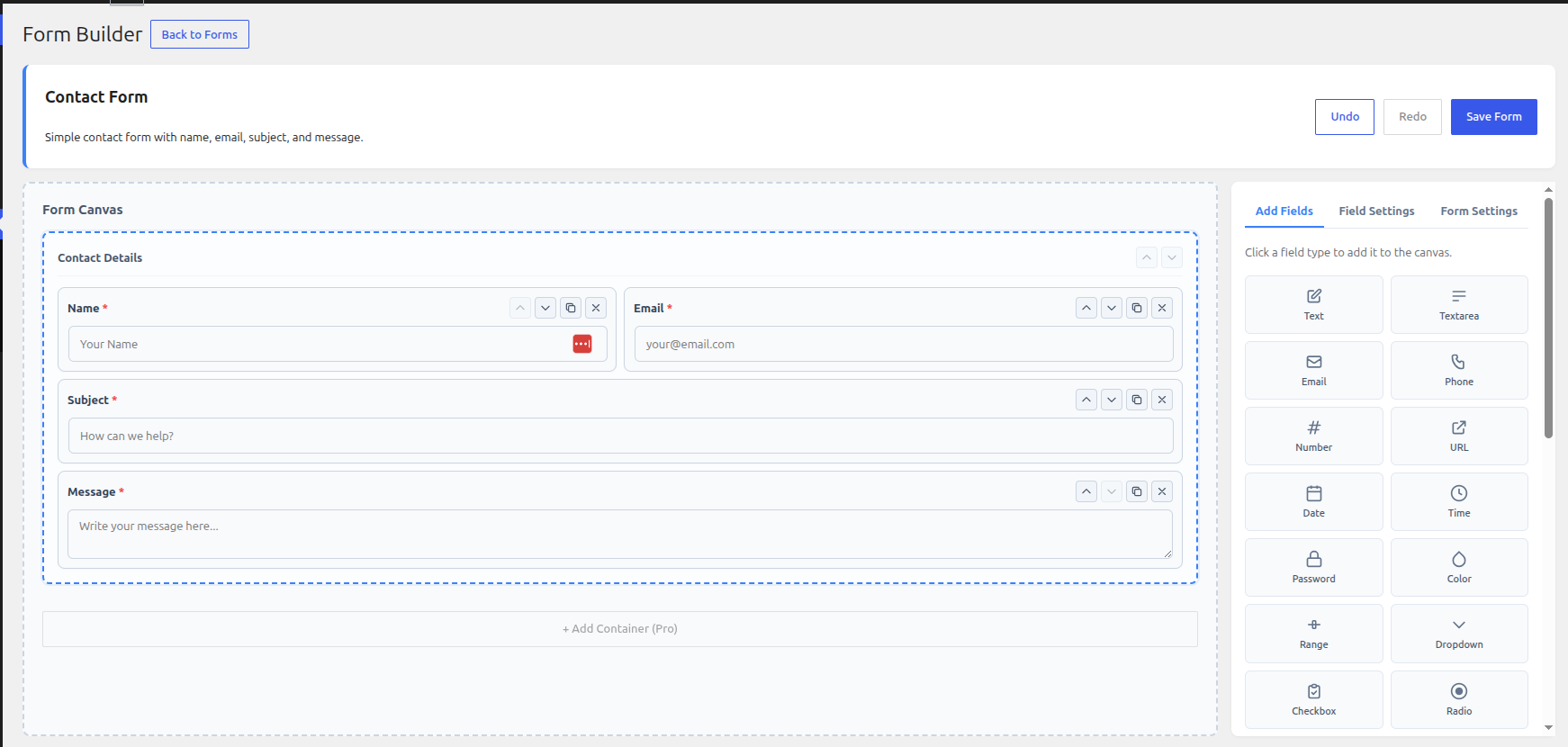
- Drag-and-drop form builder — Build forms visually in the admin.
- Field types — Text, email, phone, number, textarea, dropdown, radio, checkbox, date, time, URL, file upload, and more.
- Multi-step forms — Split long forms into steps with a progress indicator.
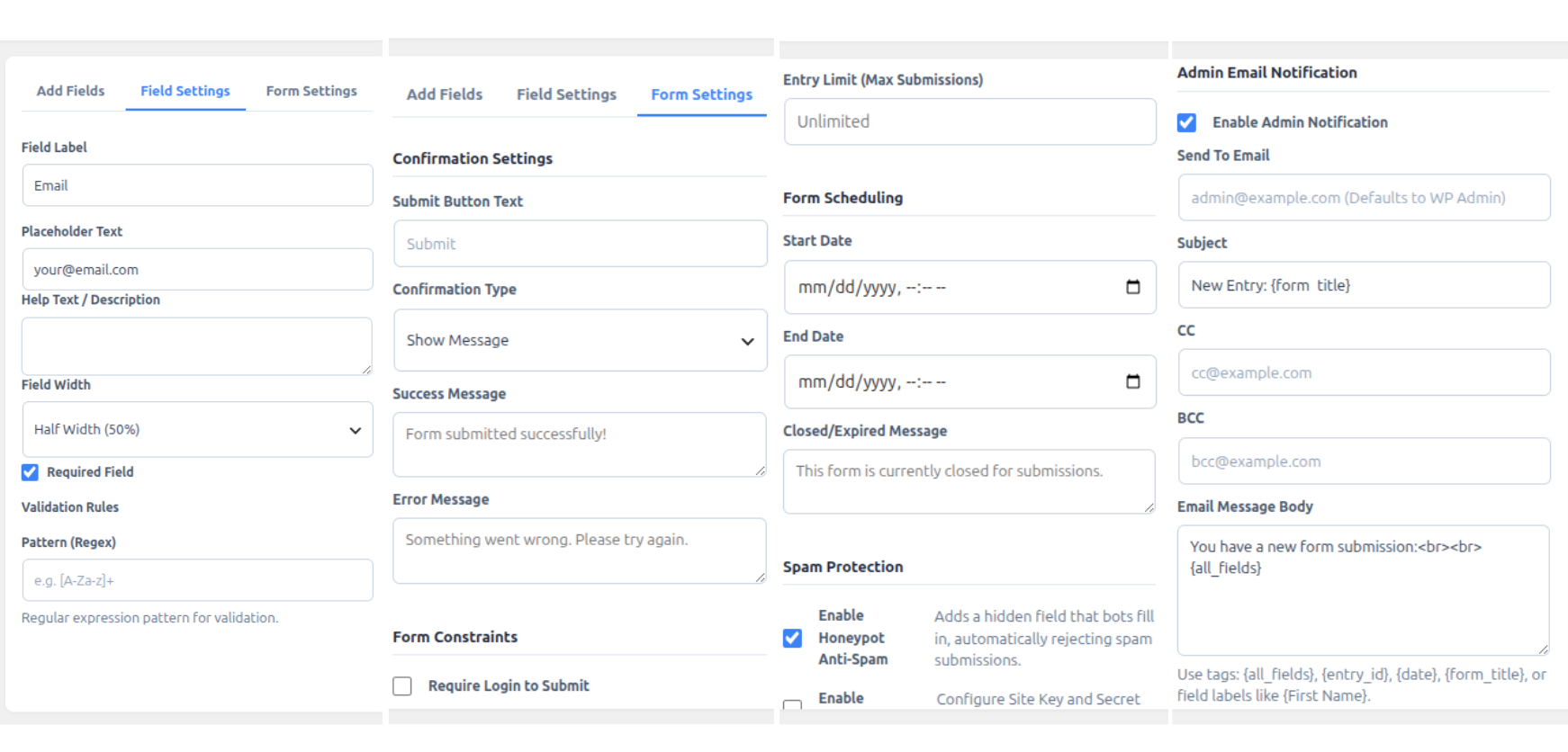
- Email notifications — Send customizable notifications when a form is submitted.
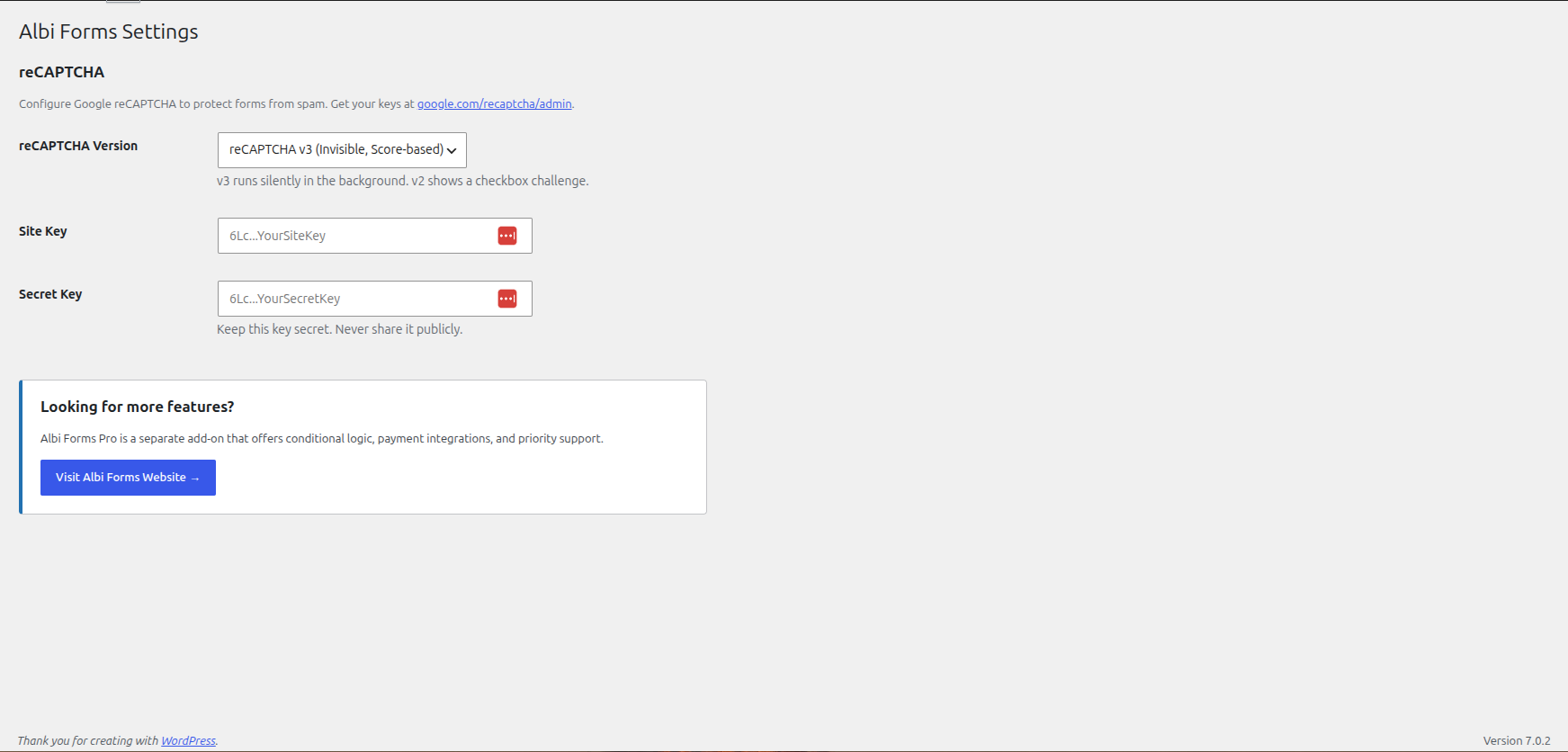
- Spam protection — Built-in honeypot and optional Google reCAPTCHA (v2 / v3).
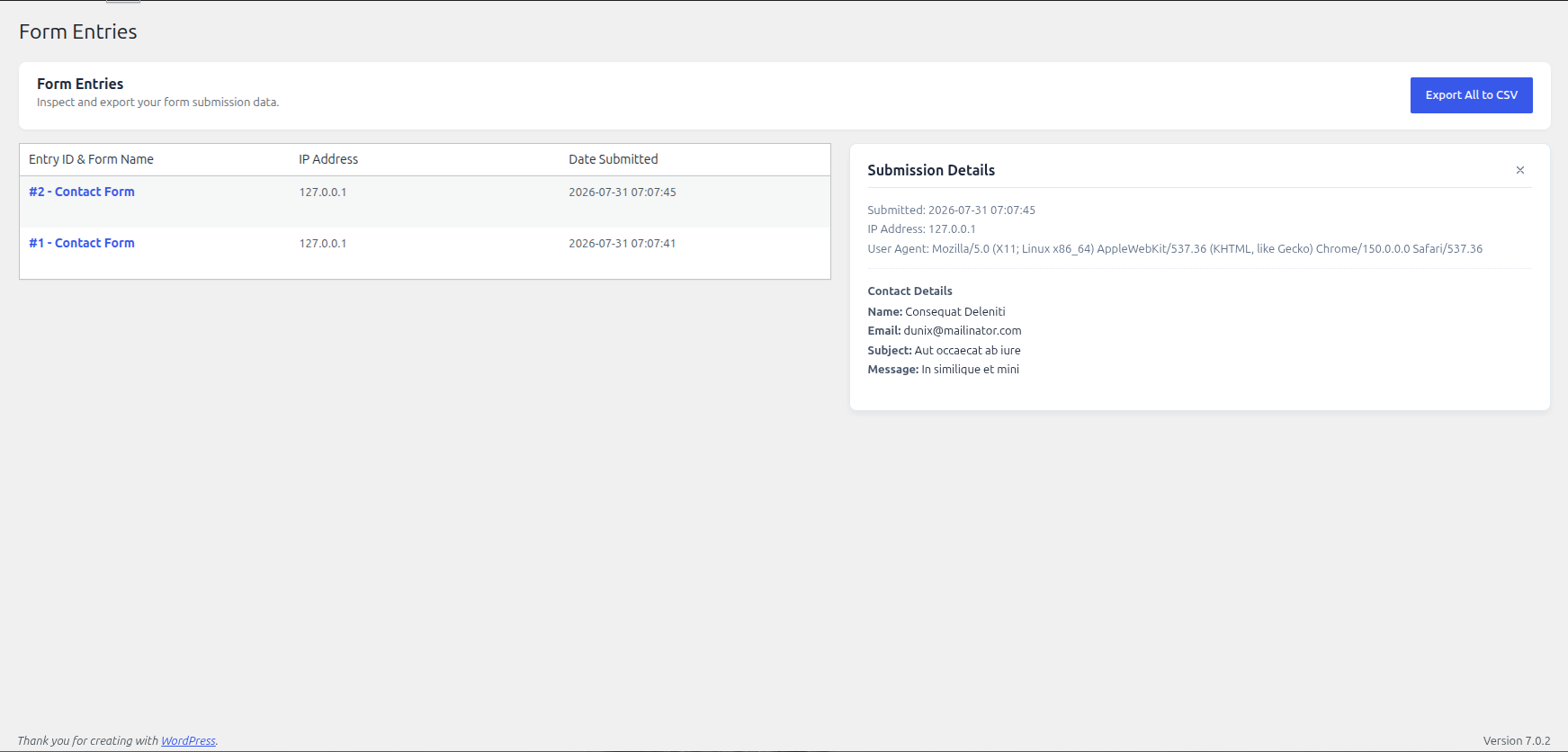
- Entries management — View, search, and export submissions from the admin.
- Import / export — Export forms as JSON and import them on another site.
- Form templates — Start quickly with ready-made templates.
- Shortcode & block — Embed forms with a shortcode or the block editor block.
- Scheduling & limits — Optionally require login, set entry limits, and schedule open/close times.
Privacy
Albi Forms stores form submissions (and optionally IP address / user agent) in your site database. You can export or erase that data via Tools Export Personal Data / Erase Personal Data. See the Privacy Policy section for details.
External services
This plugin optionally uses an external service for spam protection on form submissions: Google reCAPTCHA.
- Google reCAPTCHA (v2 / v3)
- Service Function: Protects forms against automated spam and bot submissions.
- Data Sent & When: When reCAPTCHA is enabled on a form, the reCAPTCHA JavaScript file is loaded from
https://www.google.com/recaptcha/api.json pages displaying the form. Upon form submission, the reCAPTCHA response token and user IP address are transmitted tohttps://www.google.com/recaptcha/api/siteverifyto verify the submission. - Terms of Service: https://policies.google.com/terms
- Privacy Policy: https://policies.google.com/privacy
螢幕擷圖
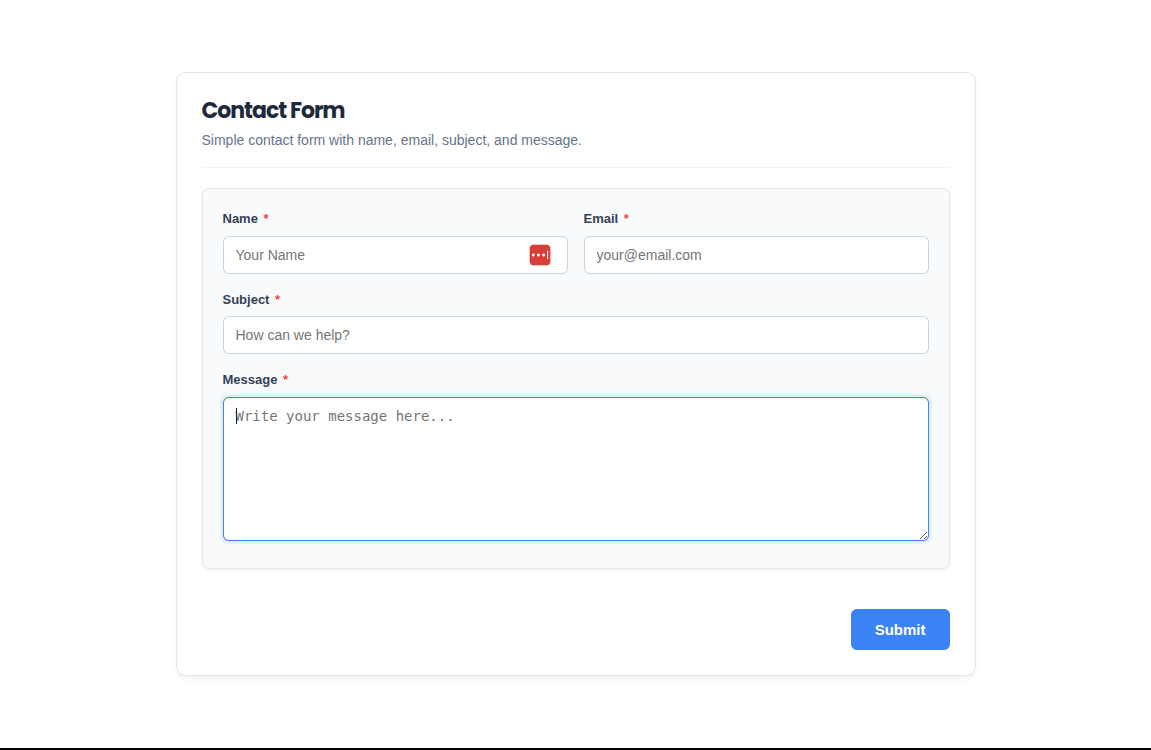
適用於區塊編輯器
這個外掛提供 1 個可供區塊編輯器使用的區塊。
- Albi Form Select and display an Albi Form on your page.
安裝方式
- Upload the
albi-formsfolder to the/wp-content/plugins/directory, or install the plugin through the Plugins screen. - Activate the plugin through the Plugins menu.
- Go to Albi Forms Add New to create your first form.
- Embed the form with the shortcode shown on the form list, or use the Albi Forms block in the block editor.
常見問題集
-
How do I add a form to a page?
-
Copy the form shortcode from Albi Forms All Forms, or insert the Albi Forms block in the block editor and select a form.
-
Does Albi Forms support reCAPTCHA?
-
Yes. Add your Google reCAPTCHA site and secret keys under Albi Forms Settings, then enable reCAPTCHA per form in Form Settings.
-
Where are submissions stored?
-
Entries are stored in custom database tables on your site. You can view and export them under Albi Forms Entries.
-
Does uninstalling delete my data?
-
Yes. Uninstalling the plugin removes custom tables, plugin options, and uploaded form files. Export anything you need before uninstalling.
-
Is there a Pro version available?
-
Yes. Albi Forms Pro is an optional separate add-on for users who need conditional logic, payment integrations, webhooks, and priority support. The free Albi Forms plugin hosted here is 100% free and fully functional on its own.
使用者評論
這個外掛目前沒有任何使用者評論。
參與者及開發者

變更記錄
1.0.0
- Initial release.