外掛說明
WP User Profile Restriction is a powerful yet simple plugin that allows you to restrict profile editing capabilities for specific user roles. Perfect for demo sites, membership websites, or any WordPress installation where you need to maintain control over user profile modifications.
Key Features
- Granular Role-Based Restrictions – Choose exactly which user roles should be restricted from editing their profiles
- Custom Redirect Options – Redirect restricted users to a specific URL instead of showing an error message
- Automatic Menu Hiding – Profile links are automatically hidden from admin bar and dashboard menu for restricted users
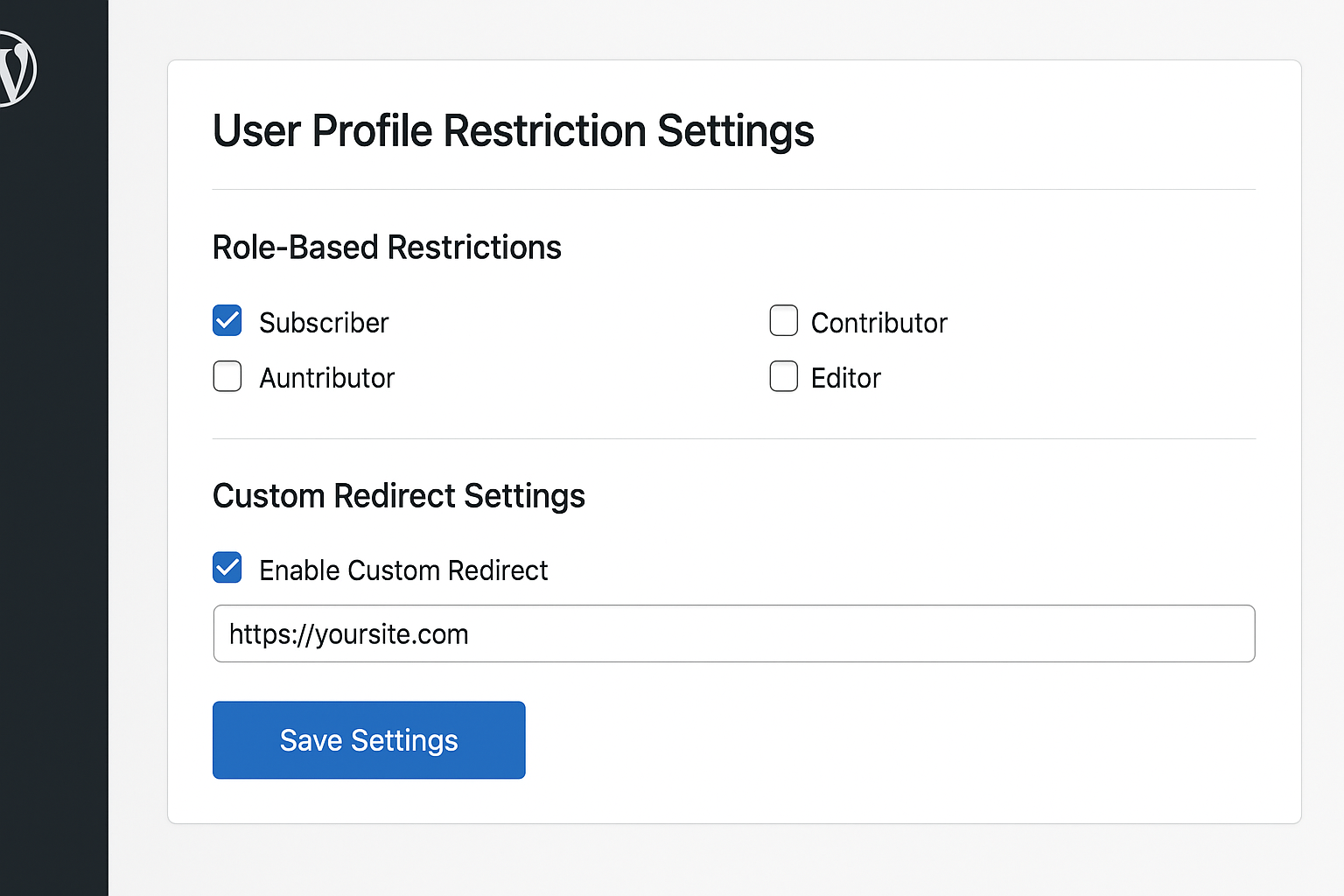
- Easy Settings Page – Configure all options from a user-friendly settings page in WordPress admin
- Backward Compatible – Maintains default security by restricting Subscribers and Contributors by default
- No Coding Required – Simple checkbox interface for all configurations
- Lightweight & Fast – Minimal impact on site performance
How It Works
- Install and Activate – The plugin works immediately with secure defaults
- Configure Settings – Go to Settings > Profile Restriction to customize
- Select Roles – Check which user roles should be restricted
- Optional Redirect – Set a custom redirect URL if desired
- Done! – Restricted users can no longer edit their profiles
Default Behavior
By default, the plugin restricts Subscribers and Contributors from editing their profiles. This maintains security while allowing Editors, Authors, and Administrators full access. You can customize this behavior at any time from the settings page.
Perfect For
- Demo and staging websites
- Membership sites
- Multi-author blogs
- Educational institutions
- Client websites
- Any site requiring profile editing restrictions
What Gets Restricted
- Direct access to profile.php page
- Profile link in admin bar
- Profile submenu in dashboard
- All profile editing capabilities for selected roles
Administrator Protection
Administrators always retain full access to edit any profile, regardless of plugin settings. This ensures you never lock yourself out of critical functionality.
Additional Information
Support
For support, feature requests, or bug reports, please visit the plugin’s support forum on WordPress.org.
Privacy
This plugin does not collect, store, or transmit any user data. All settings are stored locally in your WordPress database.
Credits
Developed by Shawon C for TheInnovs LLC
螢幕擷圖

安裝方式
Automatic Installation (Recommended)
- Log in to your WordPress dashboard
- Navigate to Plugins > Add New
- Search for “WP User Profile Restriction”
- Click “Install Now” and then “Activate”
- Go to Settings > Profile Restriction to configure
Manual Installation
- Download the plugin ZIP file
- Log in to your WordPress dashboard
- Navigate to Plugins > Add New > Upload Plugin
- Choose the downloaded ZIP file and click “Install Now”
- Activate the plugin
- Go to Settings > Profile Restriction to configure
FTP Installation
- Download and unzip the plugin file
- Upload the
wp-user-profile-restrictionfolder to/wp-content/plugins/directory - Activate the plugin through the Plugins menu in WordPress
- Go to Settings > Profile Restriction to configure
常見問題集
-
Does this plugin require any configuration?
-
No! The plugin works immediately upon activation with secure defaults (Subscribers and Contributors are restricted). However, you can customize the behavior from Settings > Profile Restriction.
-
Which user roles are restricted by default?
-
By default, Subscribers and Contributors are restricted from editing their profiles. This provides security while maintaining backward compatibility with version 1.0.6.
-
Can I choose which roles to restrict?
-
Yes! Version 2.0 introduces a settings page where you can select exactly which user roles should be restricted using simple checkboxes.
-
Can administrators still edit profiles?
-
Yes, administrators always have full access to edit any profile, regardless of plugin settings.
-
What happens when a restricted user tries to access their profile?
-
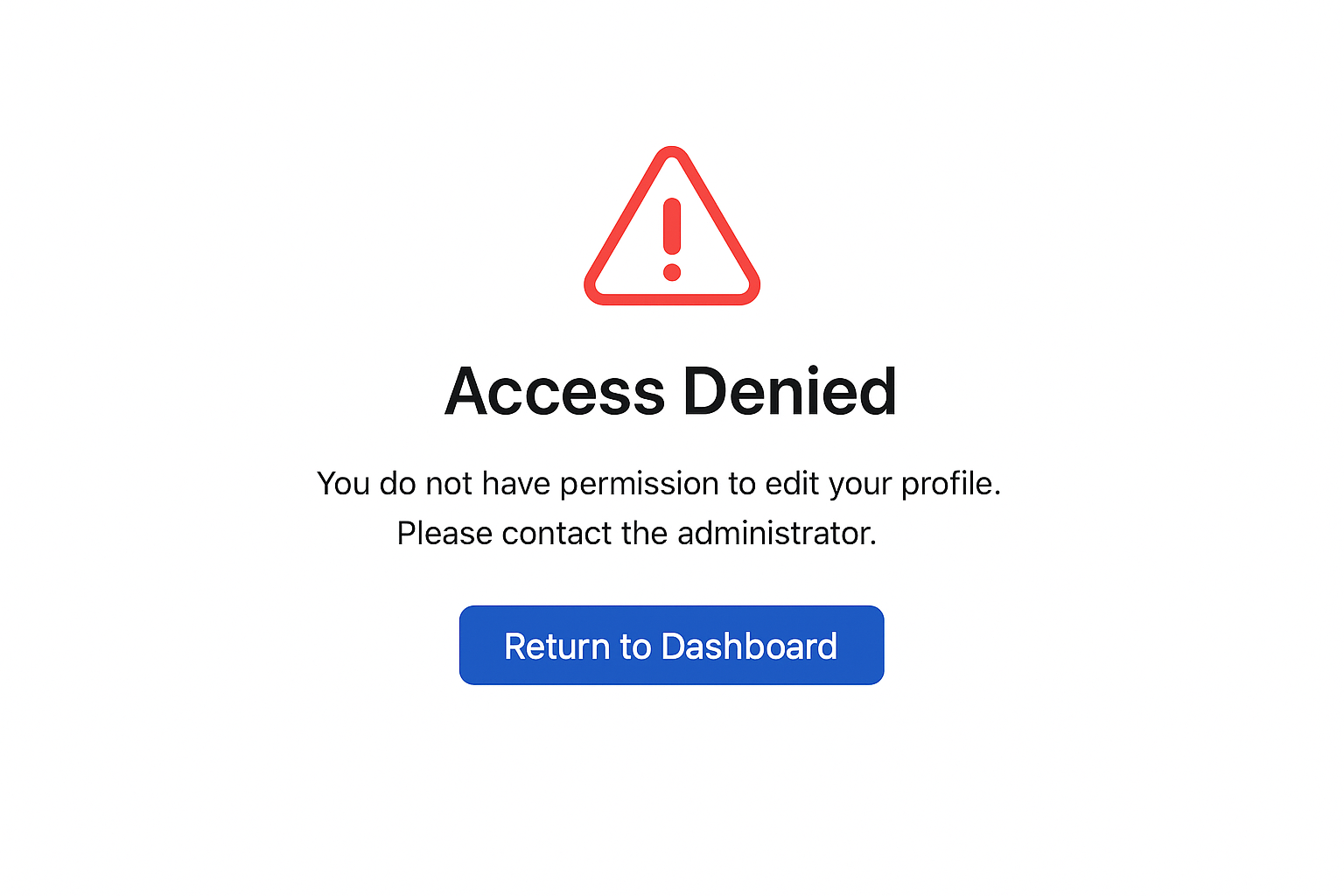
By default, they see an error message. Optionally, you can enable custom redirect to send them to a specific page (like the homepage or a custom access denied page).
-
No, the Profile link is automatically hidden from both the admin bar and the dashboard sidebar menu for all restricted users.
-
Can I redirect restricted users to a custom page?
-
Yes! In the settings page, you can enable custom redirect and specify any URL where restricted users should be redirected.
-
Is this plugin compatible with the latest WordPress version?
-
Yes, the plugin is regularly tested and updated to ensure compatibility with the latest WordPress releases.
-
Will this affect my existing users?
-
If you’re upgrading from version 1.0.6, the plugin maintains the same default behavior (restricting Subscribers and Contributors). Your existing security settings remain intact.
-
Yes, you can select any combination of user roles to restrict from the settings page.
-
Does this work with custom user roles?
-
Yes, the plugin automatically detects all user roles on your site, including custom roles created by other plugins.
使用者評論


參與者及開發者


變更記錄
2.0.0 (2024-11-09)
- Major Update – Complete rewrite with new features
- Added: Settings page for easy configuration
- Added: Granular role-based restriction controls
- Added: Custom redirect option for restricted users
- Added: Automatic hiding of Profile menu for restricted users
- Added: Checkbox interface for selecting restricted roles
- Improved: Code structure using OOP approach
- Improved: Security with proper sanitization and validation
- Improved: User experience with informative settings page
- Maintained: Backward compatibility with default restrictions
- Updated: Tested with WordPress 6.8.3
1.0.6
- Fix: Compatibility with the latest WordPress version
1.0.5
- Compatibility fix with WordPress 5.8.2
1.0.4
- Compatibility fix with latest WordPress
1.0.3
- Compatibility check
1.0.2
- Compatibility with WordPress 5.3.2
1.0.1
- Compatibility with WordPress 5.1
1.0.0
- Initial release