

外掛說明
The WordPress Client Portal plugin creates private pages for each user. The content for that page is accessible on the frontend only by the owner of the page
after he has logged in.
The plugin doesn’t offer a login or registration form and it gives you the possibility to use a plugin of your choice.
The [client-portal] shortcode can be added to any page and when the logged in user will access that page he will be redirected to its private page.
For login and registration of users we recommend the free Profile Builder plugin.
You can then use the [wppb-login] shortcode in the same page as the [client-portal] shortcode.
螢幕擷圖
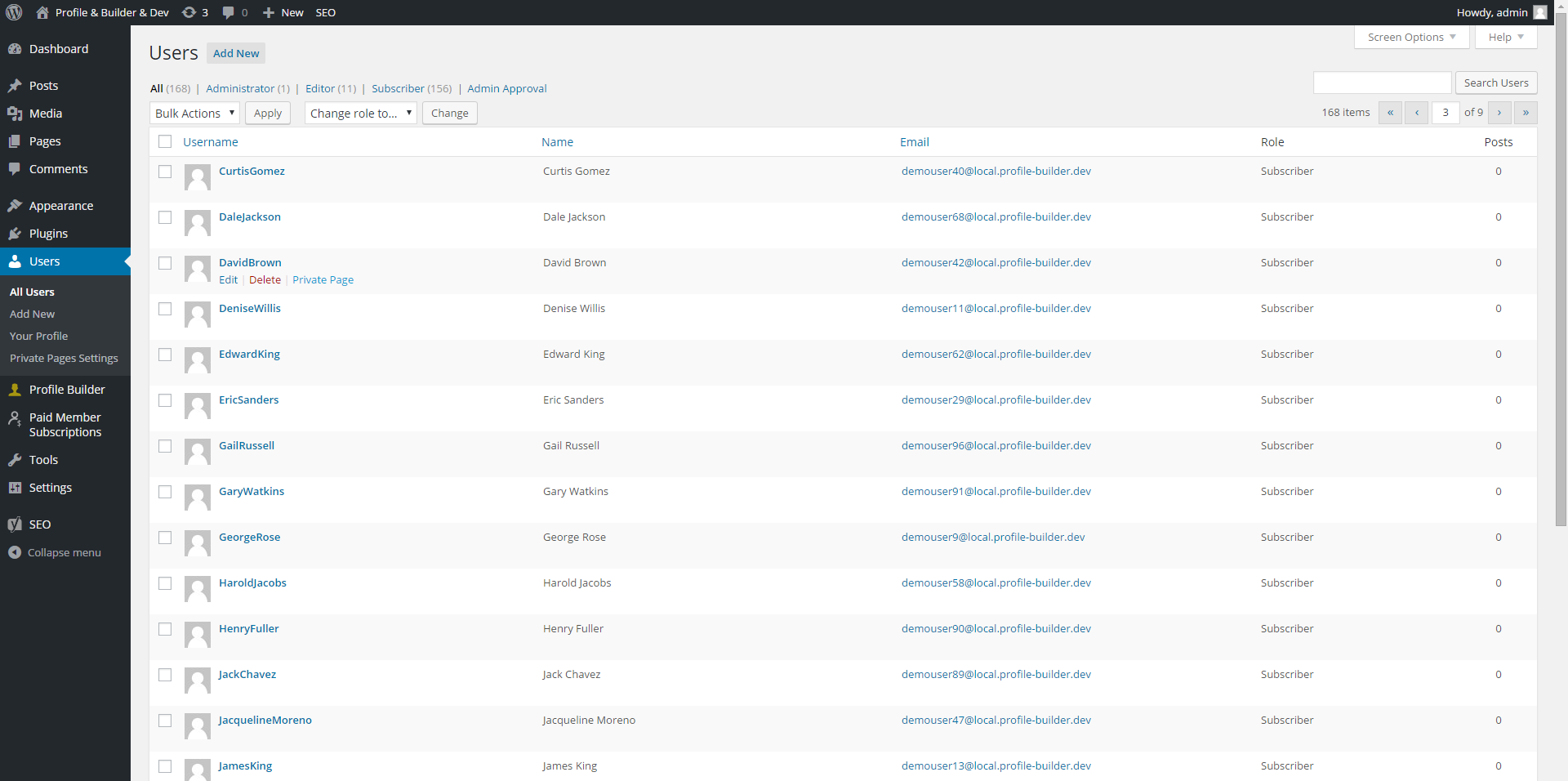
Access the Private Page in the Users Listing in the admin area: screenshot-1.jpg 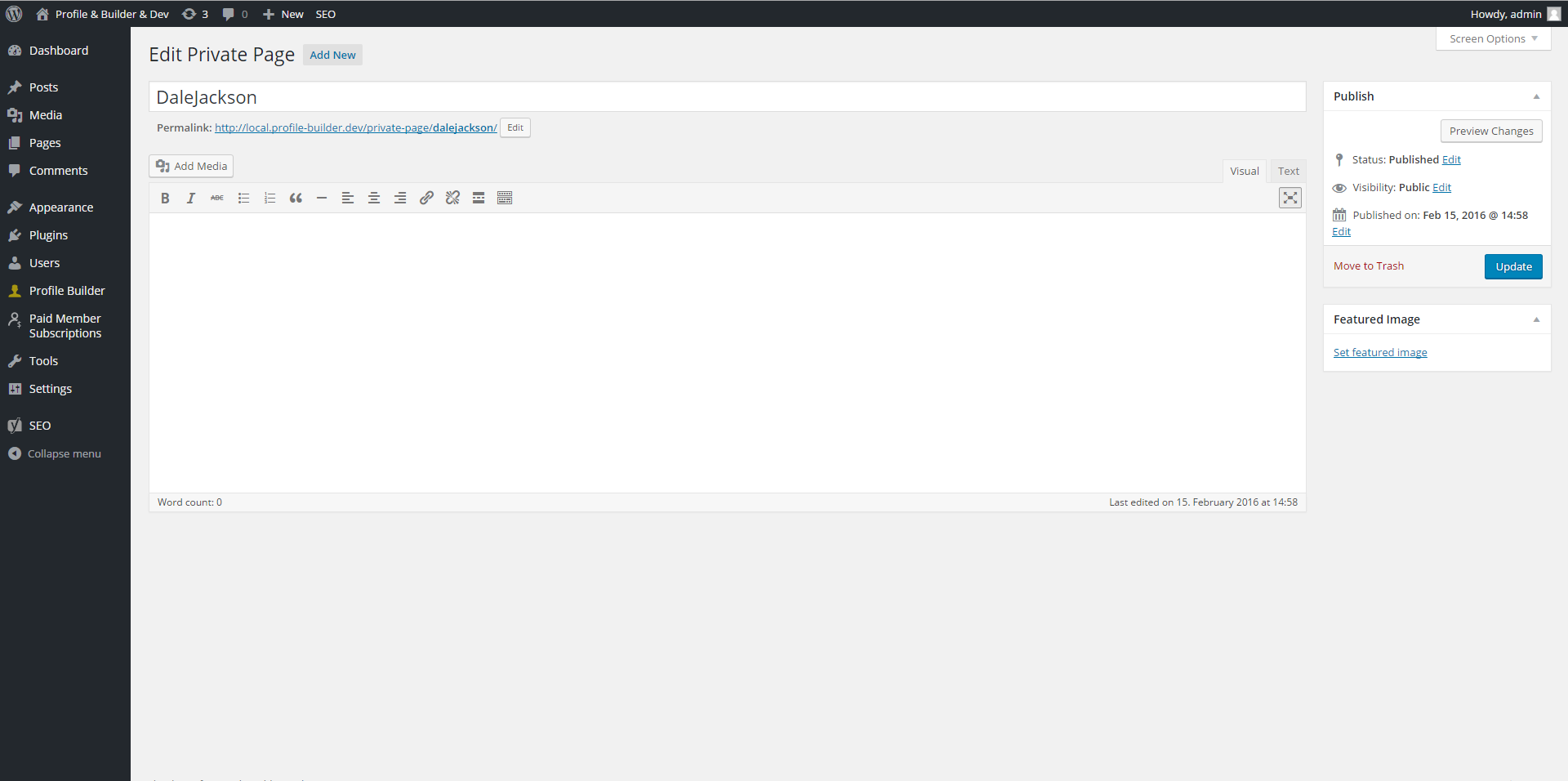
A Private Page edited using the Classic Editor: screenshot-2.jpg 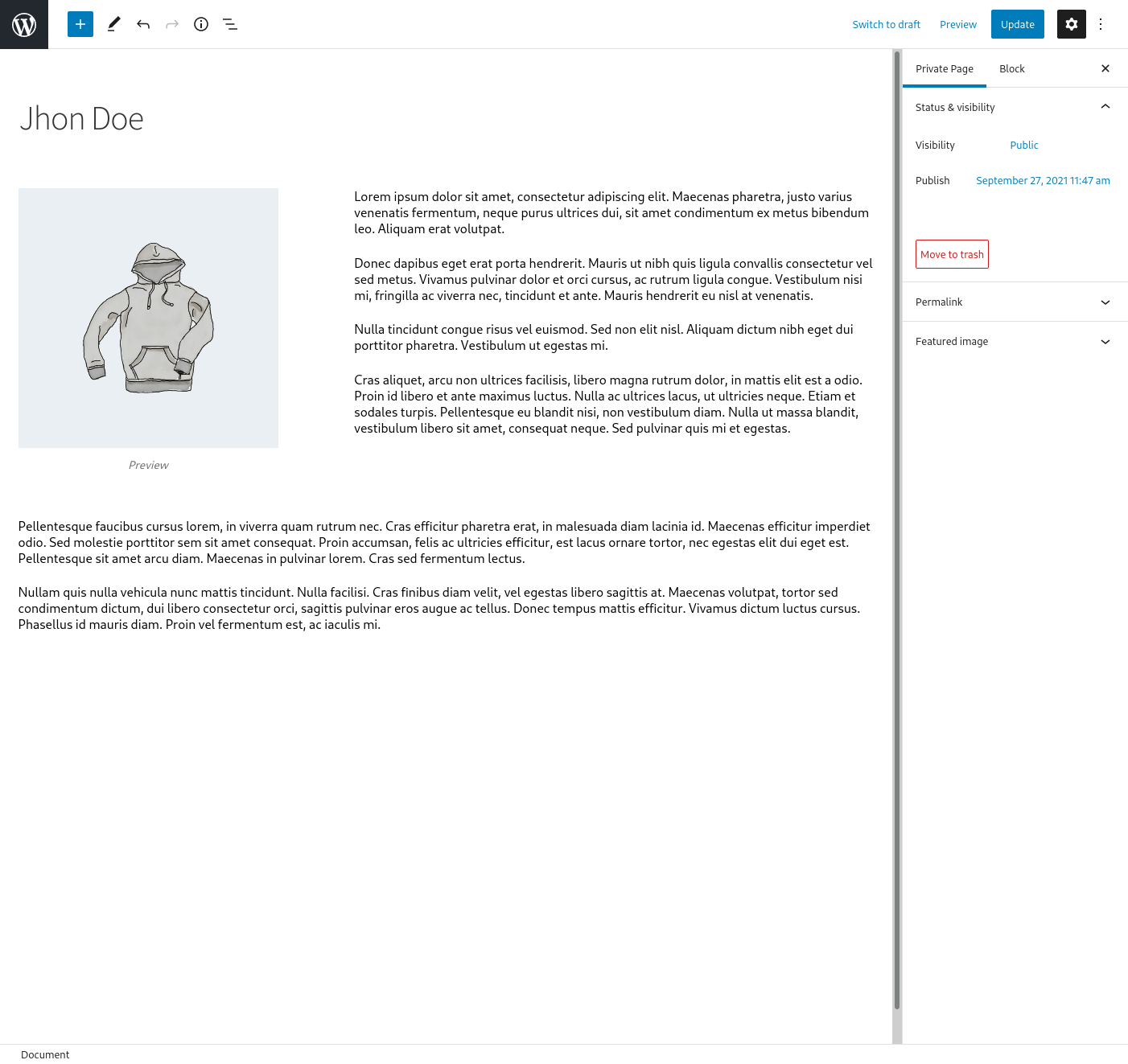
A Private Page edited with the Gutenberg Editor: screenshot-3.jpg 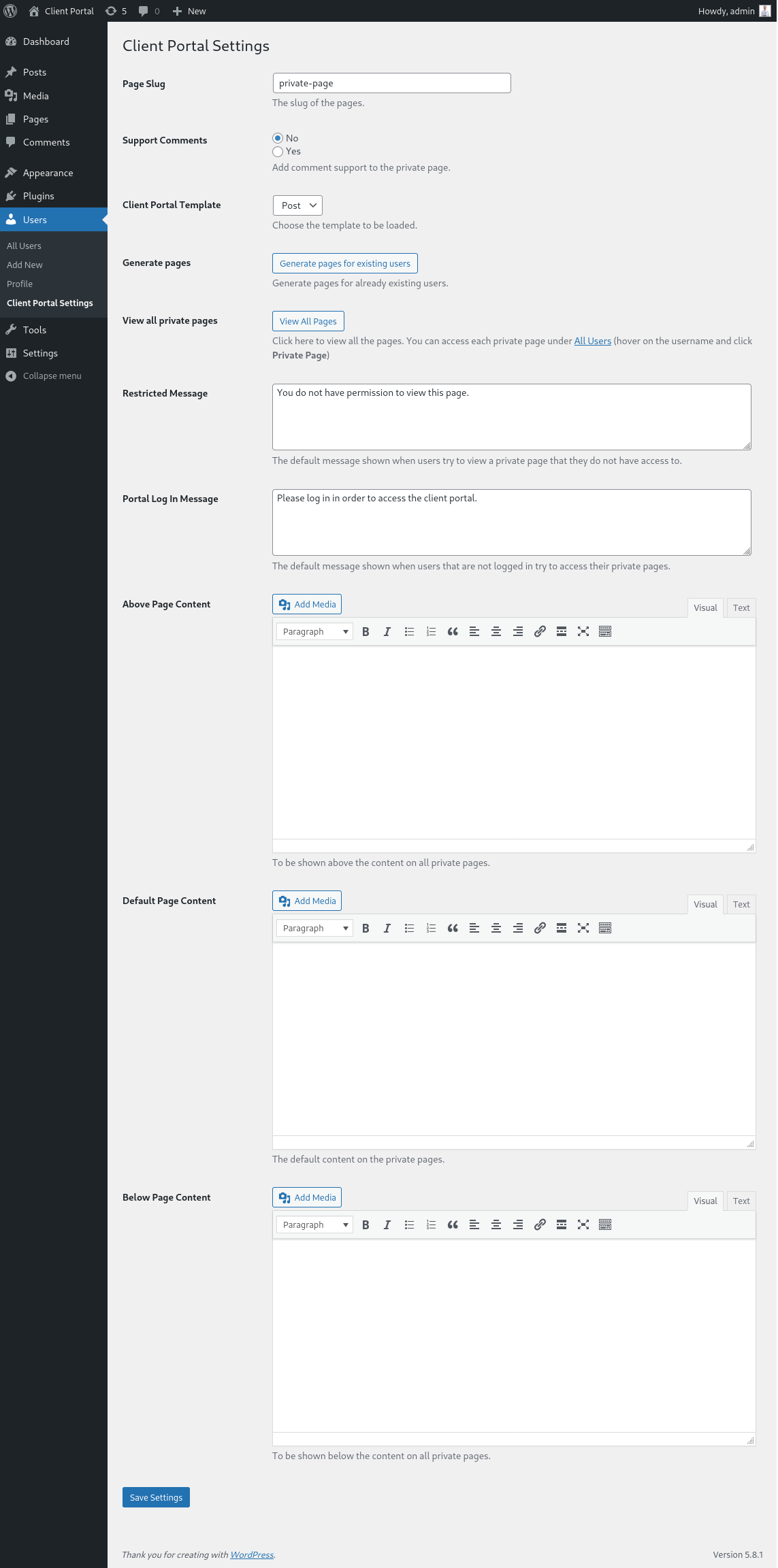
The Settings Page for the Plugin: screenshot-3.jpg
安裝方式
- Upload and install the zip file via the built in WordPress plugin installer.
- Activate the WordPress Client Portal plugin from the “Plugins” admin panel using the “Activate” link.
使用者評論

2025 年 4 月 10 日
Cannot contact support for error message as below. This unresolved makes ClientPortal unfortunately a worthless plugin.
Notice: Function _load_textdomain_just_in_time was called incorrectly. Translation loading for the client-portal domain was triggered too early. This is usually an indicator for some code in the plugin or theme running too early. Translations should be loaded at the init action or later.

2023 年 11 月 27 日
That’s exactly what I was looking for. Very user friendly and straightforward. Thank you.

2023 年 6 月 23 日
Hello. This is one of the most useful Wordpress plugins and it is free! Wow. Does exactly what it says and more. Totally recommended!

2023 年 3 月 30 日
Hi, you gave me good support with a problem I had, related to the compatibility of my wordpress template. They sent me a code resource to fixed it and was perfect. And as well, the free version of plugin has many setting options.

2022 年 7 月 8 日
Amazing plugin, amazing support.
It’s enabled me to get a great client area up and running. Fitted my requirements perfectly when I used it with their other plugin ‘Profile Builder’.
Thanks!

2021 年 11 月 27 日
The newest version does not work as I expected. It is more complicated and confusing while I edit user data.
參與者及開發者
以下人員參與了開源軟體〈Client Portal – Private user pages and login〉的開發相關工作。
參與者


變更記錄
1.2.2
- Fix: Security issue regarding Broken Access Control when bulk generating private pages. Thanks to Nabil Irawan and the Patchstack team
1.2.1
- Fix: translation notice
1.2.0
- Fix: A PHP warning appearing in some cases
- Added a new filter: cp_redirect_private_pages_capability
1.1.9
- Fix: CSRF issue with Generate Private Pages option. Thanks to Rio Darmawan
- Fix: A PHP warning appearing in some cases
- Fix: issue with default page content not showing
- Misc: enabled revisions for Private Pages
1.1.8
- Fix: delete private page content before reassigning data when a user is deleted from WordPress
- Misc: added a shortcode that can be used to retrieve all or different parts of the back-end content (Above Page, Default Content, Below Page): [cp-private-page-content content_above=”show” content_default=”show” content_below=”show”]
1.1.7
- Added a Redirect users that are trying to access a Private Page option
- Fixed private page template not loading from child theme
1.1.6
- Fix: issue with Before/After Page Content textareas not saving the content correctly
- Misc: Added link to view a particular users private page
1.1.5
- Added a permanent dismiss button to in plugin notifications
- Readme and screenshot changes
1.1.4
- Fixed a bug where after editing with Gutenberg the page owner could not access the page
1.1.3
- Fixed an error when page.php was missing in the theme
- Usability improvements
1.1.2
- Fixed a potential php warning
1.1.1
- Added possibility to choose the Page Template if it exists in the theme to use for a Client Portal Page
1.1.0
- Fixed an incompatibility with Gutenberg on the admin side
1.0.9
- Comments on private pages are now restricted as well
1.0.8
- Fixed issue with not being able to edit the page on the backend that contained the client-portal shortcode
1.0.7
- We now flush permalinks when we first activate the plugin so we can access directly the private pages without a 404
1.0.6
- Added a View All Pages button on the settings page
1.0.5
- Ready for translation
1.0.4
- We now have a default content option for pages
- Now private pages are excluded from appearing in frontend search
- Fixed a bug where the private page would reload indefinitely if the user hadn’t a page created
- Fixed a bug where you could create duplicate pages for the same user
1.0.3
- Minor fixes and security improvements
1.0.2
- Added support for bulk Create Private Pages to Users page bulk actions
1.0.1
- Added support for comments on private user pages
- Settings page is now stylized
1.0.0
- Initial Version of the WordPress Client Portal plugin.