

外掛說明
O7 FlipBook turns any PDF into a beautiful interactive magazine with a realistic 3D page-flip effect. Upload your PDF, publish the post, and embed it anywhere on your site with a simple shortcode.
Key Features
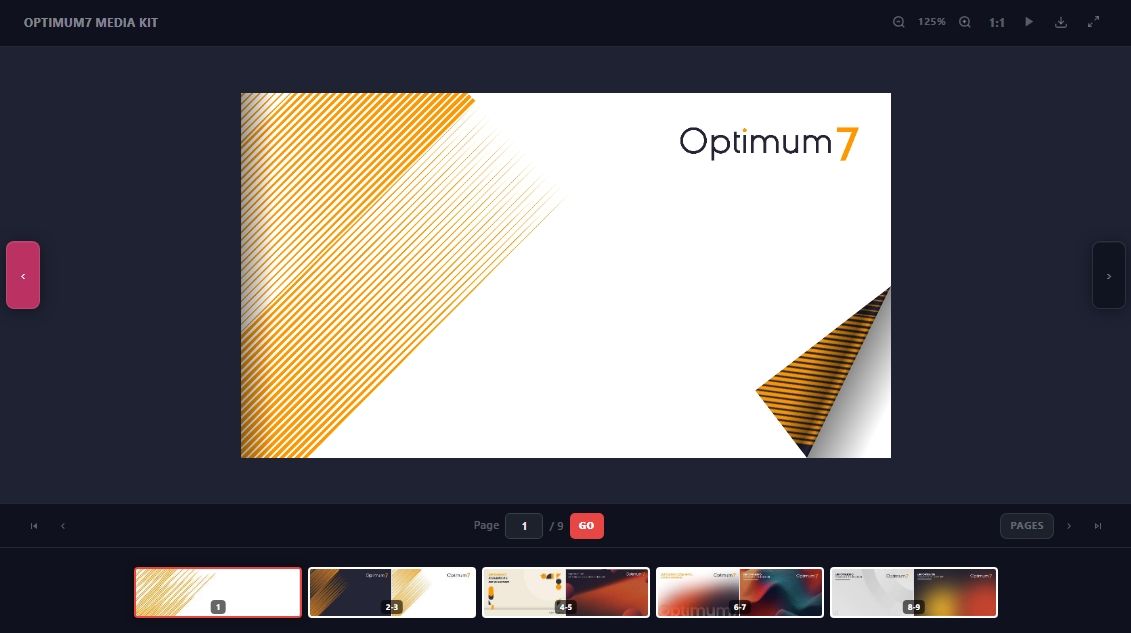
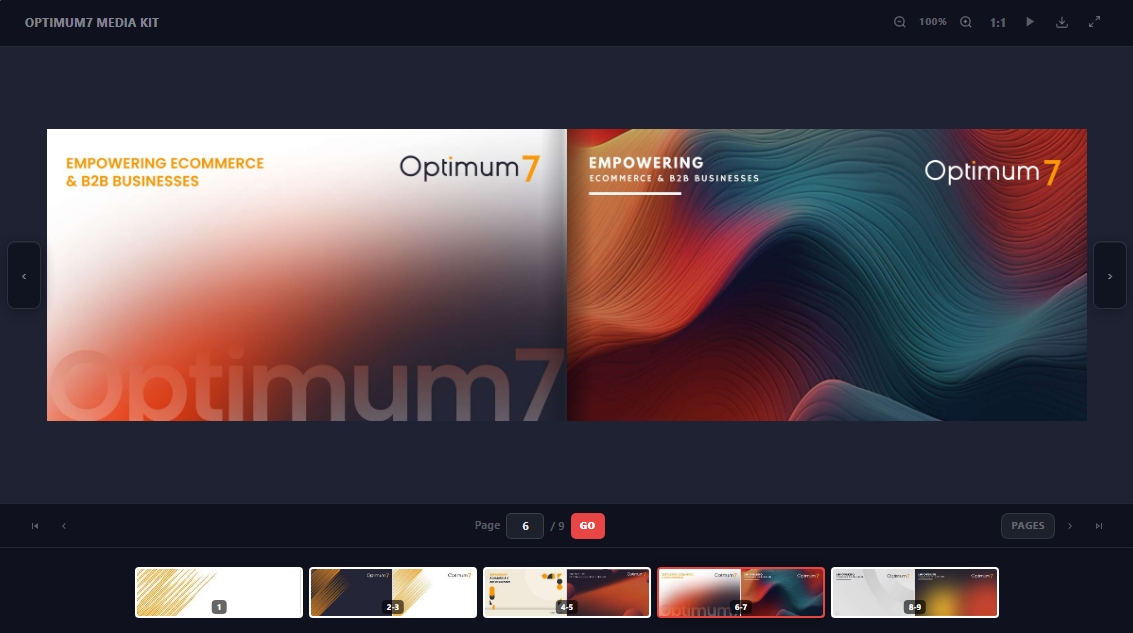
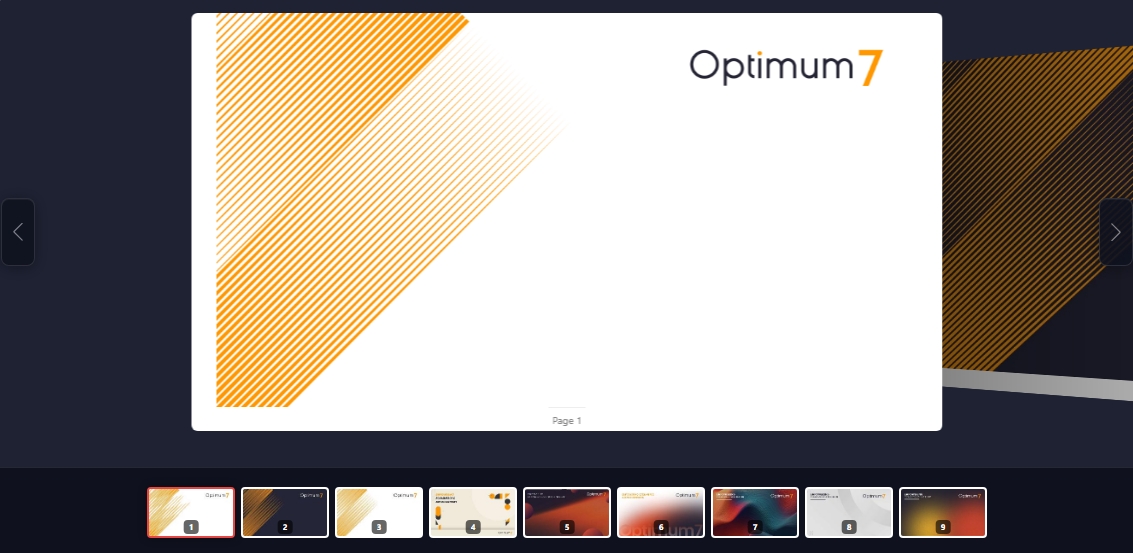
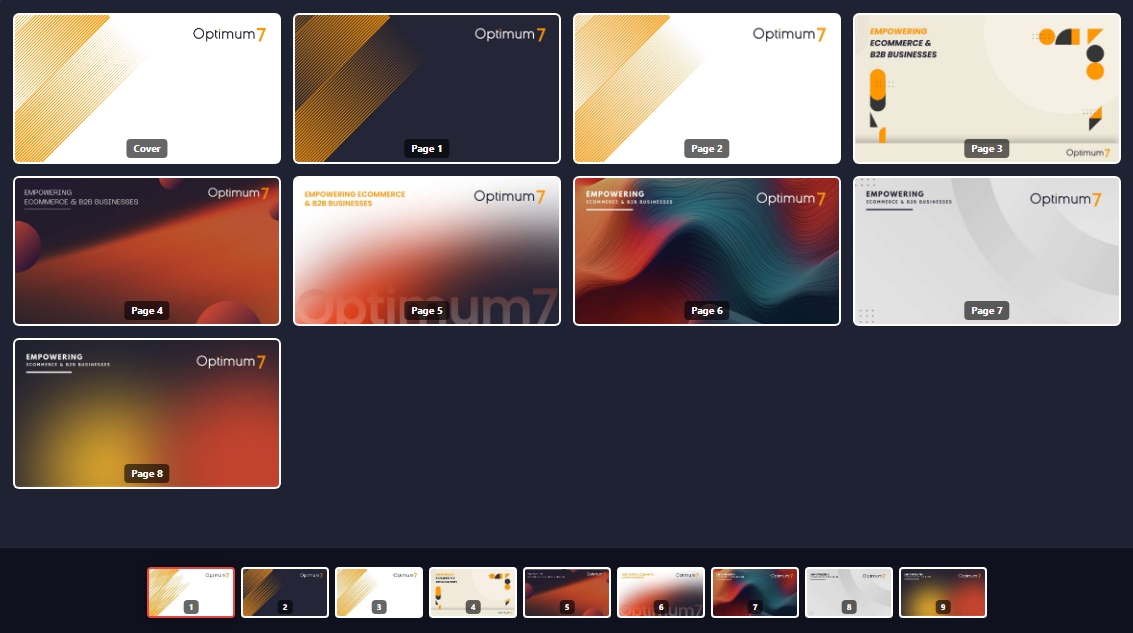
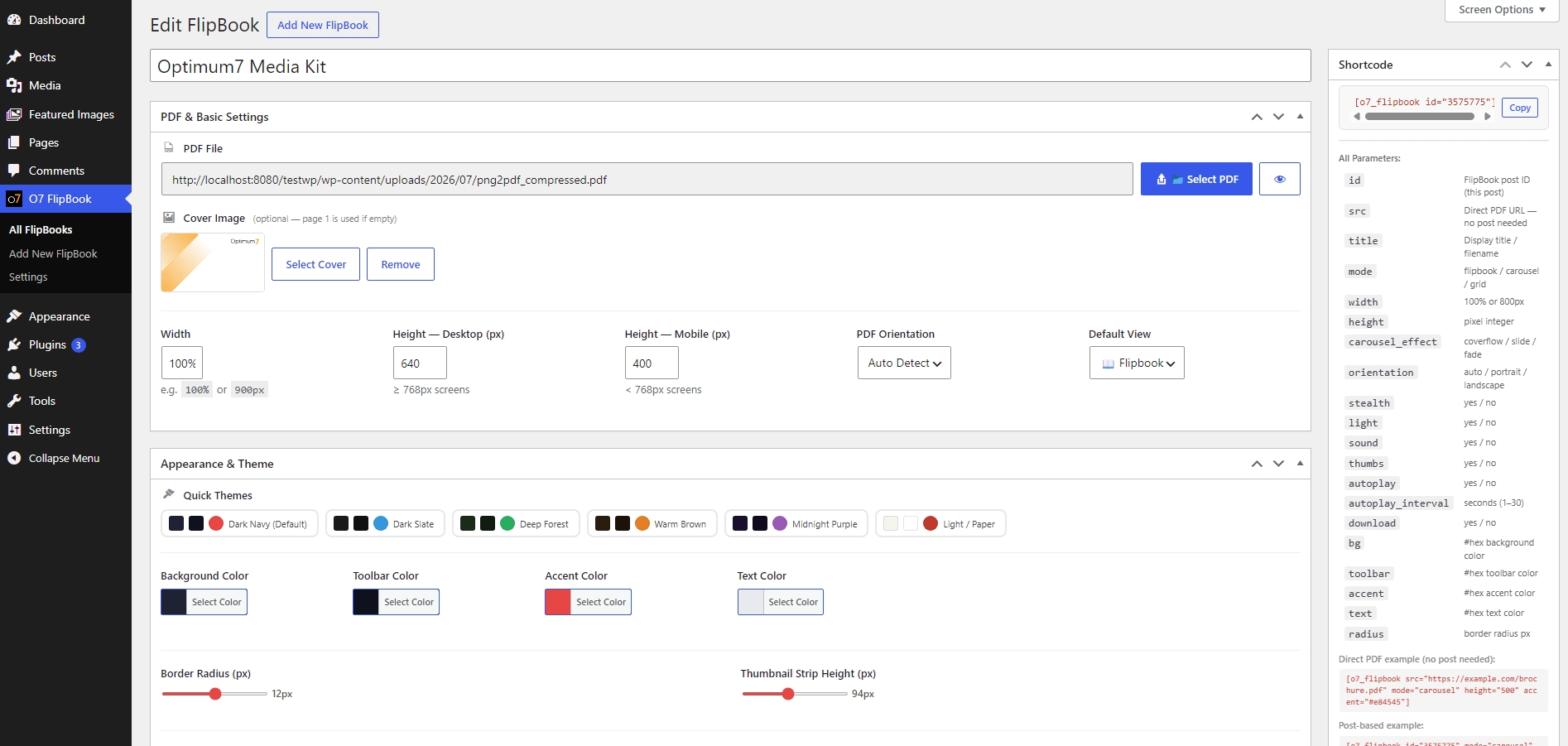
- 3 View Modes – Flipbook (3D page turn), Carousel (Swiper), Grid
- 8 Interface Languages – English, Türkçe, Deutsch, Français, 中文, 日本語, العربية, Русский
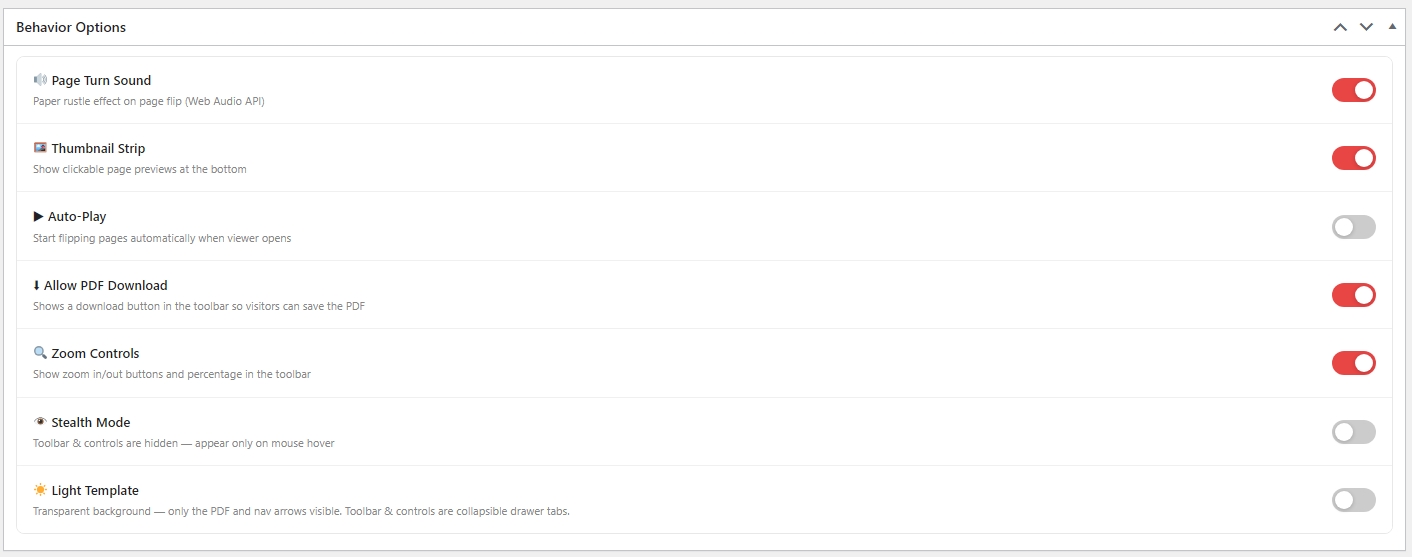
- Light Template – Frameless, transparent viewer that blends into any page design
- Zoom Controls – In/out/reset with per-post toggle
- Auto-Play – Automatic page turning with configurable interval
- Download Button – Optional PDF download button in toolbar
- Thumbnail Strip – Clickable page thumbnail navigation
- Sound Effects – Paper rustle on page turn (custom or built-in)
- Custom Themes – 6 preset color themes + full custom color picker
- Shortcode Parameters – Override any setting per instance
- Stealth Mode – Hover-reveal toolbar overlay
Shortcode Usage
Basic:
[o7_flipbook id=”123″]
All parameters:
[o7_flipbook id=”123″ mode=”flipbook” width=”100%” height=”600″ orientation=”auto” light=”yes” zoom=”yes” download=”yes” autoplay=”no” thumbs=”yes” sound=”yes” stealth=”no” accent=”#e53935″ bg=”#1a1a2e” toolbar=”#ffffff” text=”#222222″ radius=”8″]
Large books with search:
[o7_flipbook src=”https://example.com/book.pdf” search=”yes” search_url=”https://example.com/search.json” page_param=”page” lazy=”yes”]
Languages
The admin interface language can be changed from Settings O7 FlipBook Interface Language. This changes all menu labels, meta box titles, viewer controls, and settings text.
For WordPress .po/.mo file translations (e.g. via Loco Translate), a .pot template is included at languages/o7-flipbook.pot.
螢幕擷圖
安裝方式
- Upload the
o7-flipbookfolder to/wp-content/plugins/ - Activate the plugin from Plugins Installed Plugins
- Go to O7 FlipBook Add New, upload your PDF, publish
- Copy the shortcode from the Shortcode meta box and paste it anywhere
常見問題集
-
What PDF size is supported?
-
Any PDF. Large files are rendered page-by-page via PDF.js so performance stays smooth.
-
Can I change the interface language?
-
Yes. Go to Settings O7 FlipBook and select your language in the Interface Language section. Supports: English, Turkish, German, French, Chinese, Japanese, Arabic, Russian.
-
How do I embed the flipbook?
-
Use
[o7_flipbook id="POST_ID"]or copy the ready-made shortcode from the post edit screen. -
Does it work on mobile?
-
Yes. The viewer is responsive and supports touch/swipe navigation.
-
Can I use a direct PDF URL instead of uploading?
-
Yes:
[o7_flipbook src="https://example.com/file.pdf" title="My Book"]
使用者評論
這個外掛目前沒有任何使用者評論。
參與者及開發者

變更記錄
2.8.1
- Fix: books with thousands of pages froze after a search result or long page jump. The page-flip renderer re-wrote the inline style of every page on each animation frame (8,600 writes per frame on a large book), keeping the main thread busy and starving page rendering; hidden pages are now left untouched.
- Fix: thumbnails scrolled past during a long jump are no longer rendered; the thumbnail strip jumps instantly across long distances.
2.8.0
- New: in-book search.
search="yes"adds a search bar above the viewer; results list the page and a highlighted snippet, the first hit opens right away and prev/next buttons step through the rest. Matched words are highlighted on the rendered page. - New:
search_urlparameter for large documents: a JSON endpoint (GET ?q= {total, results:[{page, snippet}], unavailable}) backed by a server-side text index. Without it the PDF text layer is searched in the browser. - New: lazy mode for very large PDFs (
lazy="auto"by default: files over 12 MB or more than 60 pages). Only the pages around the reader are rendered and far pages are released; PDF bytes are fetched by range, so books with thousands of pages open in seconds. - New:
start_page,page_param(keeps the current page in the address bar for shareable links),mobile_heightand per-instancelangshortcode parameters. - Search matching is case-, accent- and diacritic-insensitive (Turkish letters, Arabic harakat and letter variants).
2.7.2
- Renamed plugin display name to “O7 Interactive PDF FlipBook”.
- Moved all inline / output to wp_add_inline_script() / wp_add_inline_style().
2.7.1
- New: magazine-style cover view — the flipbook now opens with the cover page centered on its own (no more blank white page next to it); two-page spreads begin from the second page, and the lone back page is centered the same way
- New: PDF Orientation setting (Auto Detect / Portrait / Landscape) — per FlipBook, as a global default in Settings, and as a shortcode parameter (
orientation="landscape"). Landscape PDFs now get properly landscape grid tiles, thumbnails and slides instead of cropped portrait boxes. Available in all 8 interface languages. - Fixed admin buttons: icons inside “Select PDF” / preview buttons are now vertically centered
- Faster, progressive rendering: the viewer now opens after the first pages render and finishes the rest in the background (large PDFs no longer freeze the tab)
- Page-turn sound now plays the moment a flip starts instead of ~0.7s later, and is limited to one sound per turn
- Fixed pagination control: the “/ N” total no longer wraps to a second line and the page-number input is no longer widened by host-theme input styles
- Fixed the Interface Language selector being vertically clipped on the settings screen
- Updated bundled Swiper to 14.0.6 (carousel mode); StPageFlip already on latest 2.0.7
- Carousel navigation arrows now match the flipbook arrows exactly (unified pill style; fixes oversized Swiper 14 SVG arrows)
2.7.0
- All third-party libraries (PDF.js, StPageFlip, Swiper) are now bundled with the plugin — no external CDN requests (WordPress.org guideline compliance)
- Security: strict validation of the
widthvalue used in generated CSS - Security: hex color values re-validated at output time
- Removed unused AJAX scaffolding (admin-ajax URL and nonce are no longer exposed on the frontend)
- Added uninstall.php — plugin settings and FlipBook posts are cleaned up on delete
- Various escaping and input-unslashing improvements (WordPress coding standards)
2.6.4
- Added hover-reveal toolbar in normal (non-light) mode
- Carousel: reduced slide gap and scale difference
- Plugin description now translates based on selected language
- Added readme.txt and .pot template for WordPress.org / Loco Translate
2.6.3
- Removed CONTROLS toggle tab – controls bar always visible in light mode
- Toolbar: click-to-open, auto-close on mouse-leave
- Light/Paper theme: toolbar tab always readable (accent bg contrast fix)
2.6.2
- Added Zoom Controls toggle (per-post and global default)
- Carousel: hidden swiper pagination, removed slide box-shadows
- Loading screen text made more readable
- Toolbar tab label now translated via data-label attribute
2.6.1
- Fixed light/paper theme: open drawer content uses –pm-text color
- Nav buttons replaced with clean SVG icons
- Language selector changed from radio grid to native-name select
2.6.0
- Added full 8-language internationalization system
- Language selector on Settings page
2.5.0
- Light Template HTML fix
- Direct PDF shortcode support (src= parameter)
- Settings page live preview + theme presets