

外掛說明
AMG Labs DOS Apps lets you make your old programs playable on any page of your site, with no technical knowledge required.
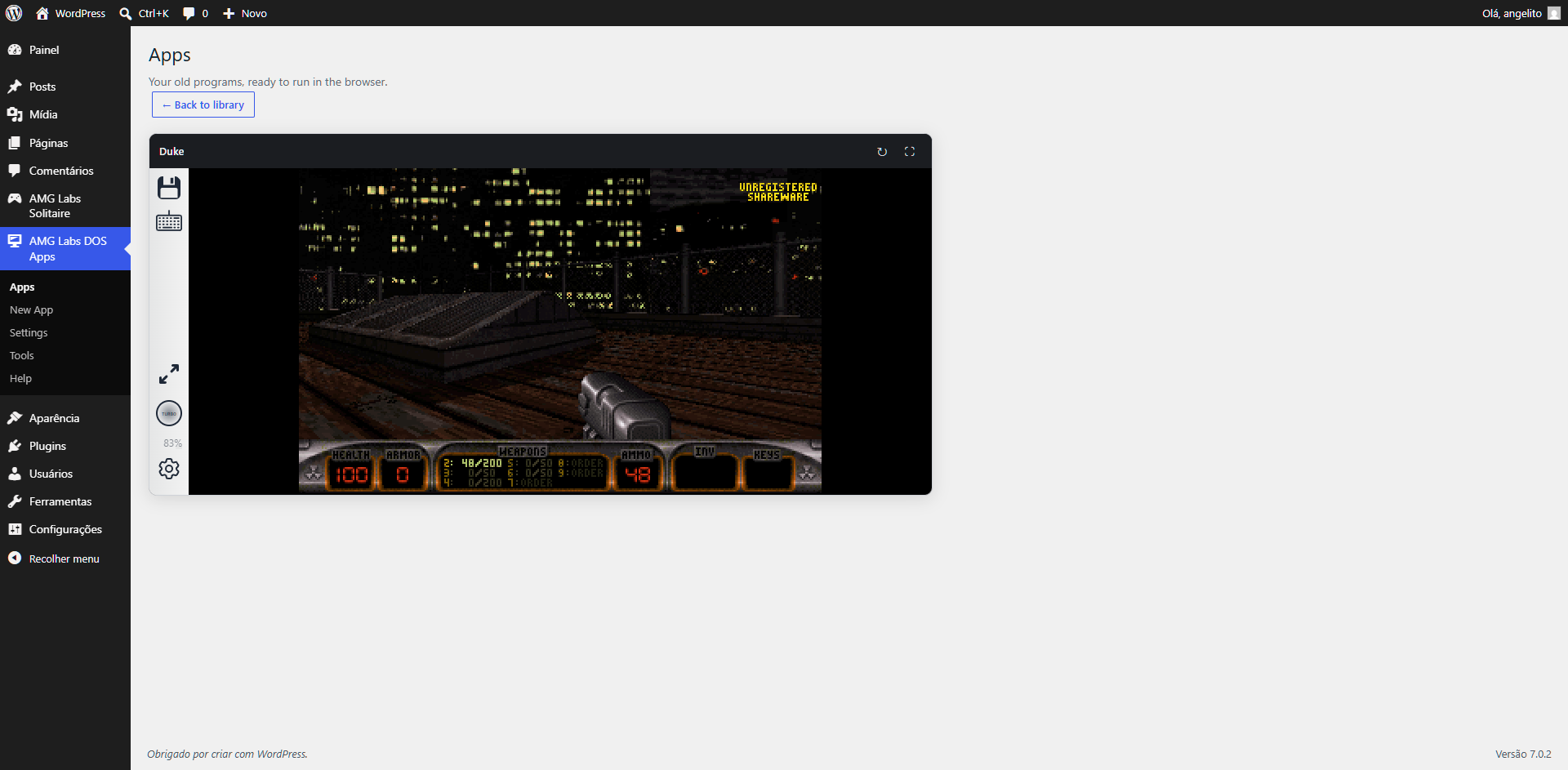
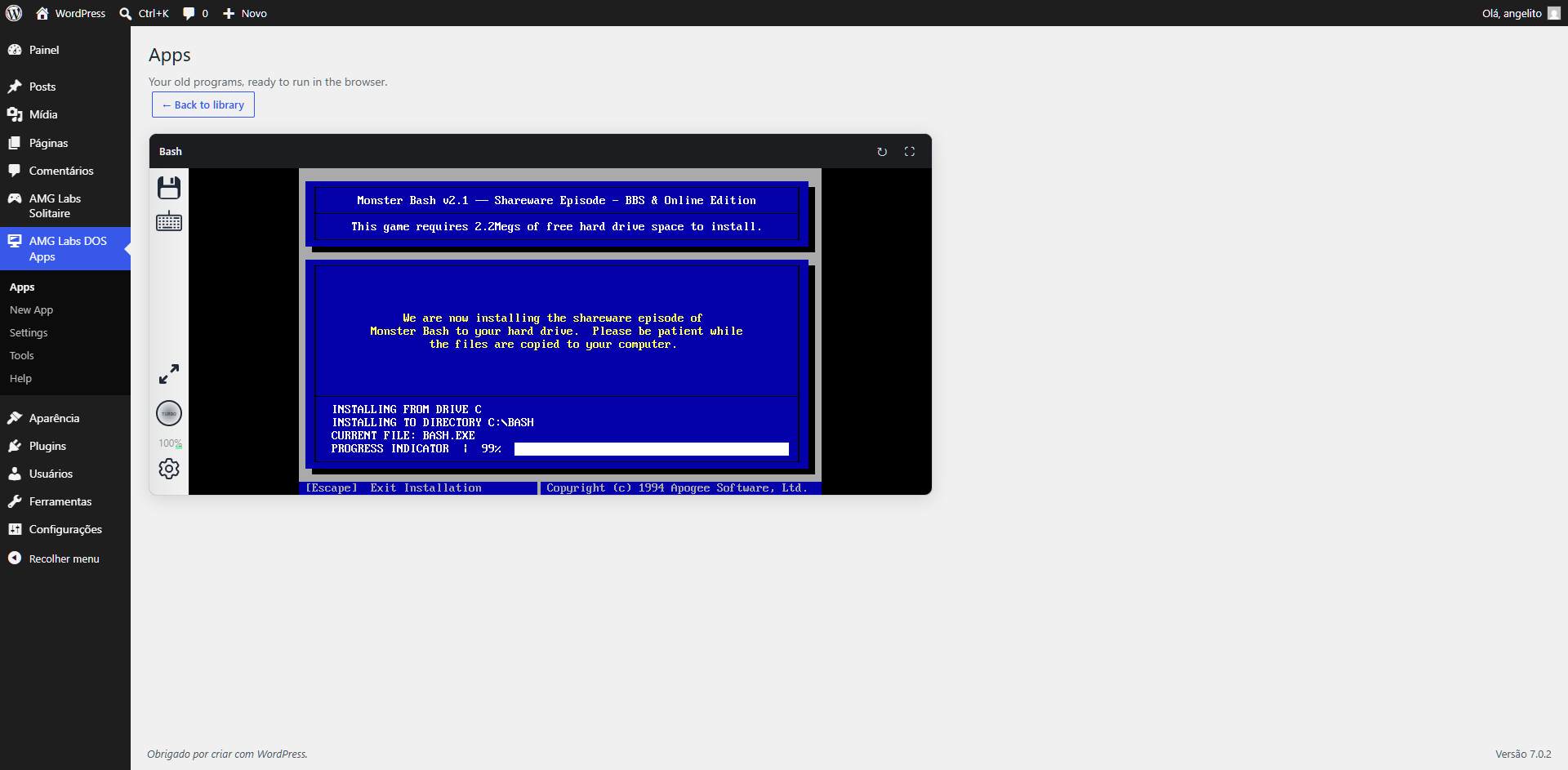
Send your program’s files and the plugin takes care of the rest: it analyzes them, prepares everything and makes it ready to run in any visitor’s browser — on desktop or mobile.
The DOS emulator runs entirely in the visitor’s browser and is self-hosted by the plugin. Nothing is sent to third-party services.
This plugin bundles the open-source js-dos v8 engine (including its WebAssembly emulator binaries) to run the programs in the browser. js-dos is distributed under the GNU GPL v2 license, which is compatible with this plugin’s own license. The compiled/minified files shipped in assets/vendor/jsdos/ are unmodified builds of that project; their full human-readable source code is available at the links listed under “Source Code and Credits” below.
Features:
- Step-by-step import wizard.
- Automatic detection of the main program.
- Import from a folder of files already on the server.
- Editor block and shortcode ready to publish.
- Fullscreen, sound, mouse, virtual keyboard and touch controls on mobile.
- Save and restore the program state.
Source Code and Credits
The browser player is powered by the js-dos project (version 8), an open-source
DOS emulator for the web, licensed under the GNU General Public License v2
(GPL-2.0) — the same license family as this plugin.
- Project site: https://js-dos.com/
- Source code (js-dos): https://github.com/caiiiycuk/js-dos
- License declaration (GPL-2.0): https://github.com/caiiiycuk/js-dos/blob/8.xx/package.json
- Source code (WebAssembly emulator backends): https://github.com/caiiiycuk/emulators
- License text (GPL-2.0): https://github.com/caiiiycuk/emulators/blob/master/LICENSE
- Full GPL-2.0 text: https://www.gnu.org/licenses/old-licenses/gpl-2.0.html
The files under assets/vendor/jsdos/ (js-dos.js, js-dos.css, and the
emulators/ WebAssembly binaries) are unmodified distribution builds of those
projects and are included so the plugin can run fully self-hosted, without loading
anything from a third-party CDN. The complete, human-readable (non-minified)
source for those files can be obtained from the repositories above.
All other code in this plugin is original work by AMG Labs and is provided in
human-readable form.
螢幕擷圖
適用於區塊編輯器
這個外掛提供 1 個可供區塊編輯器使用的區塊。
- AMG Labs DOS Apps
安裝方式
- Install and activate the plugin.
- Open the “AMG Labs DOS Apps” menu.
- Click “New App” and follow the wizard.
No configuration is required: everything works out of the box.
常見問題集
-
Do I need to know how to code or install anything?
-
No. Just send your program’s files. Everything else is done automatically.
-
What kind of program can I publish?
-
Old programs and games that ran on DOS computers. Place the folder with the original files inside “uploads” and point the wizard to it.
-
How do I put the program on a page?
-
Use the “AMG Labs DOS Apps” block in the editor, or paste the shortcode shown in the apps list.
-
Does it work on mobile?
-
Yes. On mobile, touch controls and a virtual keyboard appear automatically.
-
My file is too large to upload.
-
You can place the program folder inside “uploads” using your server’s file manager and use the “Server folder” option.
使用者評論
這個外掛目前沒有任何使用者評論。
參與者及開發者

變更記錄
1.0.0
- Initial release: import wizard (server folder), editor block and shortcode, self-hosted browser player.
1.0.1
Tested with WordPress 7.1.