

外掛說明
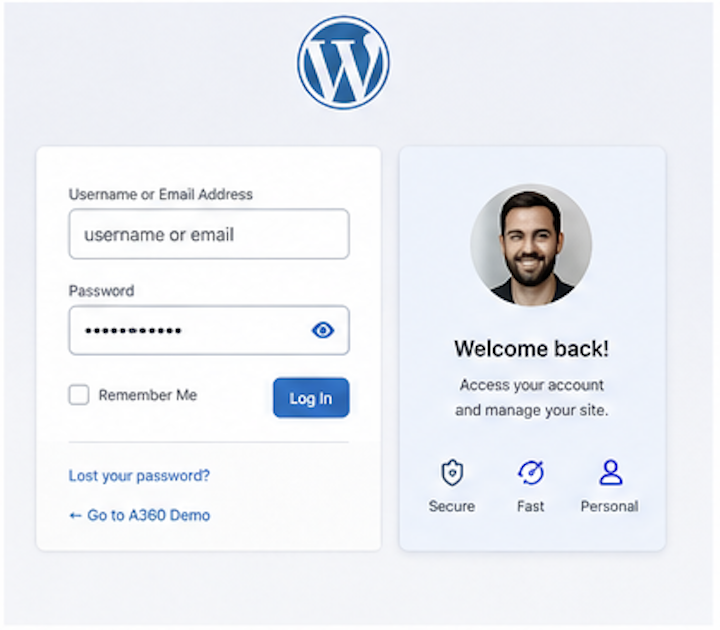
A360 Login Avatar Panel adds a simple visual verification step to the WordPress login form.
Administrators can enable the panel globally and assign one required avatar to each user. During login, the user enters the normal WordPress username and password, then selects the assigned avatar from a randomized icon grid.
The avatar selection is checked only after WordPress has already validated the username and password. This avoids exposing whether a username exists through the avatar step.
This plugin is intended as an additional login barrier. It is not a replacement for a proper two-factor authentication plugin.
Features:
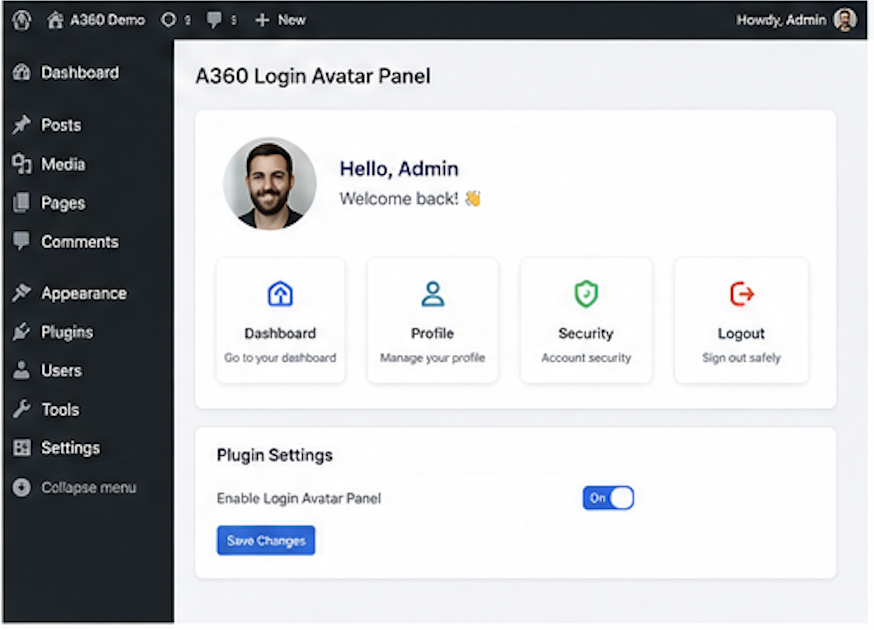
- Enable or disable the login avatar panel.
- Assign required avatars per user.
- Randomize the avatar order on every login page load.
- Keep normal WordPress login and password handling unchanged.
- Validate the avatar only after successful password authentication.
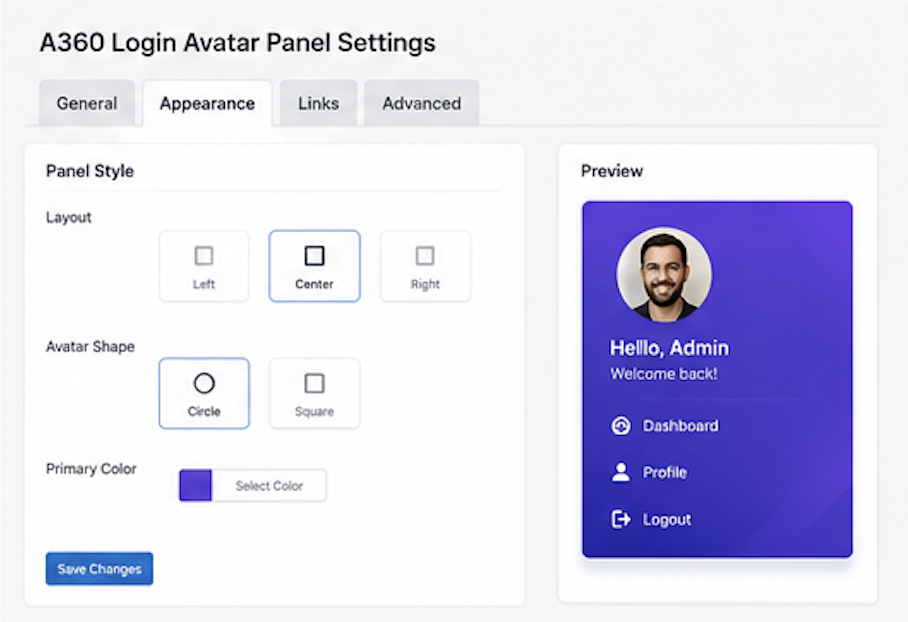
- Customize the login page background color and background image.
- Track failed and successful login activity.
- Temporarily block IP addresses after repeated failed login attempts.
- Send an administrator email when failed attempts from one IP exceed the configured threshold.
- Optionally block XML-RPC requests when remote publishing or Jetpack is not needed.
- Show a login security dashboard widget and security report in plugin settings.
- Save safelist and denylist entries for IP addresses/ranges and usernames.
- Reset the lockout counter from the security settings tab.
Privacy
A360 Login Avatar Panel stores plugin settings and login activity data in WordPress options. Successful login counters store timestamps only. Failed login details store timestamp, IP address, attempted username, failure reason, and browser user agent for security monitoring, temporary IP blocking, and administrator email alerts. Safelist and denylist values are stored only when an administrator enters them in the Security tab.
螢幕擷圖
安裝方式
- Upload the
a360-login-avatar-panelfolder to/wp-content/plugins/. - Activate the plugin through the Plugins screen in WordPress.
- Go to Settings > Login Avatar Panel.
- Enable the panel and assign avatars to selected users.
- Save settings.
- Review login activity in the Security tab.
常見問題集
-
Is this real 2FA?
-
No. It is an additional visual login barrier, not full two-factor authentication. For critical admin accounts, use a dedicated 2FA plugin as well.
-
Does it change WordPress passwords?
-
No. WordPress still validates usernames and passwords normally.
-
Does the plugin reveal whether a login exists?
-
The avatar is checked only after WordPress has authenticated the user with the correct password, so a wrong avatar does not reveal whether a public username exists.
-
Can I disable the panel for one user?
-
Yes. In Settings > Login Avatar Panel, choose “No panel” for that user.
-
What login data is stored?
-
The plugin stores event timestamps for successful login activity. For failed login activity, it stores the timestamp, IP address, attempted username, failure reason, and browser user agent. It does not store passwords or submitted passwords.
-
Can I block XML-RPC?
-
Yes. Enable “Block XML-RPC requests” in Settings > Login Avatar Panel > Security. Do not enable it if you rely on Jetpack, the WordPress mobile app, or remote publishing through XML-RPC.
使用者評論
這個外掛目前沒有任何使用者評論。
參與者及開發者

變更記錄
1.4
- Added a branded banner to the plugin details modal.
- Updated WordPress.org banner artwork.
1.3
- Added an optional XML-RPC request blocker.
1.2
- Added temporary IP blocking for repeated failed login attempts.
- Added administrator email alerts for repeated failed attempts from one IP address.
- Added detailed failed login records with IP address, attempted username, failure reason, and browser user agent.
1.1
- Added failed and successful login tracking.
- Added login security dashboard widget.
- Added Security tab under Settings > Login Avatar Panel.
- Added lockout counter reset.
- Added safelist and denylist settings for IP addresses/ranges and usernames.
- Improved admin settings layout for security controls.
- Added login background color/image settings.
1.0.0
- Initial release.