

外掛說明
Dixit Chatbot connects your WordPress site to the Dixit dashboard to provide a sovereign, GDPR-compliant AI chatbot based on your own content.
How it works
- Install the plugin and enter your widget key (available in your Dixit dashboard).
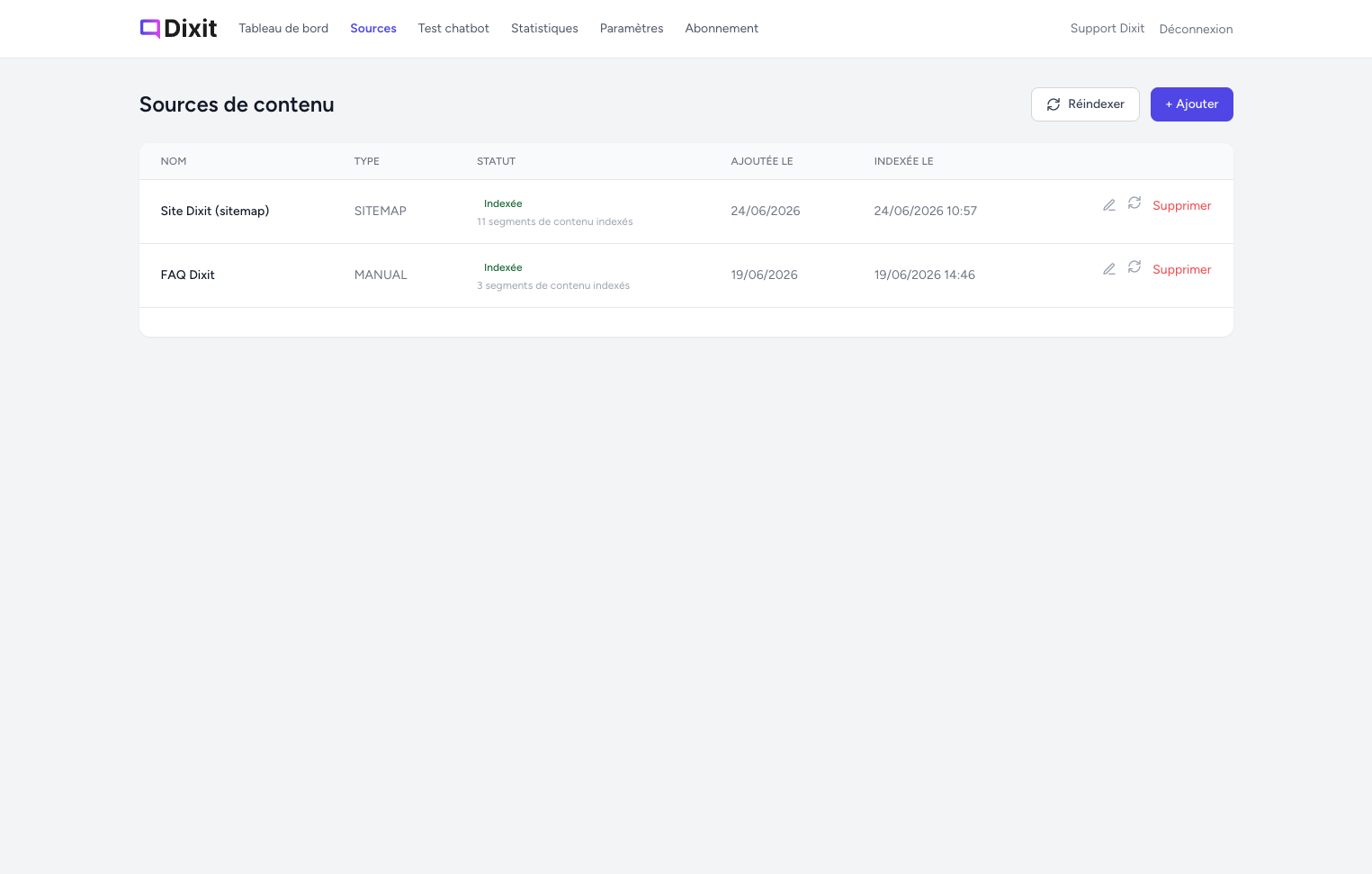
- Dixit indexes the content of your site (pages, documents, FAQ…).
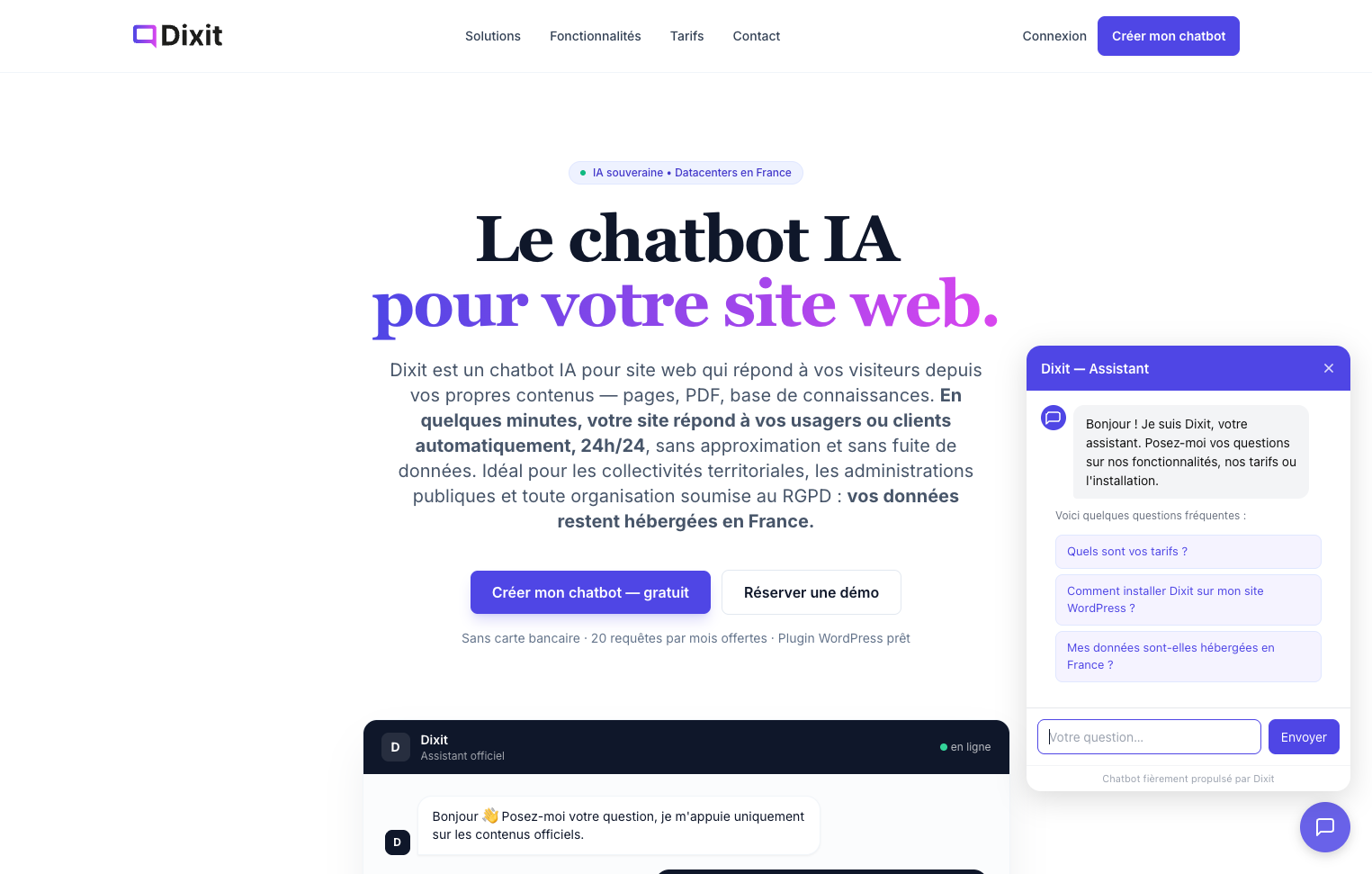
- A chat widget appears on your site and answers visitors’ questions in real time, based exclusively on your validated content.
Key features
- Sovereign AI — powered by Mistral (French AI), hosted in France
- RGPD / GDPR compliant — trained only on your validated content, no third-party data sharing
- No-code setup — install, enter your key, done
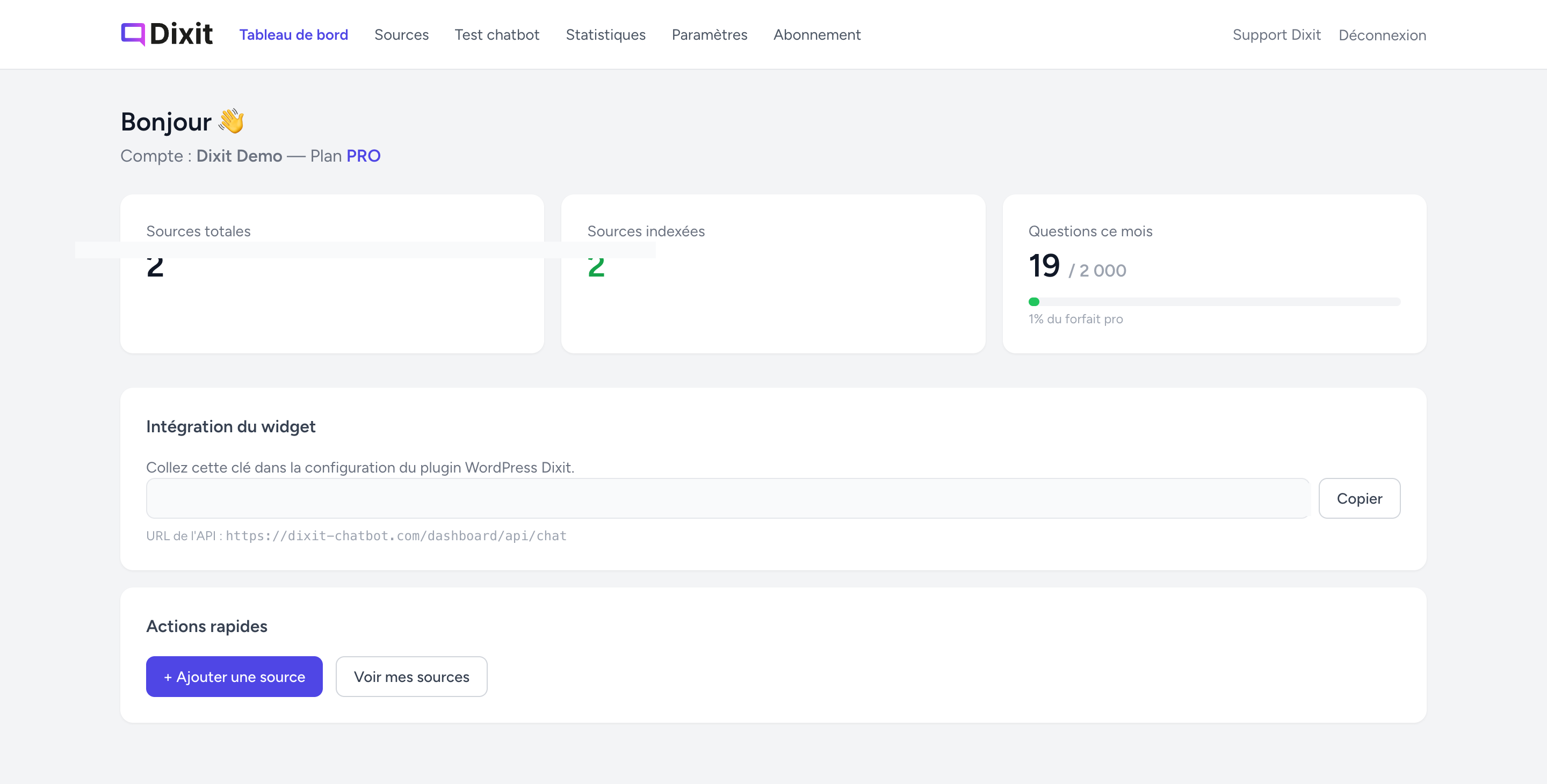
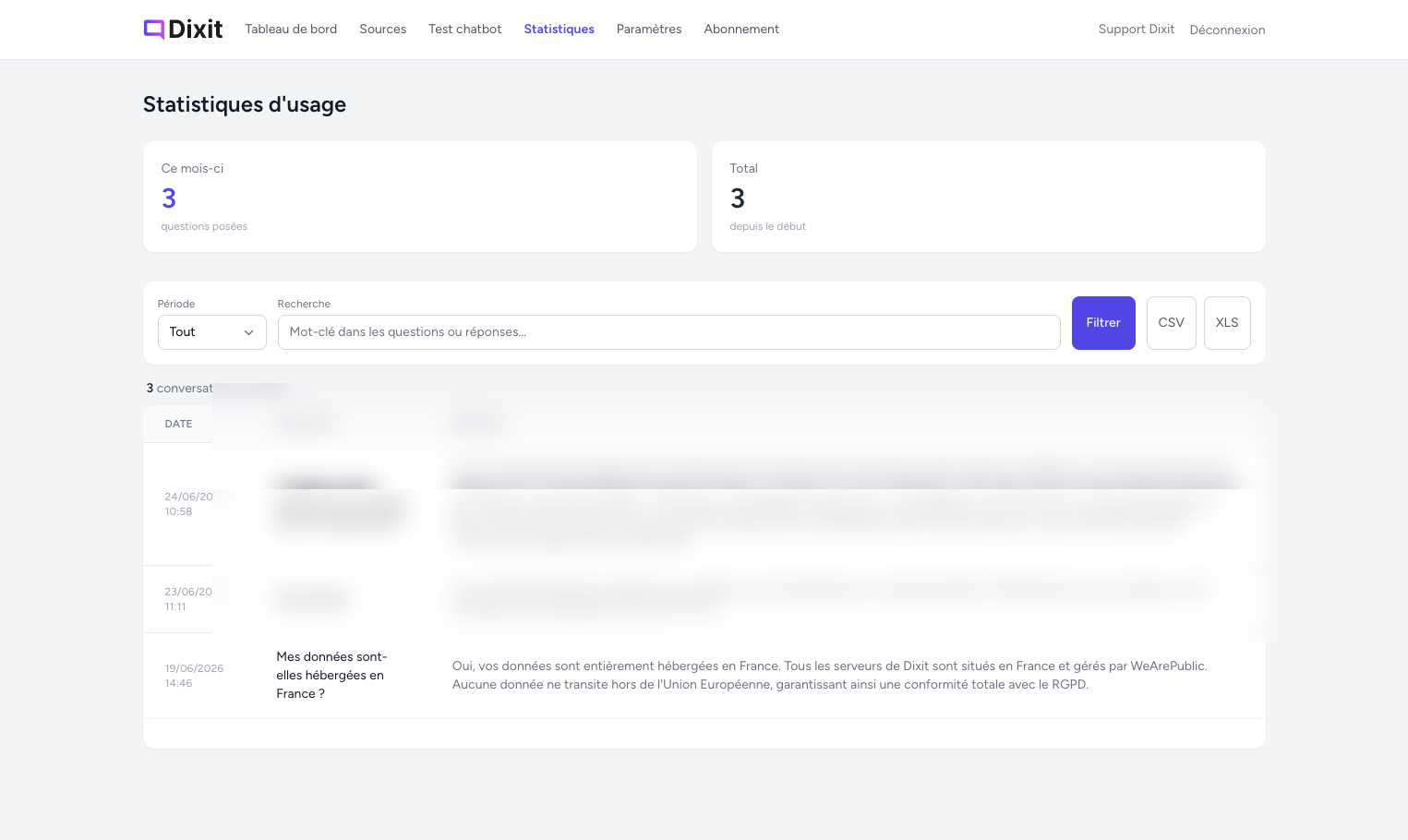
- Real-time dashboard — statistics, configuration and chatbot management from your Dixit account
- Free plan available — 20 conversations/month, no credit card required
Third-party service
This plugin relies on the Dixit external service (dixit-chatbot.com) to function.
- Your widget key and the visitor’s messages are sent to
https://dixit-chatbot.com/dashboard/api/chatto generate answers. - No personal data from visitors is stored beyond the conversation session.
- Please review the Terms of Service and Privacy Policy of Dixit before using this plugin.
螢幕擷圖
安裝方式
- Upload the
dixit-chatbotfolder to/wp-content/plugins/, or install it via Plugins Add New Upload Plugin. - Activate the plugin from the Plugins menu.
- Go to Dixit Chatbot in your admin sidebar.
- Enter your widget key (found in your Dixit dashboard under Settings Deployment) and save.
The chat widget will automatically appear on all your site’s pages.
常見問題集
-
Do I need a Dixit account?
-
Yes. You need to create a free account on dixit-chatbot.com to get your widget key and manage your chatbot.
-
Is there a free plan?
-
Yes — the free plan includes 20 conversations per month with no credit card required.
-
What data is sent to Dixit?
-
Only your widget key and the visitor’s message are sent to the Dixit API. No personal data is stored beyond the conversation session.
-
Is the AI sovereign and GDPR-compliant?
-
Yes. Dixit uses Mistral (a French AI model) and is hosted entirely in France, with no data leaving the EU.
-
Can I test the chatbot before it goes live?
-
Yes. From your Dixit dashboard, you can use the built-in chat test tool before making the widget visible to your visitors.
使用者評論
這個外掛目前沒有任何使用者評論。
參與者及開發者

變更記錄
1.0.0
- Initial public release — sovereign AI chatbot powered by Mistral, hosted in France
- Widget injection via wp_footer
- Admin settings page (widget key + API URL)
- i18n ready (text domain: dixit-chatbot, fr_FR + en_US)