

外掛說明
nnax Frontend User Files provides a shortcode-based frontend file manager for logged-in users.
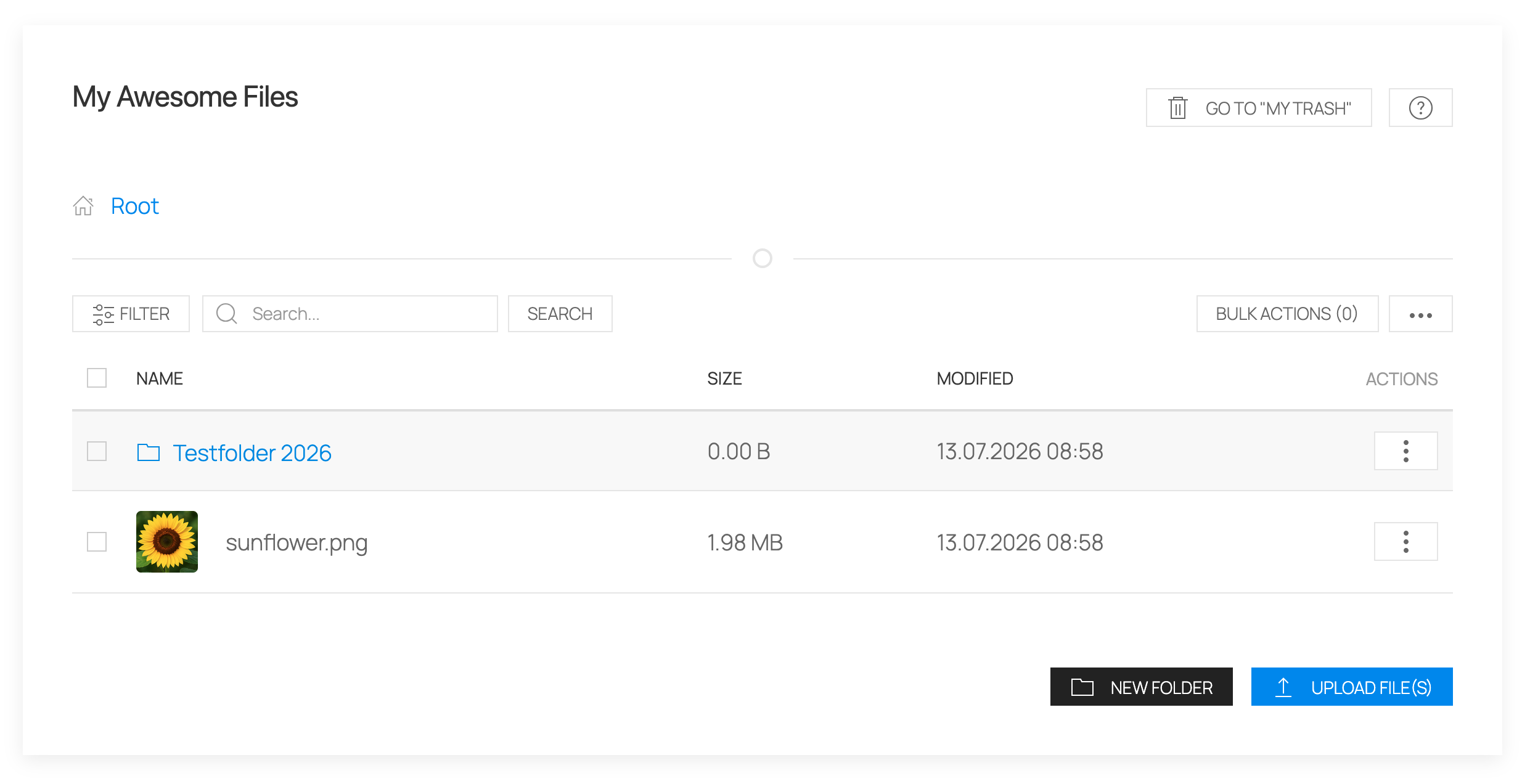
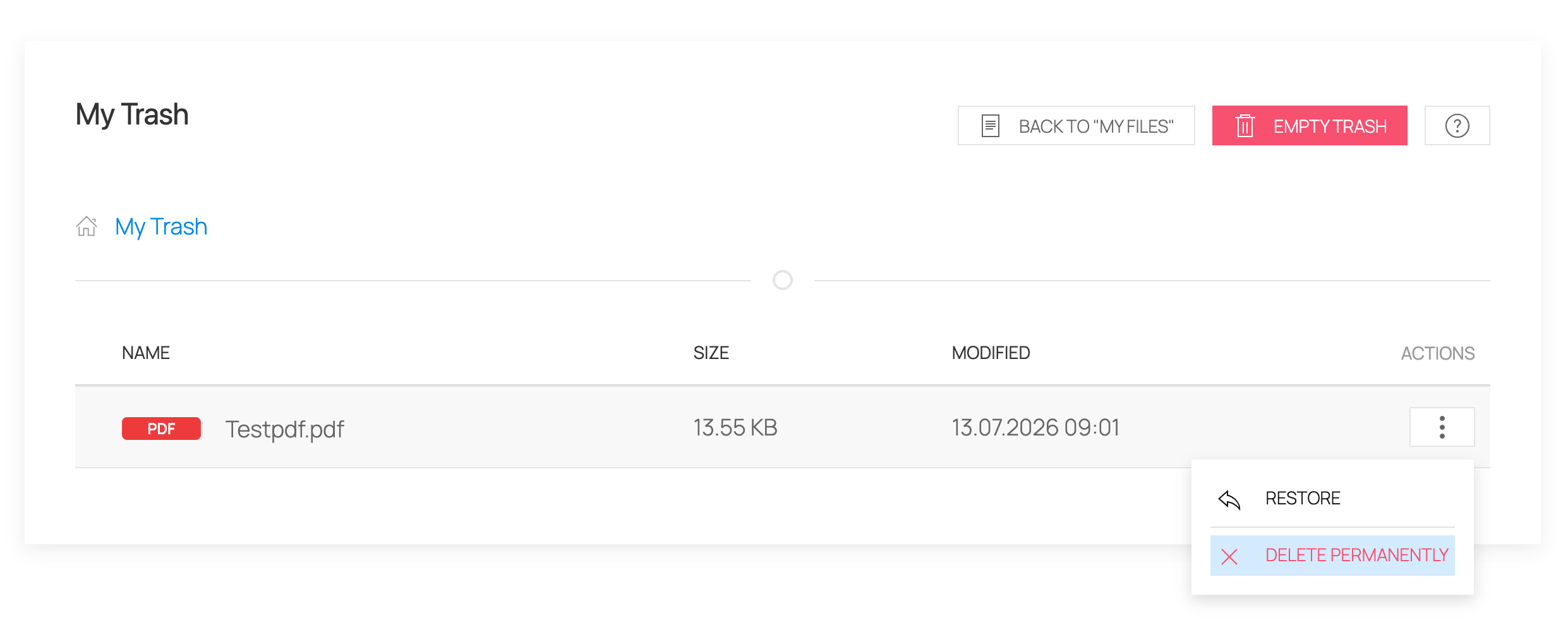
Users can upload files, organize them in folders, manage file details, restore deleted items from the trash and download selected files as a ZIP archive.
Main features:
* Shortcode [nnax_user_file_manager]
* User-specific frontend file area for logged-in users
* Folder navigation with breadcrumb support
* Folder creation, renaming and moving
* Multi-file upload
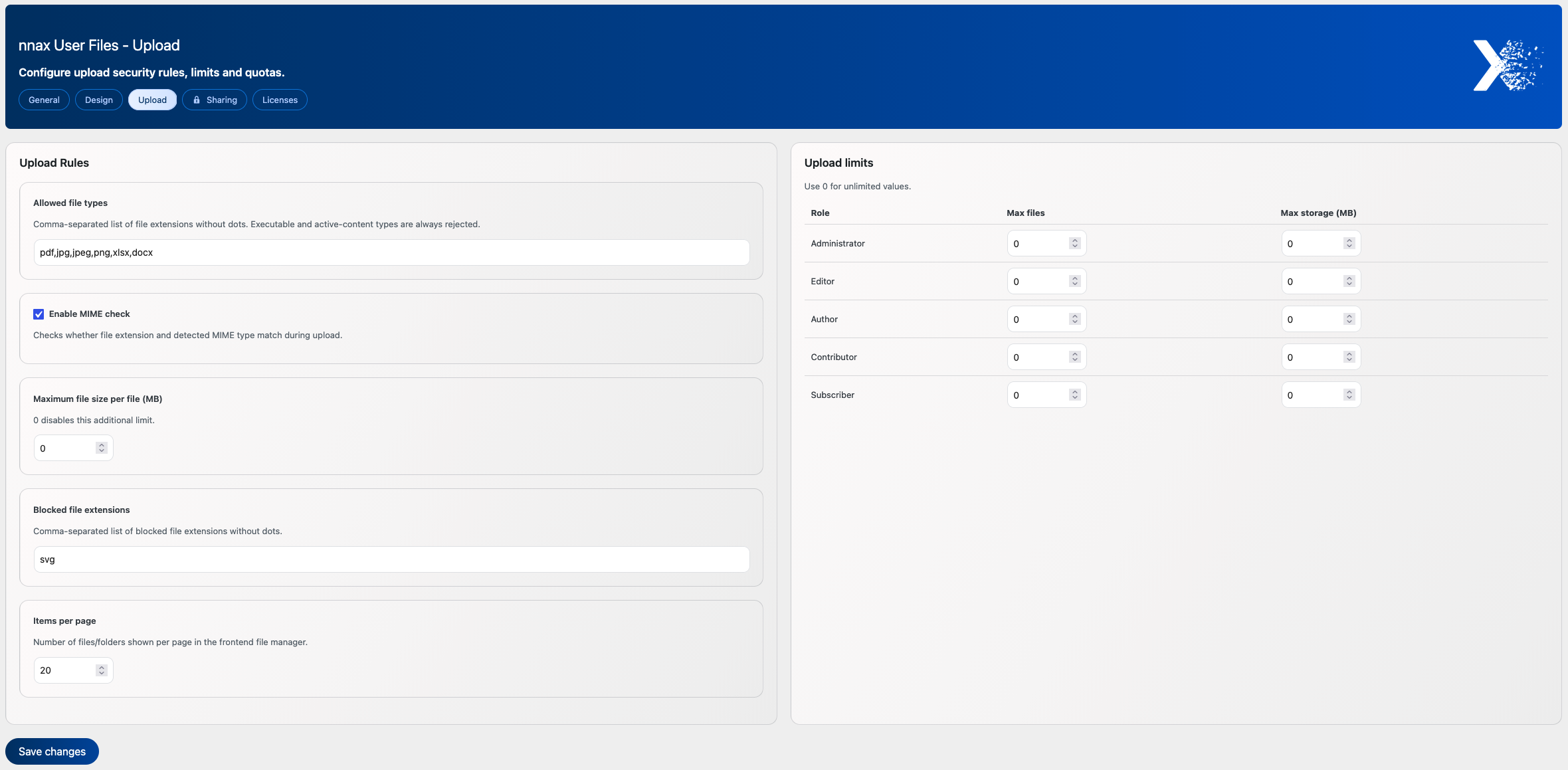
* Upload hardening with blocked extensions, optional MIME validation and per-file size limits
* Trash view with restore and permanent delete
* Server-side search, sorting and pagination
* Optional list view without pagination
* ZIP download for selected items
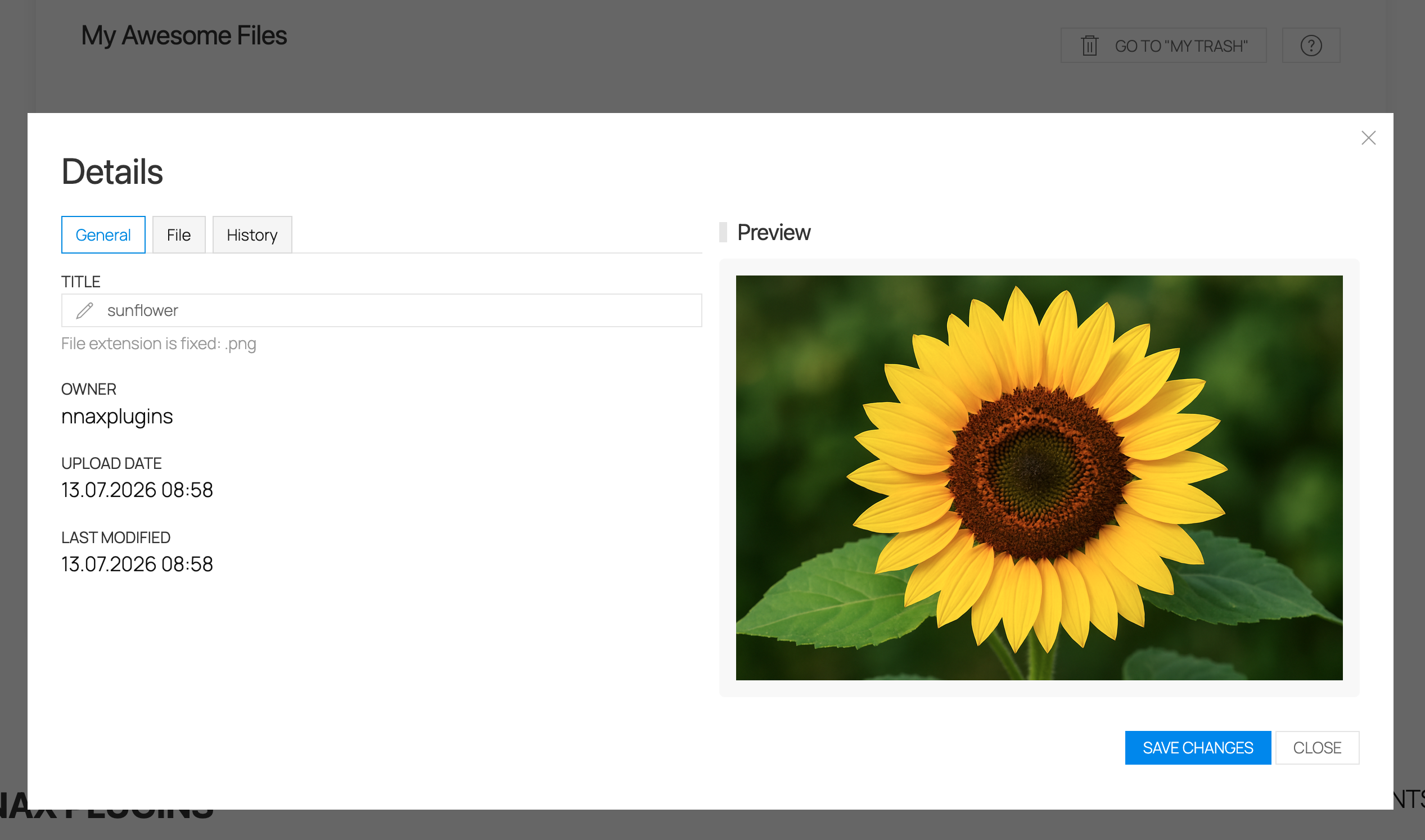
* Image previews for common image formats
* Activity history in item details
* Contextual help modal
* Role-based upload quotas
* Configurable custom metadata fields
* Configurable UI and badge colors
Advanced sharing features such as user-based sharing, role-based sharing, permission levels, time-limited access and sharing notifications are available through the optional premium Sharing Addon.
External services
This plugin connects to the Expertonaut license API at https://www.expertonaut.de/wp-json/nnax-licenses/v1 to activate, check and deactivate addon licenses.
For license activation, license checks and license deactivation, the plugin sends the site URL, plugin slug, plugin version, site locale and the entered or stored license key to the license server.
For update checks of licensed addons, the plugin sends the site URL, plugin slug, plugin version, plugin basename, site locale and the stored license key to the license server.
Service provider: Expertonaut
Terms of service: https://www.expertonaut.de/agb/
Privacy policy: https://www.expertonaut.de/datenschutz/
The bundled UIkit library can request Vimeo oEmbed metadata when a Vimeo URL is rendered through a supported UIkit media component.
When that happens, the plugin sends the target Vimeo URL to Vimeo’s oEmbed endpoint so the embed can be resolved.
Service provider: Vimeo
Terms of service: https://vimeo.com/terms
Privacy policy: https://vimeo.com/privacy
Admin area:
* Settings pages for general, upload and design options
* Allowed and blocked file type configuration
* MIME validation toggle
* Per-file upload size setting
* Role-based quota settings
* Custom metadata field management
* Global enable/disable setting for upload-request/public-link feature
* Design and color settings
* License management for optional addons
Internationalization:
* Textdomain: nnax-frontend-user-files
* Language path: /languages
Data cleanup:
* Default uninstall keeps file and folder content
* Optional full uninstall cleanup can be enabled in the plugin settings
Requirements
- WordPress 6.0 or higher
- PHP 7.4 or higher
螢幕擷圖
安裝方式
- Upload the
nnax-frontend-user-filesfolder to/wp-content/plugins/. - Activate the plugin via the
Pluginsmenu in WordPress. - Add shortcode
[nnax_user_file_manager]to a page or post. - Configure plugin settings in the
nnax User Filesadmin menu.
常見問題集
-
Do users need to be logged in?
-
Yes. The frontend manager is intended for logged-in users.
-
Can users access files from other users?
-
The base plugin provides a private file area per logged-in user. Advanced sharing features are available through the optional Sharing Addon.
-
Does uninstall remove uploaded files?
-
No. Uploaded files and content are retained by default. A full cleanup can be enabled in the plugin settings before uninstalling.
-
Can I allow external uploads without user login?
使用者評論
這個外掛目前沒有任何使用者評論。
參與者及開發者

變更記錄
1.0.6
- Activity history entries are now rendered more readably in the details modal, including explicit rename source/target names and clearer share/ZIP metadata.
1.0.5
- Security hardening: replaced the frontend form dispatcher with dedicated admin_post handlers and clearer nonce/permission checks for file and folder actions.
- Security hardening: restricted uploads in the main plugin to logged-in users and removed the public upload endpoint from the base plugin.
- Internal cleanup: removed public upload link settings, token handling and related frontend UI from the main plugin.
1.0.4
- Security hardening: refined form dispatch, upload input validation, download nonce checks and file action nonce handling for WordPress.org review compatibility.
1.0.3
- Security hardening: tightened nonce and permission checks for AJAX, form and download flows to better protect sensitive file actions.
- Internal cleanup: aligned frontend nonce data and handler flows with the current
nnaxfufnaming scheme.
1.0.2
- Documentation: documented external service usage in plain language, including the Expertonaut license API purpose, transmitted data, and policy links.
- Security hardening: added nonce validation for AJAX search/detail requests, share sync actions, inline downloads, and ZIP downloads.
- Naming cleanup: expanded plugin-local prefixes and aligned frontend CSS/JS selectors with the new
nnaxfufnamespace.
1.0.1
- Fixed UIkit asset loading and settings persistence.
- Improved frontend shortcode guidance in the General settings.
- Fixed Design tab color output in the frontend.
1.0.0
- Initial public stable release for WordPress.org.
- Added a shortcode-based frontend file manager with uploads, folders, trash, search, sorting, pagination and ZIP downloads.
- Added role-based upload quotas, configurable upload security settings and custom metadata fields.
- Added admin settings for general, upload and design options.
- Added German localization files for
de_DEandde_DE_formal.