
外掛說明
Easywpkit Paid Content Access lets you hide text, images, or videos until the visitor logs in with the correct role.
Perfect for membership sites, online courses, private forums, and premium content previews.
✨ Free Features
- Role‑based locking – restrict content to any WordPress user role (Subscriber, Author, Editor, custom roles).
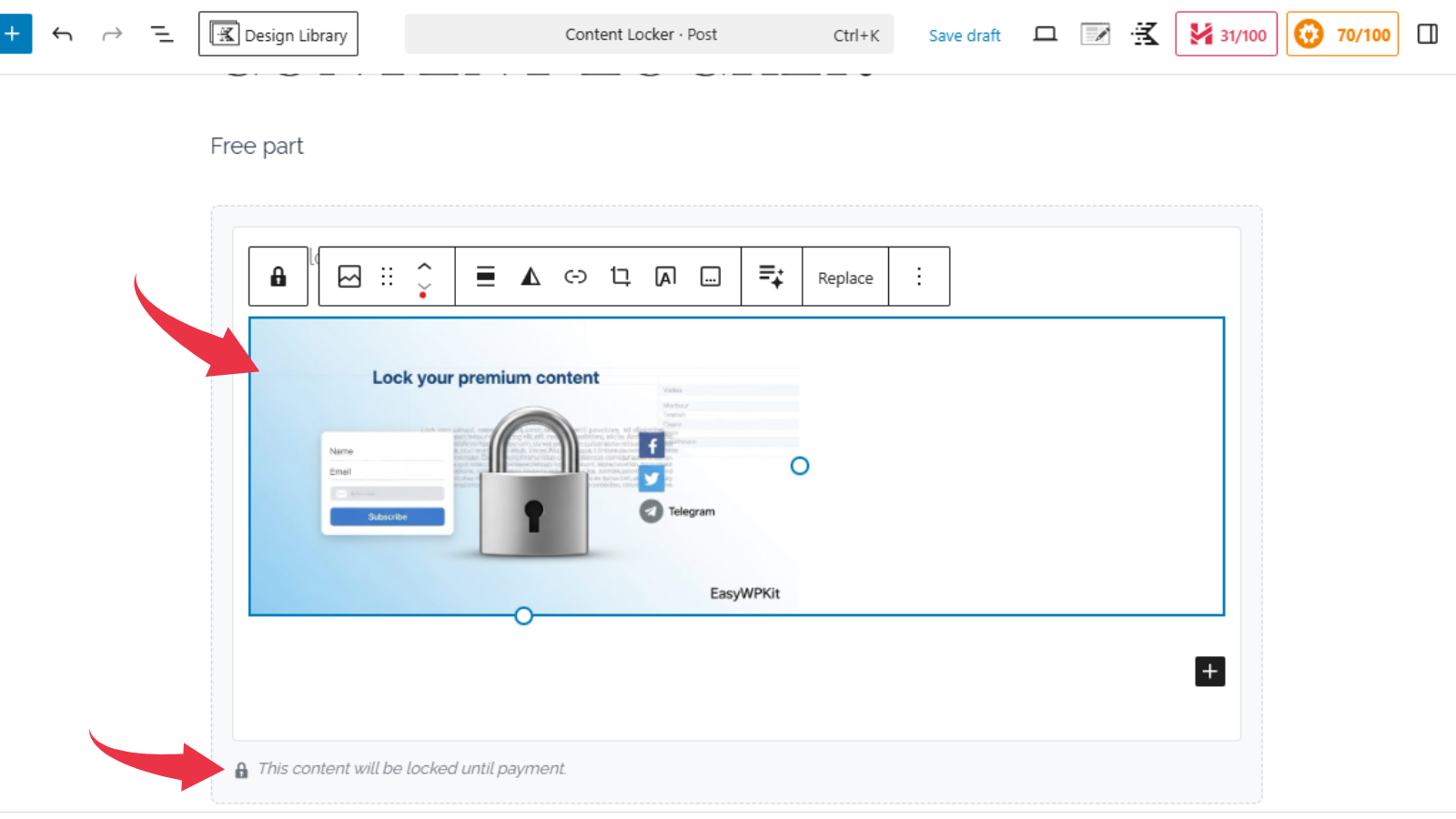
- Beautiful Gutenberg block – choose cover image, customise messages, style the locker box and button.
- Classic Editor shortcode –
[ewpkcl_lock]for older pages. - No limits, no licenses – use on unlimited sites, unlimited blocks.
🔥 Go Pro – Unlock Payment & Advanced Tools
Ready to sell your content? Easywpkit Paid Content Access Pro adds everything you need:
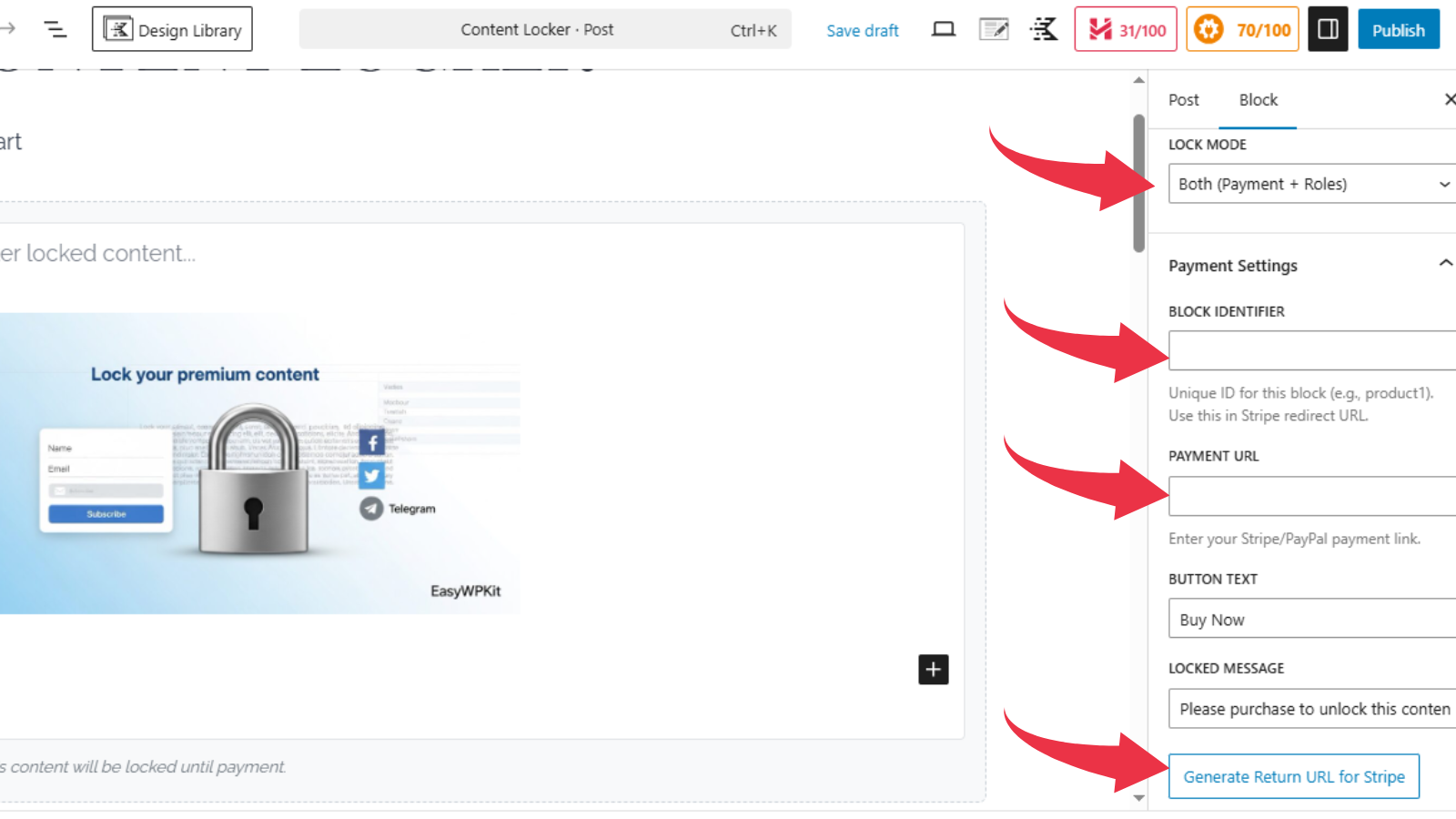
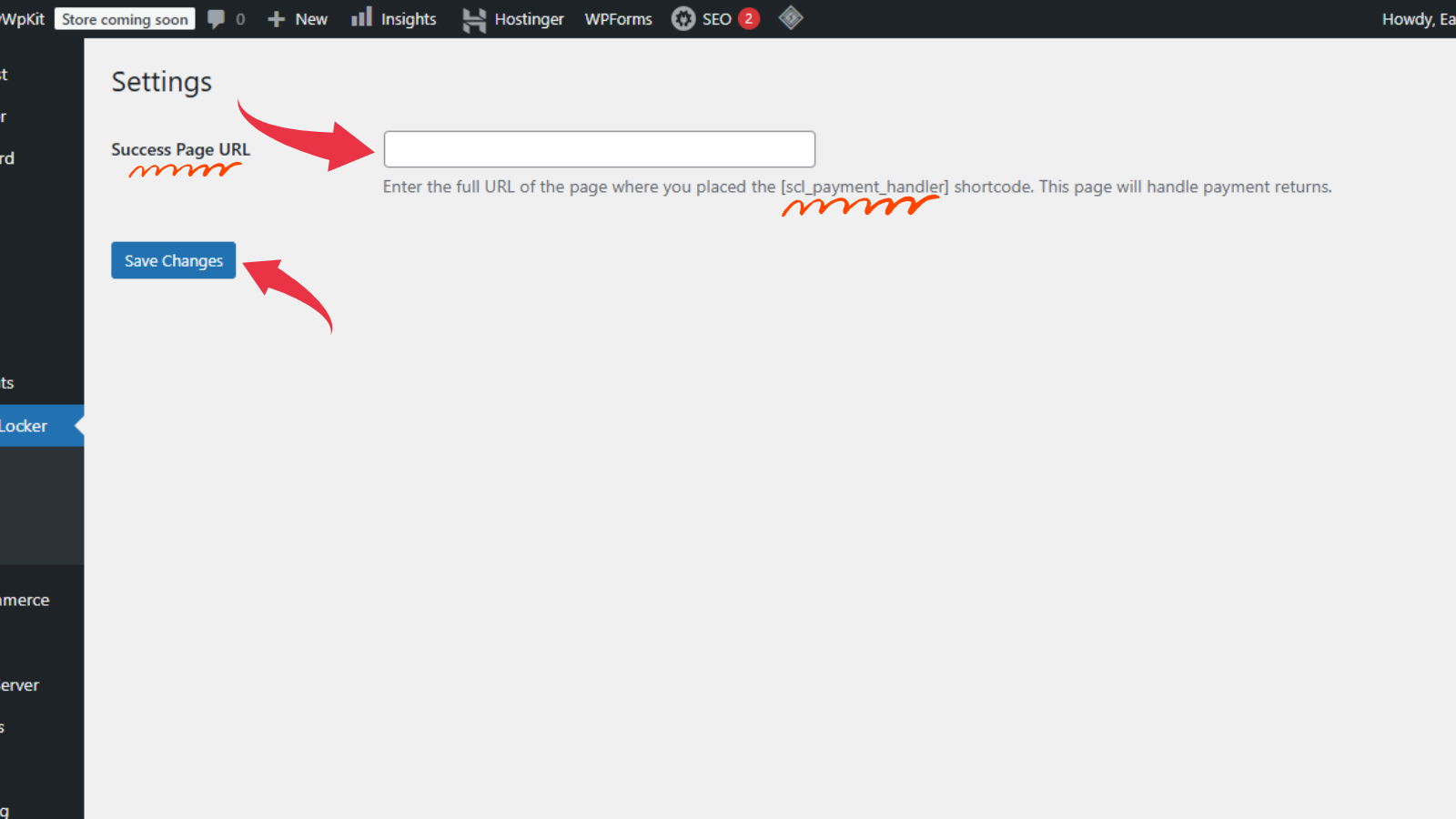
- 💳 Stripe & PayPal payments – accept one‑time payments with automatic content unlock.
- 🛒 WooCommerce integration – sell products that unlock specific locked blocks.
- 📊 Detailed statistics – see who unlocked what, when, and with which method.
- ✉️ Email notifications – get instant alerts when content is unlocked.
- 🎨 Advanced styling – 16 presets, gradient backgrounds, CSS animations, hover effects, custom CSS.
- 🔁 Automatic updates – receive updates directly in your WordPress dashboard.
螢幕擷圖
適用於區塊編輯器
這個外掛提供 1 個可供 Gutenberg/區塊編輯器使用的區塊。
- Content Lock
安裝方式
- Upload the plugin and activate it.
- Go to Content Lock Help for a step‑by‑step guide.
- Add the «Content Lock» block in the editor, choose «Roles Only» mode, and pick the allowed roles.
常見問題集
-
Can I accept payments with the free version?
-
No. Payment features (Stripe, PayPal, WooCommerce) are part of the Pro add‑on. The free version is role‑based only.
-
How do I restrict content to a specific role?
-
Select «Roles Only» in the block settings, type the role name in English (e.g.,
subscriber,editor), and choose from the suggestions. -
What happens if a user without the role visits the page?
-
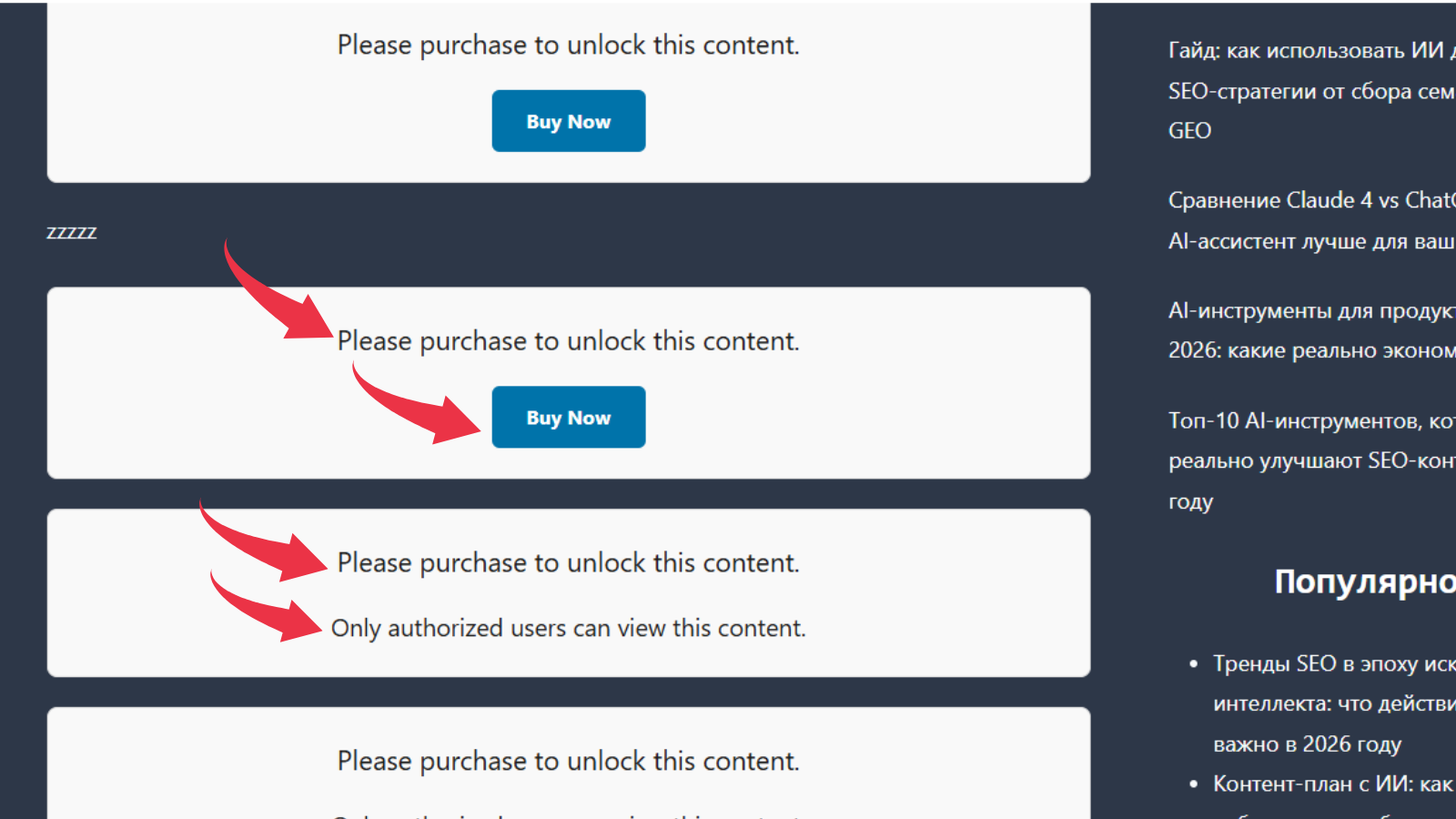
They will see a customisable locked message and, if you set one, a cover image. The actual content stays hidden.
-
Is there a shortcode for the Classic Editor?
-
Yes:
[ewpkcl_lock] Your content [/ewpkcl_lock]. Payment options require the Pro version. -
Where can I get help?
-
Visit our full documentation or email us at admin@easywpkit.com. We’re happy to help!
使用者評論
這個外掛目前沒有任何使用者評論。
參與者及開發者

變更記錄
2.0.0
- Major refactoring – role‑based locking in Free, payment features moved to Pro.
- New «Pro Features» admin page with upgrade information.
- Unified orange/blue admin design.
- Improved help page with detailed instructions.
1.0.0
- Initial release.