
外掛說明
Orders Date Time Slot Picker By SolCoders gives your WooCommerce store a professional delivery scheduling system. Customers can choose their preferred delivery date and time slot directly on the Cart page, Checkout page, or both.
Key Features
- Flexible Display — Show the picker on Cart, Checkout, or both pages.
- Time Slot Management — Create unlimited time slots with optional labels and extra fees.
- Delivery Rules — Set minimum delay, maximum advance days, same-day cutoff, and allowed delivery days.
- Date Restrictions — Block specific dates (holidays, blackout periods).
- Display Customization — Choose dropdown or button-style slots, inline or popup calendar, custom colors, fonts, and text.
- Classic & Blocks Support — Works with both WooCommerce shortcode checkout and the new Blocks-based checkout.
- Order Integration — Delivery details appear on admin order pages, customer emails, and the Thank You page.
- Session Persistence — Selections carry from Cart to Checkout seamlessly.
- Translation Ready — Fully internationalized with i18n support.
How It Works
- Configure delivery days, time slots, and rules in WooCommerce Settings Delivery Slots.
- Customers see a date picker (powered by Flatpickr) on the Cart or Checkout page.
- After selecting a date, available time slots load dynamically via AJAX.
- The selection is validated, saved to the order, and displayed everywhere it matters.
Requirements
- WordPress 5.8 or higher
- WooCommerce 6.0 or higher
- PHP 7.4 or higher
螢幕擷圖
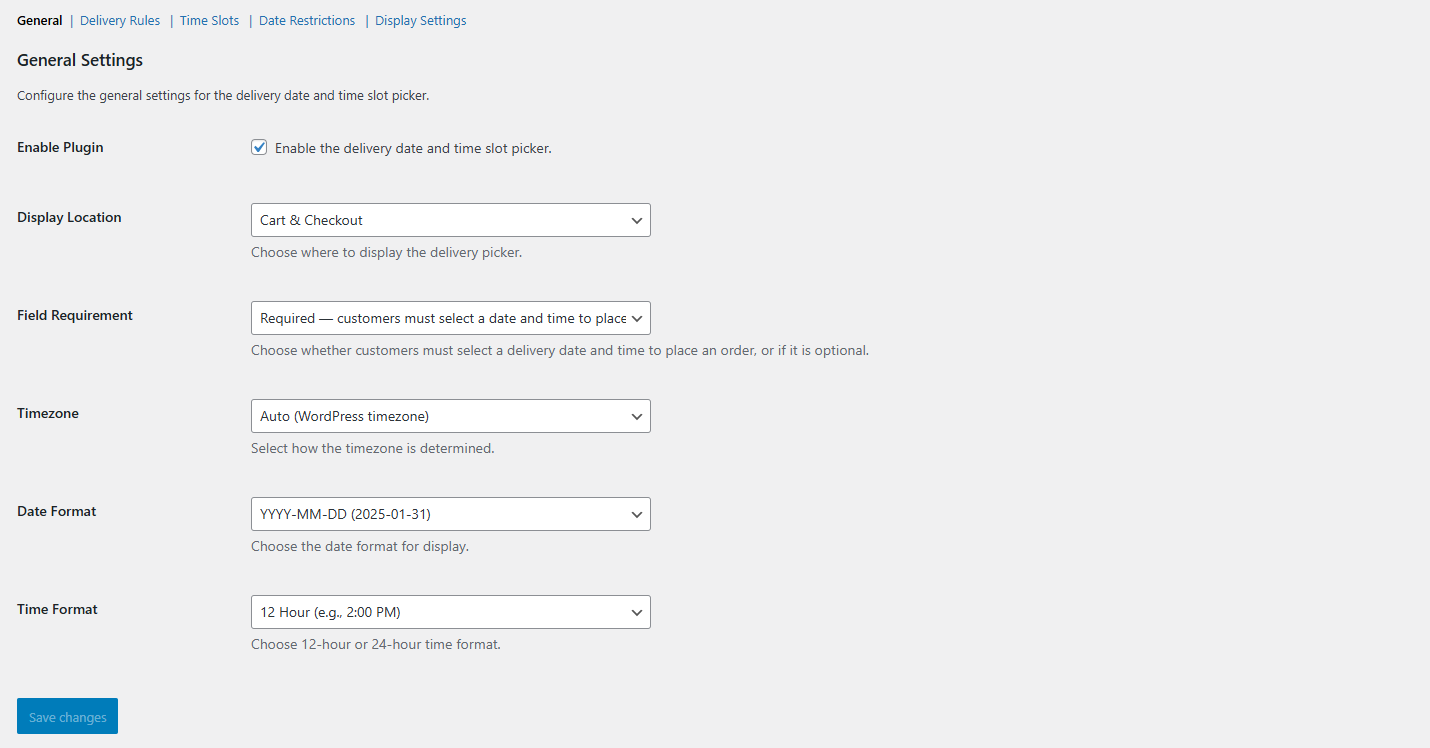
Admin Settings — General configuration panel. 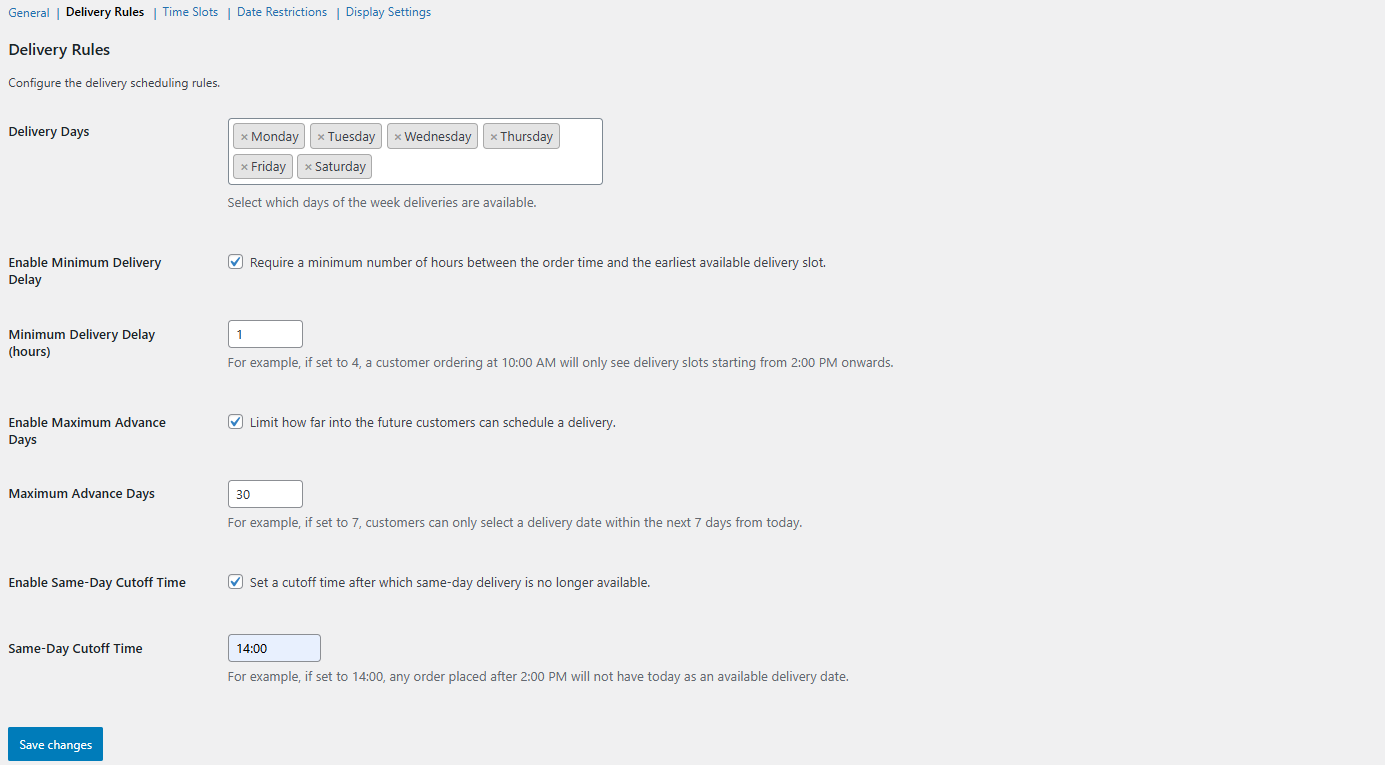
Delivery Rules. 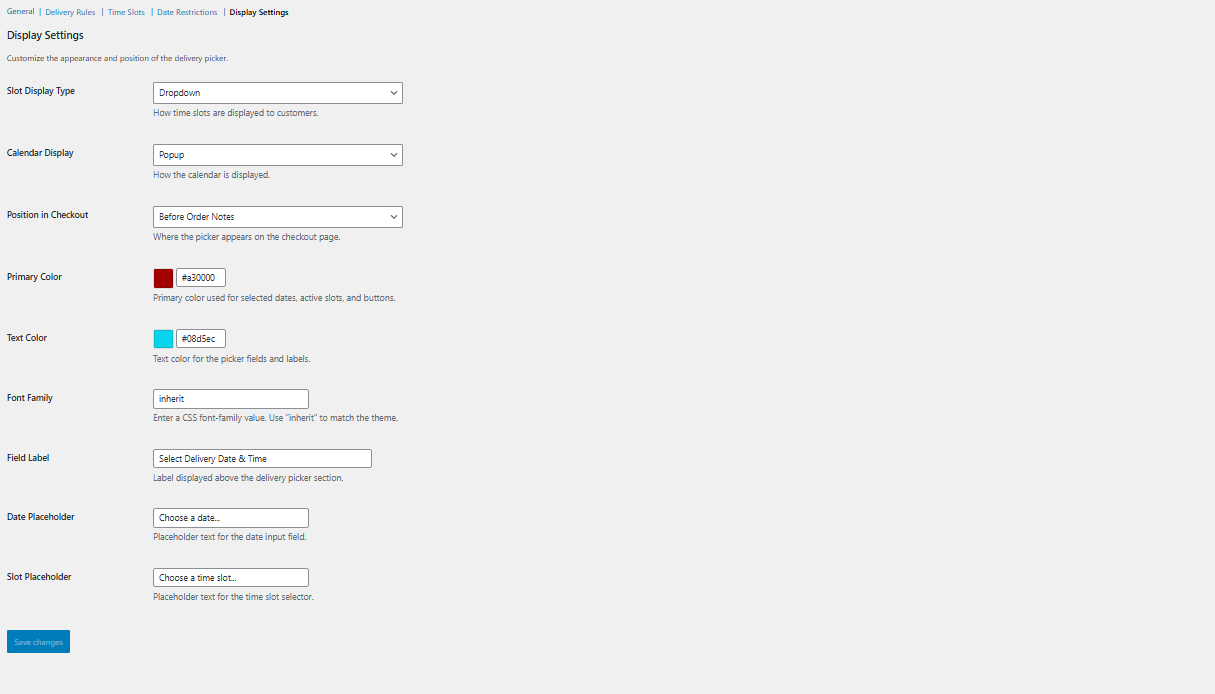
Customize Frontend Display. 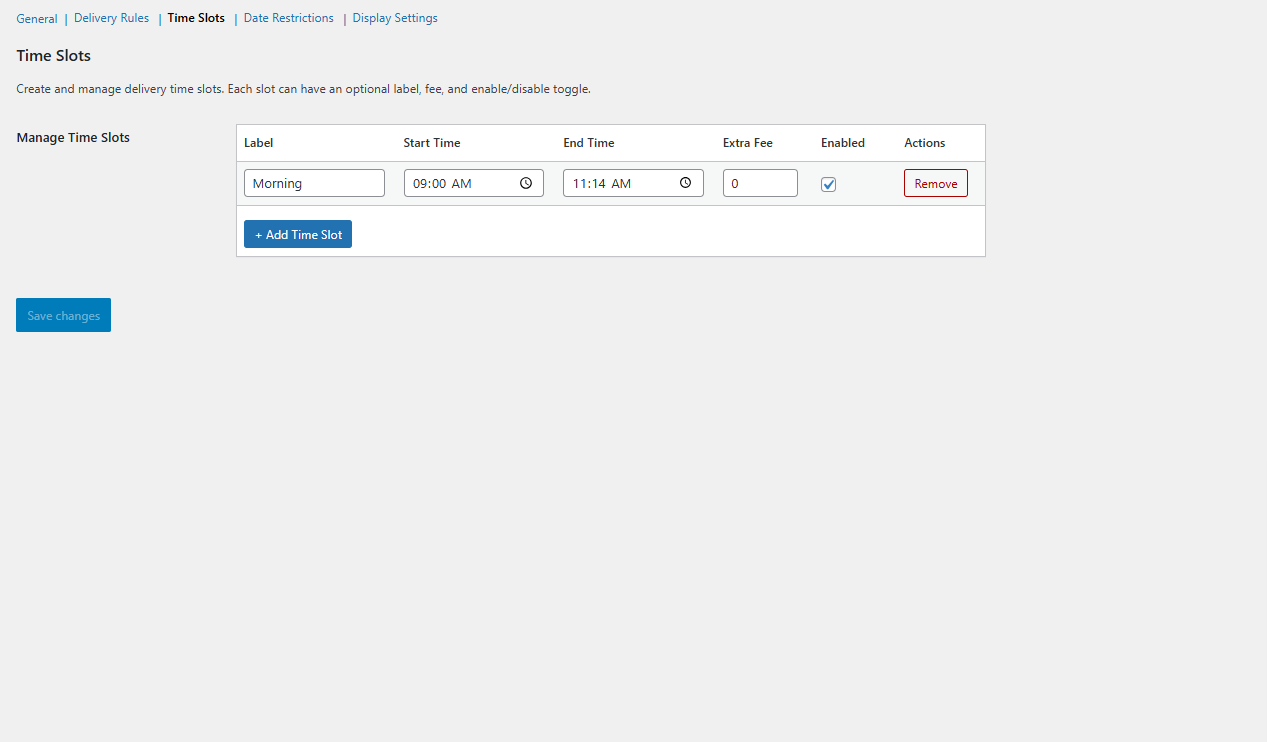
Delivery Time Slots managmenet.
安裝方式
- Upload the
sc-orders-date-time-slot-picker-by-solcodersfolder to the/wp-content/plugins/directory. - Activate the plugin through the ‘Plugins’ menu in WordPress.
- Go to WooCommerce Settings Delivery Slots to configure.
- Create your time slots under the “Time Slots” section.
- Configure delivery rules, date restrictions, and display settings.
常見問題集
-
Does this work with WooCommerce Blocks Checkout?
-
Yes! The plugin fully supports both the classic shortcode-based checkout and the newer WooCommerce Blocks checkout editor.
-
Can I restrict deliveries to certain days?
-
Yes. In the Delivery Rules section, select which days of the week deliveries are available. You can also blackout specific dates.
-
Does the selection persist from Cart to Checkout?
-
Yes. When the picker is enabled on both pages, the customer’s selection on the Cart page carries over to the Checkout page and remains editable.
使用者評論
這個外掛目前沒有任何使用者評論。
參與者及開發者

變更記錄
1.0.0
- Initial release.
- Admin settings panel with five configuration sections.
- Time slot management with labels, fees, and enable/disable toggles.
- Delivery rules: minimum delay, max advance days, same-day cutoff.
- Date restrictions with blackout dates.
- Display customization: colors, fonts, placeholders, layout options.
- Frontend picker with Flatpickr calendar and AJAX slot loading.
- WooCommerce Classic Checkout support via standard hooks.
- WooCommerce Blocks Checkout support via IntegrationInterface.
- Order meta storage and display on admin, emails, and Thank You page.
- Session-based selection persistence across pages.
- Full i18n / translation support.