

外掛說明
🚀 AUTOMATE WOOCOMMERCE WHATSAPP NOTIFICATIONS
Tryowbot helps WooCommerce store owners send instant WhatsApp notifications automatically when order status changes.
From order confirmation to payment updates, shipping, and delivery alerts — customers receive real-time updates directly on WhatsApp.
This improves customer communication, reduces support tickets, and enhances trust in your WooCommerce store.
👉 Turn your WooCommerce store into a fully automated WhatsApp notification system.
🌟 WHAT YOU CAN DO WITH TRYOWBOT
With a flexible automation system, you can:
• Create order-based WhatsApp triggers
• Map dynamic WooCommerce variables
• Use image-based WhatsApp templates
• Add static or dynamic CTA buttons
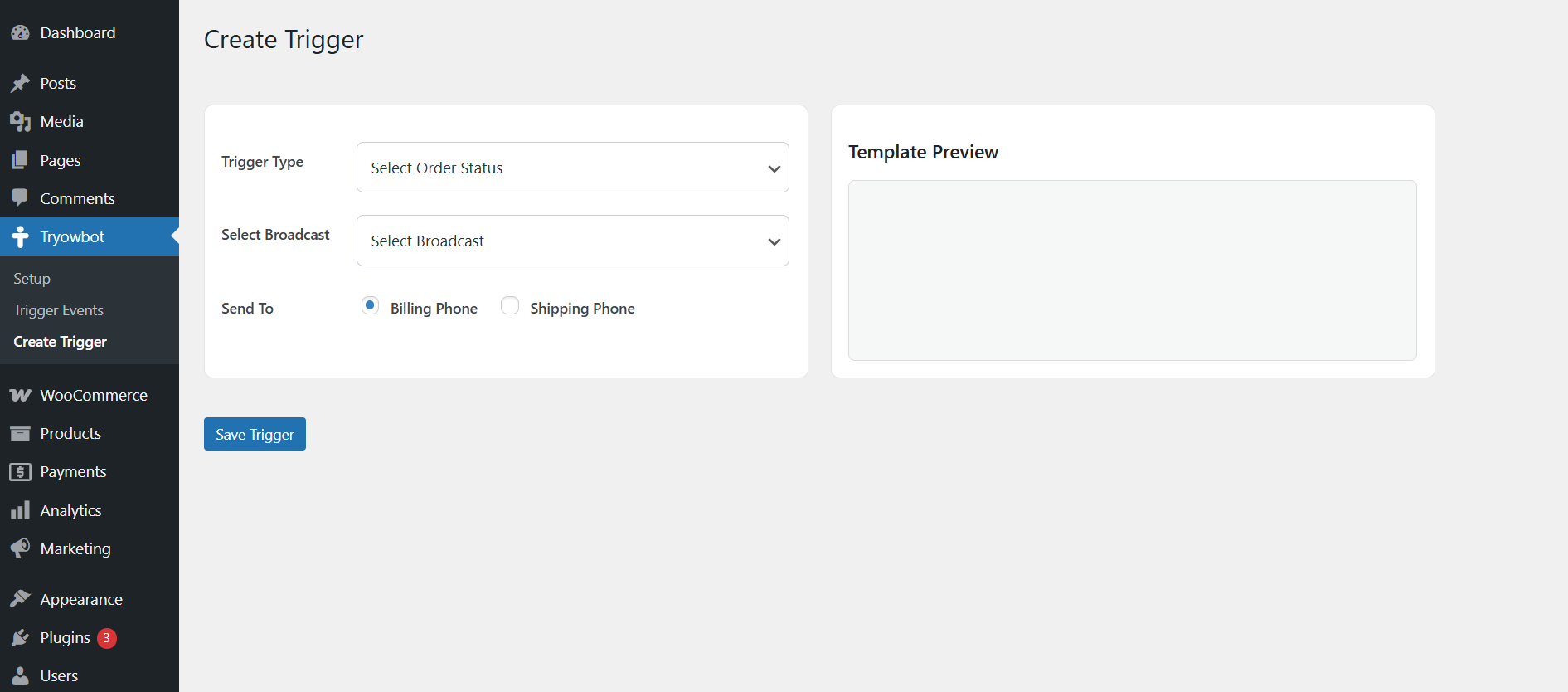
• Preview templates before saving
• Manage all automation from the WordPress dashboard
⚡ WHY TRYOWBOT?
✔ Instant WooCommerce WhatsApp notifications
✔ Fully automated order status triggers
✔ Easy dynamic variable mapping system
✔ Support for image-based templates
✔ Smart action buttons (Track Order, Support, Invoice)
✔ Live template preview system
✔ Simple and powerful admin dashboard
Features
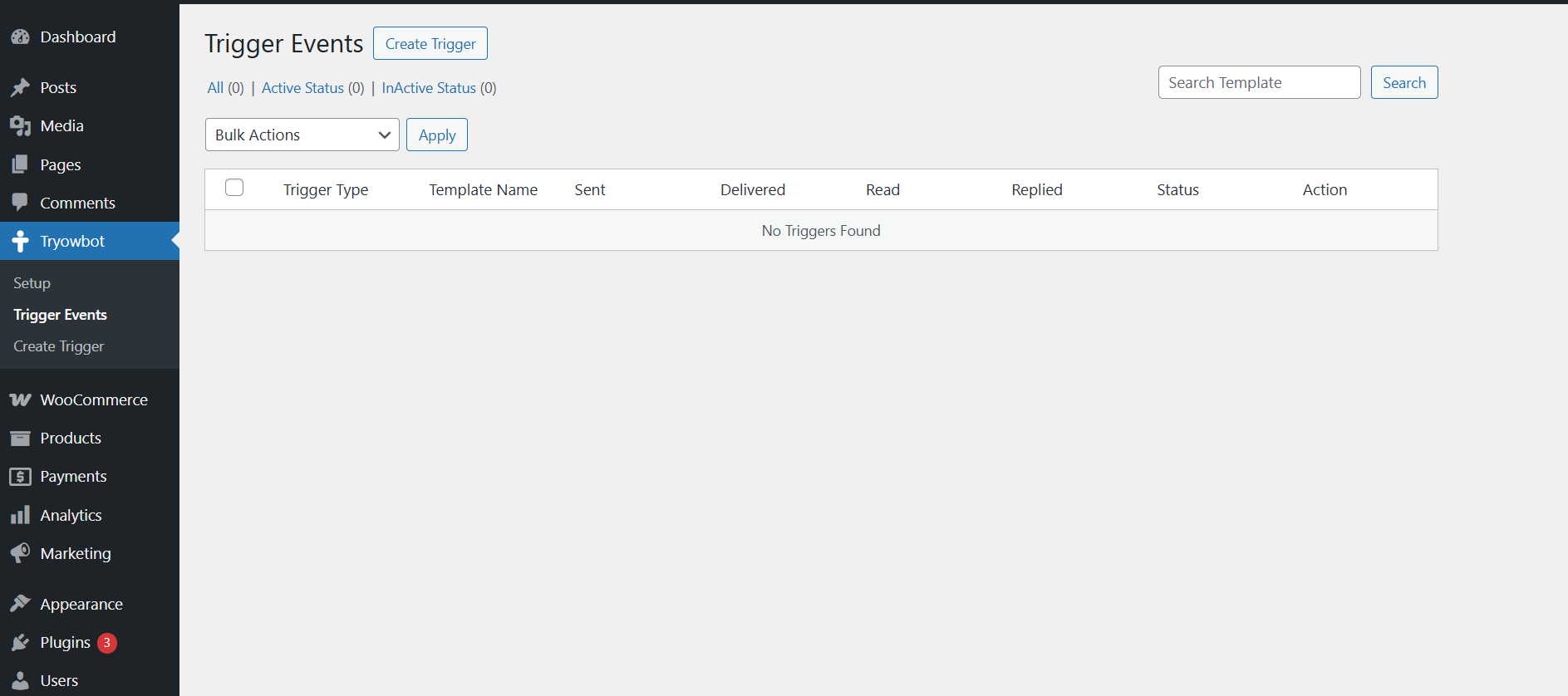
- WooCommerce order status triggers for automation
- Dynamic variable mapping ({{1}}, {{2}}, etc.) for personalized messages
- Static and dynamic WhatsApp template support
- Image upload support for rich notifications
- Button text and URL mapping for CTA actions
- Live template preview before saving
- Secure database storage
- Clean uninstall support with no leftover data
External Services
This plugin connects to the Tryowbot API to send WhatsApp notifications and retrieve broadcast data.
Service Name: Tryowbot API
Service URL: https://tryowbot.com
API Endpoints used:
– https://webapi.tryowbot.com/v1/send
– https://webapi.tryowbot.com/v1/getapiboradcast
– https://prodapi.tryowbot.com/tryowbotapi/customerweb/v1/api/getapibroadcast
What data is sent:
– Customer phone number
– Order details (order ID, products, totals)
– Message template data
When data is sent:
– When WooCommerce order status changes
– When admin manually triggers a message or broadcast
– Only after API integration is enabled by the admin
Why data is sent:
– To deliver automated WhatsApp notifications to customers and admins
Terms of Service:
https://tryowbot.com/terms-conditions/
Privacy Policy:
https://tryowbot.com/privacy-policy/
Privacy
This plugin processes WooCommerce order data and sends it to an external API service for WhatsApp message delivery.
Data may include:
– Customer phone number
– Order details (products, order ID, status)
– Total amount
– Message content configured by admin
This data is sent only when:
– An order trigger is executed
– Admin manually triggers a message
No personal data is stored externally except what is required for message delivery.
Support
For support or feature requests:
tryowbot@gmail.com
License
This plugin is licensed under the GNU General Public License v2 or later.
License URI: https://www.gnu.org/licenses/gpl-2.0.html
螢幕擷圖
安裝方式
There are 3 easy ways to install Tryowbot:
📌 1. Install from WordPress Plugin Directory
- Go to your WordPress Dashboard
- Navigate to Plugins Add New
- Search for “Tryowbot”
- Click “Install Now”
- Click “Activate”
👉 This is the easiest method if the plugin is available in the WordPress repository.
📌 2. Upload via WordPress Dashboard (Recommended for ZIP file)
- Go to WordPress Dashboard
- Navigate to Plugins Add New
- Click “Upload Plugin”
- Choose the tryowbot.zip file
- Click “Install Now”
- After installation, click “Activate Plugin”
📌 3. Manual Installation (FTP Method)
- Extract the plugin ZIP file
- Upload the folder to:
/wp-content/plugins/ - Go to WordPress Dashboard Plugins
- Find “Tryowbot” in the list
- Click “Activate”
📌 After Activation
- Ensure WooCommerce is installed and activated
- Open Tryowbot menu in WordPress dashboard
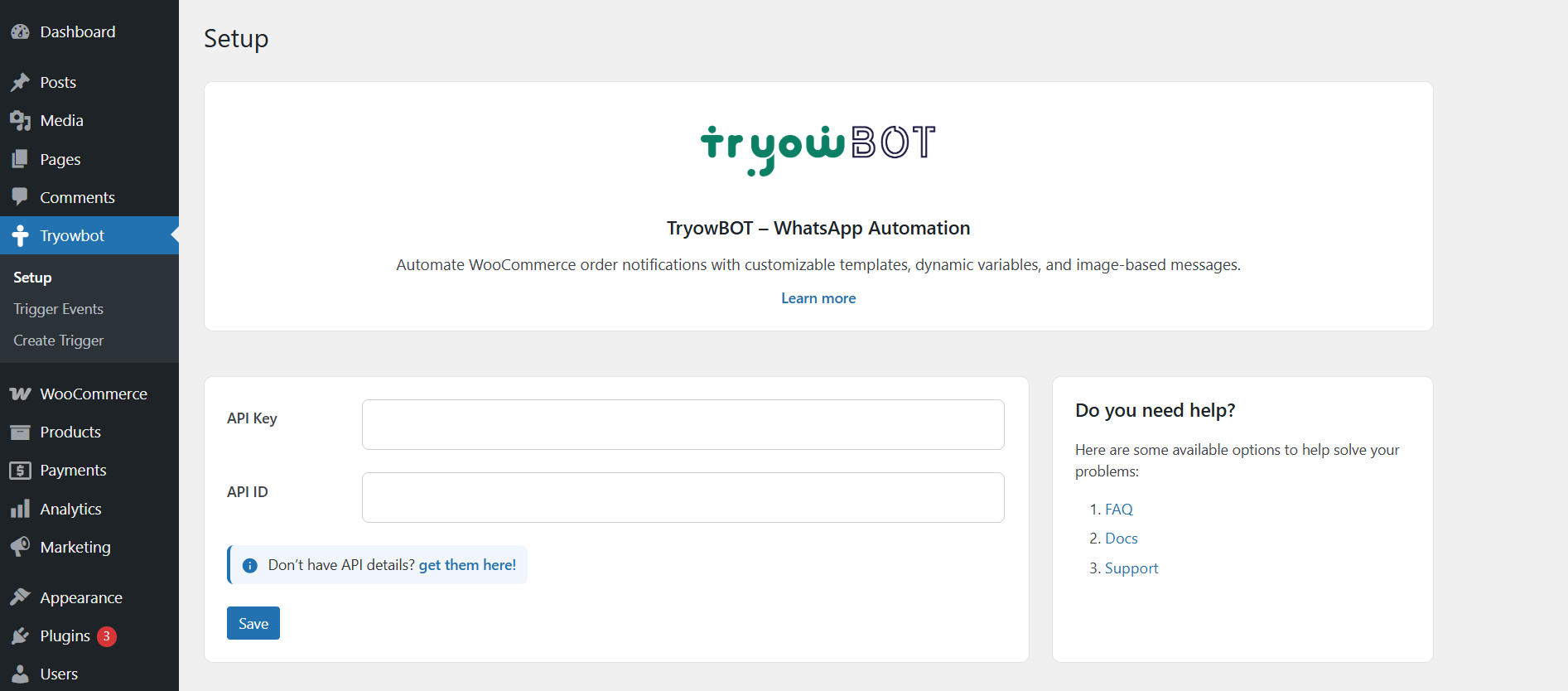
- Configure API settings and create your first trigger
常見問題集
-
Does this plugin require WooCommerce?
-
Yes. WooCommerce must be installed and activated.
-
Does this plugin send WhatsApp messages directly?
-
Tryowbot manages templates and triggers. It requires a WhatsApp API provider to send messages.
-
Can I use image templates?
-
Yes. Both static and dynamic image-based templates are supported.
-
Can I map WooCommerce variables?
-
Yes. You can map dynamic values such as:
– Customer Name
– Order ID
– Order Total
– Order Date
– Customer Email
使用者評論
這個外掛目前沒有任何使用者評論。
參與者及開發者

變更記錄
1.0.0
- Initial release
- WooCommerce order trigger automation
- WhatsApp template preview system
- Image and button mapping support
- Dynamic variable mapping system