
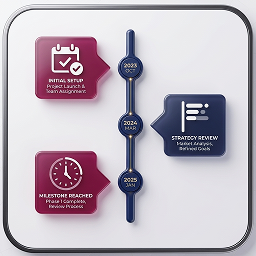
外掛說明
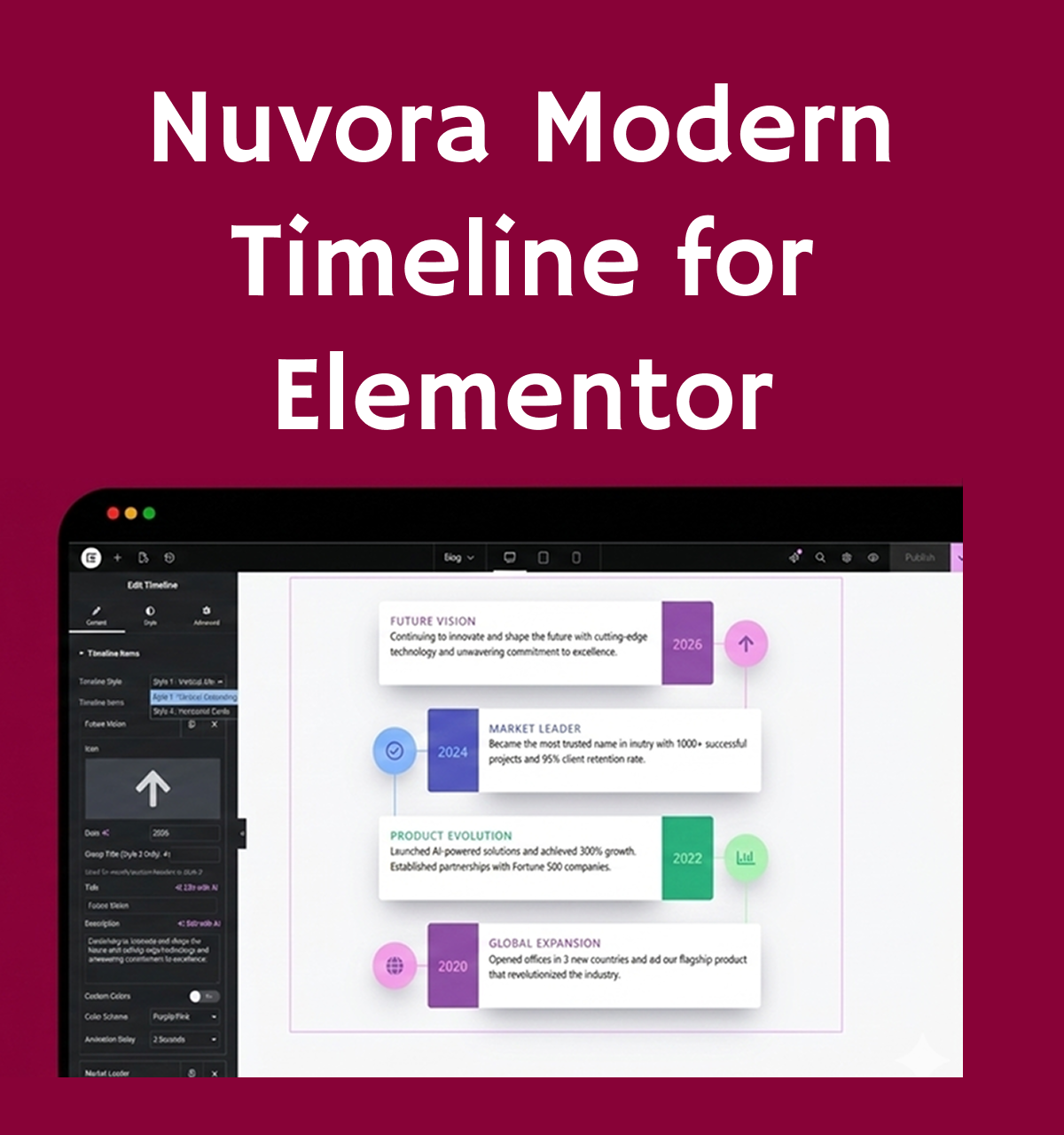
Nuvora Timeline Elementor adds a fully customizable, animated timeline widget to Elementor. Display events, milestones, or history in a visually stunning way with support for multiple color schemes, animation delays, and icons.
Features:
- 3 Color Schemes: Purple/Pink, Blue, and Green
- Smooth fadeInUp animations with customizable delays
- Fully responsive — looks great on all devices
- Simple drag-and-drop interface in Elementor
- Control animation, width, and individual item settings
- Icon support via LineIcons library
- Unlimited timeline items
License
This plugin is licensed under the GPLv2 or later.
License URI: https://www.gnu.org/licenses/gpl-2.0.html
螢幕擷圖
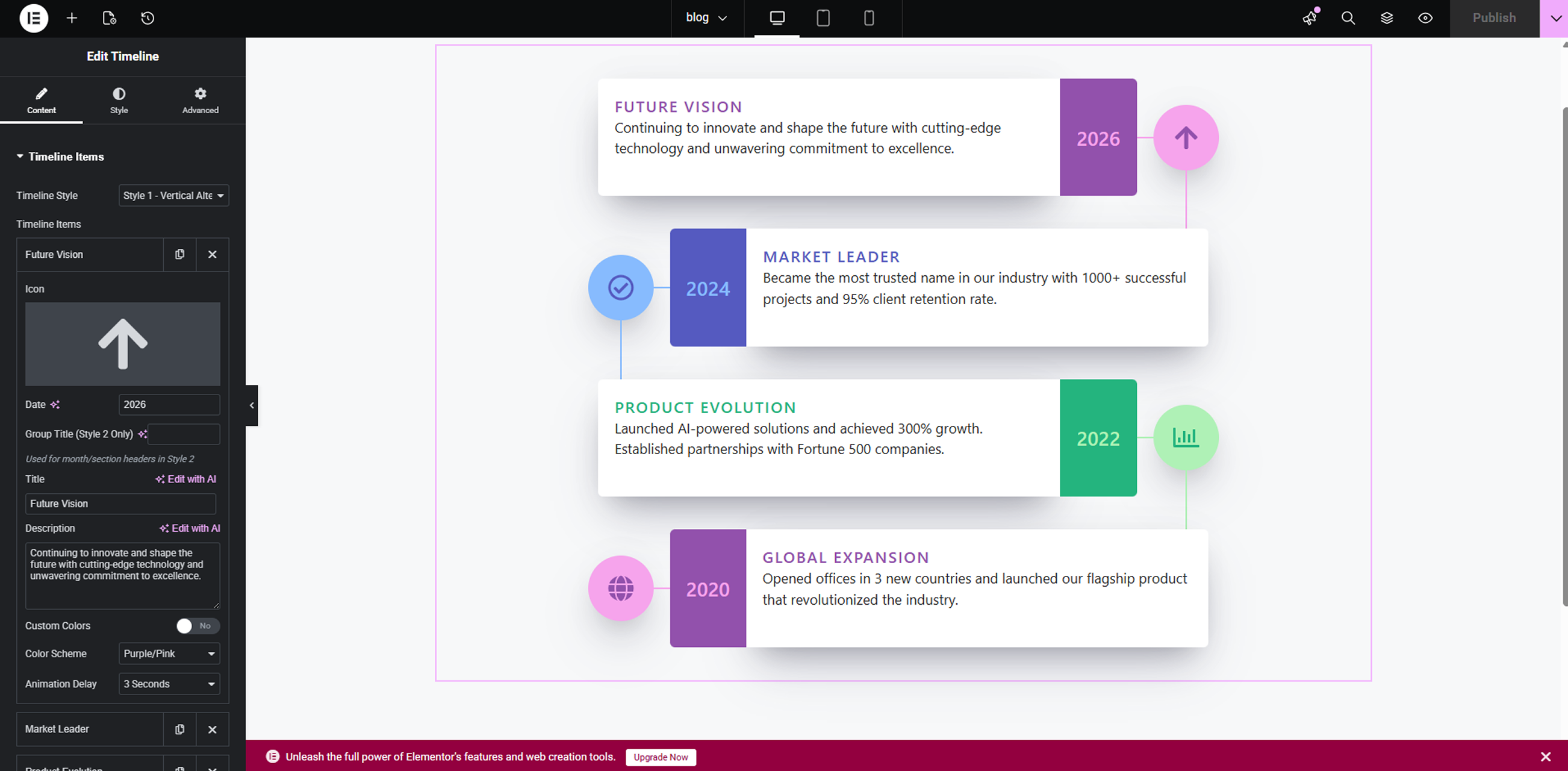
Modern Timeline widget overview – clean vertical layout with colorful cards, icons, dates, and content blocks designed for Elementor.
Timeline editor interface in Elementor – showing repeater fields for adding timeline items, with customizable styles, colors, and animations.
Horizontal timeline variation – responsive horizontal scrolling layout with modern connectors and highlighted events.
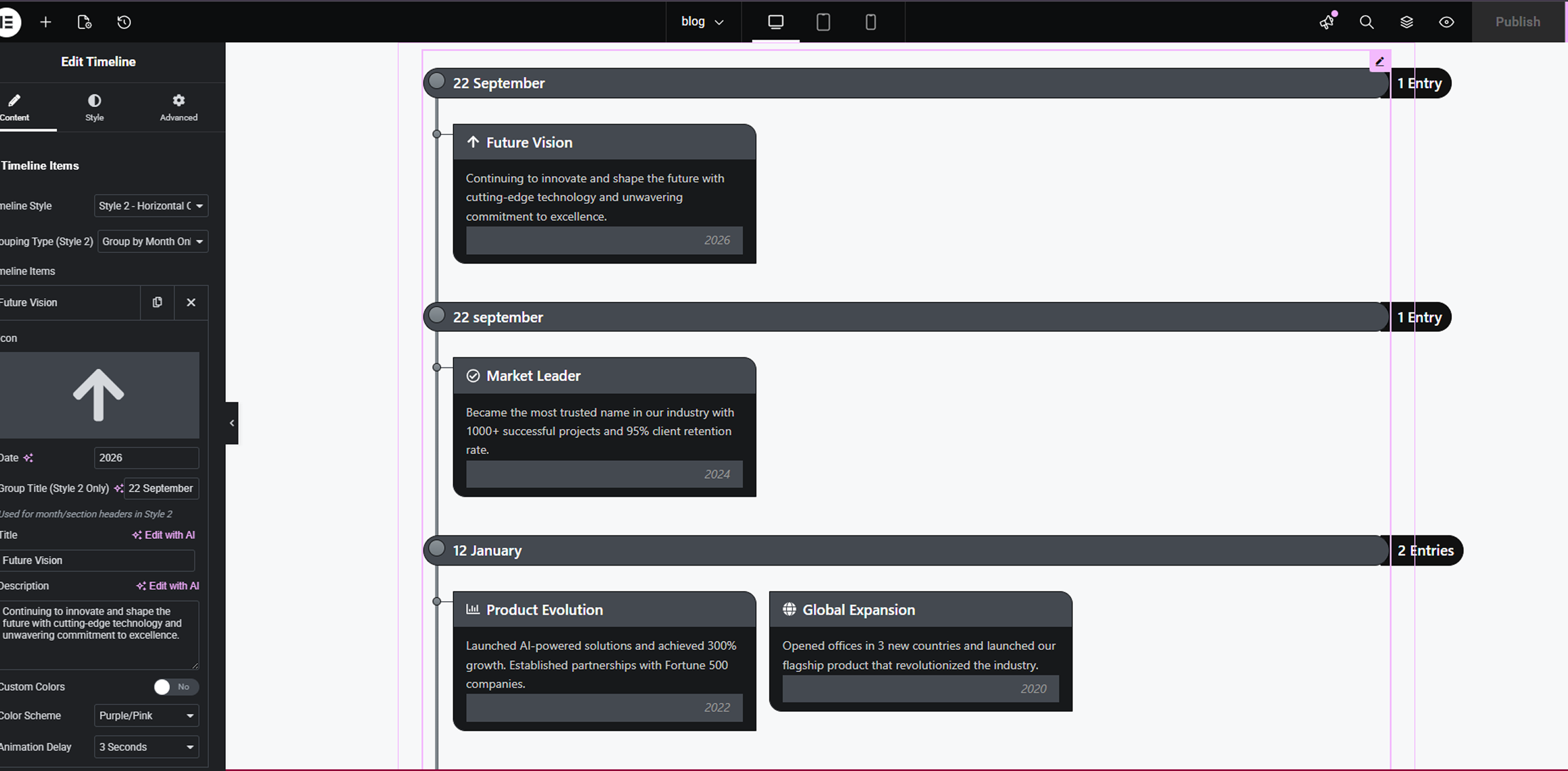
Single timeline item customization – detailed settings panel for title, date, description, icon/image, and connector styling.
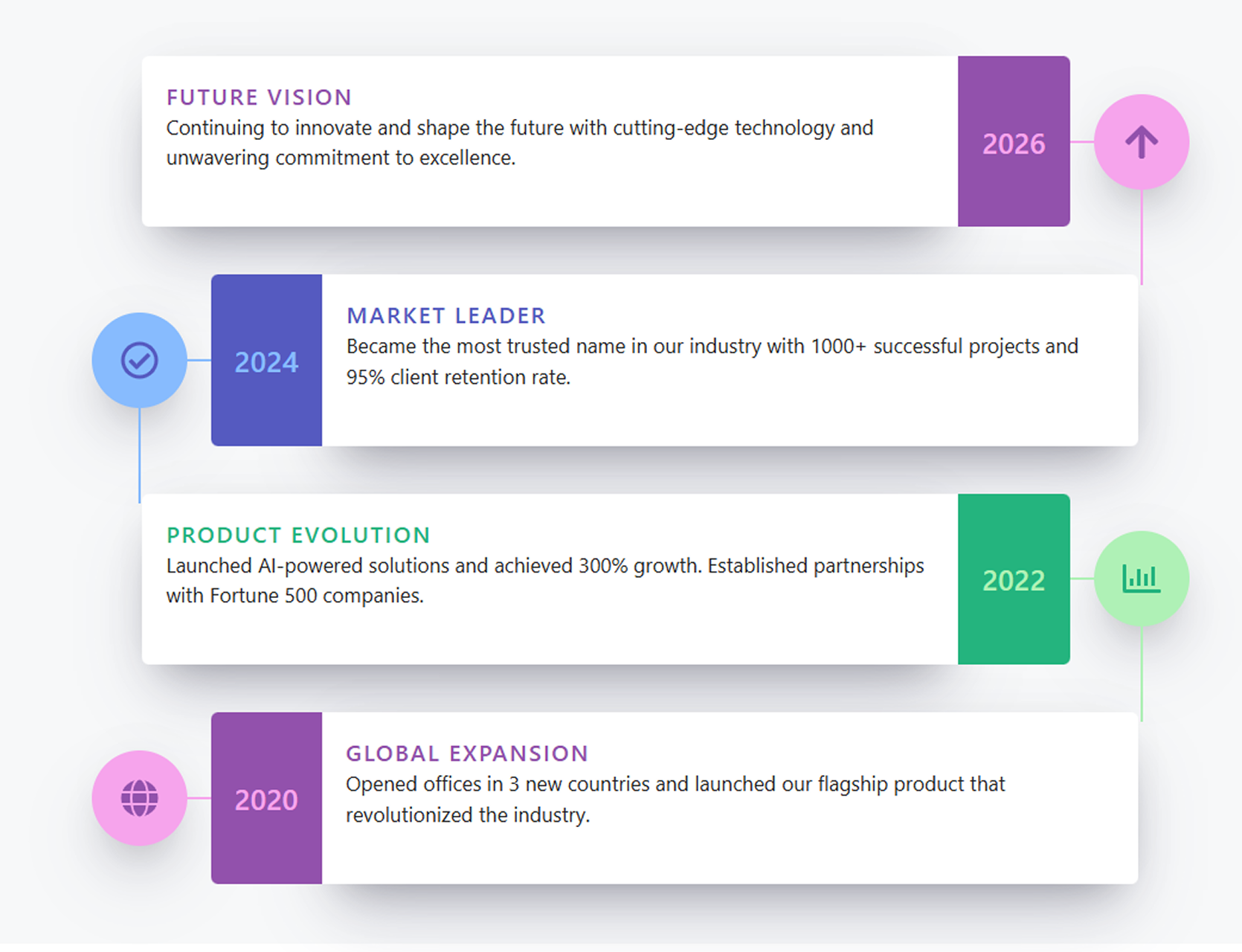
Animated timeline in action – example of scroll-based animations, hover effects, and purple/green accent styling on frontend.
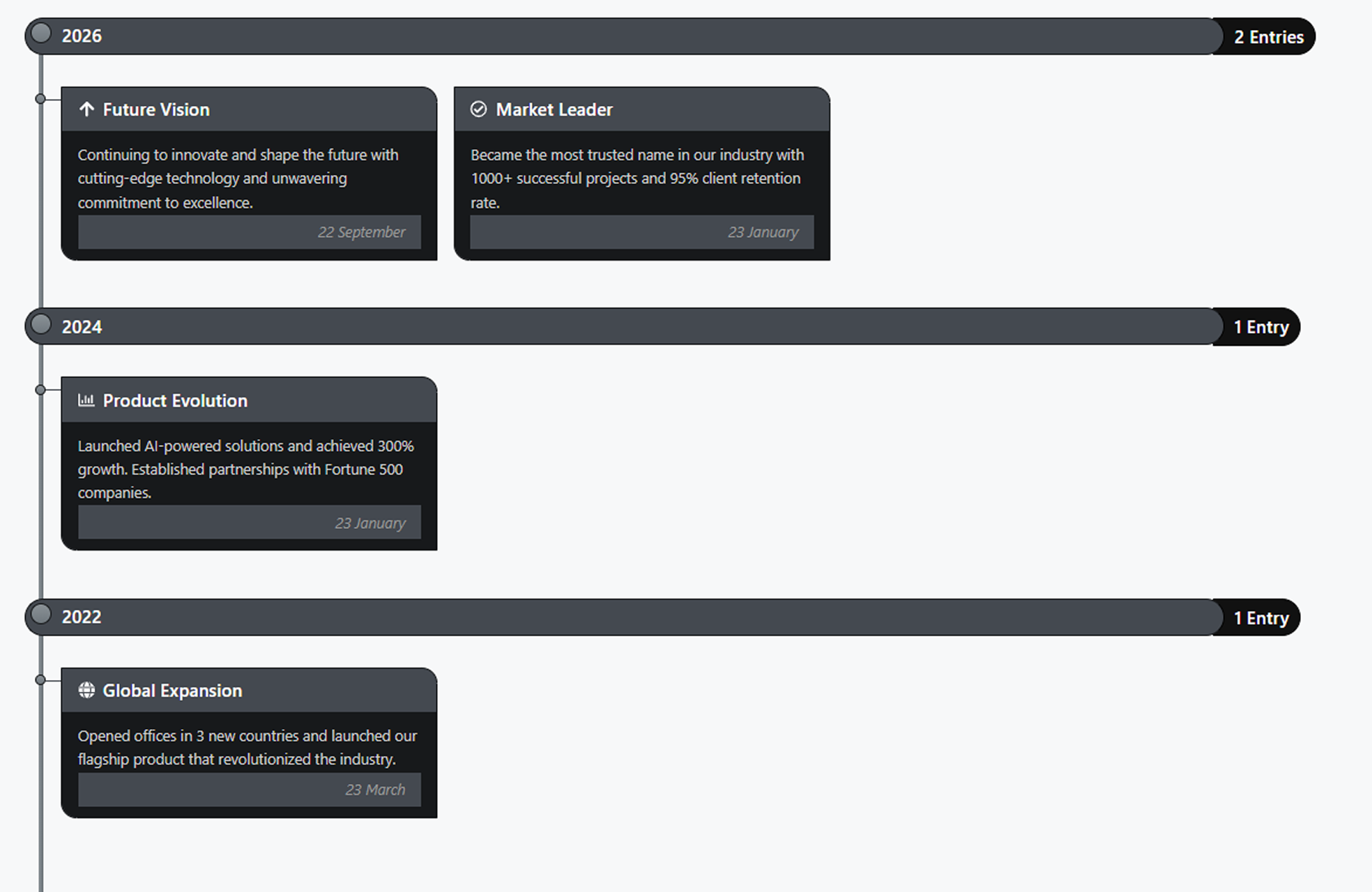
Multiple timeline styles preview – side-by-side comparison of different design presets, card layouts, and color schemes available in the widget.
安裝方式
- Upload the
nuvora-timeline-for-elementorfolder to the/wp-content/plugins/directory, or install via Plugins > Add New > Upload Plugin. - Activate the plugin through the Plugins menu in WordPress.
- Open any page or post in Elementor, search for Timeline in the widget panel, and drag it onto your page.
常見問題集
-
Does this require Elementor?
-
Yes. Elementor 3.0.0 or higher must be installed and activated.
-
Can I add unlimited timeline items?
-
Yes, the repeater field allows you to add as many timeline events as needed.
-
How do I change the colors?
-
Each timeline item has a Color Scheme selector (Purple/Pink, Blue, Green). You can also enable custom colors per item.
使用者評論
這個外掛目前沒有任何使用者評論。
參與者及開發者

變更記錄
1.0.0
- Initial release.
- 3 color schemes.
- Animated timeline.
- Fully responsive.
- Elementor integration.