

外掛說明
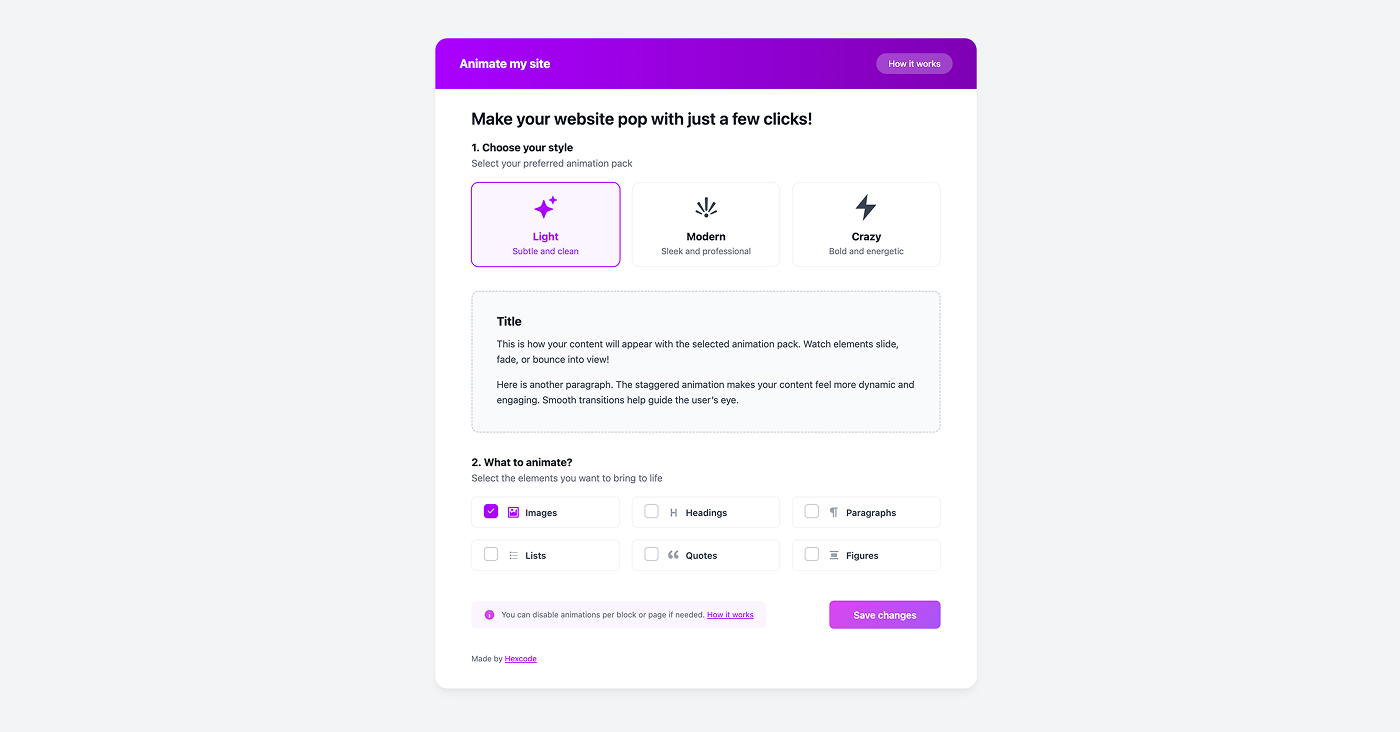
Animate My Site allows you to apply an animation style to your entire site with minimal setup. Choose a style once, and animations are automatically applied to selected elements across your pages.
Review by WP Tuts
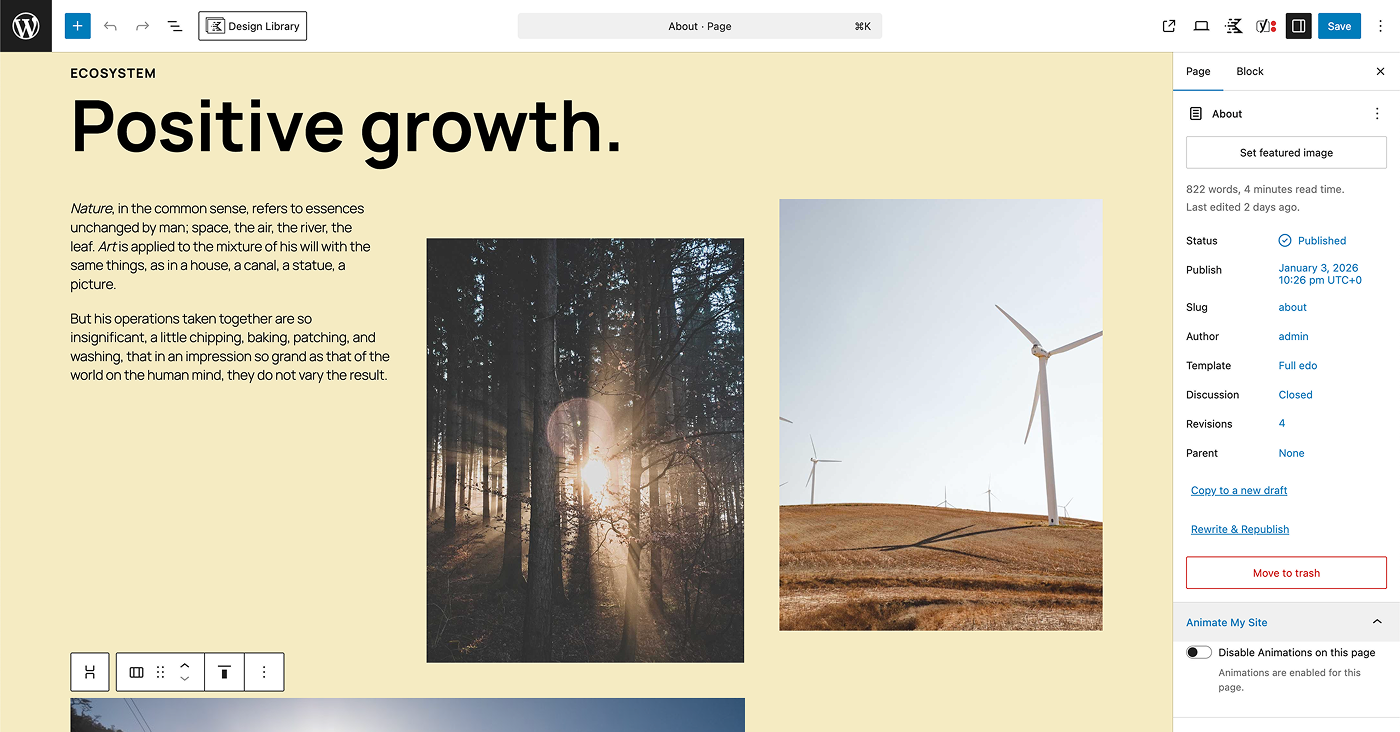
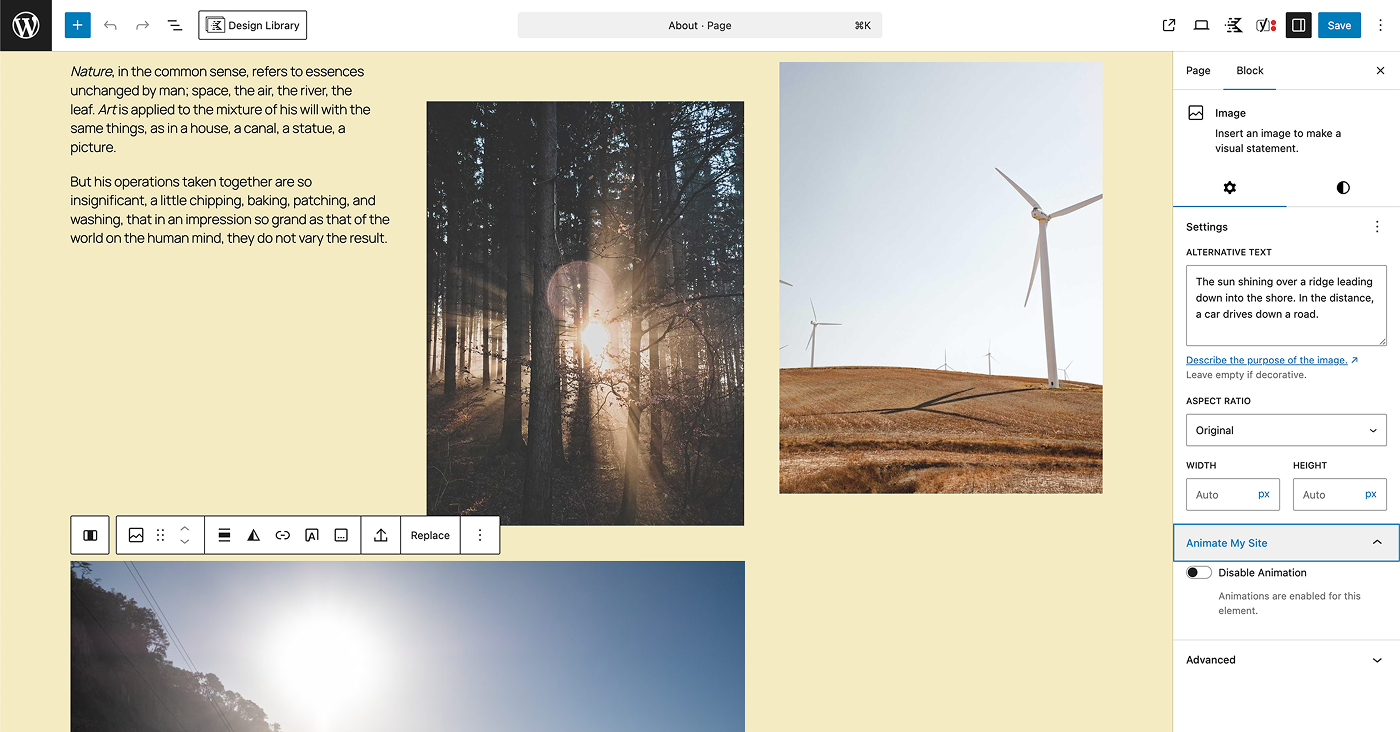
Overview of plugin setup, usage, and page- and block-level animation controls.
The plugin is built specifically for the WordPress Block Editor (Gutenberg). Block-level disable controls are available for supported core Gutenberg blocks. Content created with third-party block plugins may still be animated, but block-level disable controls may not be available.
This plugin is intended for users who want to elevate the visual feel of their website without the budget or complexity of custom animation development.
螢幕擷圖
安裝方式
- Upload the plugin
- Activate it
- Go to Animate My Site Settings
使用者評論


參與者及開發者

變更記錄
1.0.4
Added support for prefers-reduced-motion.
1.0.3
Minor updates / documentation update.
1.0.2
Main plugin file renamed to match plugin slug.
1.0.1
Code cleanup and prefix updates for WordPress.org review.
1.0.0
Initial release.