

外掛說明
Dedicated Support
For quick support and assistance, please contact us here
https://elearningevolve.com/contact/
TopBar Buddy is a user-friendly WordPress plugin that lets you display beautiful banners on your website. Perfect for announcements, promotions, alerts, and important messages.
Key Features:
- Free Date Scheduling – Schedule banners with start and end dates using your WordPress site timezone (previously a Pro-only feature!)
- User-Friendly Interface – Clean, intuitive settings page designed for non-technical users
- Fully Customizable – Colors, fonts, positioning, and custom CSS
- Close Button – Let users dismiss banners with GDPR-compliant cookies
- Page Exclusions – Hide banners on specific pages, posts, or URLs
- Live Preview – See your banner changes in real-time
- Mobile Responsive – Works perfectly on all devices
Perfect For:
- Sales and promotions
- Important announcements
- Maintenance notices
- Holiday messages
- Special events
- Cookie notices
- Newsletter signups
Our Other Plugins
螢幕擷圖
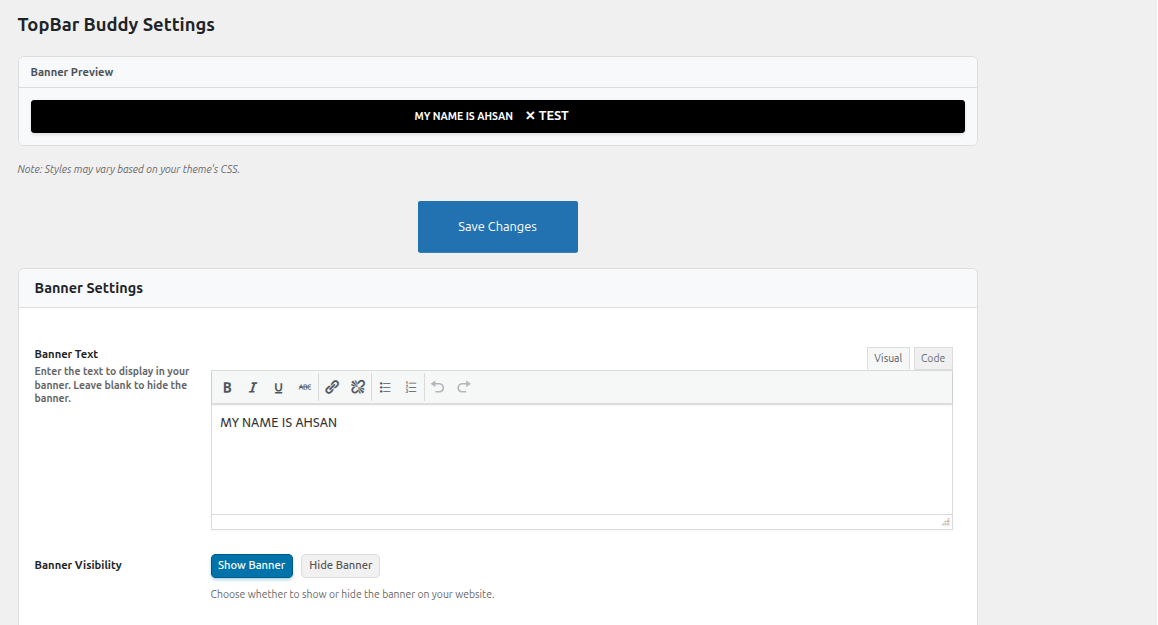
Banner settings page with live preview 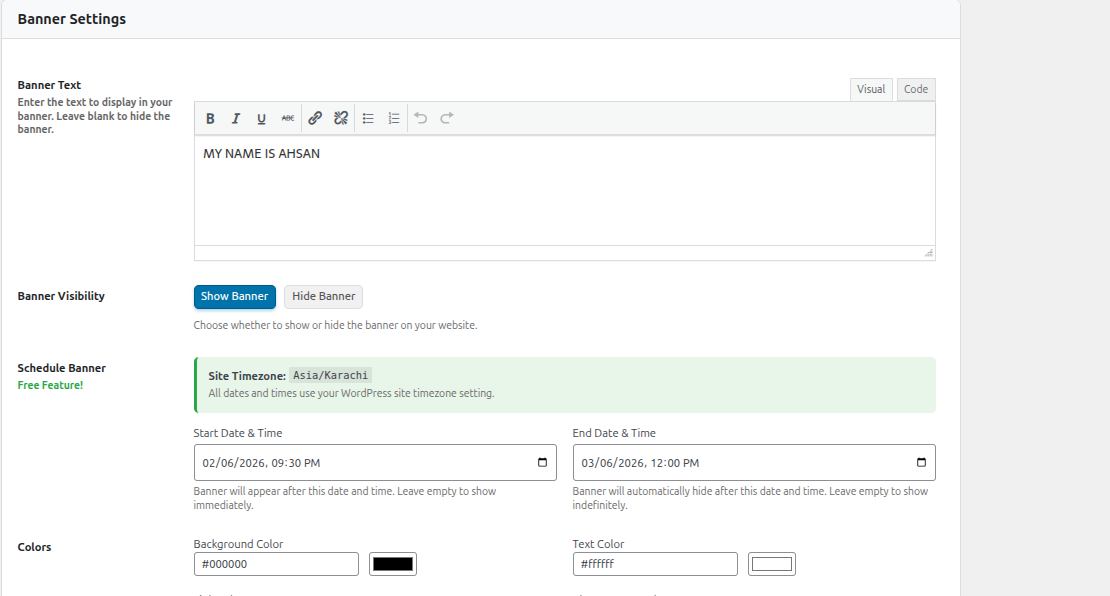
Schedule banner with timezone display 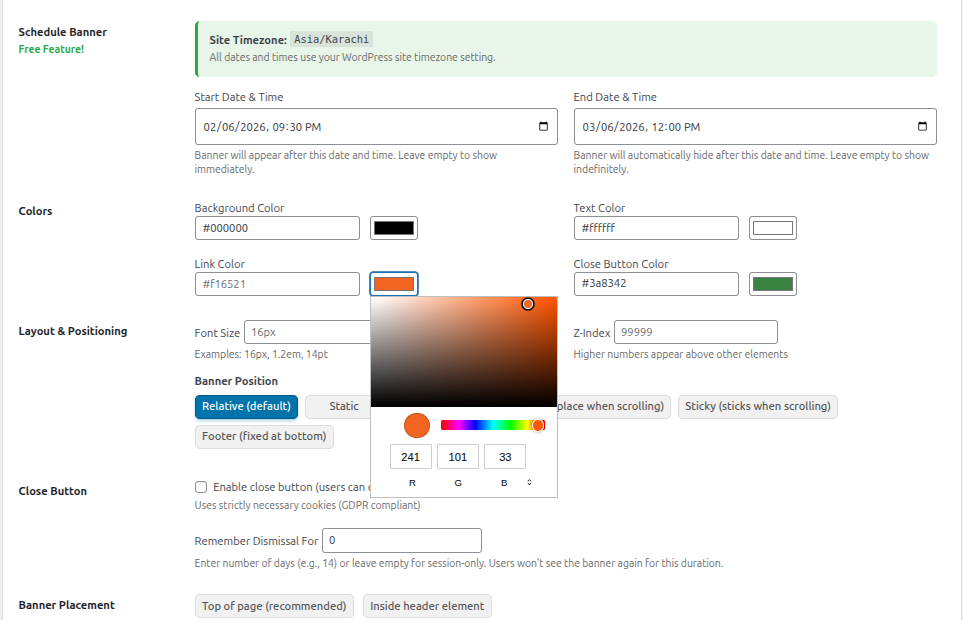
Color customization options 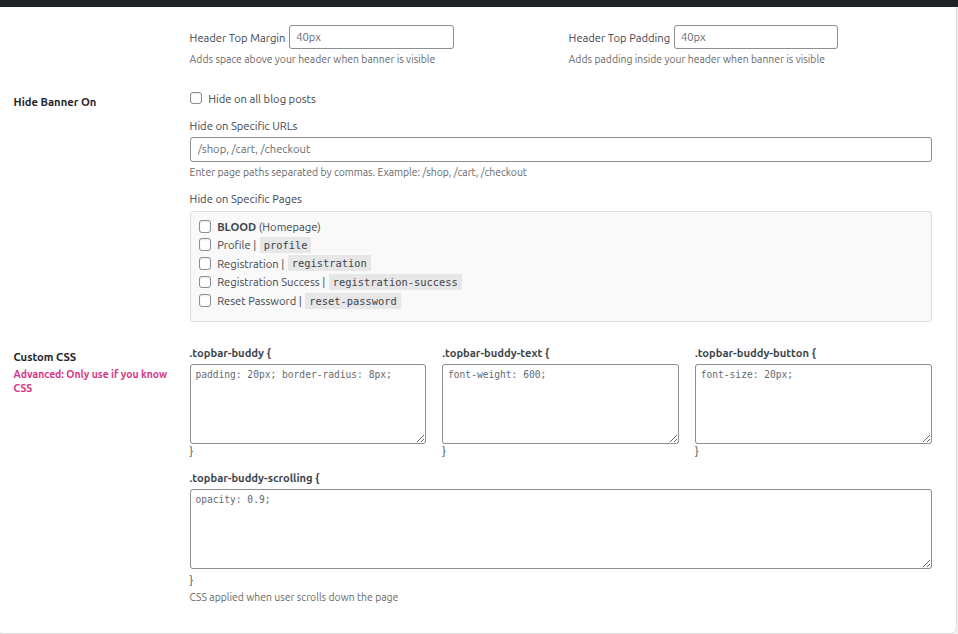
Page exclusion settings 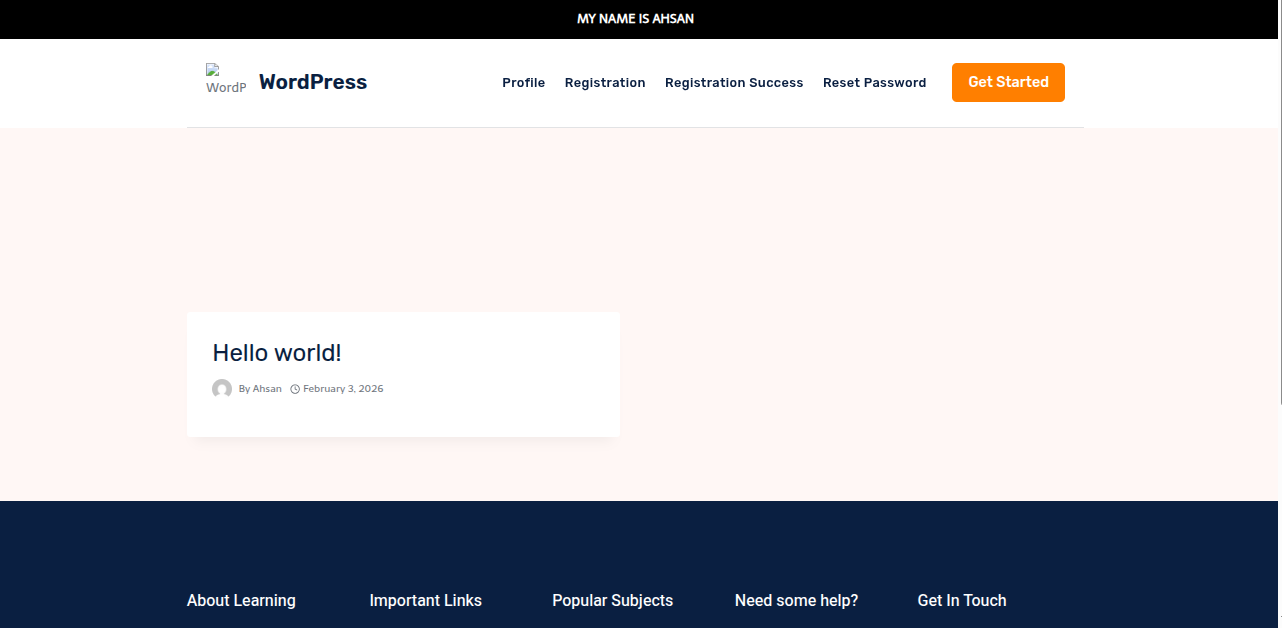
Custom CSS editor
安裝方式
- Upload the plugin files to the
/wp-content/plugins/topbar-buddydirectory, or install the plugin through the WordPress plugins screen directly. - Activate the plugin through the ‘Plugins’ screen in WordPress.
- Go to ‘TopBar Buddy’ in the WordPress admin menu to configure your banner.
常見問題集
-
Go to TopBar Buddy settings and use the “Schedule Banner” section. Set a start date/time and/or end date/time. The plugin uses your WordPress site timezone automatically.
-
Yes! Use the “Hide Banner On” section to exclude specific pages, posts, or URLs.
-
Yes, the close button uses strictly necessary cookies which are GDPR compliant.
-
Absolutely! Use the color pickers in the settings to customize background, text, link, and close button colors.
-
Does this work on mobile?
-
Yes, the banners are fully responsive and work on all devices.
使用者評論
這個外掛目前沒有任何使用者評論。
參與者及開發者
以下人員參與了開源軟體〈TopBar Buddy – Announcement Bar, Notification Bar and Sticky Alert Bar〉的開發相關工作。
參與者


變更記錄
1.1.0
- Divi theme compatibility – Banner now displays correctly for all users when using the Divi theme
- Theme fallback – For themes that do not support wp_body_open, the banner is output via wp_footer
- Code cleanup – Removed unused script options and redundant code
1.0.0
- Initial release of TopBar Buddy
- Free Date Scheduling – Schedule banners with start and end dates
- WYSIWYG Editor – Rich text editor for banner content
- Page Exclusions – Hide banners on specific pages, posts, or custom URLs
- Server-Side Timezone Handling – All date checks use WordPress timezone