
外掛說明
Focus Mode adds a distraction-free reading experience to your WordPress posts and pages. When enabled, it hides elements like the site header to let users concentrate on the content. An estimated reading time is also displayed at the top of each post or page to inform users how long it will take to read.
This plugin is lightweight and designed for accessibility and readability. Ideal for blogs, long-form content, and educational sites.
螢幕擷圖
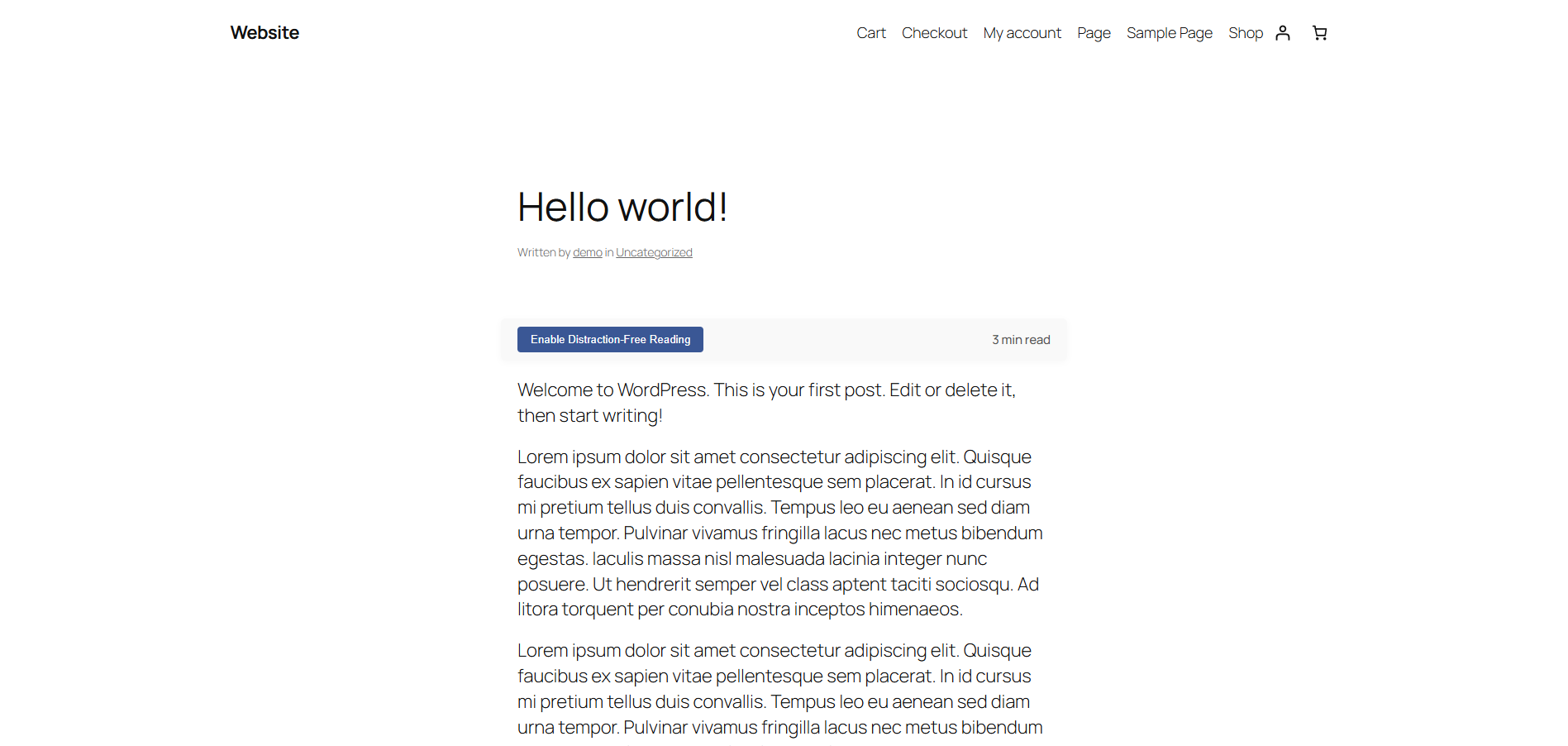
Toggle switch visible at the top of a post with reading time estimate. 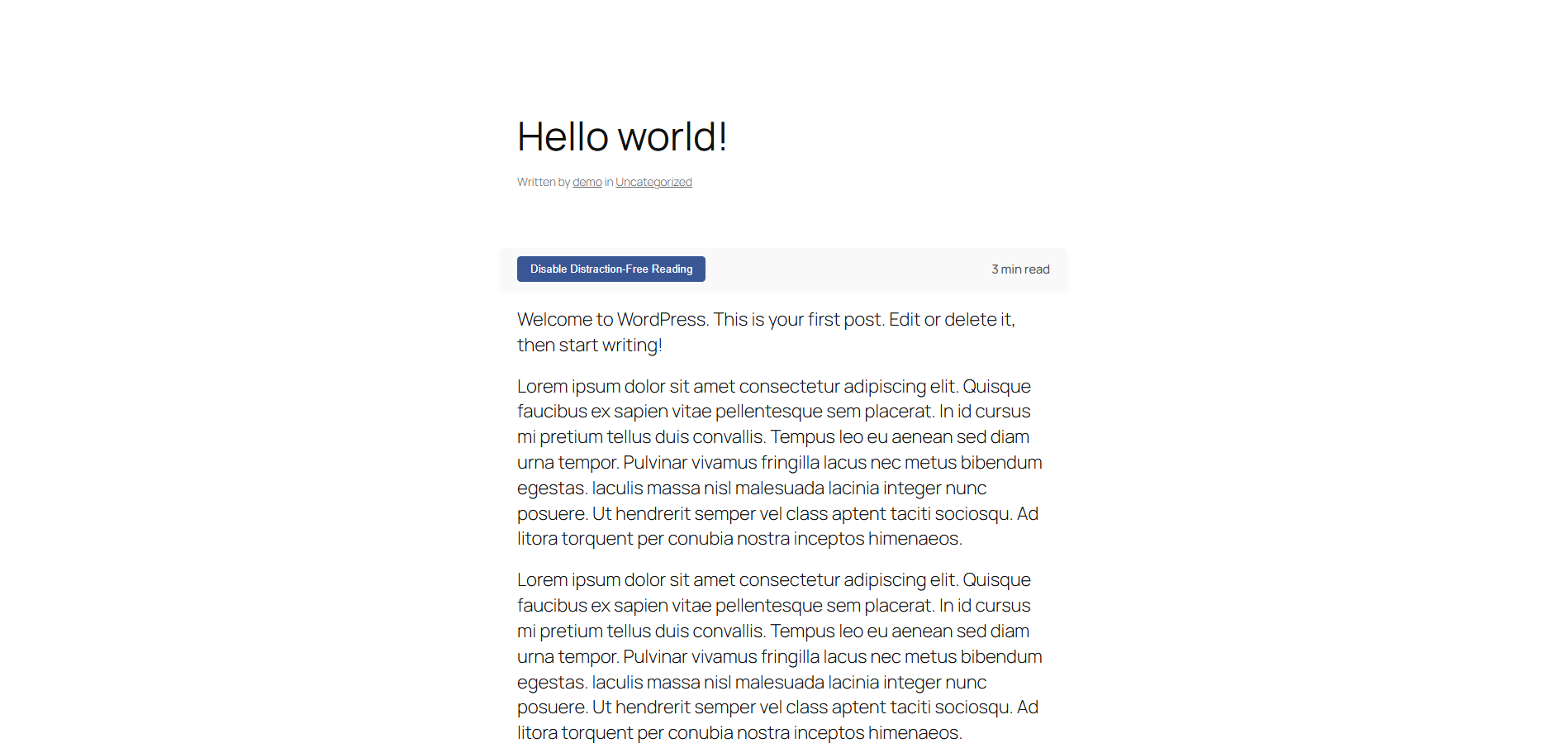
Distraction-free mode in action, with header hidden and reading time estimate.
安裝方式
- Upload the plugin files to the
/wp-content/plugins/focus-modedirectory, or install the plugin through the WordPress Plugins screen directly. - Activate the plugin through the ‘Plugins’ screen in WordPress.
- The Focus Mode toggle will automatically appear on all single posts and pages.
常見問題集
-
Not at this time. Future updates may allow more granular control via settings or filters.
-
Is this compatible with all themes?
-
Focus Mode is designed to work with most well-coded themes. Some themes with heavily customized layouts may require adjustments.
-
Does this plugin support custom post types?
-
Currently, it supports posts and pages. Custom post type support may be added in a future release.
使用者評論
這個外掛目前沒有任何使用者評論。
參與者及開發者

變更記錄
1.0
- Initial release.